
TL;DR
ReimagineHome.ai’s Pool Add/Treat is an AI design tool that adds a new pool to a backyard photo or refreshes an existing one (water, tile, coping) so you can visualize outcomes before spending money. It’s ideal if you’re debating a pool rehab vs. a fill‑in and want fast, realistic images. Try an image now at ReimagineHome.ai and compare designs in minutes. Long-tail search intent served: “AI backyard design” and “how to restyle a pool digitally.”
The Real Cost of Showing Backyard Pools “As They Are” Online
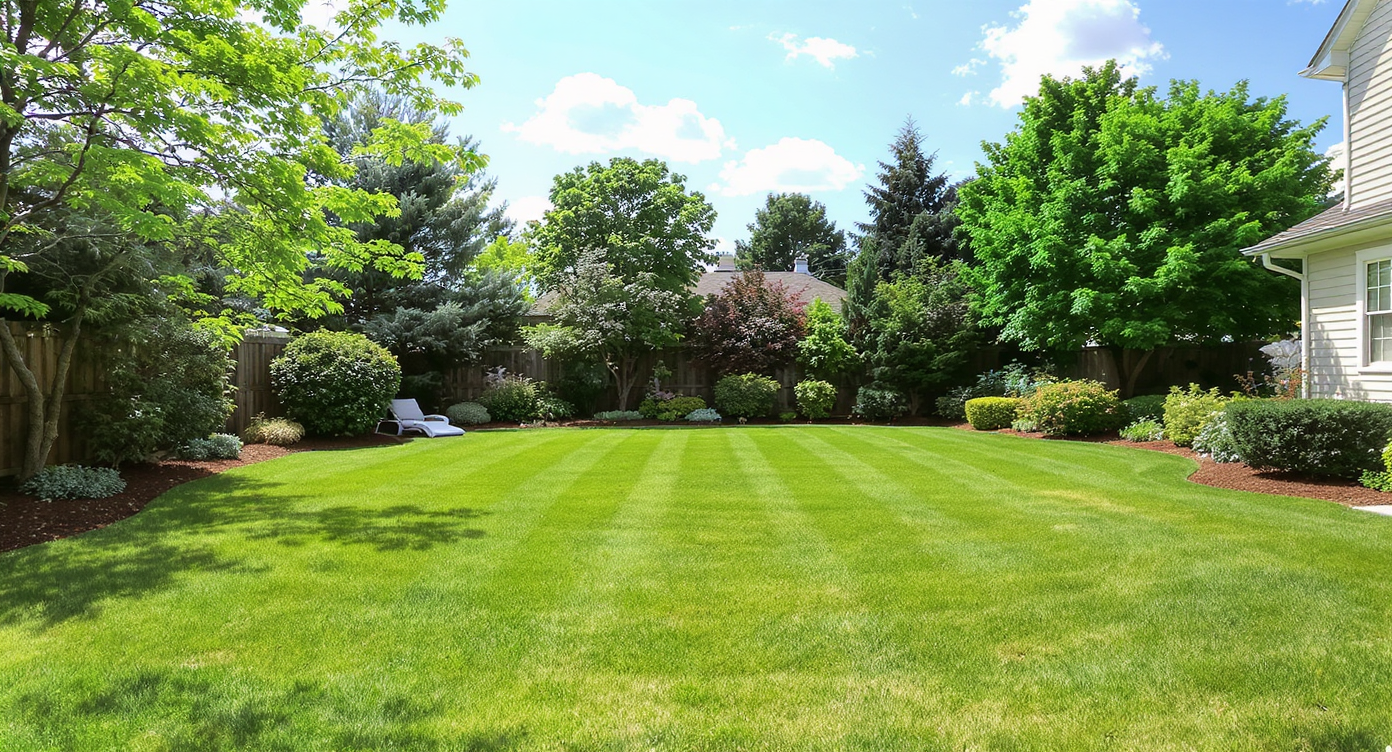
Visualize your backyard’s potential with AI-powered pool design previews from a single photo.
ReimagineHome.ai’s Pool Add/Treat is an AI design tool that can add a pool to your backyard photo or refresh the look of an existing one — water clarity, finishes, and edges — in minutes. It matters because clear, plausible visuals cut through uncertainty when you’re weighing a rehab, a resale, or even a full fill‑in.
- Results: See sparkling water, new coping/tile looks, or a different footprint instantly.
- Realism: Photoreal edits that match light and perspective from your original image.
- Speed: Generate multiple pool design options in a few minutes, not weeks.
- Cost: Explore ideas digitally first so construction bids go toward plans you actually like.
- Workflow: Use one backyard photo; export high-resolution images for MLS or client reviews.
- ROI: Cleaner, modern pool visuals reduce “maintenance fear” and can lift click‑throughs.
- Peace of mind: Compare “refresh the pool” vs. “remove or repurpose” visually — before you call a contractor.
If you already have a tricky listing photo or a neglected pool shot, upload it to ReimagineHome.ai and test Pool Add/Treat on a real image while you read.
Why This Visual Problem Hurts More Than You Think
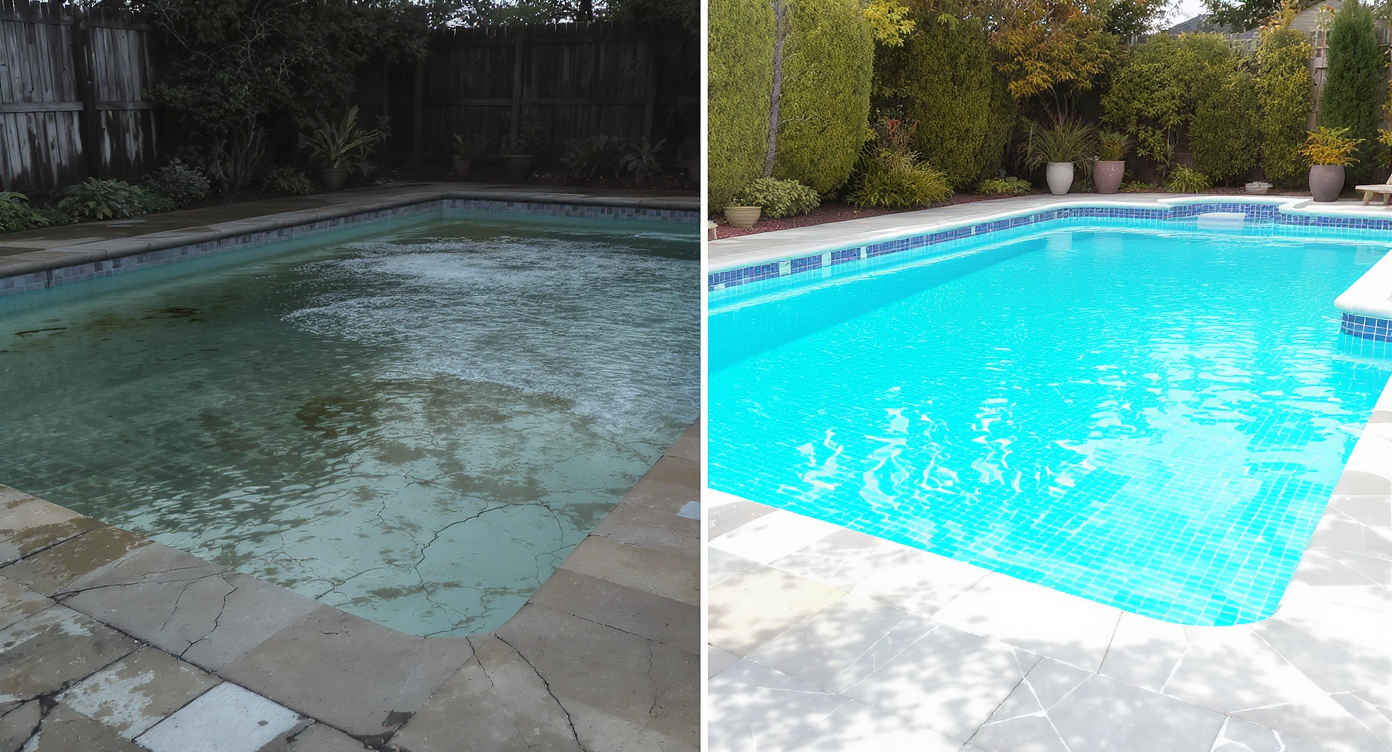
Clear, appealing pool visuals help overcome buyers’ fears about costly renovations.
Murky or neglected pool photos often make buyers assume “money pit” — even if the fix is minor. On-screen, cloudy water and dated coping read as heavy maintenance and high cost, and that hesitation shows up in scroll behavior: buyers skip past anything that feels like a future headache.
You’ve probably seen it: the backyard that has “good bones,” but the water looks swampy and the tile line is stained. Agents report that otherwise solid listings can lose momentum when pool photos feel like a project the buyer didn’t ask for. Sellers feel it too — the anxiety of defending a pool no one’s fallen in love with yet. And for homeowners debating a fill‑in, the fear is sunk cost: What if you remove the pool and regret it?
The fix is clarity and plausibility. A few realistic images showing sparkling water or an updated finish gives people a clean baseline. Suddenly the conversation shifts from “Should we nuke it?” to “Here’s what a refresh could look like — and here are the bids we actually want.”
Anecdote
That backyard listing shot where the pool water looks tired and the tile line is stained — buyers scroll past, assuming “project.” A treated water preview flipped the narrative from worry to “weekend-ready.”
What Pool Add/Treat Actually Is (In Plain Language)
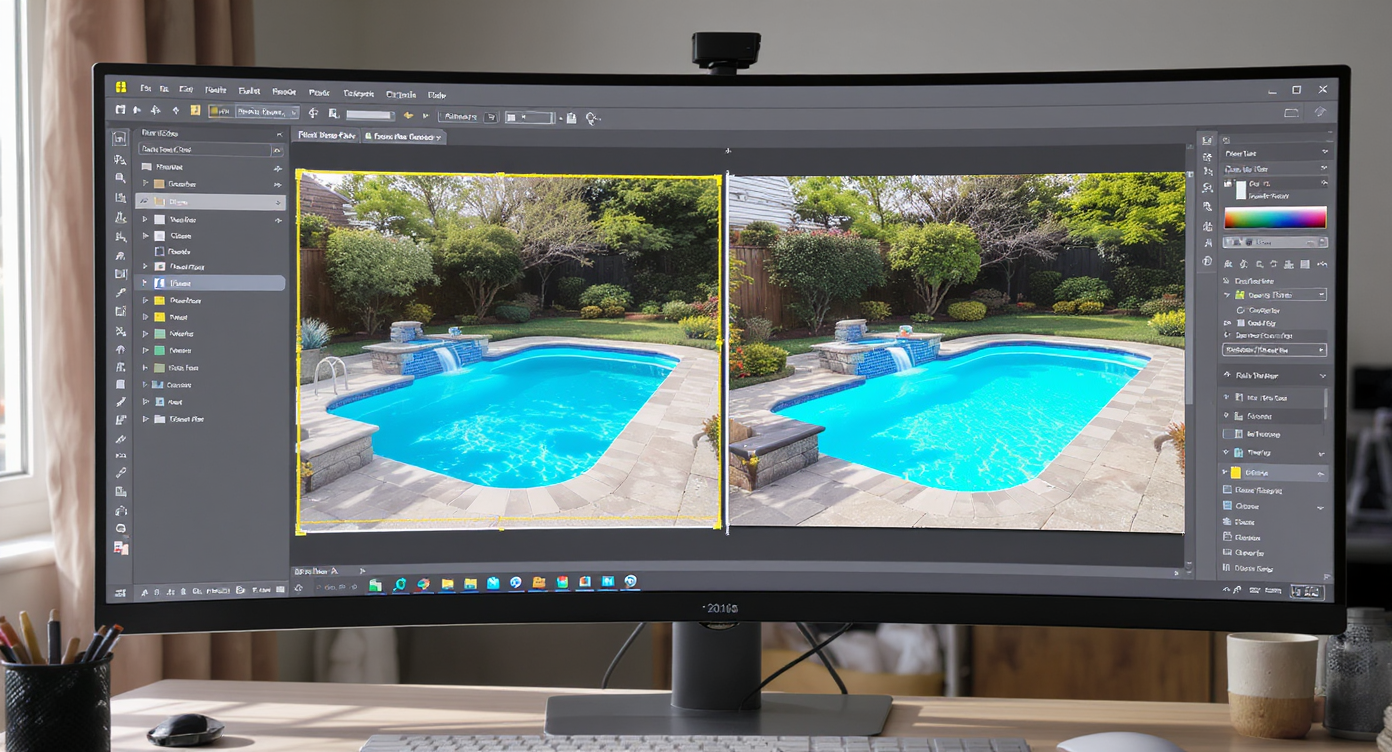
AI-powered Pool Add/Treat tool adds or refreshes pools realistically from your photos.
Pool Add/Treat is a backyard-focused, AI-powered photo editor that can either add a new pool to an empty yard or cosmetically restyle an existing pool in your photo. It takes a single exterior image and returns photoreal options: cleaner, brighter water; new coping or tile looks; even subtle shape or decking adjustments, all aligned to your camera angle and lighting.
Because it works from your real photo, the output feels true to your yard’s size, sun direction, and sight lines. That makes it especially useful for agents and owners deciding between a pool rehab, a deck expansion, or a future fill‑in — you can visualize outcomes without touching the dirt.
To compare options side by side, open ReimagineHome.ai’s Pool Add/Treat. It’s built for fast concepting so you and your contractor or stager can align on what to actually price, schedule, or skip.
How Pool Add/Treat Works Step by Step
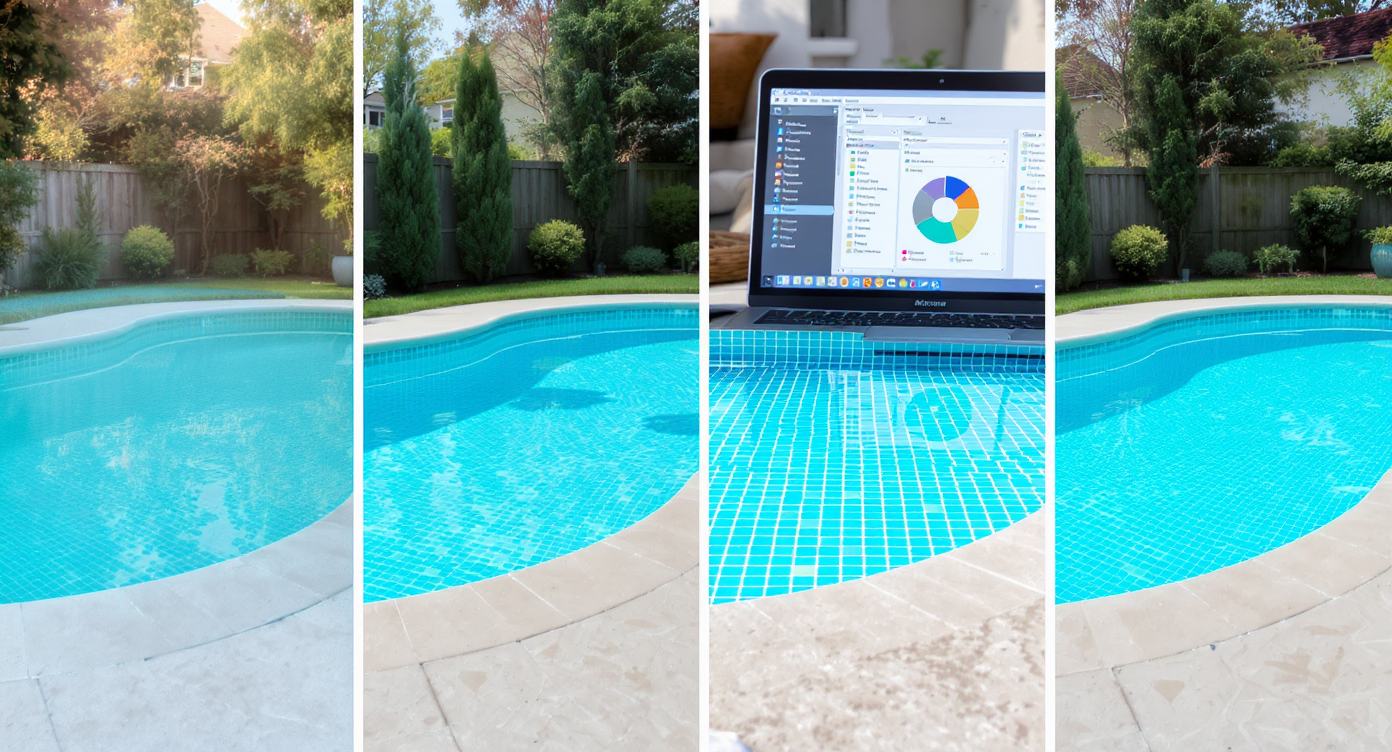
Follow key steps to get the best photorealistic pool design results using AI.
Good source photos lead to better AI outcomes. For backyards, aim for a wide shot that shows context — house, fence line, and main planting beds.
- Choose the right photo: Use a clear, daylight image at or near eye level. Avoid extreme tilt; keep the horizon level.
- Upload to ReimagineHome.ai: Start a project and select Pool Add/Treat.
- Select your goal: Add a new pool to a lawn or restyle an existing pool’s water and finishes.
- Pick styles: Try modern porcelain coping, classic blue mosaic, or natural stone. If your market favors low-maintenance looks, keep finishes timeless.
- Generate variations: Produce multiple options in minutes so you can compare shapes, water tone, and surround materials.
- Review and refine: Nudge options that respect your yard’s scale and setbacks. Keep designs plausible for drainage and access.
- Export: Download high-resolution images for MLS, client presentations, or contractor scope reviews.
Constraint to respect: higher-resolution photos (ideally 3000+ pixels on the long edge) yield crisper results and more believable water detail.
Tips and Tricks for More Realistic Results
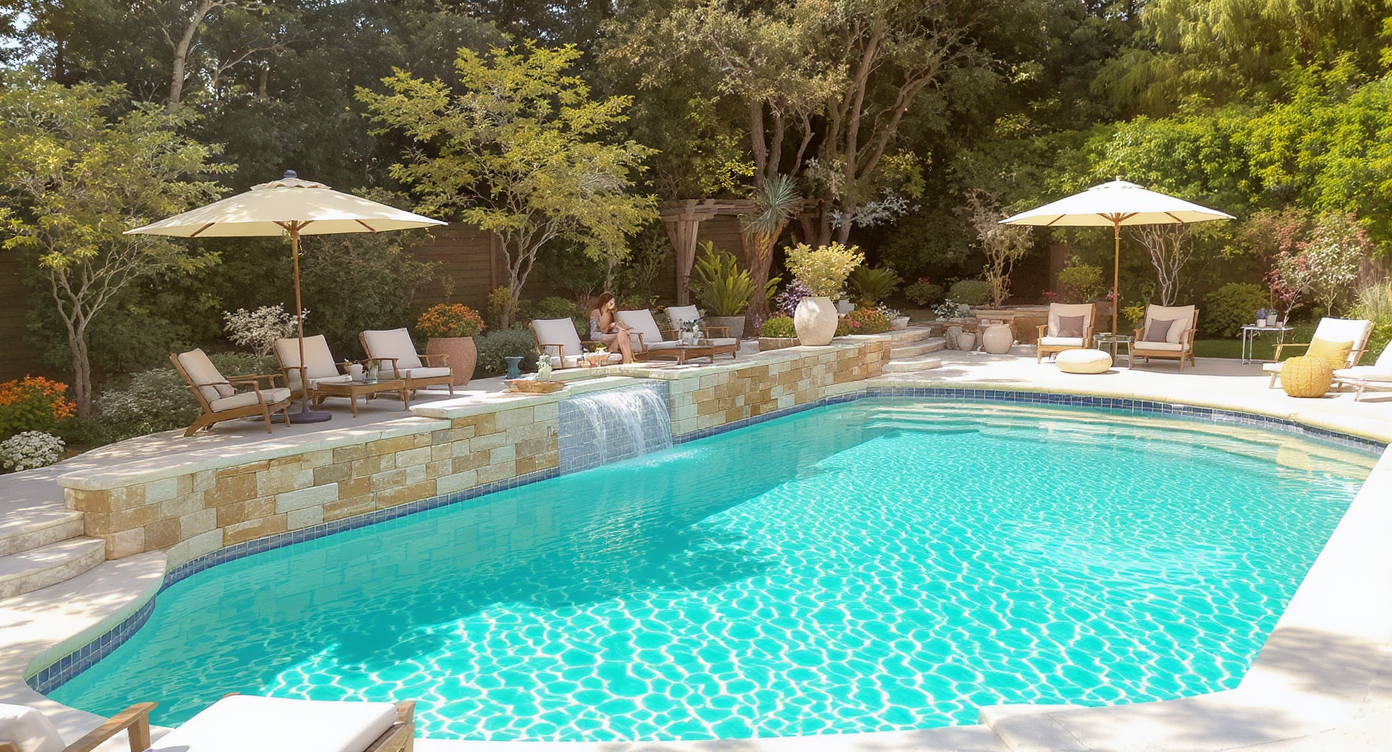
Tips for realistic edits: balance materials, scale, and natural lighting to enhance pool visuals.
Plausible edits beat dramatic ones: stick to realistic scales, materials, and colors you’d actually spec.
- Mind the scale: A pool that hugs existing patios and fence lines will feel real; oversized bowls won’t.
- Match the light: Generate at a similar time of day as your photo. If the sky is dull, run a quick pass with ReimagineHome.ai’s Sky Replacement to give the scene believable brightness before pool edits.
- Keep finishes region-appropriate: Salt-and-pepper pebble in the Southwest, frost-safe porcelain in colder zones. Buyers read these cues.
- Refresh don’t reinvent (when selling): For listings, a clean water “treat” and subtle coping upgrade often outperforms radical reconfigurations.
- Show a no‑pool option too: If you’re truly debating removal, pair one Pool Treat image with a lawn-forward render using ReimagineHome.ai’s Lawn Replacement to visualize a fill‑in outcome.
- Seasonal context sells: Off-season yard? Run a pass with Seasonal Reset so plantings and turf read as late spring. It keeps focus on the pool design, not winter dormancy.
Visualization Scenario
Upload a wide backyard photo, generate one “treated water + classic coping” view and one “continuous lawn in place of pool” view, then compare bids for the path you actually want.
FAQ
Can AI really add a pool to my backyard photo?
Yes. Pool Add/Treat places a photoreal pool aligned to your image’s perspective and lighting so you can compare shapes and finishes before construction.
How realistic are AI pool water and finishes?
Very realistic when you start with a sharp, well-lit photo. Water tone, reflections, and coping are rendered to match your scene’s light and shadows.
Should I fill in a pool or refresh it?
It depends on condition, local codes, resale goals, and budget. Use Pool Add/Treat to visualize a refresh, and pair it with a lawn-forward render via Lawn Replacement to compare the “no‑pool” outcome.
Is it okay to use AI-edited exterior photos in listings?
Generally yes when used for concepting or clearly labeled enhancements. Many agents share both the original and the AI design preview for transparency.
What photo resolution works best?
High-resolution images (around 3000+ pixels on the long edge) help AI render crisp edges, tiles, and water detail for convincing results.
Visualize Your Next Listing (or Project) Before You Commit
Where Pool Add/Treat Totally Changes the Game
Even simple clarity changes can shift decisions and buyer behavior.
A neglected liner becomes “move‑in ready”
Before: A 1980s pool with cloudy water and stained tile was scaring off showings. After: The agent ran Pool Treat to show crisp, blue water and a classic coping tone. The listing narrative changed from “project” to “well-maintained and easy to enjoy,” and the backyard photo finally got carousel clicks.
Debating a fill‑in vs. rehab
Before: The owner was pricing demolition after years of maintenance fatigue. After: Side-by-side renders — one with treated water and refreshed finishes, one with continuous lawn — made costs and tradeoffs concrete. They chose a modest refresh for resale without over-improving.
Design alignment before demo
Before: A family wanted a smaller, simpler plunge pool where a large kidney once sat. After: They used Pool Add to visualize a compact rectangle with light stone coping tied into the patio. The contractor bid the exact look, saving back‑and‑forth and change orders.
Common Mistakes with Pool Add/Treat (and Easy Fixes)
Most disappointment comes from weak source photos or pushing edits beyond the property’s reality.
- Going too big: Oversized pools telegraph “fake.” Fix: Keep clearances and scale believable relative to fence spans and door widths.
- Tiny or blurry photos: Low-res images soften edges and water detail. Fix: Shoot at high resolution and level the camera.
- Ignoring local norms: A glossy white porcelain deck in a snowbelt reads as impractical. Fix: Choose finishes your market expects.
- One look only: Showing a single option can lock you into the wrong plan. Fix: Generate 3–4 variations to compare cost and feel.
- Not labeling edited images: Transparency builds trust. Fix: When listing, note that images include AI design previews.
Who Gets the Most Value from This Tool
Anyone weighing pool design, revival, or removal benefits from AI pool visuals.
- Agents and teams: Faster listing prep, cleaner hero images, and fewer buyer objections around “maintenance.”
- Brokerages and marketing staff: Consistent, on-brand exterior visuals across markets without waiting on perfect days to shoot.
- Photographers and media companies: A value-add service — deliver polished pools and optional alternates in one package.
- Sellers, flippers, investors: Sanity-check spend before demo or resurfacing; avoid over-improving.
- Designers and landscape planners: Rapid concepting and client buy‑in with realistic AI backyard design comps from a single photo.
Visualize Your Next Listing (or Project) Before You Commit
Great backyards start in the mind’s eye — then in the photo — and only then in the dirt. Whether you’re tempted to fill the shell or give it new life, picture both paths first. Explore options with ReimagineHome.ai’s Pool Add/Treat, or start a fresh project at ReimagineHome.ai and make confident, cost‑smart decisions.