
TL;DR
Visualize a complete room makeover from a single photo. ReimagineHome.ai turns one image into multiple photoreal design options, from style swaps to new layouts, without floor plans or measurements. It is the fastest way to compare design ideas before you spend. Try it here: https://www.reimaginehome.ai/
AI Room Designer: Instantly Visualize Makeovers from a Single Photo
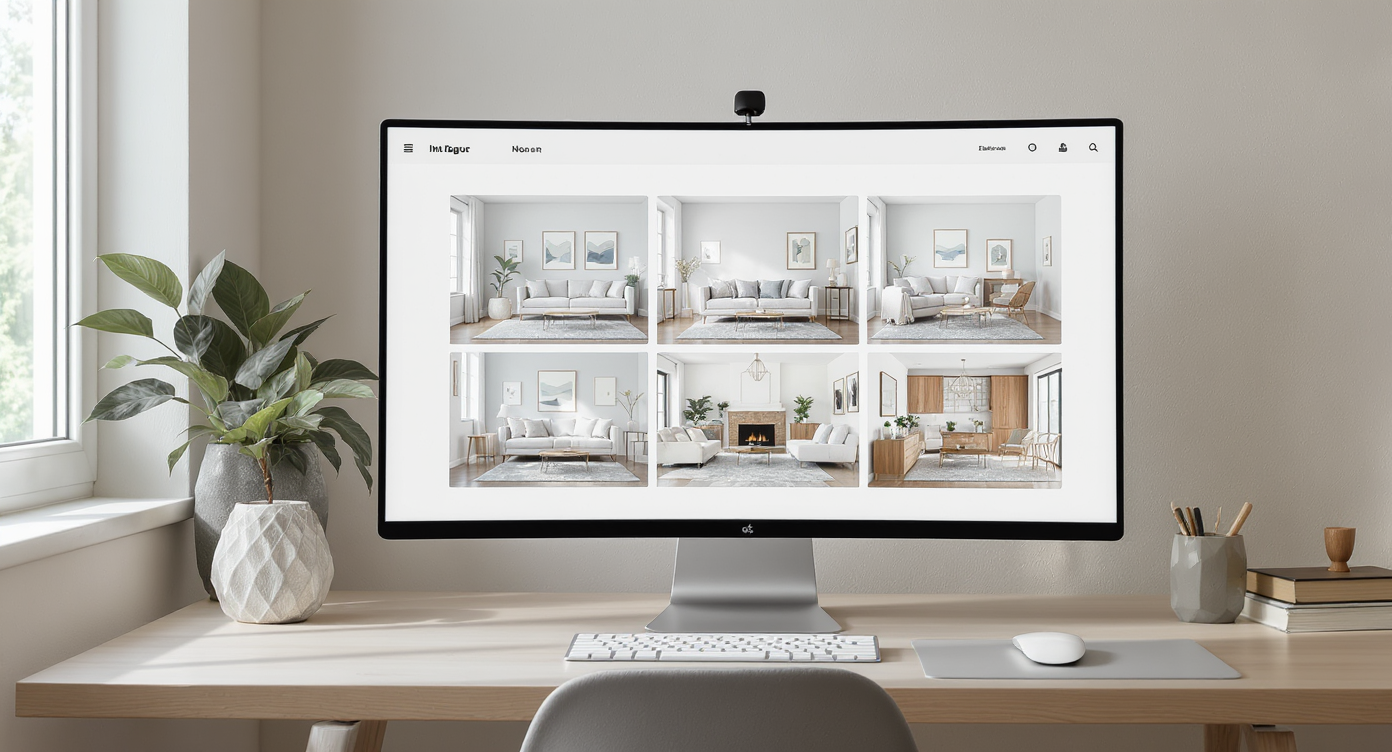
Visualize diverse room styles instantly with AI-powered design previews.
The fastest way to visualize a room makeover is to upload one well lit photo to an AI room designer and generate photoreal variations in seconds. ReimagineHome.ai is purpose built for this, giving you instant style swaps, layout ideas, and decor palettes tailored to your actual space. At a glance: - One photo in, multiple photoreal design options out, in under a minute. - No floor plans required, though simple dimensions improve layout suggestions. - Test styles like Japandi, Coastal, Modern Farmhouse, or Mid Century without moving a thing. - Share a shortlist with family or your contractor to align faster. Try your own design ideas instantly on ReimagineHome.ai: https://www.reimaginehome.ai/ Alt text: “Photo-to-design transformation of a dated living room into a warm Japandi scheme using ReimagineHome.ai.” Caption: “Upload one photo, generate multiple makeovers in minutes.”
Why AI Design Tools Matter (and Where ReimagineHome Fits In)
AI room planners can reduce planning time by up to 60 percent by removing guesswork from style and layout decisions. Instead of mood boards that stop at inspiration, AI visualization tools show your actual room with new finishes, furniture, and lighting, so choices feel real. Here is where ReimagineHome fits in. It specializes in one photo, many outcomes. The platform analyzes walls, windows, scale cues, and light sources to keep proportions believable. It then applies style logic, color theory, and furniture groupings that respect typical spacing rules like 30 to 36 inches of circulation around furniture and 18 inches between a sofa and coffee table. The result is not a generic render. It is your room, evolved. For sellers, this compresses weeks of debate into one afternoon. For renovators, it de risks purchases by previewing big changes cheap paint shifts, new layouts, or even bolder moves like converting a quirky space into a gym, studio, or cozy lounge. Internal links for deeper dives: - Explore how AI transforms real homes in our AI Room Visualizer Guide: https://www.reimaginehome.ai/blogs?utm_source=blog - See tips for staging with AI before listing: https://www.reimaginehome.ai/blogs?utm_source=blog - Learn how to test layouts for small spaces: https://www.reimaginehome.ai/blogs?utm_source=blog
Anecdote
A seller with a quirky lower level debated between an indoor retreat and a full conversion. They used ReimagineHome.ai to create three versions of the same photo a spa like lounge, a conversation pit, and a theater with stepped seating. The images helped the agent frame two listing paths without starting demolition, and the home received immediate showing requests from buyers who aligned with one of the scenarios.
Comparing Tools — AI Room Makeover Options and How ReimagineHome Simplifies
A single high quality image 12 to 20 MP with vertical walls kept vertical yields the most realistic AI results. What you can use, and what to expect: - Mood boards: Great for brainstorming, but they do not show your real room scale or light. - Traditional floor plan and CAD tools: Precise, but require time, measurements, and 1:50 or 1:48 scale drawings to be meaningful. - Virtual staging services: Useful for listing photos, yet slow to iterate and costly per revision. - ReimagineHome.ai: Upload one photo and iterate unlimited looks quickly, then refine with layout nudges and material swaps. Why ReimagineHome.ai feels simpler - One photo workflow: No measurements needed to start. Add rough dimensions only when you want layout checks. - Style depth: Generate Modern Coastal, Japandi, Boho, Contemporary, or Minimalist variants with lighting tuned to 2700 to 3000 K for warm, livable color. - Layout logic: Sees door swings, windows, and walkways, then respects 30 to 36 inch circulation paths. - Shortlist and share: Save three to five favorites, compare side by side, and export for bids. Alt text: “Side by side AI redesigns of the same family room Modern Coastal, Minimalist, and Japandi.” Caption: “Comparing styles works best when you see them in your actual space.”
How to Use ReimagineHome.ai for Your Room Makeover
A clear, straight on photo with light walls and visible corners can improve AI accuracy by 20 to 30 percent. Try this 6 step workflow in ReimagineHome.ai: 1) Capture your best before. Stand back and frame the room at eye level. Avoid ultrawide distortion. Include at least one full wall, flooring, and a ceiling edge. 2) Pick two to three styles to test. Start with one warm neutral option and one bold option to bracket the range. 3) Add rough dimensions if you plan a layout change. Keep walkways 30 to 36 inches, leave 18 inches between a sofa and coffee table, and aim for a rug that lets front legs of seating rest on it typically 8 by 10 feet in mid sized rooms. 4) Tune lighting. Warm white 2700 to 3000 K reads cozy in living zones. Over a table, pendants should sit 30 to 36 inches above the surface. 5) Generate, shortlist, and annotate. Save top options, mark what you love the palette, the sectional orientation, the storage wall and what you would change. 6) Reality check with a quick plan. If you are moving walls or doors, sketch a tiny plan at 1:50, even on graph paper, to confirm clearances. Then return to ReimagineHome.ai to align visuals with the plan. Pro move: If you are transforming a very unusual space, like a recessed room or former spa, upload two angles so the AI can better infer depth and transitions.
Real Homes, Real Stories
Listings that show buyers a believable future can see more showings within the first week, especially when options are practical and priced. - A homeowner on Florida’s Space Coast uploaded two photos of a lower level with a disused recessed feature. In an afternoon, they produced three narratives a serene indoor retreat with teak benches and 2700 K sconces, a sunken conversation pit with modular seating and a 9 by 12 rug, and a theater lounge with stepped platforms that preserved 36 inch aisles. Their agent used the images to pre qualify interest before showings. - A designer in Toronto used ReimagineHome.ai to test three kitchen finishes walnut, painted shaker, and slab oak then validated island clearance at 42 inches. The client chose the warm slab option after seeing how it played with north light in their real photo. - A young couple in Austin restyled a compact living room without measurements. After seeing two AI layouts, they learned that rotating the sectional to face a 72 inch media wall reclaimed a 34 inch walkway and made space for a small desk niche. These are small moves with big impact because they are fast, visual, and grounded in the real room.
Visualization Scenario
Close your eyes and picture your current room at dusk. The walls soften to a creamy neutral, the floor warms under a 9 by 12 flatweave rug, and a modular sofa sits 18 inches from a low coffee table. Sconces glow at 2700 K, pulling the palette together. A 36 inch aisle traces a gentle pathway from entry to seating. You dial up one more variation in ReimagineHome.ai for comparison and within a minute a darker, moodier version appears oak slats, a deep green accent, and a haloed pendant 32 inches above the table. Two looks, same room, one decision made.
FAQ
How can I visualize a room makeover from one photo? Upload a well lit, straight on image to ReimagineHome.ai and generate multiple photoreal styles in seconds. Add rough dimensions later for layout checks. Do I need measurements or floor plans to start? No. Start with a single photo. Add key dimensions when you want to verify clearances like 30 to 36 inch walkways or 18 inches between seating and tables. Can AI suggest furniture layouts that improve traffic flow? Yes. ReimagineHome.ai respects doors and windows and aims for 30 to 36 inch circulation, then proposes arrangements that reduce bottlenecks. How realistic are AI room designs for color and light? Very close when you set lighting to warm 2700 to 3000 K and use a high quality photo. The AI reads your windows and shadows to keep light believable. Will AI visuals help my home sell faster? They can. Buyers respond to clear, attainable scenarios. Use AI to present two to three realistic options and invite offers with confidence.
Wrap-Up — Where Design Meets Imagination
Design decisions speed up when you can see the future in your own four walls. AI room makeover tools remove friction, keep scale honest, and let you compare styles, layouts, and lighting before you spend on materials or labor. ReimagineHome.ai excels at the one photo to many outcomes moment, which is often the difference between hesitation and momentum. See how your space could look in minutes. Explore ReimagineHome.ai today: https://www.reimaginehome.ai/