
TL;DR
ReimagineHome.ai’s exterior render shows how black wash, whitewash, limewash, stain, or untouched brick will actually look on your home — plus door, garage, trim, and landscaping options — from one photo. It’s the safest way to compare curb‑appeal ideas and avoid paint regret. If you’re debating finishes, try an AI elevation design with ReimagineHome.ai’s Exterior Render for facades and decide in minutes, not months.
The Real Cost of Changing Brick Without a Plan

Exterior render previews reveal mortar visibility and texture when testing black and whitewash on brick.
Exterior render is a photo-based, AI elevation design that lets you test brick finishes and facade updates before you spend a dollar. It matters because painted brick is permanent to live with (and costly to maintain), while a fast, realistic preview helps you pick a timeless, low‑risk palette.
- Results: Compare black wash vs. whitewash vs. stain vs. keep-natural on the same photo, including mortar visibility and texture.
- Realism: Material-aware previews that respect light, shadow, and brick pattern — not a flat paint bucket.
- Speed: Upload one curb photo and see options in minutes.
- Cost: Spend a few dollars on renders to avoid thousands on irreversible paint or rework.
- Workflow: Test door/garage colors, warmer whites on stucco, trim, hardware, and plants together.
- ROI: Better curb appeal choices improve first impressions and reduce regret-driven do-overs.
- Peace of mind: Share visuals with partners, neighbors, or HOAs to secure buy‑in.
If you already have a tricky facade photo in mind, upload it to ReimagineHome.ai and test this on a real image while you read. For brick-specific previews, open ReimagineHome.ai’s Exterior Render for front elevations.
Why This Visual Decision Hurts More Than You Think
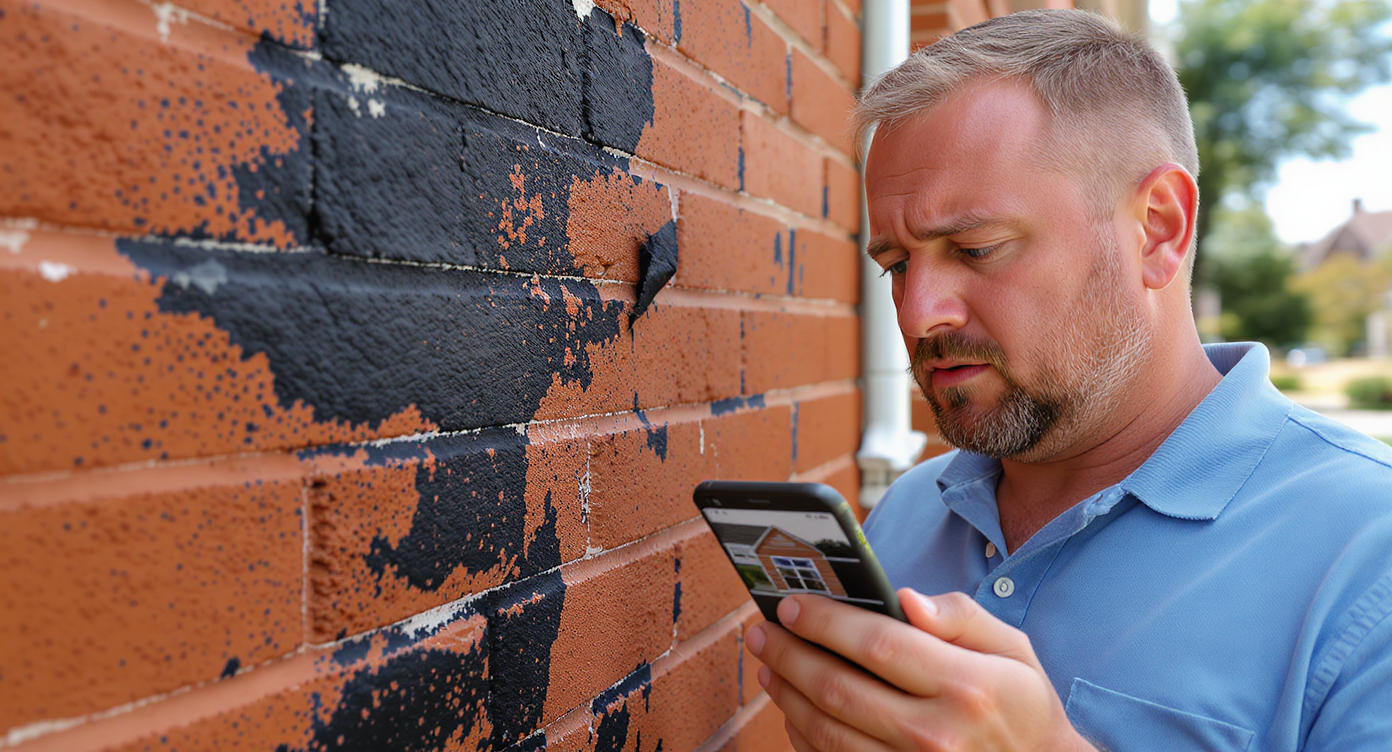
Choosing the wrong brick finish can lead to costly maintenance and regret, as bad paint ages unevenly.
First impressions of a home’s exterior often decide whether people keep scrolling or book a showing. When the facade feels off — harsh white against warm brick, a garage door that fights the palette, or trendy black washing that flattens a classic material — buyers hesitate and owners second‑guess.
Here’s how it shows up:
- Scroll behavior: Listings with awkward color mixes or heavy, monotone exteriors tend to get fewer clicks on subsequent photos. Harmonious palettes hold attention.
- Perception: Natural brick signals durability and age‑worthy texture; over-painting can read as “trend chasing” or high‑maintenance in many markets.
- Confidence: Owners and agents lose weeks debating paint, stain, and door colors — and still risk regret because it’s hard to visualize in context.
The tricky part: brick has undertones. Orange/red brick pairs better with warmer whites, charcoal/bronze metals, and layered greenery than stark white or jet black on the field. A good preview helps you find that balance before you order a gallon or book a crew.
Anecdote
That “perfect except for the orange brick” duplex: the owner planned a black wash. After a quick render with a warmer stucco, charcoal garage, and layered shrubs, they skipped paint entirely — and the entry finally felt intentional.
What Exterior Render Actually Is (In Plain Language)
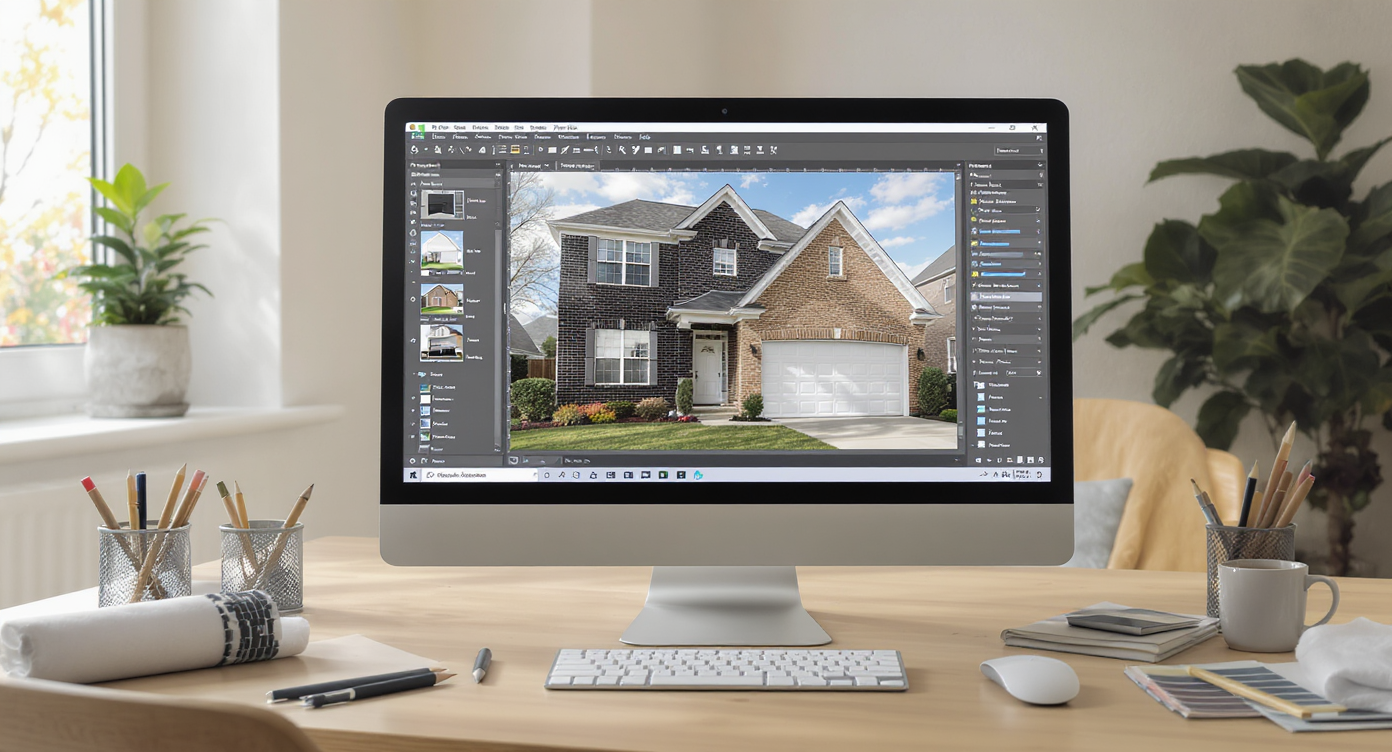
Exterior render tools allow realistic before/after previews to inform smarter brick finish decisions.
Exterior render is an AI tool that turns a single facade photo into believable before/after concepts — from brick limewash or stain to door/garage swaps, trim shifts, and landscaping upgrades. You upload one image; it returns multiple, photo-real options that keep materials and lighting intact.
Inputs: a clear front-elevation photo (daylight, straight-on is best). Outputs: side-by-side concepts you can save, compare, and share. Use it to test warm stucco tones, charcoal garage doors, black vs. bronze window trim, or to see if untouched brick plus better plants outperforms any paint idea.
To try it, open ReimagineHome.ai’s Exterior Render for structures and facades. It’s built to help homeowners, agents, and investors make quick, confident curb‑appeal decisions without risking irreversible changes.
How Exterior Render Works Step by Step
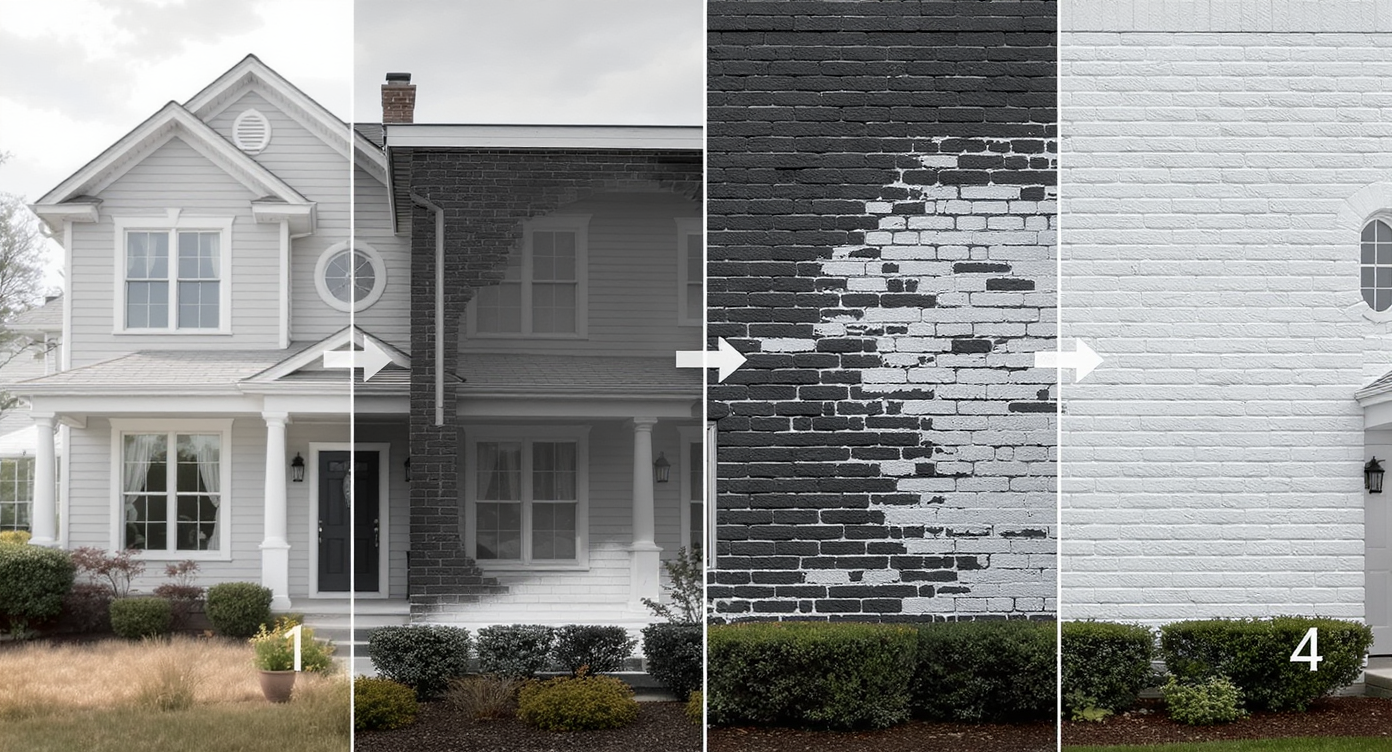
Exterior render process enhances facade photos with detailed, realistic brick finish previews step by step.
A clean, well-framed photo always produces stronger AI results than a tiny or tilted image.
- Choose the right photo: Stand back far enough to capture the full facade edge to edge. Aim for 2000–3000+ pixels on the long side, even light, and minimal obstructions (no cars or trash bins).
- Upload to ReimagineHome.ai: Start a project and select the exterior render workflow.
- Pick your test set: Compare black wash vs. whitewash vs. limewash vs. stain vs. natural brick. Add variations for mortar visibility and depth so the brick doesn’t become a flat sheet.
- Dial in the rest: Try warmer whites on stucco, charcoal/bronze for metalwork, and sample garage/front door colors (black, deep green, natural wood). Remove fussy elements in the render and preview a simpler look.
- Add greenery: Layer shrubs, a small tree, or vines to soften orange tones and frame entries. If you need plant-specific trials, pair with ReimagineHome.ai’s AI landscaping tool to preview low-maintenance, regionally appropriate beds.
- Review and refine: Generate multiple concepts, compare on one screen, and pick the strongest direction. Keep one option that leaves brick untouched so you can weigh maintenance against aesthetics.
- Export for decisions: Save high-res images for contractor bids, HOA approvals, or to align sellers and agents on the final scope.
Pro note: captures shot straight on with a normal lens look most accurate. Extreme wide angles, heavy shadows, or rainy-day sky can skew color reads.
Tips and Tricks for More Realistic Results
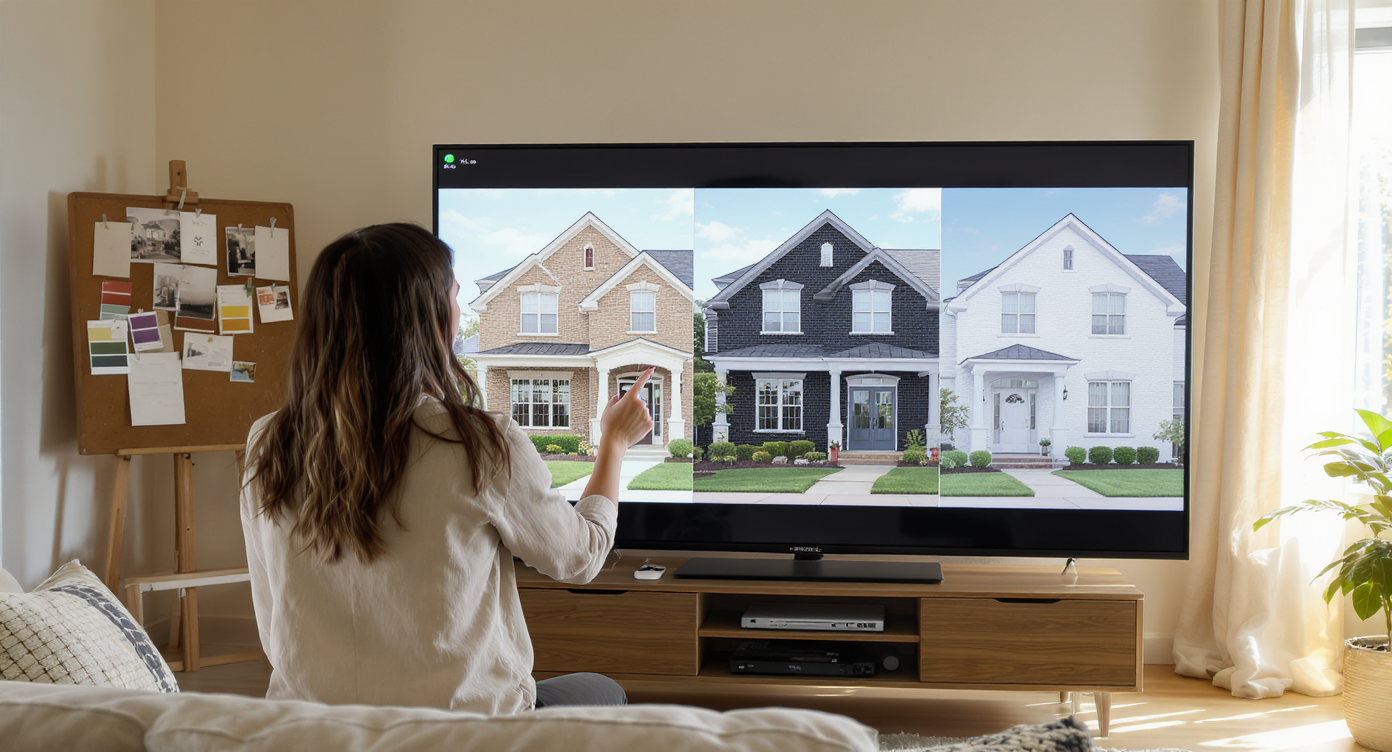
Incorporate light, neighborhood style, and material texture for realistic, beautiful exterior render results.
Realism improves when you respect the material, the neighborhood context, and the light you actually have.
- Test warmer whites first: On orange/red brick, a softer, warmer stucco/trim often beats stark white, which can feel clinical and amplify contrast.
- Charcoal over jet black: For garage and front doors, deep charcoal or bronze is usually more forgiving than pure black, especially next to bright mortar.
- Don’t erase the masonry: If you explore black wash or whitewash, keep some brick texture and variation visible. Totally flattened “paint bucket” looks rarely age well.
- Coordinate with the roof: Pull accent colors from shingles. Warm gray or weathered brown roofs pair well with taupe/greige trims and stained wood doors.
- Soften with plants: Use the render to add structured hedges, a statement tree, or trailing greens. For deeper planting plans, try AI landscaping from a single exterior photo.
- Mind shared facades: For duplex or row homes, preview options that respect the neighbor’s palette. Cohesion helps resale and avoids HOA friction.
- Sanity-check in daylight: Compare renders on a calibrated screen and visit the facade mid-morning or late afternoon to confirm undertones in real light.
If you’re specifically weighing new door colors, this walkthrough on front-door curb appeal you can try before you paint is a helpful companion read.
Visualization Scenario
Upload a straight-on daytime shot of your facade. Generate three views: untouched brick + charcoal doors; limewash + warm stucco + bronze lighting; and stain-darkened brick + wood garage. Compare them side by side, then choose the calmest, lowest-maintenance look.
FAQ
Can AI really show black wash vs. whitewash vs. natural brick accurately?
Yes — exterior render tools simulate tone, texture, and light so you can compare finishes side by side. Keep some texture visible for the most believable result in your AI elevation design.
Will an exterior render match the finished paint or stain exactly?
It’s a highly realistic preview, not a lab-match. Use it to choose direction and proportions, then confirm exact colors with on-site samples before buying materials.
What resolution do I need for AI exterior design from a photo?
For best results, use images 2000–3000+ pixels on the long side, shot straight-on in even daylight. Clear photos help the AI read brick pattern and mortar correctly.
Can I test garage and front door colors at the same time?
Absolutely. In one session you can try charcoal or wood-look doors, swap hardware, and adjust trim to see a cohesive palette. Start with ReimagineHome.ai’s exterior rendering workflow.
What if I decide plants will do more than paint?
Use exterior render to set the palette, then layer greenery with ReimagineHome.ai’s AI landscaping to preview beds, hedges, or a small tree that balances the brick.
Visualize Your Next Listing (or Project) Before You Commit
Previewing brick color changes with AI is the safest way to protect your budget and the character of your home. House makeover AI isn’t about chasing trends; it’s about telling a cleaner, more coherent story for your elevation — whether that means keeping the natural brick, choosing a warmer stucco, swapping a garage door, or adding the right plants.
Give yourself a no‑risk rehearsal. Upload one photo and explore options with ReimagineHome.ai’s Exterior Render, or start from the homepage at ReimagineHome.ai. Decide with confidence, not second thoughts.