
TL;DR
Festive Flip is AI holiday virtual staging that adds realistic Christmas decor — garland, wreaths, trees, and warm lights — to your photos in minutes. It’s the fastest way to preview or present a holiday‑ready look without moving furniture or spending on new items. Try it on a real image now at ReimagineHome.ai and see how an ai room decorator can make a space feel instantly seasonal. Ideal for listings, rentals, and homeowners seeking room makeover ideas with AI.
Why Bare December Rooms Undersell Your Space

Digital holiday decor adds seasonal warmth and story to any room photo, enhancing its appeal.
Festive Flip is AI holiday decor for your photos — think realistic trees, wreaths, garlands, mantle styling, and twinkle lights added digitally. It matters because warm, seasonal visuals change how a room reads on screen: more glow, more story, more reasons to stop scrolling.
- Results: Create a cozy, Christmas‑ready look that photographs beautifully and feels lived‑in.
- Realism: AI places decor in correct scale, light, and perspective — no plastic‑looking overlays.
- Speed: Start to finish in minutes, not days of shopping and setup.
- Cost: Zero hardware, zero storage; pay for images, not boxes of decor.
- Workflow: Works from a single photo; perfect for rooms you can’t access or style this week.
- ROI: Seasonal photos tend to get longer on‑page time and higher click‑through in carousels.
- Peace of mind: Test three looks before committing to one; keep it subtle or go full festive.
If you already have a tricky room or listing photo, upload it to ReimagineHome.ai and try Festive Flip as you read. For a dedicated holiday workflow, see ReimagineHome.ai’s Festive Flip holiday staging tool.
Why This Visual Problem Hurts More Than You Think
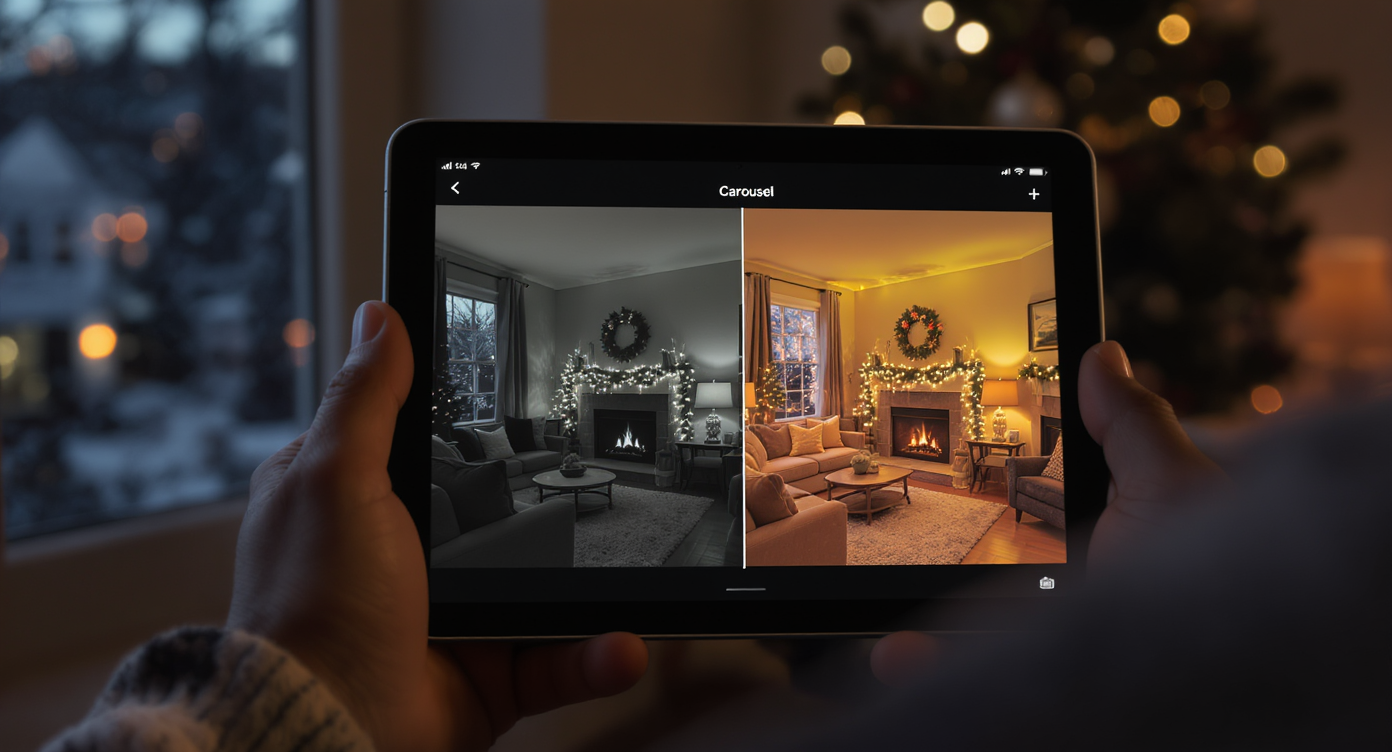
Warm holiday visuals in listings attract more clicks by creating inviting, story-rich scenes.
Twilight‑style, warmly decorated photos often sit among the most clicked images in a listing carousel or design portfolio. When your December shots show rooms “as is” — bare mantels, undecorated entries, or snowy yards with no lights — buyers and guests can miss the feeling you’re trying to sell: comfort, glow, and gathering.
On scroll, undecorated rooms blur into each other. A simple garland, a soft‑lit tree, or a wreath that echoes the wall color pulls the composition together and gives the eye a focal point. In person, people sense atmosphere; online, they judge within seconds. Festive virtual staging helps your photos act like your home feels — cozy and intentional — even if the bins are still in the basement.
Agents report that seasonally styled hero images keep shoppers on the page longer, while homeowners love the clarity of seeing what a narrow color palette (think deep blues, warm whites, natural woods) can do before they spend. That’s the quiet power of room design AI: you can test ideas, get buy‑in, and move faster.
Anecdote
That perfect but undecorated living room after the first big snow — no wreath on the door, no mantel garland, just a blank frame. Five minutes with Festive Flip and the scene suddenly feels like a gathering is about to start, even if you haven’t opened a single storage bin yet.
What Festive Flip Actually Is (In Plain Language)
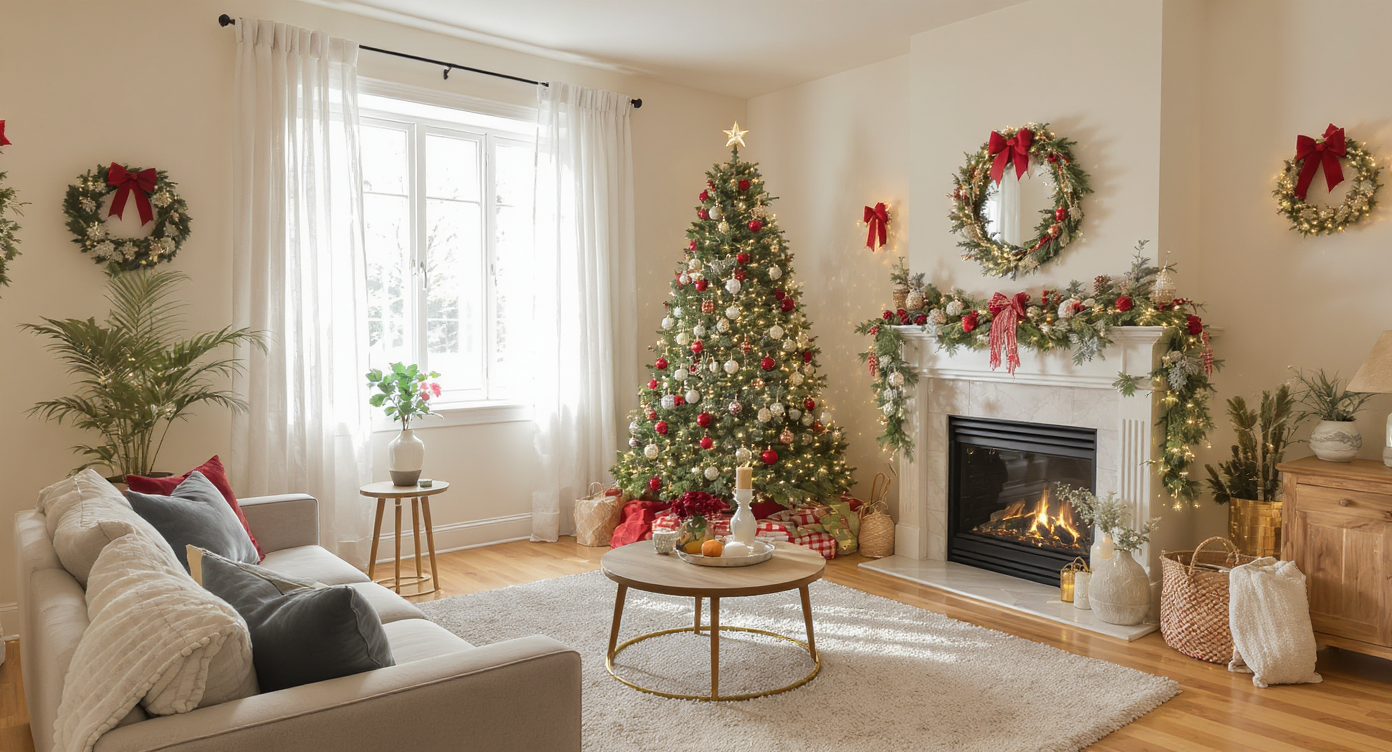
Festive Flip uses AI to add natural, perfectly scaled holiday decor to any photo in moments.
Festive Flip is AI holiday staging: upload a room photo and the platform adds decor — trees, stockings, garland, table greenery, candles, and string lights — scaled to your space and lit to match the photo. It’s not a filter; it’s an ai home decorator that reads perspective and lighting, then decorates accordingly.
You provide a clear image of the room or exterior. The output is a realistic, high‑resolution photo that looks like you styled the scene in real life. Use it for MLS, short‑term rental galleries, social posts, or to guide your actual decorating. Explore the tool here: ReimagineHome.ai’s Festive Flip holiday staging tool.
For exteriors where you want instant golden‑hour ambiance around those “lights,” pair Festive Flip with its Day to Dusk transformation tool for a dusk‑lit hero shot that stops the scroll.
How Festive Flip Works Step by Step
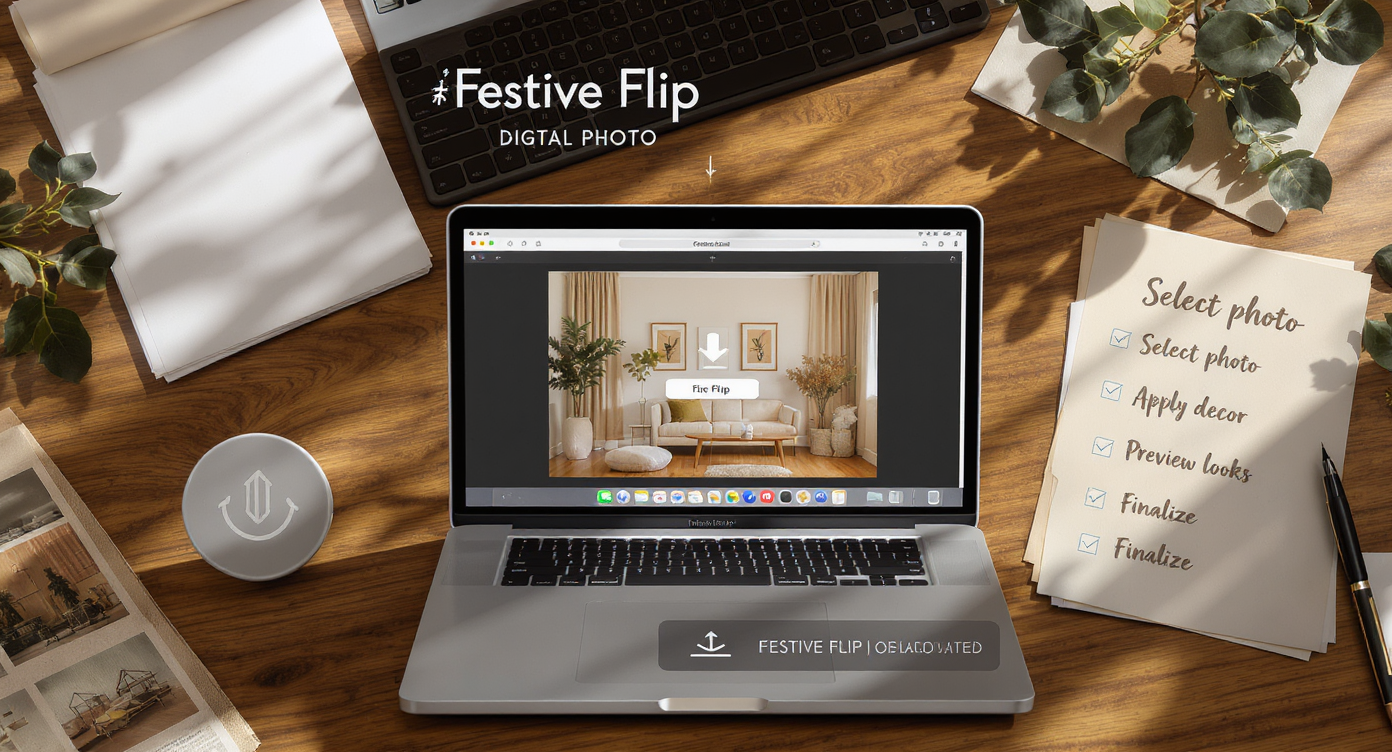
Simple steps: upload photo, choose holiday decor, preview styles, and create festive room photos.
- Choose the right photo: Wider angles help; include the fireplace, tree corner, or entry sightline you want to feature. Aim for at least 2500–3000 pixels on the long edge.
- Upload to ReimagineHome.ai: Drag‑and‑drop your image and select Festive Flip.
- Pick a decor direction: Minimal Scandinavian, classic red‑and‑green, or moody neutrals to match dark blue or charcoal walls.
- Generate: The ai room designer places garland, wreaths, trees, candles, and lights in correct scale and lighting.
- Review and refine: Nudge toward simpler or fuller; request alternates if you want different tree placement or a pared‑back mantel.
- Export: Download high‑res files for MLS, social, or print. If the base photo needs a polish, run it through its Image Enhancement tool to balance exposure and color before export.
Constraint to consider: Photos with heavy motion blur, extreme tilt, or cramped crops limit placement options. Straight, well‑lit images yield the most realistic results.
Tips and Tricks for More Realistic Results
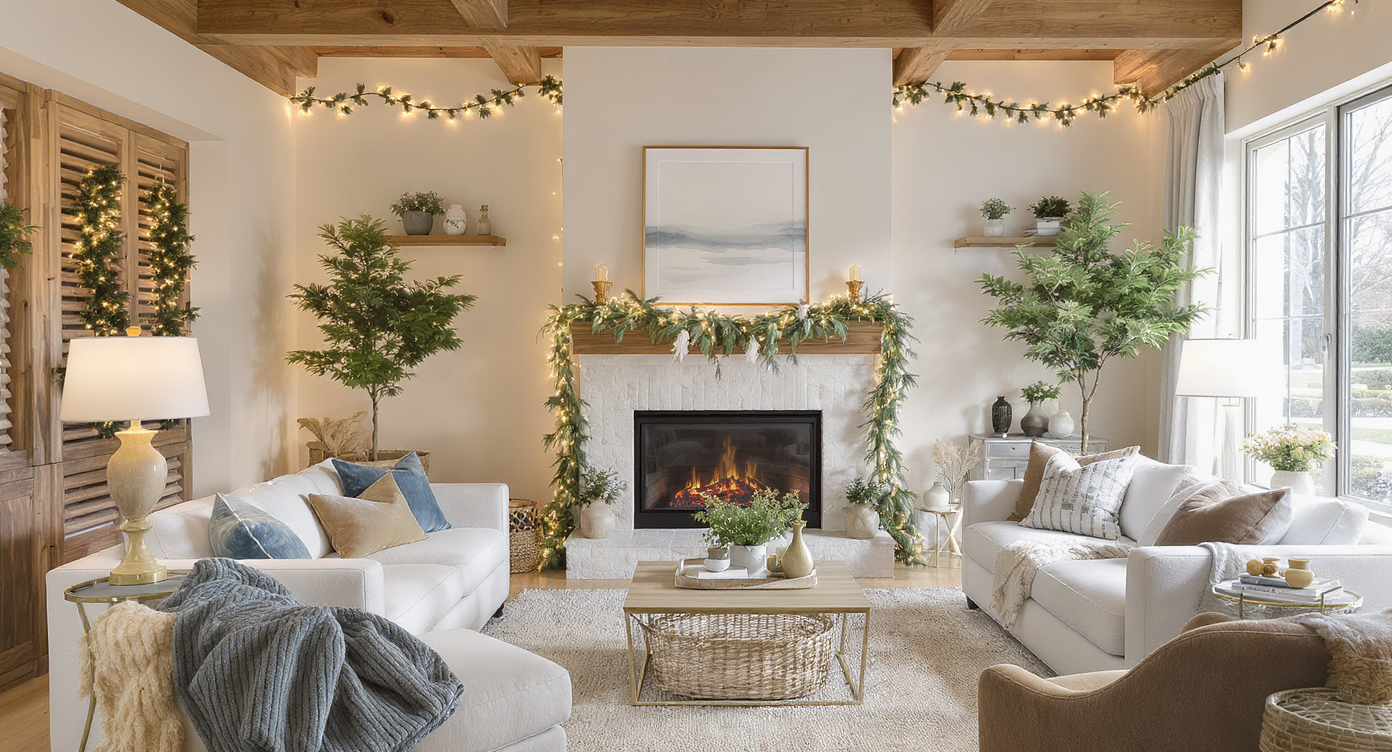
Tips for realism: match decor style, scale, and light for authentic festive room photos.
Realism improves when decor complements the architecture, palette, and light already in the photo.
- Match color temperature: If your lamps are 2700K warm LEDs, keep candles and string lights warm too for a cohesive glow.
- Echo your palette: If you have a deep blue feature wall, ask for navy ribbons, dark greens, and natural wood accents rather than bright primaries.
- Scale with intention: Tall ceilings welcome fuller trees and longer garland; small rooms benefit from slim trees and minimal mantle styling.
- Keep sightlines clear: Don’t block built‑ins, windows, or a beautiful range hood; decor should frame, not hide, the main features.
- Style the entry: A simple wreath and a runner instantly set a scene; Festive Flip can add both so your first image reads “welcome.”
- Exterior magic: Convert a daytime facade to twilight with Day to Dusk so string lights feel natural and inviting.
- Polish the base: Use Image Enhancement to lift shadows and add gentle contrast before you layer in holiday elements.
Want mantel‑specific inspiration? This step‑by‑step guide walks through garland, lights, and balance: how to style a cozy modern mantel with garland and lights.
Visualization Scenario
Picture your deep‑blue living room: soft 2700K lamplight, white trim, warm wood. With Festive Flip, add a slim fir trimmed in navy ribbon, a natural‑green garland on the mantel, and a linen tree skirt — all scaled to your actual photo — then compare two or three looks side by side before buying anything.
FAQ
Is AI holiday virtual staging allowed in real estate listings?
Yes, most markets allow virtual staging if edits are disclosed and do not misrepresent permanent features. Festive Flip adds decor only, which is generally acceptable. Check brokerage and MLS guidelines.
How realistic are AI Christmas decorations in photos?
Very realistic when the base image is sharp, straight, and well lit. The AI matches scale, perspective, and light so garlands, trees, and candles feel native to the room.
Can I choose the decor style or color palette?
Yes. You can request minimal, neutral, or classic palettes and align ribbons, greenery, and accents to your existing colors. This is ideal for ai interior design from photo workflows.
What resolution do I need for good results?
Aim for 2500–3000 pixels on the long edge for MLS‑grade output. Higher resolution gives the AI more detail to place realistic textures and lights.
Can I remove the decor later or create a non‑holiday version?
Absolutely. Keep your original photo untouched. Generate multiple versions — holiday and non‑holiday — and use whichever fits your audience. Explore options in Festive Flip.
Visualize Your Next Listing (or Living Room) Before You Commit
Most rooms feel smaller and flatter on screen than they do in person; a few well‑placed holiday cues restore warmth and scale. With Festive Flip, you can rehearse the room’s story — then decide what to actually buy, hang, or skip.
Whether you’re a homeowner racing the calendar, an agent lining up a holiday‑week listing, or a photographer building a seasonal package, this is the fast, low‑risk way to get it done. Try it on a photo you already have: ReimagineHome.ai’s Festive Flip. Or start from the homepage and explore more tools: ReimagineHome.ai.