
TL;DR
AI object removal lets you erase clutter, cords, extra decor, or wall hangings from a room photo so the architecture and layout shine. It’s the fastest way to pre-visualize a tidier look, boost listing clicks, or plan a calmer redesign — especially when you can’t repaint or remodel. To try how to remove clutter and objects from listing photos (or your own), upload an image to ReimagineHome.ai and test its Remove Anything tool in minutes. If you want to experiment with a fresh furniture style after decluttering, pair it with ReimagineHome.ai’s virtual staging.
The Real Cost of Showing Rooms “As They Are” Online

Object removal clarifies room scale, light, and layout, creating a more inviting space.
Object removal is an AI edit that clears visual clutter — from stacks of magazines to a cat tree or a stray chair — directly from your room photo. It matters because clean, distraction‑free images help buyers, renters, and even you see scale, light, and layout instantly.
- Results: Clutter removal makes floors, windows, and built‑ins pop, improving first‑image stopping power.
- Realism: Advanced fill matches perspective, texture, and light so edits look native.
- Speed: Most rooms can be tidied digitally in minutes, not hours.
- Cost: Skip a haul‑out. Pay once to test multiple tidy options.
- Workflow: Upload, brush to remove, generate, refine, export for MLS or mood‑boards.
- ROI: Clear photos can increase clicks, showings, and seller confidence.
- Peace of mind: Great for renters who want color/space planning without risking deposits.
If you already have a tricky photo in mind, upload it to ReimagineHome.ai and try a live declutter while you read.
Why This Visual Problem Hurts More Than You Think
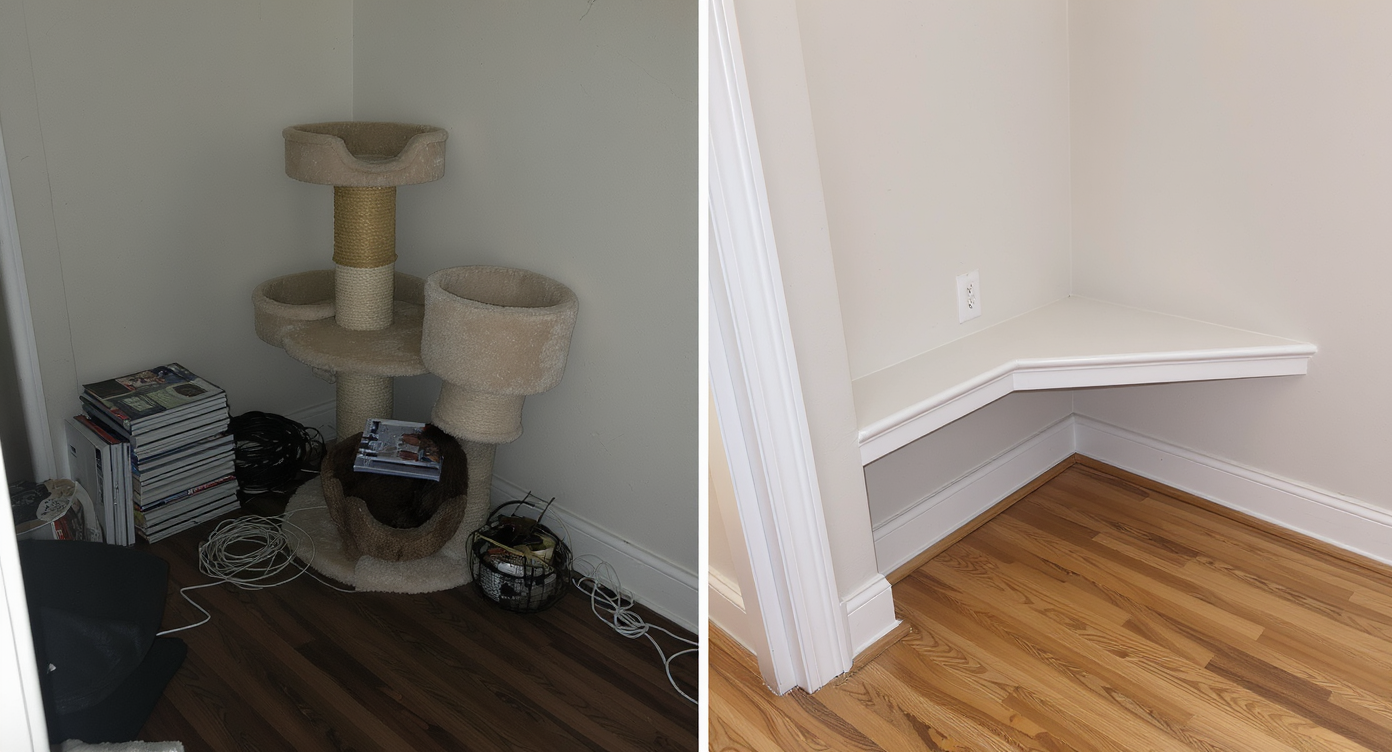
Removing clutter reveals hidden features like floors and built-ins, enhancing room appeal.
Even simple clutter removal can make key features — like flooring, windows, and built‑ins — easier to spot at a glance. When a space is cozy and lived‑in, the camera often exaggerates busyness: bold rugs, layered textiles, pet gear, and cords read louder on a small screen. That leads to faster scroll‑aways, buyers misreading room size, and homeowners second‑guessing their style.
Online, attention goes to the brightest or busiest object. If that’s a cat tower or a checkered rug instead of the natural light, the listing (or design vision) underperforms. Agents report that a calmer hero image drives more carousel taps; homeowners say a decluttered preview helps them commit to layout changes without tossing beloved pieces. And when you can’t repaint or remodel, seeing a room without extras is the next best thing to moving everything out.
Anecdote
That perfect but busy living room: checkerboard rug, cat tree by the window, cords snaking toward a power strip. One pass with Remove Anything and the natural light finally took the spotlight. The room didn’t change — the story did.
What Remove Anything Actually Is (In Plain Language)
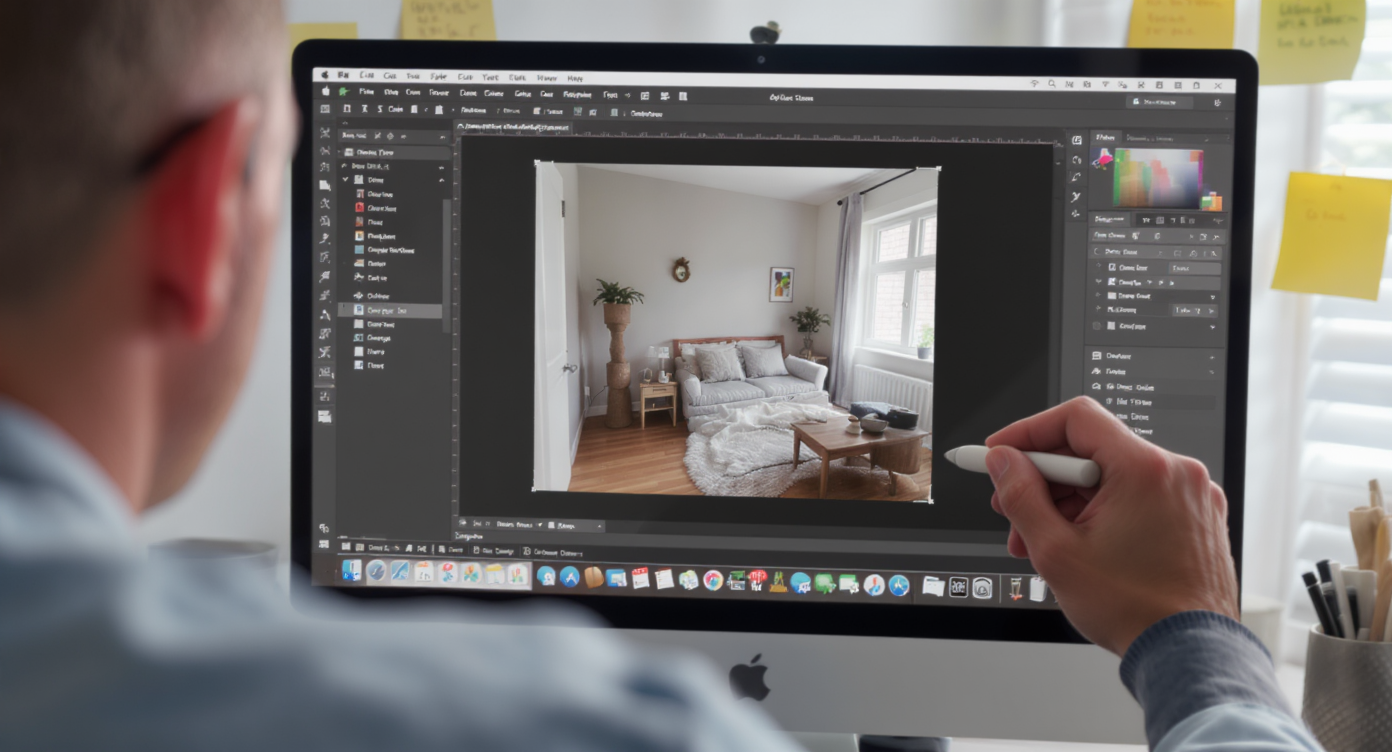
AI object removal edits out unwanted items, seamlessly filling spaces for clean visuals.
AI object removal is a targeted edit that erases selected items from your photo and rebuilds the background so it looks like they were never there. You give it a room image; it returns a tidier version with realistic fill that respects perspective, shadows, and texture.
In practice, ReimagineHome.ai’s clutter and object removal tool is perfect for clearing stacks, wall decor, small furniture, lamp cords, or pet accessories while preserving the mood you like. It doesn’t change the architecture; it simply lets the bones of the room lead the story. When the room needs a complete blank slate instead, use its complementary tool that turns an occupied room into an empty canvas.
How Remove Anything Works Step by Step
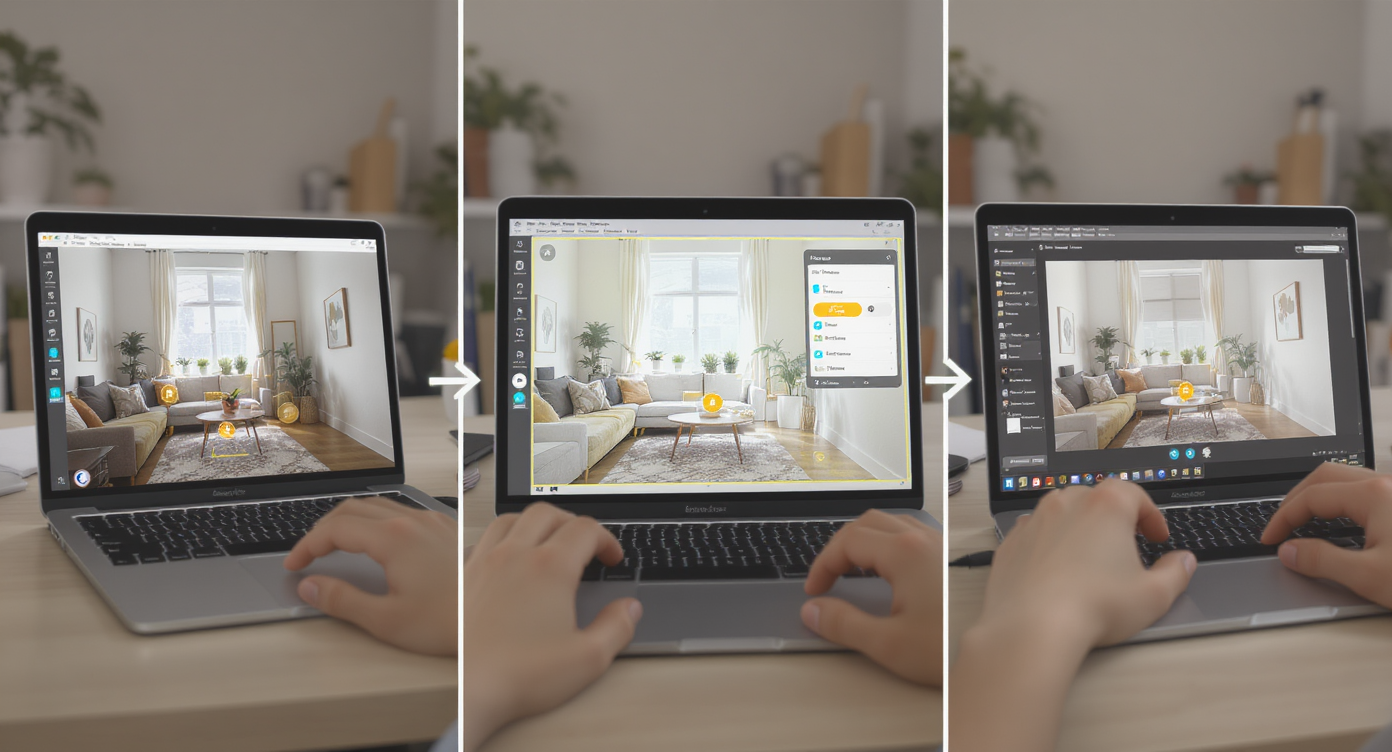
Simple steps: upload, select objects, generate clean image, refine, and export for use.
Good inputs make great outputs: start with a well‑lit photo at a sensible angle (wide, but not distorted).
- Choose your photo: Aim for at least 2000–3000 pixels on the long edge and avoid heavy motion blur.
- Upload to ReimagineHome.ai: Open the image, then select Remove Anything.
- Brush the items to erase: Think cords, extra side tables, busy wall art, stacks of books, or a pet tree.
- Generate and review: The AI fills surfaces and walls to match materials and light.
- Refine: If something looks off, zoom in and re‑brush edges or remove fewer items to keep it believable.
- Export: Save high‑res for MLS, short‑form video, or a design mood‑board.
After decluttering, you can test styles without moving a thing using ReimagineHome.ai’s virtual staging solution — great for exploring minimalist, coastal, or retro mixes before committing.
Tips and Tricks for More Realistic Results

Effective decluttering keeps room character intact while removing distractions for realism.
Realistic decluttering works best when you remove distractions, not the soul of the room.
- Edit with intent: Target what steals attention on a phone screen (cords, piles, too‑many smalls) and keep personality pieces.
- Respect architecture: Never erase windows, moldings, or fixed features you must disclose in listings.
- Mind the light: If a lamp goes, restore balanced exposure with your camera or a gentle post‑adjustment so corners don’t go dark.
- Keep scale cues: Leave one or two anchor items (sofa, bed, dining table) to help viewers read room size.
- Texture continuity: When removing rugs, consider how floors continue under furniture; re‑generate if the grain direction looks wrong.
- Plan a sequence: Declutter first, then style. If you need a completely blank canvas, try ReimagineHome.ai’s Occupied → Vacant tool before you virtually restage.
- Renter‑friendly color tests: After you simplify, use virtual staging to audition softer palettes or bolder art without risking your deposit.
Visualization Scenario
A renter wants more color but can’t paint. She removes extra wall art and small decor digitally, then tries a softer rug and two art options via virtual staging to see which palette calms the space without losing personality.
FAQ
Can AI really remove clutter and objects cleanly from a room photo?
Yes. Modern object removal reconstructs backgrounds with matching perspective and texture, so edits look native when viewed full‑screen. For best results, use clear, high‑resolution photos and remove only genuine distractions.
Is object removal allowed in real estate listings?
Policies vary by market, but ethical best practice is to remove only non‑permanent items (clutter, small furniture, cords) and never misrepresent the property. If you need a true blank canvas, use ReimagineHome.ai’s Occupied → Vacant tool and label edited images clearly.
What resolution do I need to get good results with AI edits?
Aim for 2000–3000+ pixels on the long edge. Higher‑quality inputs yield sharper fills and cleaner edges, which helps MLS compliance and print uses.
How is Remove Anything different from making a room vacant?
Remove Anything targets selected items (like decluttering), while Occupied → Vacant clears the room entirely for a blank canvas. Many users declutter first, then switch to a full vacant view if they’re testing new layouts.
Can I restyle after I declutter the photo?
Absolutely. After you tidy an image, try fresh furniture and decor with ReimagineHome.ai’s virtual staging. It’s a fast path to ai interior design from a photo without moving a single piece.
Visualize Your Next Listing (or Project) Before You Commit
Seeing is deciding: a clear photo helps you or your buyer focus on light, scale, and flow, not the noise. A renter can visualize calmer corners without touching paint. An agent can put the home — not the knick‑knacks — at center stage. And a photographer can deliver a hero image even when shoot day is chaotic.
Give yourself room to imagine the room. Start by cleaning the frame with ReimagineHome.ai’s Remove Anything tool, then, if you want to explore furniture and decor directions, build on that foundation with its AI virtual staging. Or jump straight in from the home page at ReimagineHome.ai.