
TL;DR
Furniture Facelift is an AI interior design feature that restyles the furniture you already own — changing fabric, color, material, or finish in your photo — so you can preview bold choices before you commit. It’s a fast, low-risk way to try a dopamine-aesthetic palette or a calmer scheme and see what actually works together. If you want to ai redesign my room without reupholstery costs, upload a photo to ReimagineHome.ai and test a look in minutes. Realistic outputs, quick iterations, and zero mess.
Why Your Furniture Looks “Almost Right” (And How to Fix It Fast)

Furniture Facelift lets you see instant color and fabric changes on your existing furniture to visualize new styles.
Furniture Facelift is an AI room editor that digitally restyles your sofa, chairs, tables, or cabinets right inside your photo. It’s powerful because you can try color, fabric, or finish changes instantly — and decide what brings you joy before spending on reupholstery or replacements.
- Results: See your existing pieces in new colors, textiles, and finishes that fit your room design ideas.
- Realism: Outputs respect lighting, shadows, and perspective for a believable look.
- Speed: Render options in minutes — great for room makeover AI sprints.
- Cost: Explore styling paths without purchasing or hiring immediately.
- Workflow: Upload a room photo, select items, restyle, refine, export.
- ROI: Reduce paint/fabric regret and make confident, cohesive choices.
- Peace of mind: Preview brave ideas safely — from jewel-toned velvet to blond wood.
If you already have a room photo in mind, upload it to ReimagineHome.ai and try Furniture Facelift while you read.
Why This Visual Problem Hurts More Than You Think
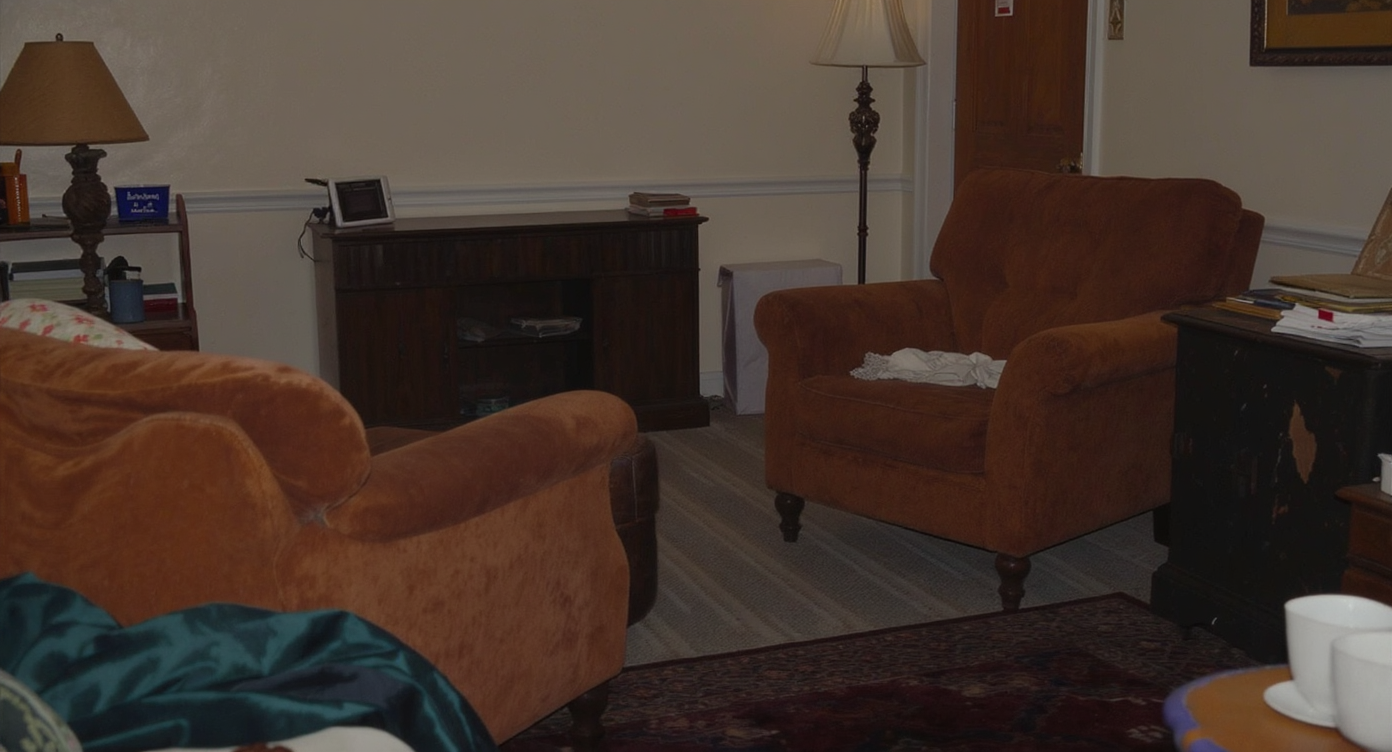
Small color and material mismatches can disrupt a room's flow and make it feel dated or busy.
Small material or color mismatches can make a beautiful room read as busy, dated, or flat on camera. That’s because our eyes process harmony first — when a sofa color fights the rug or the coffee table finish clashes with the gallery wall, we scroll past faster and miss the story of the space.
In real homes, it shows up as hesitation: you love your layout, but the corduroy sofa feels heavy next to a bright, irregular rug; or your coffee table’s dark stain drags the room mood down. Agents feel it in photos, too — even warm, lived-in rooms can look less cohesive online when a few materials are out of sync.
Furniture Facelift answers that friction point. With a single photo, you can see what happens when the sofa shifts to camel velvet, the sideboard turns satin black, or the table warms to honey oak. The effect isn’t theoretical; it’s your room, edited with realistic light and shadow so decisions feel easy.
Anecdote
That perfect-but-personal living room with layered rugs and a corduroy sofa — gorgeous on its own, but one wood tone felt too heavy. A quick AI restyle swung the coffee table warmer and the sofa to velvet, and suddenly the art, pillows, and pup all sang in the same key.
What Furniture Facelift Actually Is (In Plain Language)
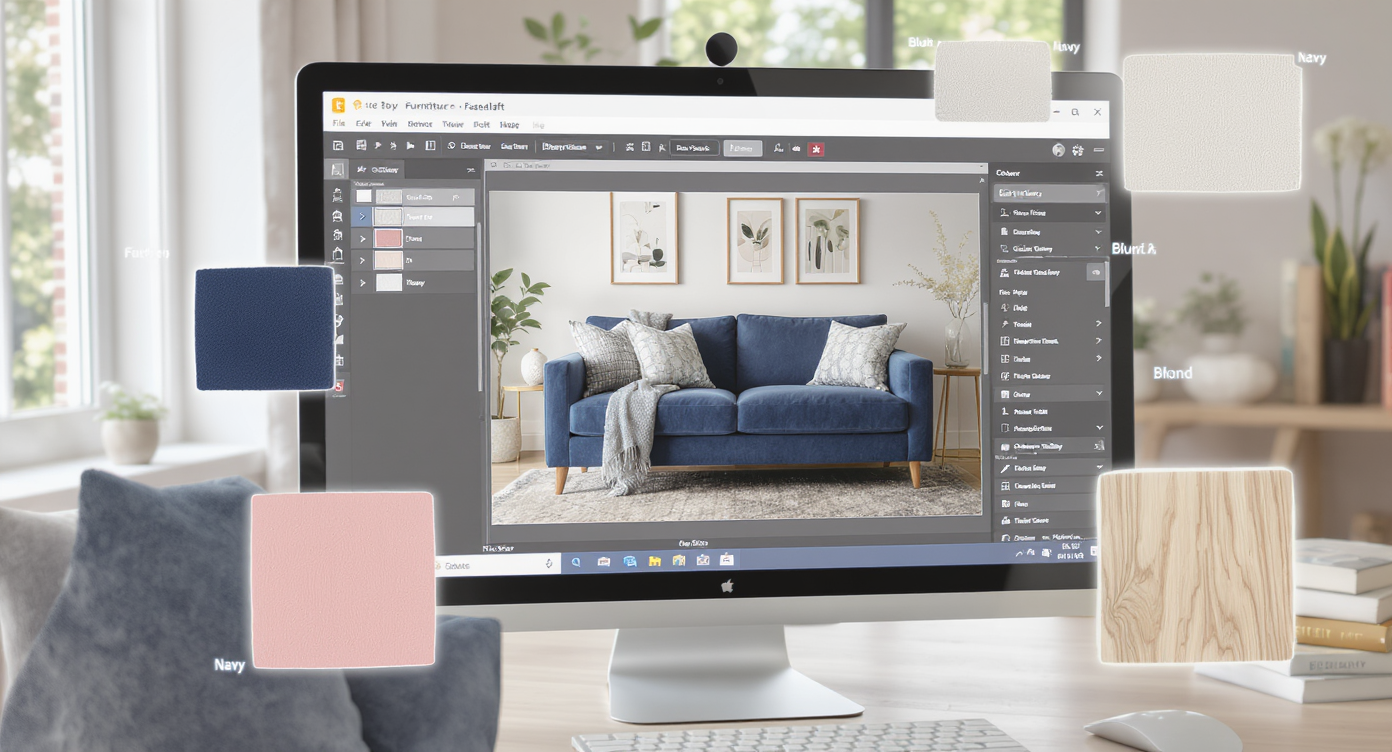
Furniture Facelift uses AI to restyle furniture fabric and finishes digitally, making new ideas easy to try.
Furniture Facelift is AI interior design from a photo that restyles specific items — upholstery, wood tone, metal finish, even pattern — while preserving your room’s architecture and lighting. You provide a clear photo, choose the pieces to change, and get a reimagined image you can compare side by side.
It’s not a full-room rebuild or generic image generation. It’s your actual furniture, digitally refreshed, which makes it ideal for renters, recent movers, or anyone staging a space for social, sale, or sanity. Explore the workflow on ReimagineHome.ai’s Furniture Facelift tool to see how fabric, color, and finish swaps come to life in minutes.
How Furniture Facelift Works Step by Step
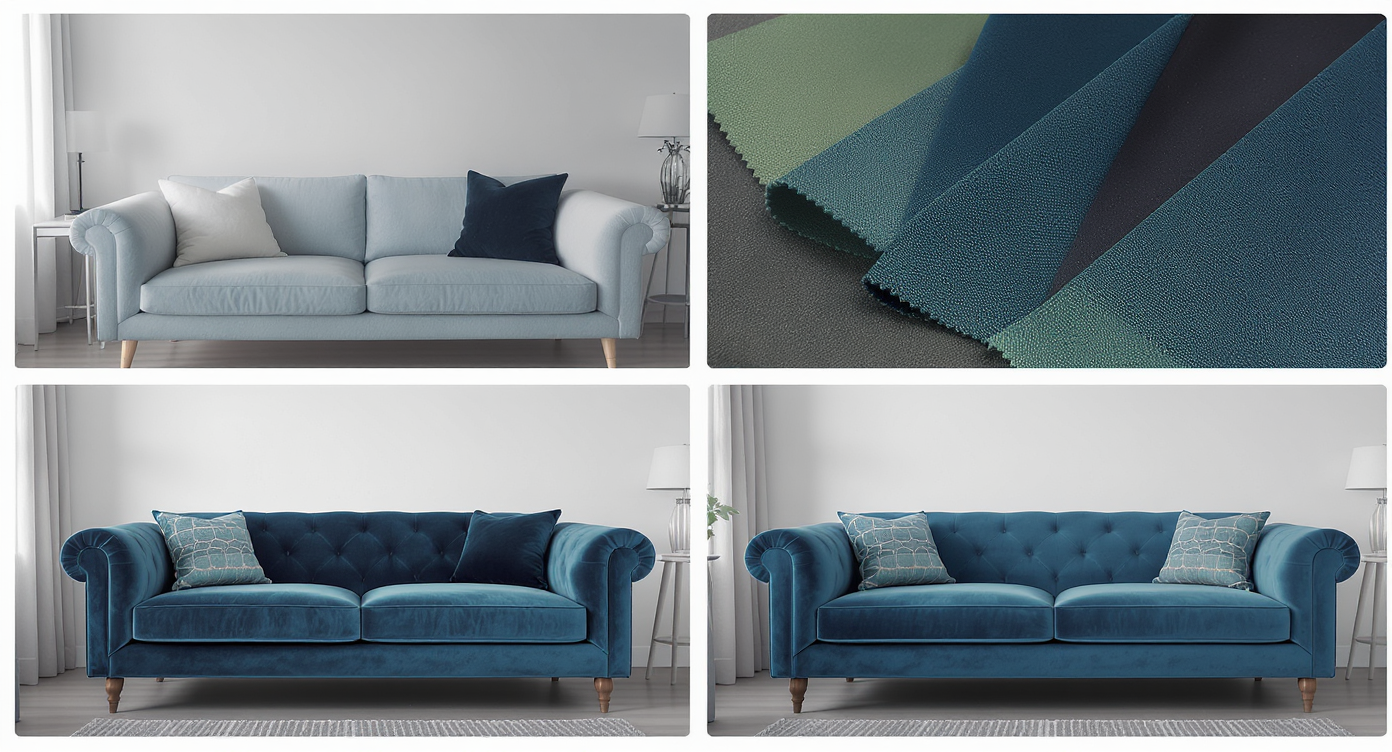
Step-by-step process turning a room photo into a realistic furniture restyle using AI with fabric and lighting fidelity.
Good source photos and clear targets make the best outputs.
- 1) Choose the right photo: Shoot the room during daytime with even light. Avoid deep shadows or blown-out windows. Aim for at least 2000–3000 px on the long edge for crisp detail.
- 2) Upload to ReimagineHome.ai: Use a well-composed angle that shows the furniture edges and a bit of floor for scale.
- 3) Select Furniture Facelift: Highlight the sofa, chair, credenza, coffee table, bed frame — any item you want restyled.
- 4) Set your intent: Pick color families (e.g., emerald, ochre, cobalt), materials (velvet, boucle, linen, oak, walnut), or finishes (matte black, brushed brass).
- 5) Generate and compare: Review 2–4 variations. Keep what aligns with your palette and personality.
- 6) Refine: Adjust saturation, try a second textile, or tweak the wood tone until it clicks.
- 7) Export: Download high-resolution images ready for mood boards, shareouts, MLS, or your designer.
Constraint to remember: reflections and high-gloss surfaces (lacquer, mirrored metals) are sensitive to light direction. Choose photos with consistent lighting for the most believable results.
Tips and Tricks for More Realistic Results
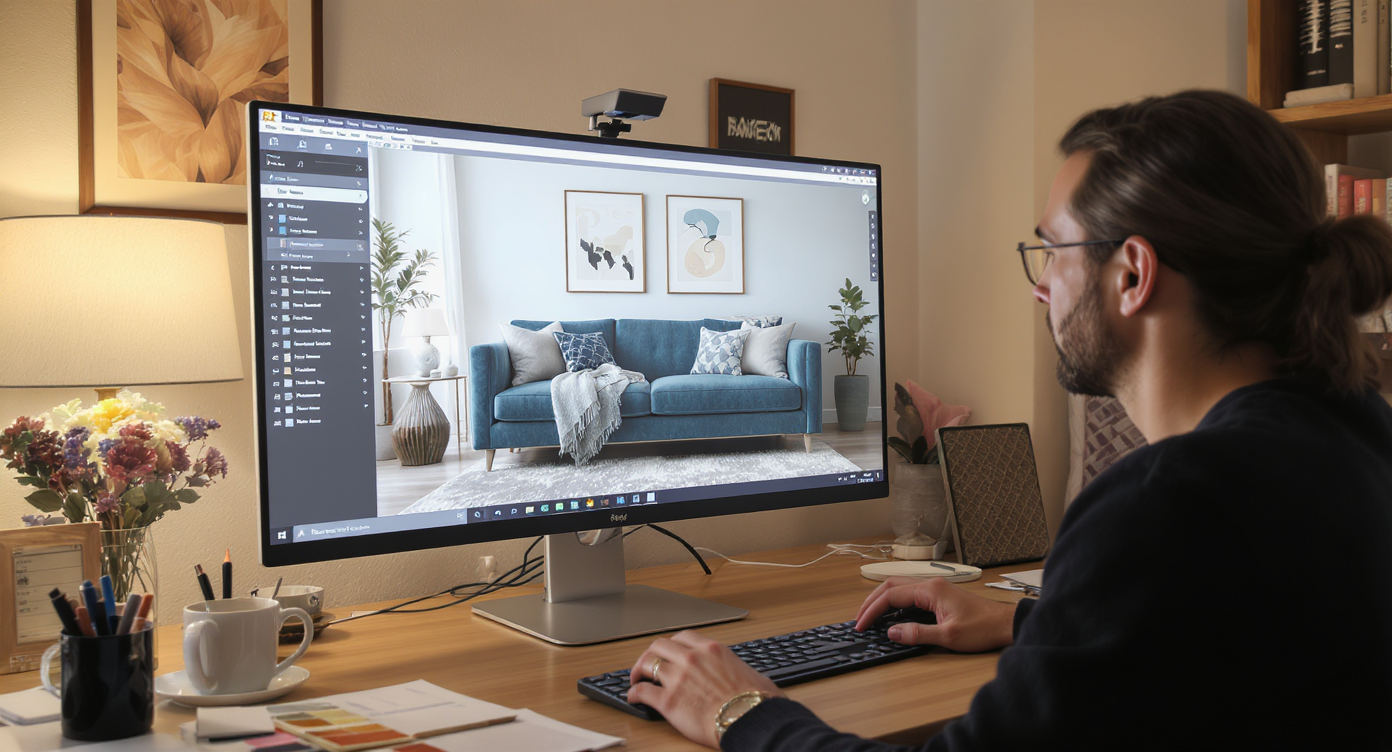
Honoring light and material logic is key for believable and confident furniture restyling results.
Realism improves when your edits honor light, scale, and material logic.
- Anchor one hero hue: Let one color (mustard, cobalt, cherry) repeat across pillows, art, or a side chair so the new sofa fabric feels integrated.
- Match light direction: If light hits the left arm of a chair, keep the texture choice that looks best under that light (velvet reads differently than cotton).
- Mind the grain: For wood restyles, choose tones that suit your flooring and trim; medium oak often bridges dark floors and bright rugs gracefully.
- Respect architecture: In older spaces, warmer finishes (antique brass, walnut) can feel at home; in modern shells, matte black or pale oak reads crisp.
- Layer with intention: Try a subtle pattern on a chair and let the rug carry the bolder print — or vice versa. Contrast = energy; repetition = cohesion.
- Test a wall, too: Sometimes the wall, not the sofa, is the friction point. Use ReimagineHome.ai’s digital repainting tool to preview color behind your gallery wall and lock your palette.
- Polish the photo: After you land on a look, a quick pass with ReimagineHome.ai’s image enhancement can balance exposure and contrast for share-ready images.
Visualization Scenario
Upload a wide shot of your living room, select the sofa and coffee table, and try emerald velvet plus a honey-oak finish. Then repaint the wall digitally to a soft butter yellow and compare three versions side by side until the whole room clicks.
FAQ
Is AI furniture restyling realistic enough to plan a purchase?
Yes. Because it keeps your room’s lighting and perspective, AI furniture restyling provides a believable preview for color, fabric, and finish decisions. It’s ideal for narrowing choices before ordering swatches or scheduling reupholstery.
Will Furniture Facelift change my room’s layout or dimensions?
No. It keeps your layout and room proportions intact. Only the selected furniture’s material, color, or finish changes, which makes comparisons trustworthy.
What resolution do I need for good results?
Use clear, well-lit photos at 2000–3000+ pixels on the long edge. Higher resolution helps textures (like boucle or velvet) read correctly and keeps edges crisp.
Can I match a specific fabric, rug, or paint color?
You can target color families and materials and iterate until it’s close. For exact matches, use AI to narrow the look, then confirm with physical swatches — and pair it with the Repaint Wall tool to dial in paint.
Is AI restyling allowed in real estate listings?
Policies vary. Many markets allow clearly labeled, truthful visualizations. If you use restyled images for marketing, disclose edits and include originals so buyers understand what’s virtual versus existing.
Visualize Your Next Listing (or Project) Before You Commit
Seeing ideas before you spend makes bolder choices feel safe and smart. With Furniture Facelift, you can experiment with color-rich, maximalist moments or minimalist calm — using your own pieces — and choose the vibe that supports this chapter of your life.
Ready to try it? Explore styles and swap fabrics now with ReimagineHome.ai’s Furniture Facelift, or start from the home page at ReimagineHome.ai.