
TL;DR
AI furniture swapping lets you digitally replace or reposition couches, chairs, rugs, TV stands, and decor in your existing photo — ideal for testing a living room layout with a fireplace and large windows. It’s the fastest way to compare orientations, seating plans, and rug sizes without lifting a finger or overspending. Try it now with ReimagineHome.ai’s Swap Furniture & Objects tool to preview the right setup and avoid layout regret.
The Real Cost of Guessing Your Living Room Layout
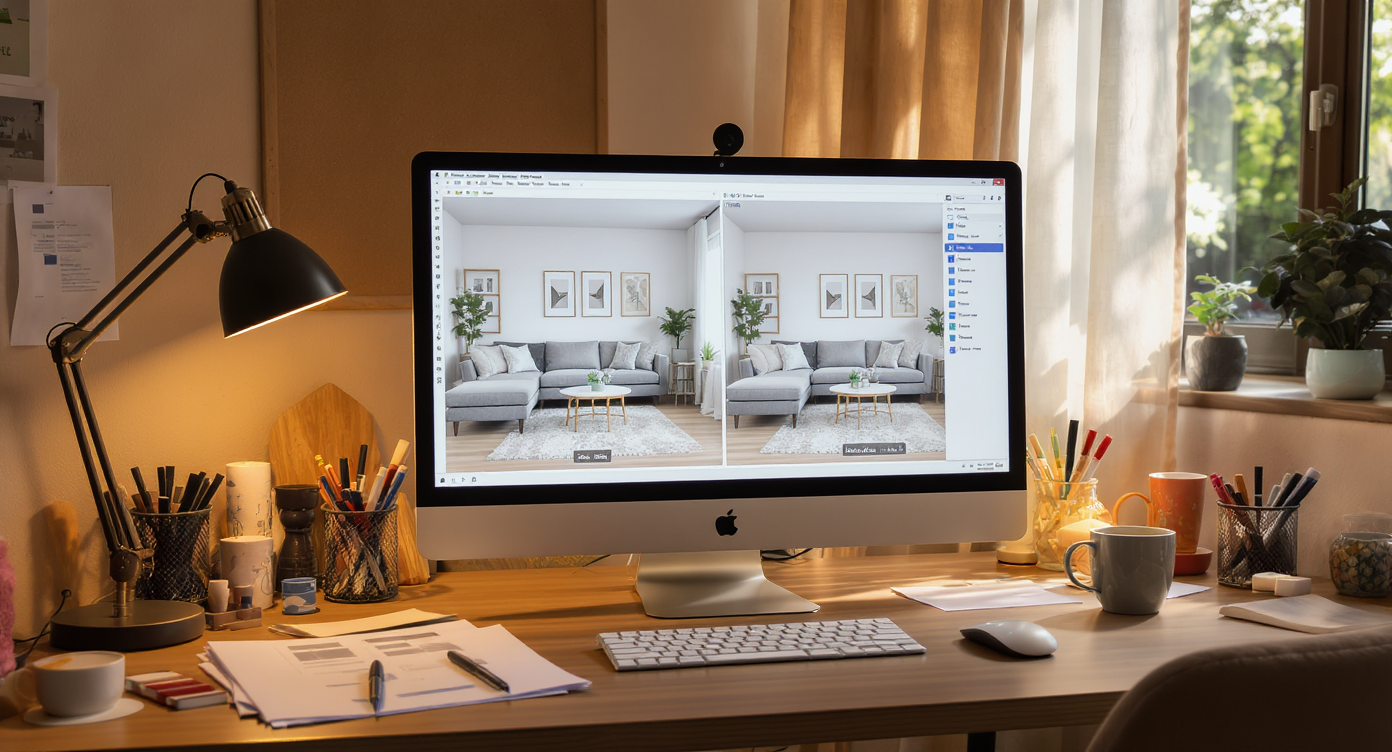
Explore AI swaps to test living room furniture arrangements at your fingertips, no heavy lifting required.
AI furniture swapping is a simple way to test living room layouts in a photo — you can swap couches, add swivel chairs, enlarge the coffee table, or try a mirror over the mantel in minutes. It matters because rooms with a TV, fireplace, and big windows often create competing focal points, glare, and scale issues that are expensive to fix after you’ve bought the wrong pieces.
- Results: Quickly compare layouts (TV corner vs. wall, loveseat vs. two accent chairs, 9x12 vs. 10x14 rug).
- Realism: Photo-real scenes that respect lighting, shadows, and perspective when well-sourced.
- Speed: Try multiple options in a single session — no hauling furniture.
- Cost: Avoid returns, extra deliveries, and buying the wrong size sofa or rug.
- Workflow: Start from your current photo, swap or add items, and export.
- ROI: Better comfort and flow now; better resale photos later.
- Peace of mind: Decide with confidence, especially when balancing glare, views, and conversation.
If you already have a tricky living room photo, upload it to ReimagineHome.ai and test this solution on a real image while you read.
Why This Visual Problem Hurts More Than You Think
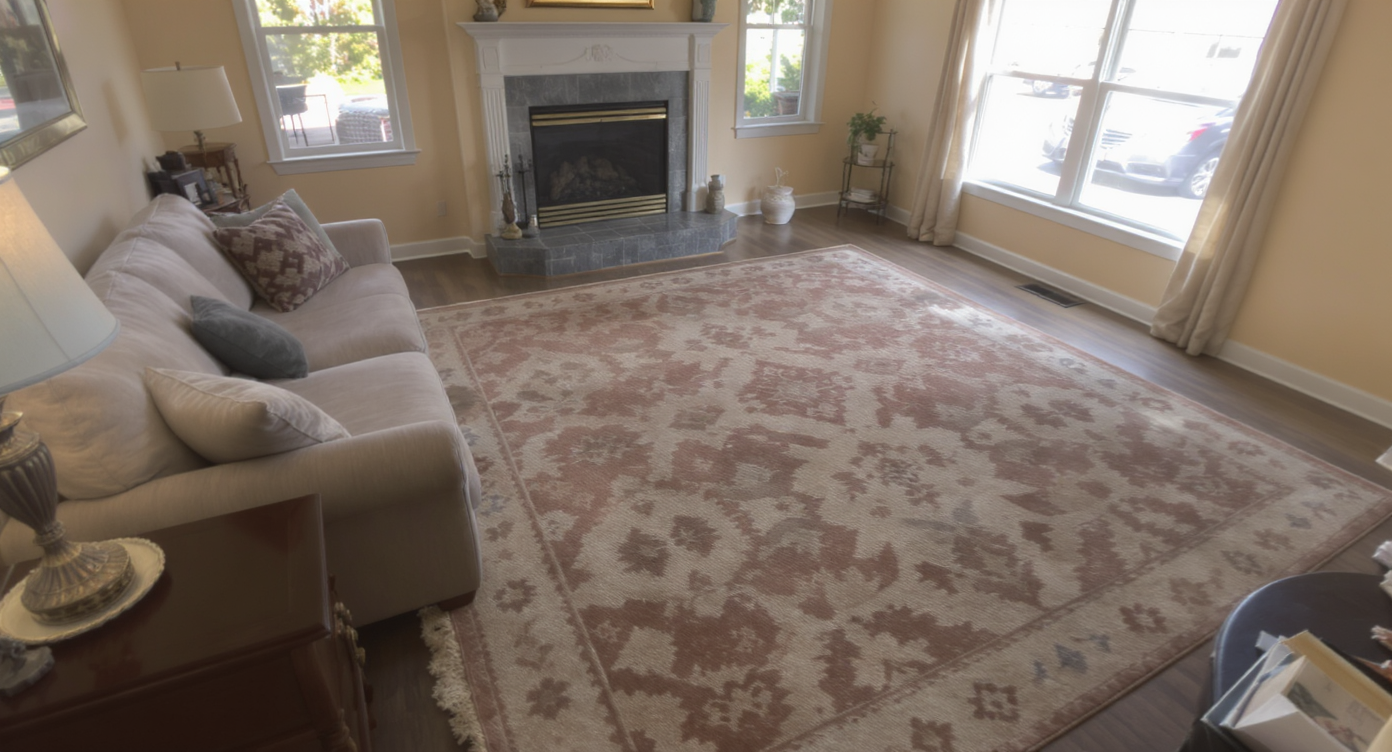
Wide-angle phone shots distort scale, leading to costly layout mistakes and wrong furniture choices.
Wide‑angle phone shots (0.5x) distort scale and often lead to sofas pushed too far back and rugs that feel small on delivery. Add a fireplace and a wall of windows and you get dueling focal points, glare on the TV, and a room that feels longer and emptier than it is. Buyers, guests, and even your future self judge comfort fast: where do I sit, what do I look at, and can I talk to someone without craning my neck?
Common living room pains show up the same way online and in-person: a couch on the window wall that blocks the view; a TV opposite glass that reflects daylight; a tiny coffee table floating in space; and a rug that doesn’t anchor the seating. AI layout previews let you find the right balance — orientation, scale, and sightlines — before you spend on chairs, mounts, or new textiles.
Anecdote
That perfect-but-confusing living room with a fireplace and a wall of windows: gorgeous to look at, tricky to sit in. AI swaps show the loveseat, swivel chairs, and bigger rug that finally make it click.
What Swap Furniture & Objects Actually Is (In Plain Language)
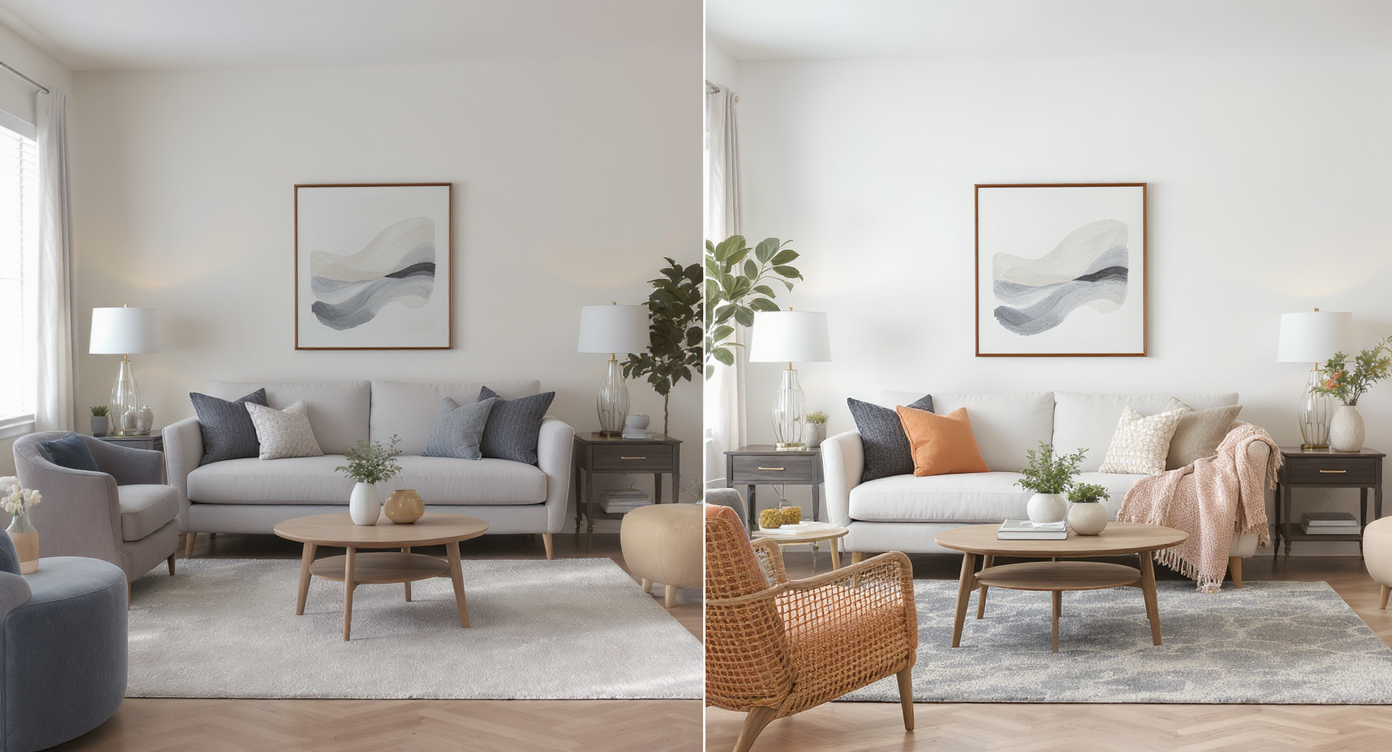
AI furniture swapping digitally replaces pieces in photos for realistic, hassle-free layout testing.
AI furniture swapping is a design tool that lets you digitally replace or add items in your current room photo — from sectionals to accent chairs, media consoles, mirrors, lamps, and coffee tables — so you can test multiple layouts and styles fast. You upload one good photo and receive a new, photo‑real image with your requested changes.
To try it, open ReimagineHome.ai’s Swap Furniture & Objects solution. It works especially well for living rooms with a fireplace and windows because you can preview swivel chairs near the view, a loveseat to define conversation, a larger table for proportion, or a mantel mirror to draw the eye up — all without moving anything.
How AI Furniture Swaps Work Step by Step
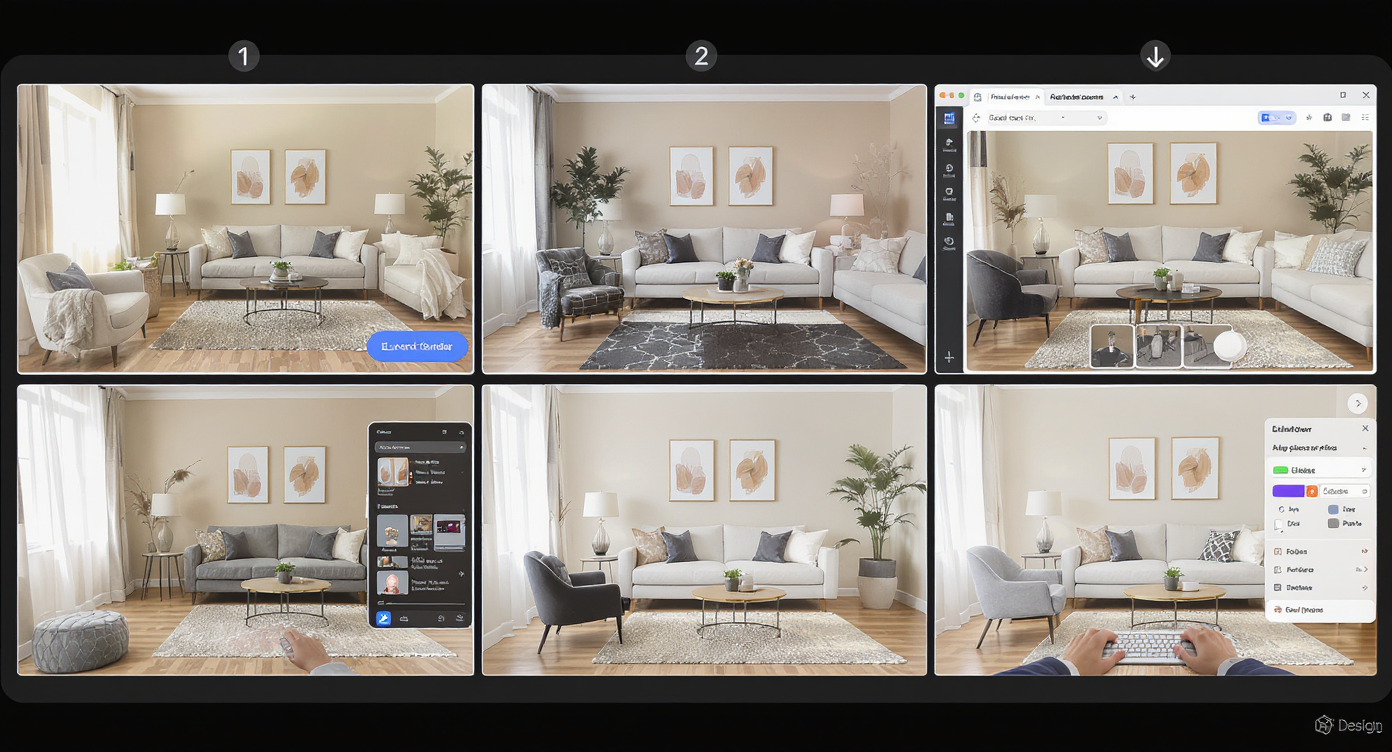
Follow a simple workflow for believable furniture swaps: upload, select, preview, and export your perfect layout.
Good source images lead to the most believable results, and a simple workflow wins.
- Pick the right photo: Stand back and shoot at 1x (not 0.5x) to reduce distortion. Include the floor, rug edges, and ceiling line for better scale.
- Upload your image: Drop it into ReimagineHome.ai and choose Swap Furniture & Objects.
- Describe the plan: e.g., “Rotate sofa to face fireplace, add two swivel accent chairs by the windows, larger rectangular coffee table, and a round mirror over the mantel.”
- Set style and material cues: Warm neutral fabric, walnut wood, black metal base, 10x14 rug in earthy pattern.
- Generate and review: Compare versions side‑by‑side to evaluate conversation flow, glare, and walkways.
- Refine: Ask for another option with the TV moved to the corner or a console behind the sofa to create a walkway.
- Export: Save hi‑res images for your household vote, mood boards, or listing prep.
Best practice: Aim for well-lit, steady photos at high resolution (ideally 2000–3000 px on the long edge) and avoid strong backlight pointed directly at the lens.
Tips and Tricks for More Realistic Results
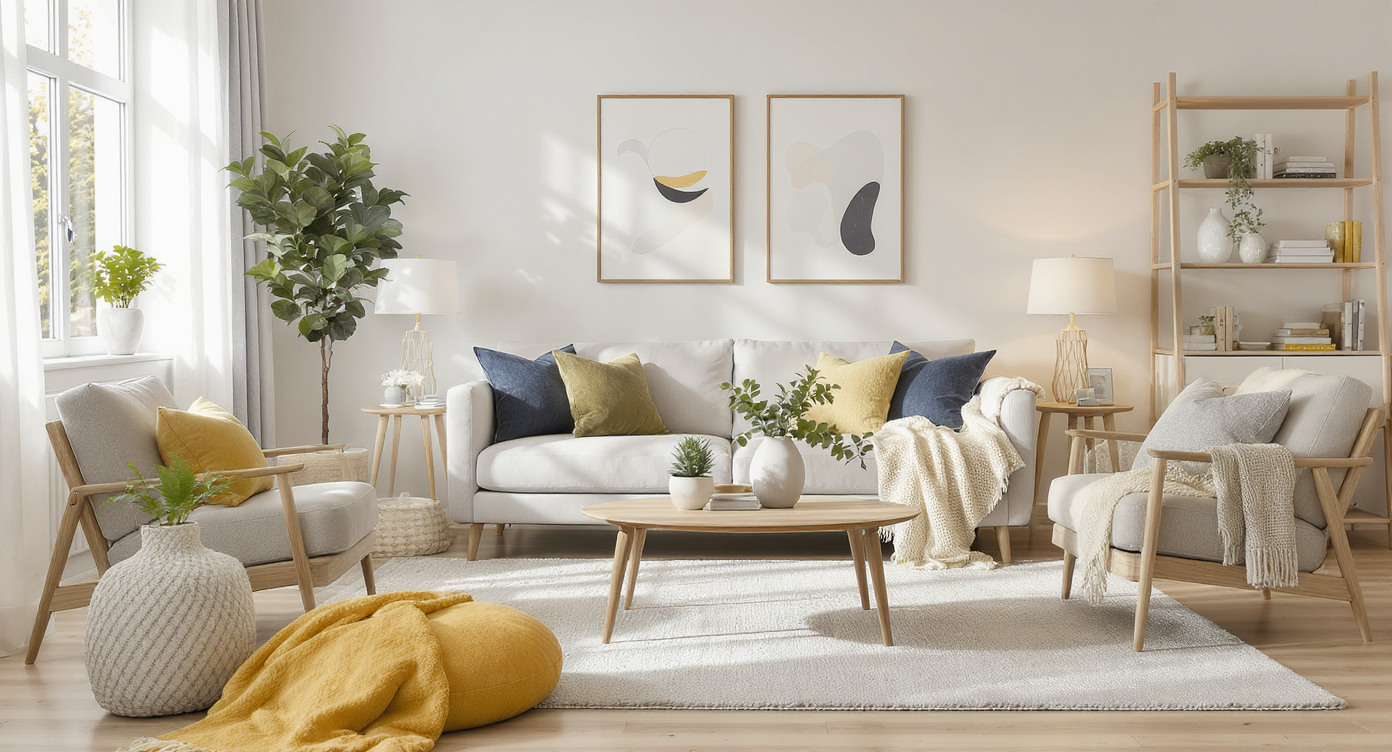
Keep scale, lighting, and local style in check for photorealistic AI furniture swap results.
Realism improves when you keep scale, light, and local norms in check.
- Anchor the seating island: Two chair legs on the rug is a practical rule; all four is ideal if your rug allows.
- Mind proportion: If the room is vaulted or long, balance it with a larger rug and a wider coffee table so the space doesn’t feel empty.
- Solve the focal-point triangle: Test a TV on a corner mount, swivel chairs near the window, and a mantel mirror to honor the fireplace.
- Plan traffic lanes: Leave 36 inches for primary walkways; 18–24 inches between seating and table edges feels comfortable.
- Test glare fixes: Try drapery panels in the swap preview, then consider actually adding them with ReimagineHome.ai’s Add Anything tool to fine‑tune color and length.
- Declutter first when needed: Remove a cat tree or spare side table digitally with its clutter and object removal tool to see the room cleanly.
- Try color tweaks: Curious about painting the ceiling or mantle wall? Preview hues with ReimagineHome.ai’s digital repaint feature before you buy paint.
Visualization Scenario
Homeowner uploads a 1x photo of a vaulted living room with glare on the TV. They test a corner TV mount, add two swivel chairs by the window, enlarge the rug and coffee table, and preview a round mirror over the fireplace. The exported image becomes the shopping and setup plan.
FAQ
How do I swap furniture digitally in a room photo?
Upload a well-lit image to ReimagineHome.ai’s Swap Furniture & Objects, describe what you want changed (sofa orientation, chairs, table, mantel mirror), and generate versions to compare.
Will AI furniture swaps look real enough to share with clients or a spouse?
Yes — with a high-quality photo and plausible requests, results are photo-real and useful for decision-making.
Do I need to clear the room first?
No, but clearing distractions improves clarity. You can digitally remove clutter with ReimagineHome.ai’s object removal before swapping furniture.
What resolution do I need for good results?
Ideally 2000–3000 pixels on the long edge, shot at 1x (not ultra-wide) with steady hands and even light.
Can I also preview wall colors, curtains, or lighting?
Yes. Test paint and accent walls using digital repainting, and add drapery or lamps via the Swap or Add Anything tools.
Visualize Your Next Listing (or Project) Before You Commit
Where AI Furniture Swaps Totally Change the Game
Even simple changes can rescue a tricky space from analysis paralysis.
- Window + fireplace + TV: The room felt long and glarey. We previewed a corner TV on an articulating mount, added two swivel chairs by the window, and placed a wider coffee table and 10x14 rug. Result: no glare paths, better conversation, and the view is in play.
- Rug size uncertainty: A 9x12 looked adrift. AI showed a 10x14 with both front legs of seating on the rug and a larger table. The room read balanced and cozy, not cavernous.
- Mantel feels empty: A round black‑framed mirror and taller lamps flanking the sofa instantly lifted the eye and matched the room’s scale without committing dollars first.
Common Mistakes with AI Furniture Swaps (and Easy Fixes)
Most disappointment comes from weak source photos, not the AI.
- Pushing edits too far: If a layout looks implausible for the architecture, scale it back and honor existing sightlines.
- Shooting at 0.5x: Switch to 1x for truer proportions and fewer perspective artifacts.
- Ignoring walkways: Leave a 3-foot lane where people naturally pass; use console tables to create pathways behind sofas.
- Not anchoring the focal point: Add art or a mirror over the fireplace to keep the eye from bouncing around.
- Mismatching style: Use local norms and your home’s architecture as a guide; test fabrics and wood tones before buying.
Who Gets the Most Value from This Tool
Anyone making layout decisions benefits from seeing options first.
- Agents and teams: Pre-visualize a conversation-friendly setup to guide stagers and boost listing photos.
- Brokerages/marketing: Create consistent, on-brand rooms across multiple listings quickly.
- Photographers/media: Upsell realistic layout previews alongside standard shoots.
- Sellers, flippers, investors: Validate furniture scale and flow without moving crews or new purchases.
- Designers/stagers and homeowners: Shortlist the right pieces and placements before placing orders.
Spaces with a fireplace, wall of windows, and a TV are notoriously hard to plan. With AI swaps, you can audition a handful of smart solutions and choose the one that feels best for your life and your light.
Visualize Your Next Listing (or Project) Before You Commit
Good rooms tell a story — not just of what you own, but how you live. Use AI as a rehearsal: stage the scene, fine‑tune sightlines, and pick the layout that earns everyday use. Start now with ReimagineHome.ai’s Swap Furniture & Objects, or explore more solutions on ReimagineHome.ai when you’re ready to layer in color, light, and finishing touches.