
TL;DR
AI room repurposing lets you test multiple ideas on a leftover hearth platform — plants, electric fireplace, bar cart, reading chair — using your actual photo. With ReimagineHome.ai’s room redesign tools, you can see realistic options fast, avoid mistakes, and make the space feel intentional. If you want to try this on your own image now, upload it at ReimagineHome.ai. It’s a quick, low-cost way to decide how to decorate a tricky spot with confidence.
Why This ‘Leftover Hearth’ Corner Makes the Whole Room Feel Unfinished
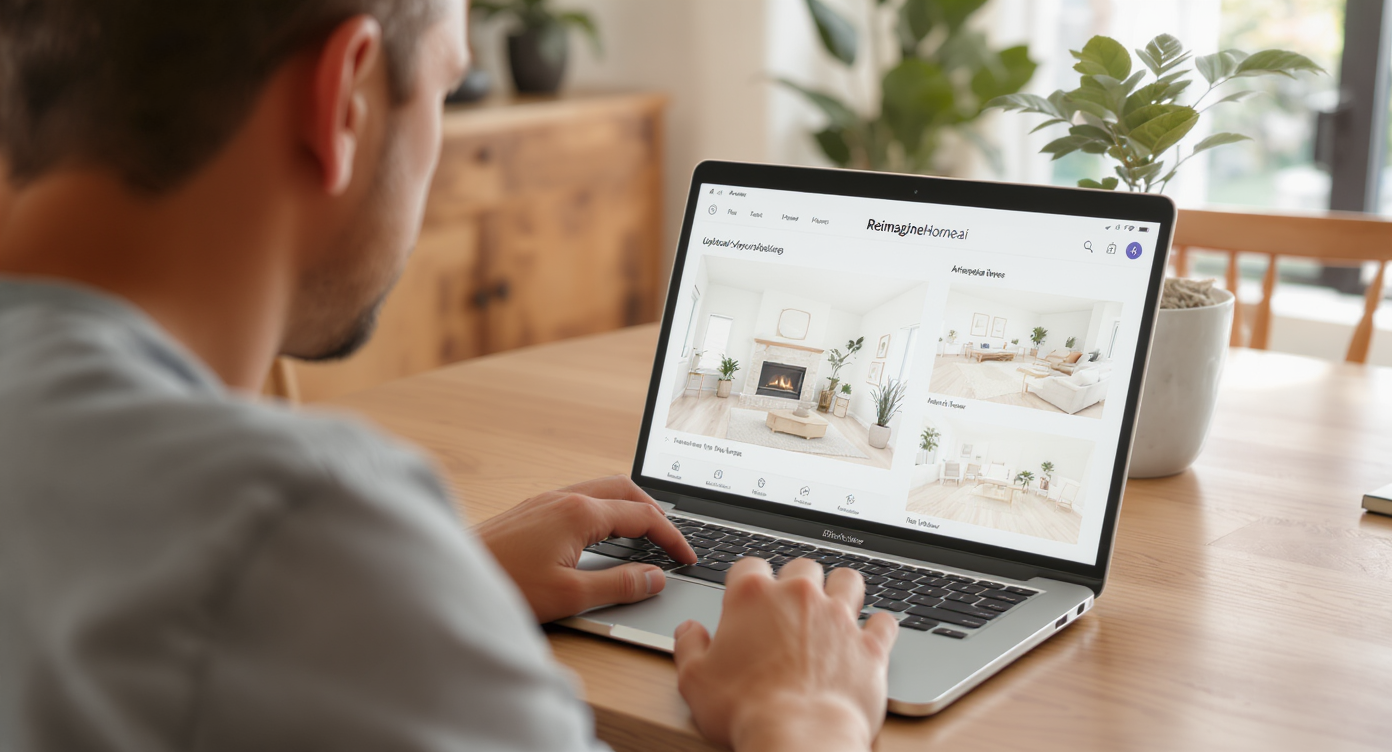
Try AI room reuse by uploading your hearth photo for quick, realistic design ideas.
Room Reuse is AI interior design from your photo that reimagines how a zone should function and look. It’s a powerful fix for awkward spaces — like a former wood-stove platform — because you can preview multiple ideas that feel real, then pick the one you’ll actually live with.
- Results: Turn an odd platform into a purposeful zone (reading corner, electric fireplace, plant display, media perch).
- Realism: Photo-accurate furniture scale, light, color, and shadows so it looks lived-in, not pasted on.
- Speed: Generate several options in minutes with room makeover AI.
- Cost: Free to try ideas; buy only what you love after seeing it in place.
- Workflow: Upload your photo, pick a concept, refine, export.
- ROI: Better photos if you ever list; more comfortable daily living right now.
- Peace of mind: Test seasonal swaps (Christmas tree now, bookshelf later) before you rearrange.
If you already have that hearth photo on your phone, upload it to ReimagineHome.ai and try the Room Reuse tool while you read.
Why This Visual Problem Hurts More Than You Think
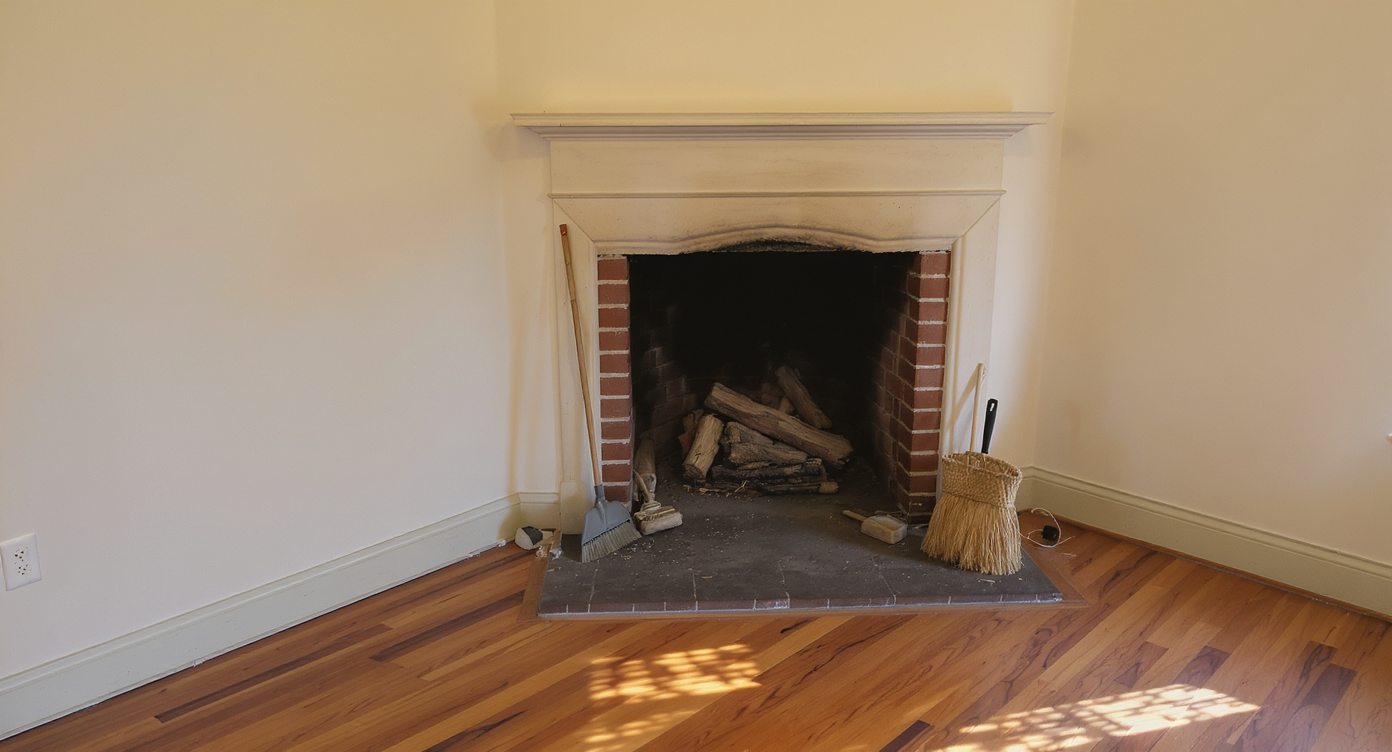
Awkward hearth corners shrink rooms and diminish intentional living spaces.
Unused or awkward corners make rooms feel smaller and less intentional at a glance. When a hearth platform sits empty (or randomly filled), the eye keeps landing there, reading the space as unfinished and stealing attention from your best features.
In real life, that translates to low-use square footage, more toe stubs, and decision fatigue. In listing photos, it shows up as buyer confusion: “What is that?” Agents and stagers often say a single unresolved area can skew impressions of the whole room, even when the rest looks great. Solving the hearth visually signals that the room has a purpose from wall to wall.
The good news: this is exactly the kind of small-but-stubborn problem AI room designer tools are great at. You can iterate quickly — plants today, a cozy electric fireplace tomorrow — and lock in the plan that fits your lifestyle, lease rules, and budget.
Anecdote
That perfect-but-odd living room where the former wood stove platform keeps stealing the shot — until you try a simple electric fireplace and chair in AI and suddenly it’s the coziest corner in the home.
What Room Reuse with ReimagineHome.ai Actually Is (In Plain Language)
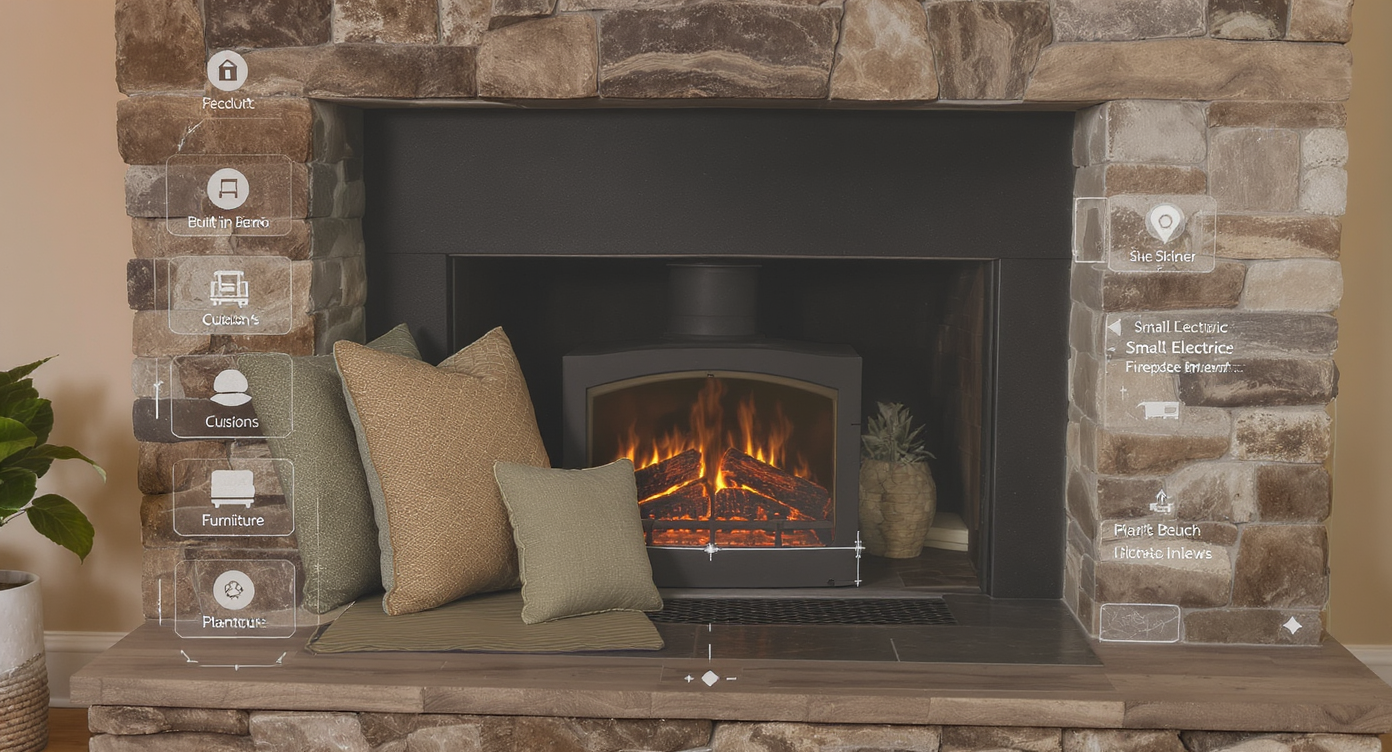
Room Reuse AI repurposes your photo with realistic, functional design concepts.
Room Reuse is AI that repurposes zones in your existing photo into new, realistic functions — without demolition. You supply one picture of the space; the platform returns photoreal scenes that make the area look intentional (think: electric “wood” stove moment, plant stage, bar cart, aquarium podium, reading chair and lamp).
Because it’s working from your actual light, angles, and materials, the results feel like a true preview, not a mood board. If you need a fast way to redesign a room with AI — especially a tricky corner — try ReimagineHome.ai’s Room Reuse solution. It’s built to turn “leftover” square footage into the most compelling part of the room.
How Room Reuse Works Step by Step
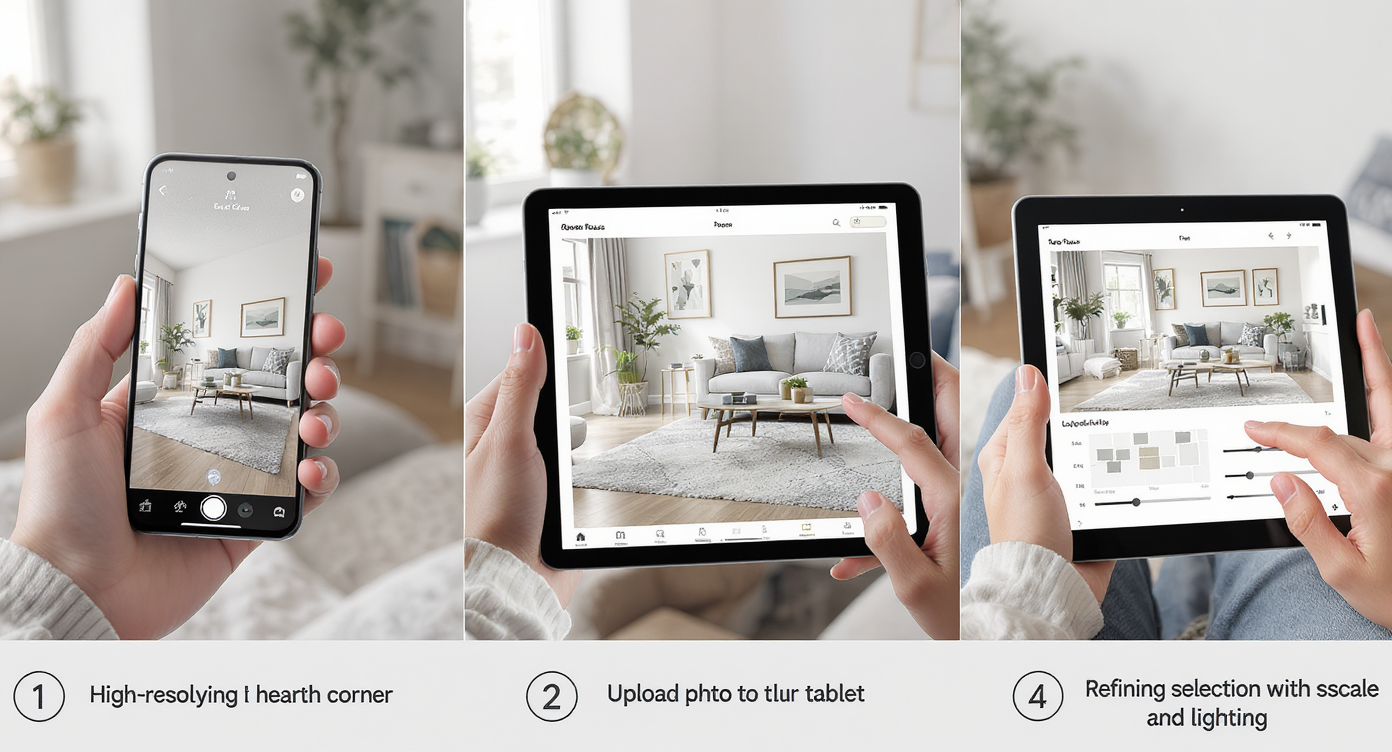
How Room Reuse uses your photo to quickly generate and refine design ideas.
Good source photos (ideally 2500–4000 px on the long edge) produce the most believable results. Here’s the simple workflow:
- Photograph the space straight-on if possible, capturing the entire platform and adjacent wall. Turn on ambient lights you’d normally use.
- Upload to ReimagineHome.ai and select Room Reuse.
- Choose a direction: “electric fireplace with mantle and reading chair,” “large plant cluster with grow light,” “demi-lune console + art,” “aquarium with flanking bookcases,” or “holiday tree zone” for seasonal decor.
- Pick a style (modern, mid-century, cozy traditional) and let the AI room planner generate options.
- Review and refine: adjust furniture scale, swap finishes, or try a second idea side-by-side.
- Export your favorite for reference while shopping or to socialize the plan with roommates/landlord.
Constraint to respect: keep the platform’s safety edges clear and plan cords (electric fireplaces or grow lights) so they route cleanly. If you’re prepping for eventual listing photos, keep choices plausible for the property and easy to disclose.
Tips and Tricks for More Realistic Results

Master scale and lighting for more believable, realistic room reuse results.
Scale and lighting continuity are the two realism killers most people overlook. Nail these, and your preview will look like a photo you took on a better day.
- Anchor the height: Pair the raised platform with a vertical element — a tall plant, a mantle shelf, or a narrow bookcase — so the eye reads the area as a vignette, not a speed bump.
- Match material mood: If there’s brick or stone, echo those tones in textiles or wood finishes so the zone feels integrated.
- Choose one hero function: Reading nook, plant stage, or electric fireplace — not all three at once. Focus wins.
- Mind pathways: Keep 30–36 inches of clear walking space so the platform feels intentional, not hazardous.
- Seasonal swap plan: Preview a holiday tree now, then generate a “resting” layout for the other 11 months.
- Declutter before you repurpose: If the surrounding area has distractions you can’t move for the photo, use ReimagineHome.ai’s clutter and object removal tool to clean the image first, then try layouts.
- Want a full-room rethink? If the hearth solution depends on different seating or a new focal wall, generate furnished scenes with ReimagineHome.ai’s virtual staging solution to see how the entire living room should flow.
Visualization Scenario
Upload a photo of the hearth wall, select Room Reuse, and generate three looks: an electric fireplace vignette, a plant stage with a tall fiddle-leaf fig, and a demi-lune console plus art. Pick your favorite and shop with the image in hand.
FAQ
Is AI room repurposing different from virtual staging?
Yes. Room Reuse focuses on changing how a specific zone functions (e.g., turning a hearth platform into a reading nook or plant stage). Virtual staging outfits entire rooms with furniture. You can use both together via ReimagineHome.ai’s virtual staging if you want to preview a full living room layout around your new focal point.
Can AI show an electric “wood” stove or plant wall on my hearth platform?
Absolutely. Describe the idea — electric stove with mantle, large monstera with grow light, aquarium and flanking bookshelves — and the AI will generate photoreal previews based on your photo.
How realistic are AI interior design results from a single photo?
When your source image is sharp, well-lit, and wide enough to include the platform and surroundings, results are highly believable in scale and lighting. For best outcomes, start with a 2500–4000 px wide image.
What resolution do I need for good results?
MLS-style clarity is ideal: at least 2500 px on the long edge. Higher resolution gives the AI more detail for edges, textures, and shadows.
Is it okay to use AI-edited images in listings?
Policies vary by market. Many agents share AI previews as marketing collateral or “concept images,” with clear disclosure. If you list, keep edits plausible for the property and consider including an original photo alongside.
Visualize Your Next Listing (or Project) Before You Commit
Even small, 20–25 sq ft platforms can be reframed as purposeful zones in minutes. Here are a few real-world style pivots that consistently work:
- The cozy fire moment: Before — a blank hearth no one uses. After — an electric fireplace on the platform, an accent chair just off the edge, small mantle shelf and art. Result — a true focal point and a natural reading corner.
- The green stage: Before — awkward ledge. After — a large potted tree flanked by layered plants, subtle uplight, and a round tray table for watering gear. Result — softness, verticality, and an easy conversation starter.
- The display perch: Before — tripping hazard. After — a demilune console or aquarium centered on the platform, balanced by art and a floor lamp. Result — balanced sightlines and no more “what is that?” reactions.
Previewing a change visually reduces returns, saves weekend time, and builds confidence with landlords or partners before you commit. If your room has a leftover hearth (or any architectural oddity), let AI interior design from a photo do the heavy lifting. Start with ReimagineHome.ai’s Room Reuse and see your top ideas side by side. You’ll know the right one when you see it.