
TL;DR
Style Swaps is an AI interior design tool that restyles your existing kitchen photo into multiple looks — warm white, oak accents, different backsplashes — so you can preview a remodel before committing. It’s the fastest way to try “ai kitchen design from photo” and avoid paint, tile, or cabinet regret. If you already have a kitchen picture in mind, upload it to ReimagineHome.ai and test a redesign while you read. For deeper control, explore ReimagineHome.ai’s Style Swaps for redesigning furnished rooms.
The Real Cost of Guessing on Your Kitchen Finish Choices
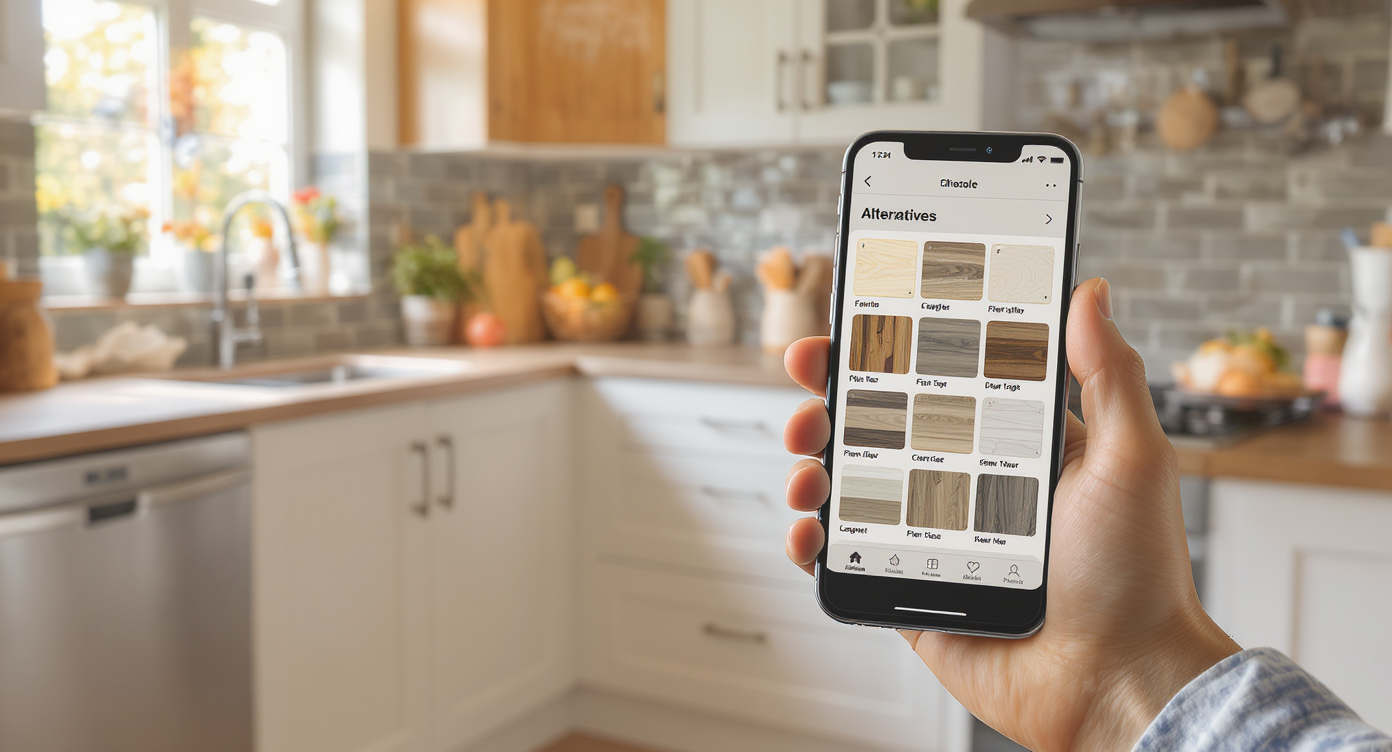
Style Swaps uses AI to generate realistic kitchen design variations from your photo, easing decision-making.
Style Swaps is AI that takes a photo of your current kitchen and generates realistic variations — cabinet tones, backsplash styles, counters, lighting moods — so you can compare designs before you spend. It matters because finish decisions drive most of the cost and the look; seeing options in your own space cuts indecision, change orders, and buyer’s remorse.
- Results: Try warm whites, wood accents, or a new backsplash in minutes (not weeks).
- Realism: Outputs feel grounded in your room’s proportions, light, and layout.
- Speed: Generate several directions in a single session; shortlist what works.
- Cost: Preview ideas digitally instead of buying samples you won’t use.
- Workflow: Hand your favorite render to your contractor as a visual brief.
- ROI: Fewer re-dos and firmer choices mean projects move faster.
- Peace of mind: Settle design debates with evidence, not guesswork.
If you already have a tricky kitchen photo, upload it to ReimagineHome.ai and try a Style Swap while you read. For dedicated restyling of furnished rooms, see ReimagineHome.ai’s Style Swaps for redesigning furnished rooms.
Why This Visual Problem Hurts More Than You Think
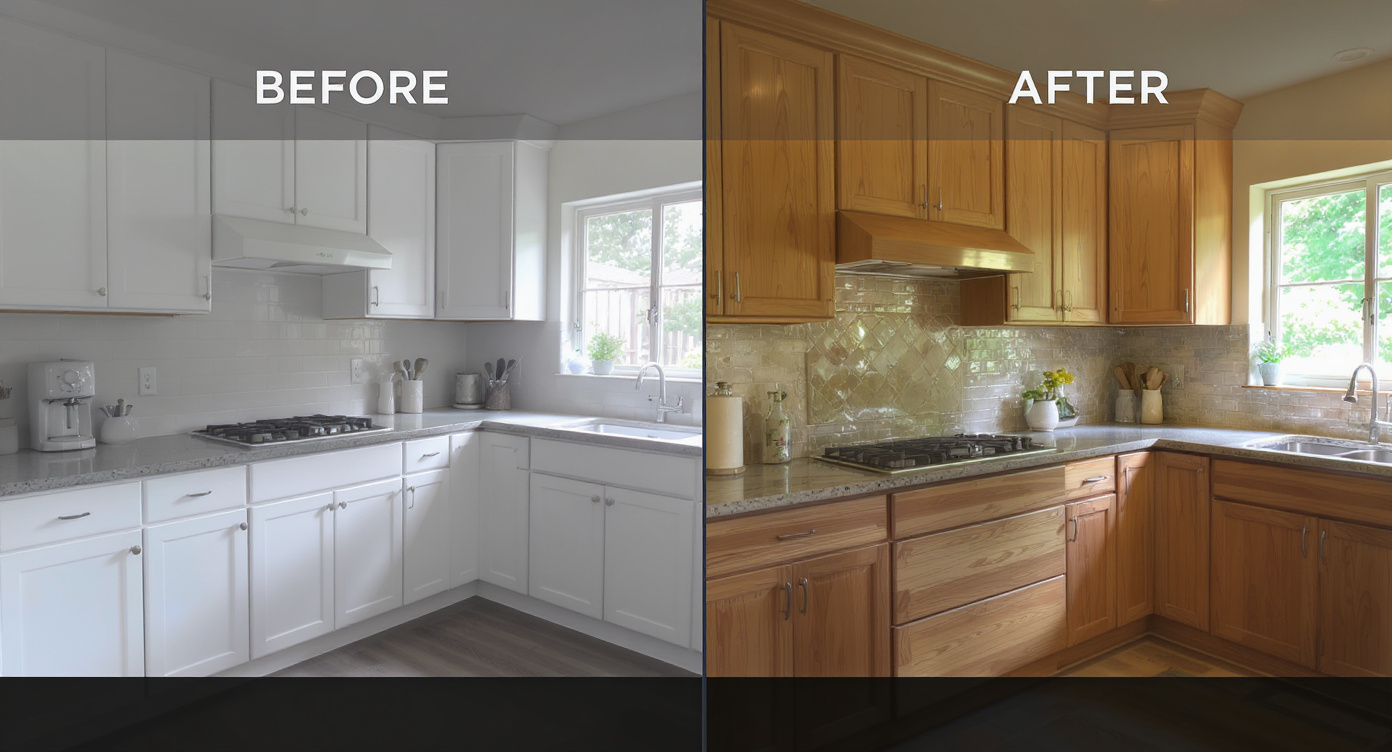
Finish choices change a kitchen’s look dramatically, making visualizing options crucial to avoid regret.
Even simple finish changes can dramatically alter how a kitchen reads on screen and in person. When you can’t visualize the outcome, you over-order samples, second-guess selections, and risk last-minute switches that derail timelines.
On listings and mood boards, neutral kitchens look safe. In your home, the wrong white or tile layout can feel flat or cold. That’s why homeowners, agents, and designers increasingly preview combinations digitally: it compresses the decision cycle. You see if that creamy cabinet tone really warms the room under your actual light, or if white oak paneling balances the space instead of overpowering it. The result is calmer scroll behavior, faster spousal buy-in, and clearer contractor direction.
Anecdote
That “perfect but maybe too white” kitchen? A homeowner used Style Swaps to nudge the palette warmer, add white oak accents, and soften the backsplash — the space went from cold to cozy without moving a wall.
What Style Swaps Actually Is (In Plain Language)
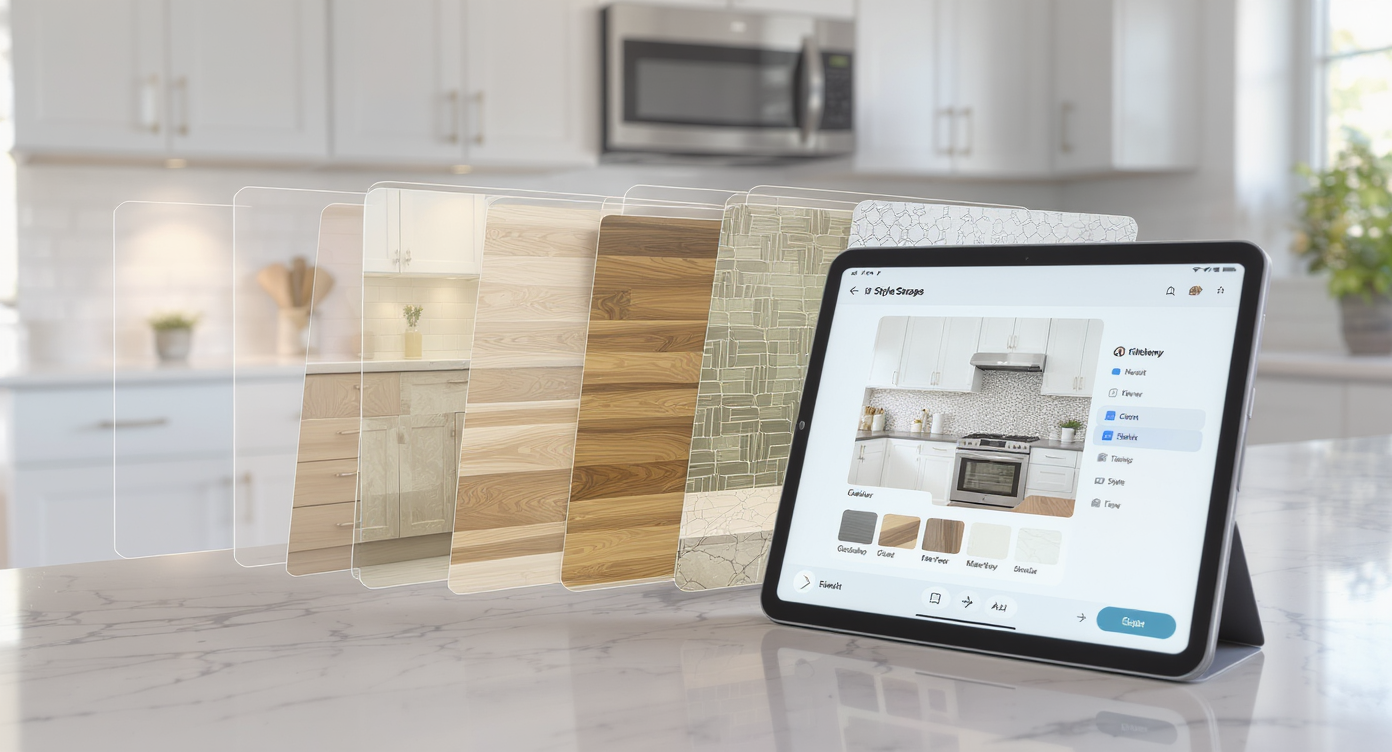
Style Swaps simplifies remodeling by AI-generated design variations overlaid digitally on your kitchen photo.
Style Swaps is an AI interior design from photo tool that restyles a furnished space — without emptying the room or rebuilding it. You upload one clear kitchen image, choose a direction (modern farmhouse, warm minimalist, classic white, Scandi oak, etc.), and receive lifelike variations that keep your layout intact while changing finishes, colors, and decor.
What it does: updates surfaces (cabinet color/wood tone, backsplashes, counters), adjusts lighting mood, refines hardware and decor, and explores style families. What it doesn’t do: structural engineering, precise material takeoffs, or guaranteed product matches. It’s a visual decision engine — perfect for aligning taste before you order.
To try it in your own kitchen, open ReimagineHome.ai’s Style Swaps for redesigning furnished rooms, upload a photo, and spin up a few looks. If your photo has distractions you want gone first, you can quickly tidy it with its clutter and object removal tool and then restyle.
How Style Swaps Works Step by Step
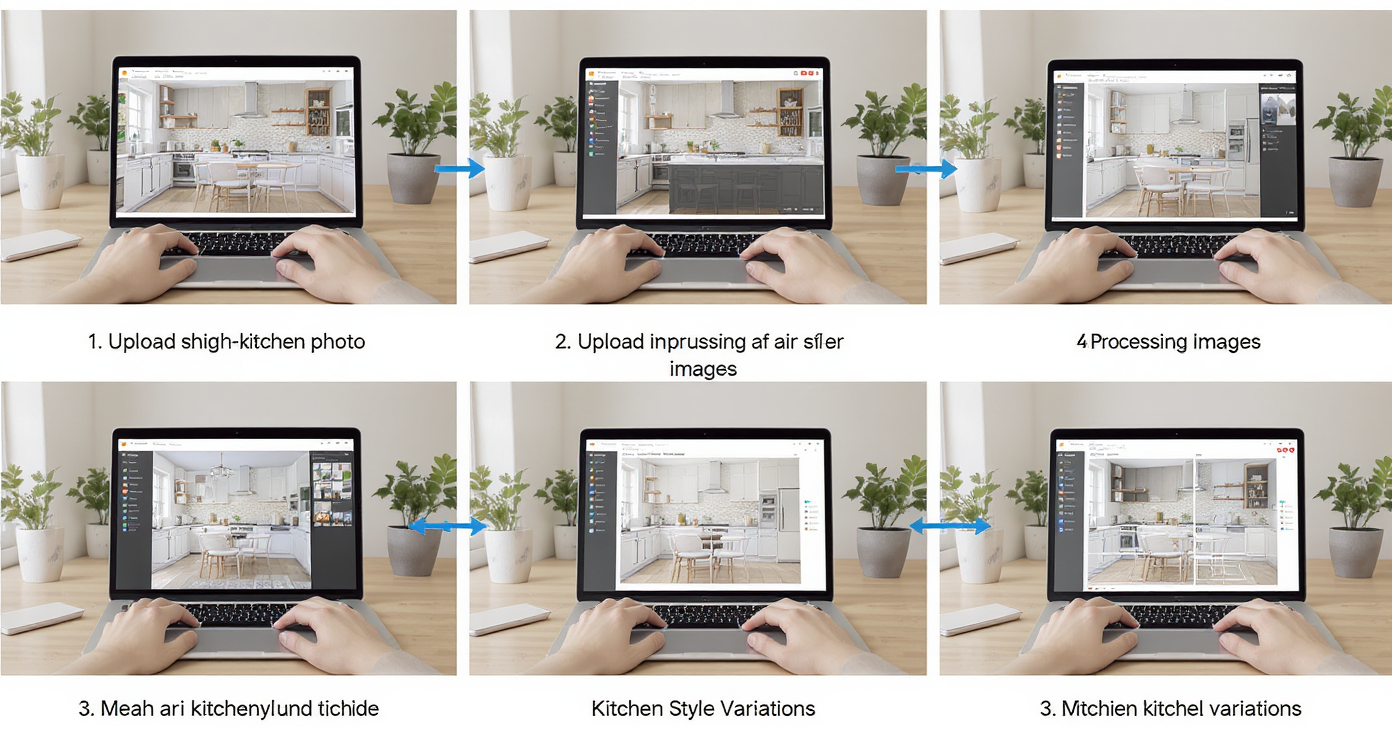
Style Swaps workflow: upload your kitchen photo, AI generates options, compare and choose your favorite designs.
Good source images mean better results — aim for at least 2000–3000 pixels on the long edge and steady, natural light.
- Pick the hero angle: Choose the view that shows cabinets, backsplash, counters, and the adjacent living/dining area if open-concept is a question.
- Upload your image: Drag and drop into Style Swaps.
- Select a style direction: Warm white, oak-accent modern, classic shaker with creamy tile, or high-contrast black-and-white — try a few.
- Refine with variations: Adjust warmth, texture intensity, or pattern scale until it feels right for your space and light.
- Reality check: Keep layout and architecture consistent; treat the output as a visual guide, not a construction plan.
- Download and share: Export high-resolution images for your partner, contractor, or agent; add them to your spec sheet.
Want to explore tile ideas specifically? This practical guide shows how to test backsplash patterns and layout decisions up front: DIY kitchen backsplash, simplified — see the plan first.
Tips and Tricks for More Realistic Results
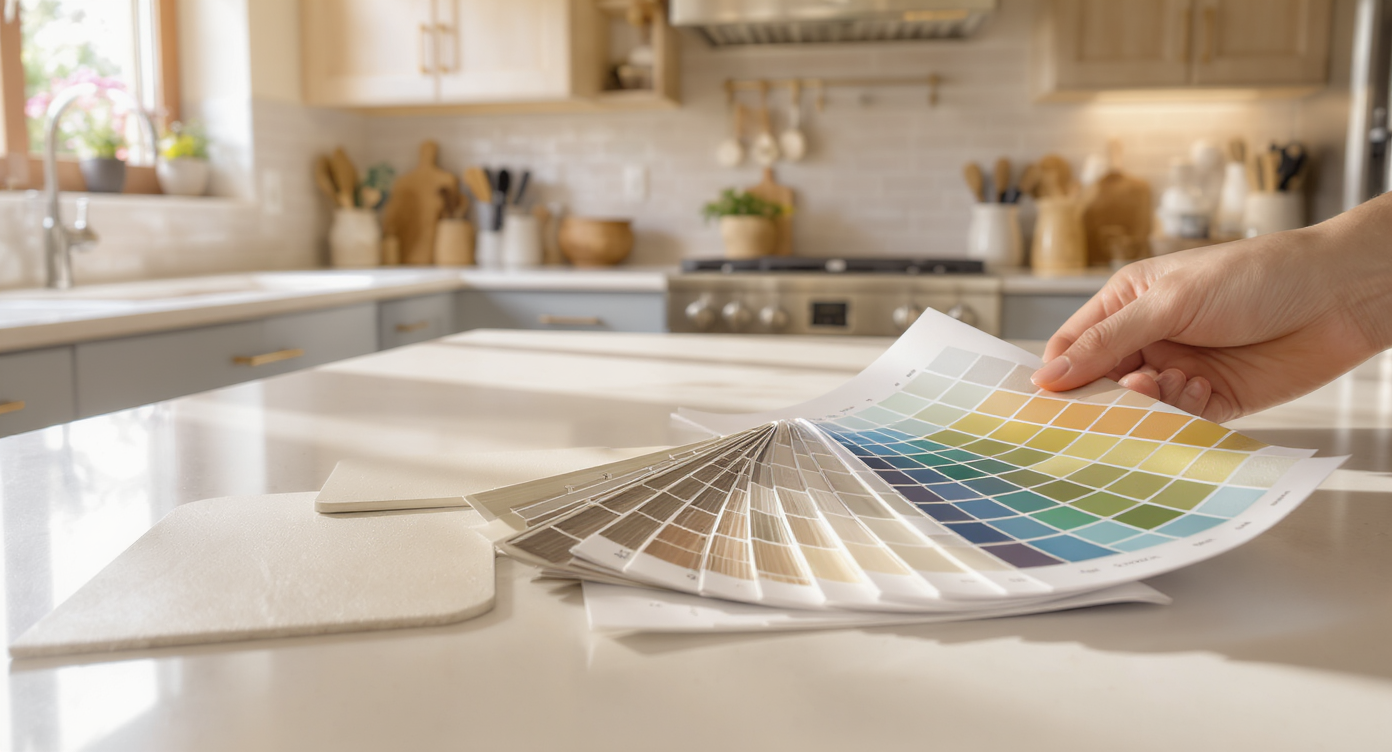
For realistic results, match lighting conditions and select believable materials when using AI design tools.
Realistic AI room design starts with believable choices and consistent light.
- Match undertones: If you love white kitchens, test warm whites that lean creamy, not blue; it photographs softer and feels calmer at night.
- Balance with wood: Use white oak or walnut accents to land that “not sterile” vibe — a hood surround, island panels, or a hutch-style cabinet.
- Mind sheen and grout: Glossy zellige reads lively; matte square tile reads quiet. Specify grout color in notes so your contractor replicates the look.
- Scale matters: Oversized tile or hyper-veined stone can dominate. Preview two scales to see which one aligns with your room’s footprint.
- Photograph in natural light: Avoid mixed color temperatures. One light quality helps AI maintain believable shadows and reflections.
- Declutter before you restyle: Remove stray appliances or cords with ReimagineHome.ai’s object removal so finishes are the hero.
- Stick to your home’s character: Don’t force ultra-industrial on a traditional shell; use Style Swaps to find a nuanced middle ground instead.
For single-material concepts (stone-on-stone or tone-on-tone) and how to keep them livable, see this explainer: one-material kitchens and baths — visualized.
Visualization Scenario
Upload a straight-on shot of your kitchen, choose Warm Minimal or Classic White with Oak, and generate three variations: creamy cabinets with oak hood, soft white with glass uppers, and a zellige backsplash with warm grout. Pick the keeper, export, and spec it.
FAQ
FAQ
Can AI redesign my kitchen from a photo?
Yes. With room transformation AI, you can restyle cabinets, counters, backsplashes, and decor in a single image while preserving your layout. Try it with Style Swaps.
How realistic are AI interior design results?
They’re visually convincing when you start with a sharp, well-lit photo and keep materials plausible for your space. Treat the image as a design guide, not a literal product catalog.
Can I change cabinet color and backsplash digitally before I buy?
Absolutely. Style Swaps lets you preview warm whites, natural wood, stone patterns, and tile layouts in minutes so you can compare options side by side.
What resolution works best for AI room editing?
Use high-resolution images — ideally 2000–3000 pixels on the long edge — with minimal motion blur and even lighting for the cleanest results.
Is it okay to use AI-redesigned images in a real estate listing?
Yes, as long as the edits are clearly labeled as conceptual and do not misrepresent permanent features. Many agents use AI interiors to showcase potential alongside current photos.
Visualize Your Next Listing (or Project) Before You Commit
Seeing is believing — and deciding. With room design AI, you can settle the “is this white too cold?” debate, validate a wood accent plan, or compare backsplash layouts without buying a single sample. Use Style Swaps to rehearse the story of your kitchen, then hand your favorite frame to the pros to build.
Ready to try it on your own photo? Start with ReimagineHome.ai’s Style Swaps for redesigning furnished rooms, or explore the full platform at ReimagineHome.ai and move from indecision to done.