
TL;DR
ReimagineHome.ai’s Style Swaps lets you upload a photo of your furnished room and instantly preview new furniture layouts, styles, and decor. It’s the fastest way to answer “does this room orientation work?” using ai interior design from a photo. If you already have a tricky living room shot, upload it to ReimagineHome.ai and test a few looks while you read. You’ll reduce guesswork, avoid bad purchases, and land on a layout that balances TV viewing, conversation, and that window view.
Why Guessing at Furniture Placement Keeps Rooms From Feeling Right
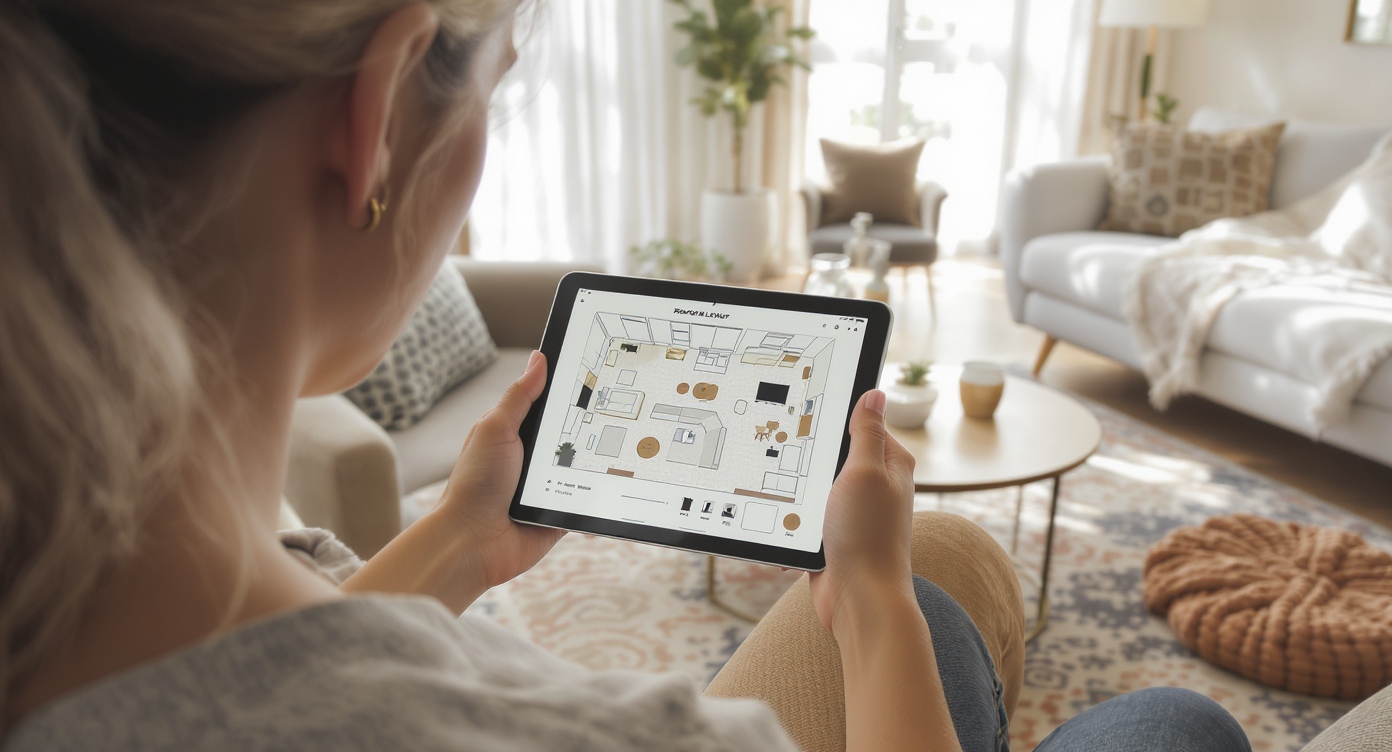
Effortlessly test new furniture layouts and styles digitally in your existing furnished space.
Style Swaps by ReimagineHome.ai is an ai room designer that redesigns furnished rooms from a single photo so you can test new layouts and styles in minutes. It’s ideal when you’re deciding between facing the TV, the fireplace, or the windows — preview all three, compare, and pick what actually feels right. At a glance:
- Results: Quickly compare multiple furniture orientations (TV vs. fireplace vs. windows), larger rug options, and chair placements.
- Realism: Scaled furniture, lighting that respects windows and fixtures, and decor that suits your architecture.
- Speed: Upload a photo and generate options in minutes with room design AI.
- Cost: A fraction of hiring a stager or buying/returning pieces that don’t fit.
- Workflow: Use one good photo to test a handful of design directions before you lift a sofa.
- ROI: Fewer wrong purchases, less back-and-forth, and more confidence in your final plan.
- Peace of mind: Eliminate layout FOMO — when you’ve seen the top contenders, you can commit.
Why This Visual Problem Hurts More Than You Think
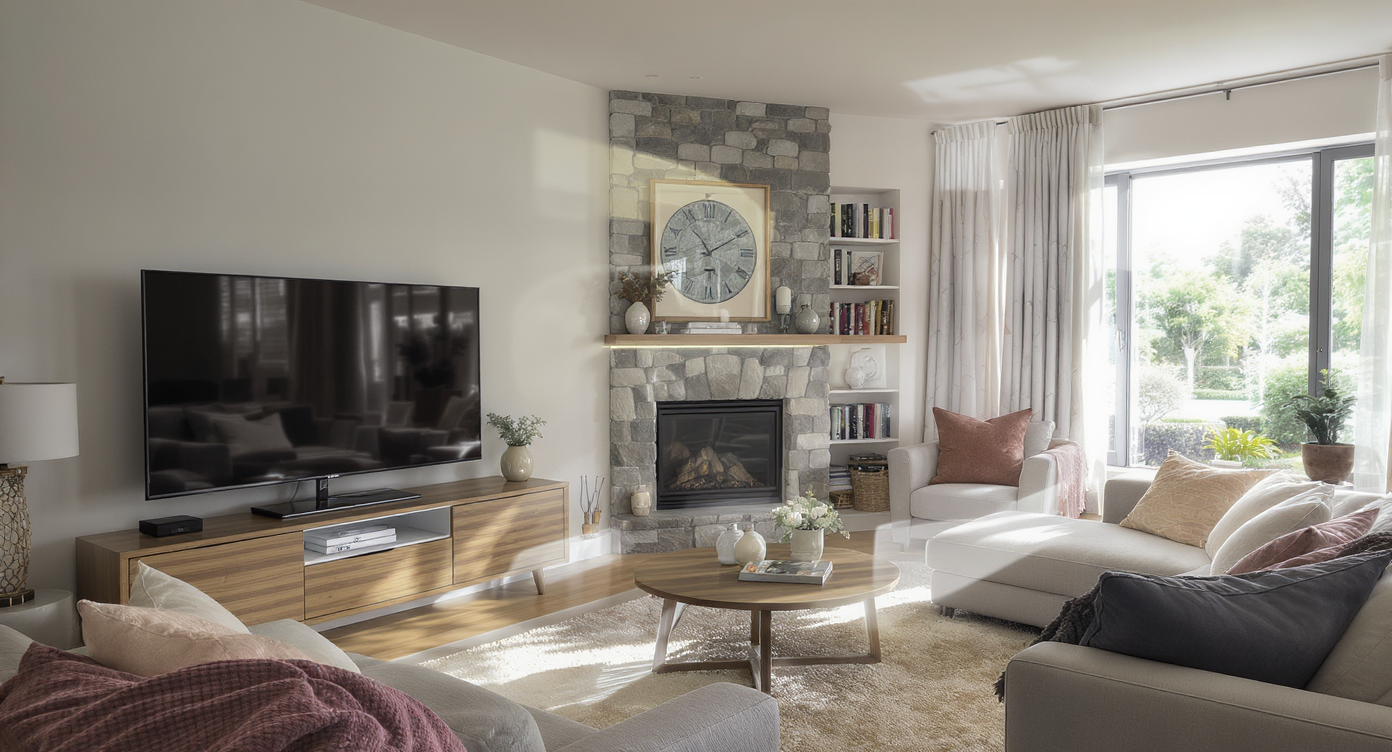
Rooms with multiple focal points often feel uneasy until a clear layout emerges.
Rooms with multiple focal points (a TV, a fireplace, and big windows) often feel indecisive until a layout clarifies the hero view. When the couch points one way, the glare says another, and conversation needs a third, people stop using the space fully — and it shows in how they walk through it. You’ll see zig-zag traffic, a coffee table that’s too small for the area, or a rug that anchors nothing. A few common symptoms:
- Scroll behavior in your own brain: you mentally swipe past the room because no single view feels satisfying.
- Buyer or guest perception: “Beautiful bones… but I’m not sure where anything goes.”
- Daily-life friction: glare on the TV, backs to the windows, or no comfortable way to chat across the room.
Anecdote
That perfect-but-complicated living room with a gorgeous fireplace, a wall of windows, and a TV that never seems to land in the right spot — Style Swaps lets you try the three best orientations and finally pick the one that feels effortless.
What Style Swaps (Redesign Furnished Rooms) Actually Is
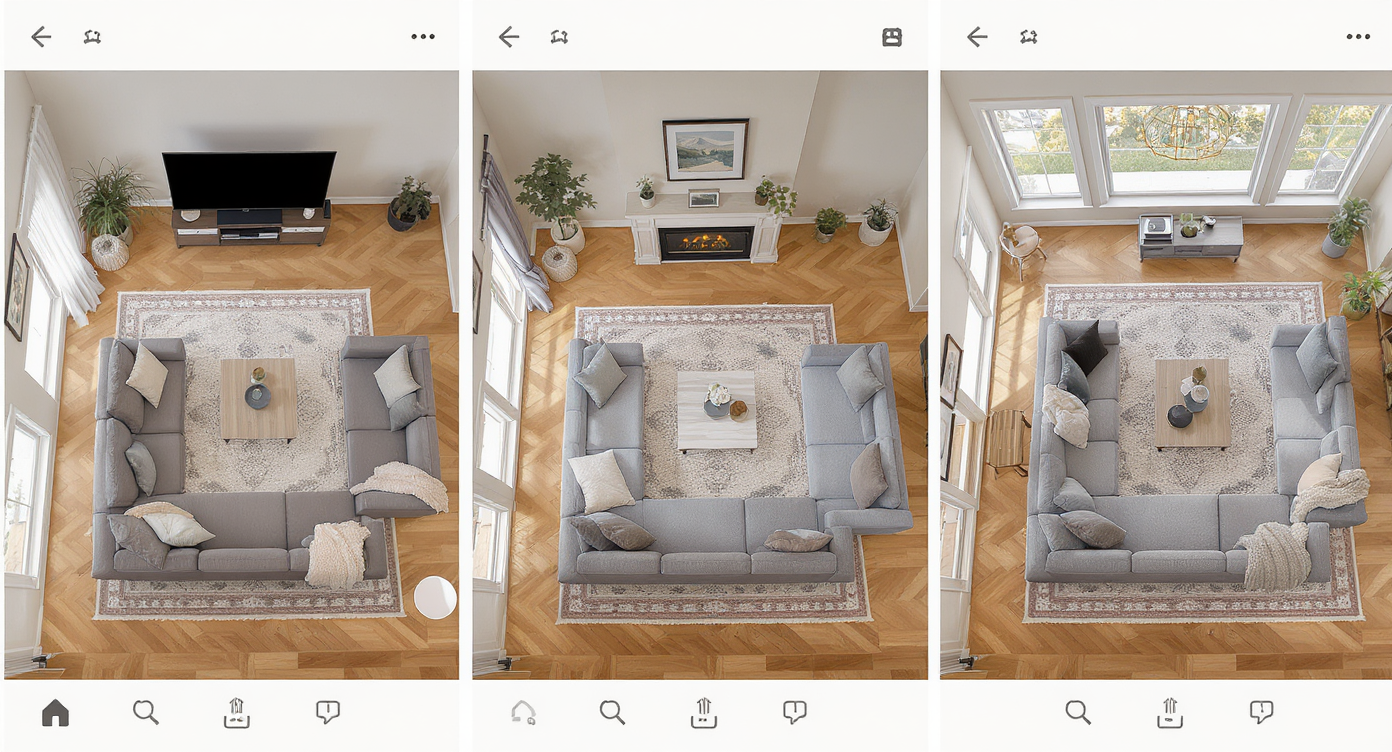
Style Swaps AI recreates your room’s look to test different furniture orientations and styles.
Style Swaps is an ai room editor that restyles and reorients a furnished room from a single photo, producing new images with fresh layouts, furniture, and decor. You provide the photo; it returns design-grade visualizations you can compare — think larger rug vs. current rug, swivel chairs by the window vs. loveseat, mirror vs. art over the fireplace, TV on stand vs. corner treatment. To try it on your space, open ReimagineHome.ai’s Style Swaps and room redesign tool. If you need to strip out a pet tree, stray boxes, or a too-small coffee table first, pair it with its clutter and object removal tool for a cleaner starting point.
How Style Swaps Works Step by Step

From photo to design options: a seamless AI-powered workflow for real room redesigns.
Good source photos produce the most realistic ai interior design results. Here’s the quick workflow:
- Choose the right photo(s): Capture the main angle that shows your focal points (TV wall, fireplace, and windows). Aim for eye-level, not ultra-wide 0.5x, to avoid distortion. Resolution near or above 3000 pixels on the long edge is ideal.
- Upload to ReimagineHome.ai: Start a new project and select Style Swaps (Redesign Furnished Rooms).
- Set your intent: Note what you want to test — e.g., “Couch facing fireplace,” “TV in corner,” “Two swivel chairs by the windows,” “Bigger coffee table,” “Art or mirror above mantel.”
- Choose style directions: Modern cozy, warm neutrals, mid-century, or traditional — pick a couple so you can see how different moods handle the same layout.
- Generate and compare: Produce 3–5 options and compare how each balances viewing angles, walkways, and glare control.
- Refine: Keep the winners and adjust specifics (rug size up, coffee table wider, add curtains for light control).
- Export: Download your favorites for reference, shopping, or sharing with a partner or contractor.
Tips and Tricks for More Realistic Results
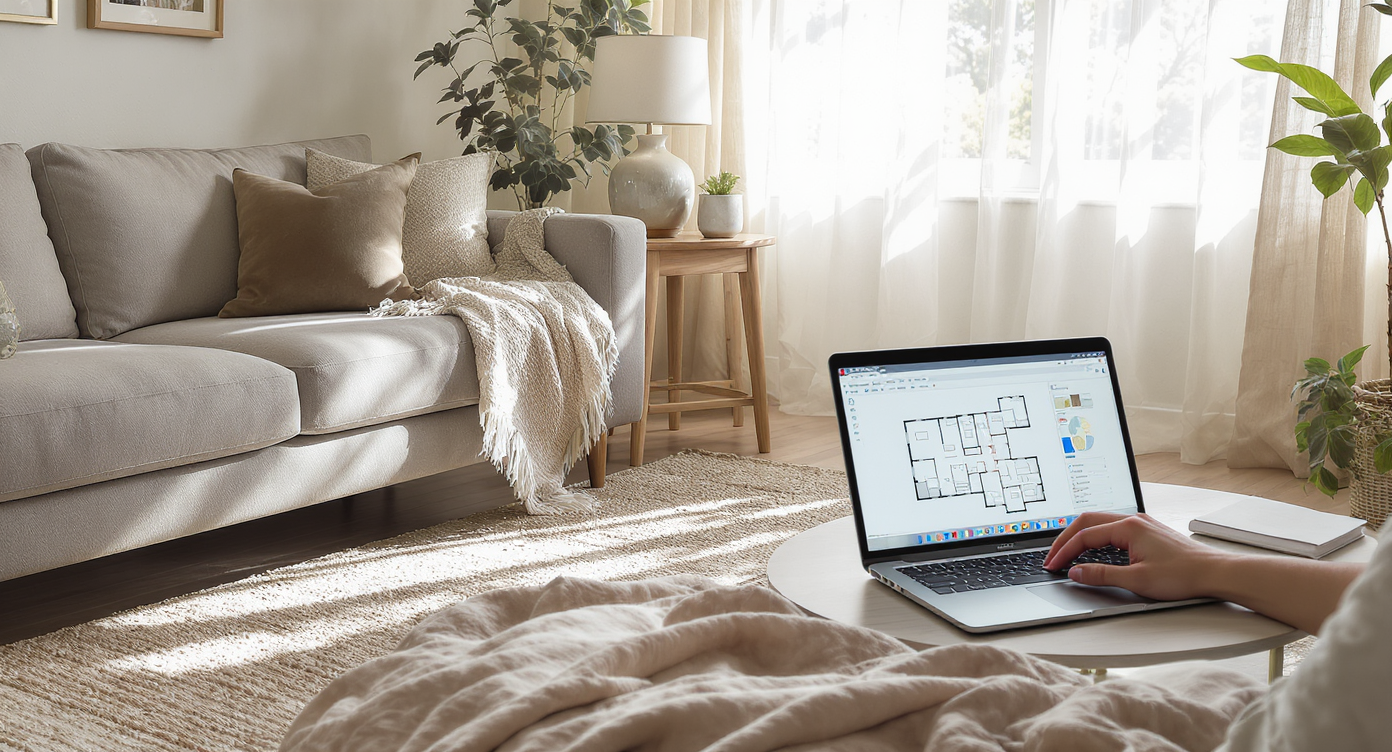
Realistic angles and furniture scale are key to believable AI room designs.
A simple rule of thumb: believable AI designs start with realistic angles, plausible furniture scale, and choices that respect your architecture. Practical tips:
- Shoot from eye height at 1x. Ultra-wide lenses make rugs look wrong and sofas look stubbier than real life.
- Anchor the seating island. Ask the tool to test a larger rug and a larger coffee table so the grouping fits the room’s scale.
- Balance the focal points. Generate one option with the sofa facing the fireplace, one facing the TV, and one mixed (sofa across the room + swivel chairs by the windows).
- Manage glare and privacy. Add curtains or layered window treatments in one variation; compare how that affects TV usability and daytime coziness.
- Mind the walkway. Try a console table behind a floated sofa to create a lane and avoid traffic through the TV sightline.
- Respect style cues. If you have a traditional mantel or built-ins, request styles that harmonize — mid-century works in many homes, but aim for a complementary silhouette.
- Declutter before you experiment. Use Remove Anything to hide pet posts or small items so scale and circulation are easier to judge.
Visualization Scenario
Upload a photo; generate one scene with the sofa facing the fireplace and two swivel chairs by the window, another with the TV angled in the corner plus a larger rug, and a third with a loveseat defining a cosy conversation zone. Compare and choose.
FAQ
FAQ
How can I redesign my room with AI from a photo?
Upload a clear, eye-level photo to an ai room planner like ReimagineHome.ai’s Style Swaps, pick style directions, and generate multiple layouts (sofa orientation, chair placement, rug size) to compare.
Can AI help me decide between facing the TV, the fireplace, or the windows?
Yes. Generate one variation for each orientation and weigh sightlines, glare, and conversation flow. This is a core use case for ai interior design tools.
Will AI keep my architecture and scale realistic?
With a good source photo (1x, eye-level, high resolution), results maintain believable scale and respect mantels, windows, and built-ins. Avoid ultra-wide photos that distort proportions.
Can I remove clutter or pet items before restyling?
Yes — use ReimagineHome.ai’s object removal to clear distractions so you can judge scale and flow accurately.
What if I want to test a completely new layout from scratch?
First clear the room with Occupied to Vacant, then re-furnish digitally. You can also explore different aesthetics with Style Swaps.
Visualize Your Next Listing (or Project) Before You Commit
Think of Style Swaps as a dry run for your room — a chance to rehearse the story before you commit your time, budget, or back muscles. You’ll see whether a loveseat, two accent chairs, or a bigger sectional truly serves the space; whether a mirror above the fireplace lifts the eye; and how a deeper rug anchors everything. When you can compare the best few options quickly, indecision fades and the right layout feels obvious. Try your own photo in ReimagineHome.ai’s Style Swaps or start from the homepage at ReimagineHome.ai and design with confidence.