
TL;DR
You can modernize a kitchen without renovating by using AI virtual staging to preview cabinet paint, wall colors, hardware, stools, lighting, and decor from a single photo. It’s the fastest way to test room makeover ideas with ai before buying paint or replacing finishes. If you already have a kitchen photo, upload it to ReimagineHome.ai and try a few looks while you read.
The Real Cost of Guessing on Paint and Fixtures

Experience instant kitchen updates with AI virtual staging on your device, no renovation needed.
AI virtual staging takes your existing kitchen photo and digitally restyles it — cabinets, wall color, hardware, stools, pendants, even art — so you can see modern updates before you spend. It’s a powerful fix when the bones are good but the undertones clash, because it shows exactly which changes make the room feel current (and which don’t).
- Results: Preview a lighter wall, deeper cabinet color, matte black faucet, or new bar stools in seconds.
- Realism: Modern, photoreal looks that match your layout, lighting, and sightlines.
- Speed: Generate multiple options in minutes — no waiting on mockups or samples.
- Cost: A fraction of paint tests, pro renderings, or “buy and return” experiments.
- Workflow: Upload a photo, select styles, review versions, and save what works.
- ROI: Avoid paint regret and mismatched finishes; buy once, confidently.
- Peace of mind: Settle the cool-vs-warm debate on screen instead of on your walls.
If you have a tricky image on your phone right now, upload it to ReimagineHome.ai and test a color-and-hardware swap while you read. For a deeper dive into kitchen restyles, explore ReimagineHome.ai’s virtual staging solution.
Why This Visual Problem Hurts More Than You Think
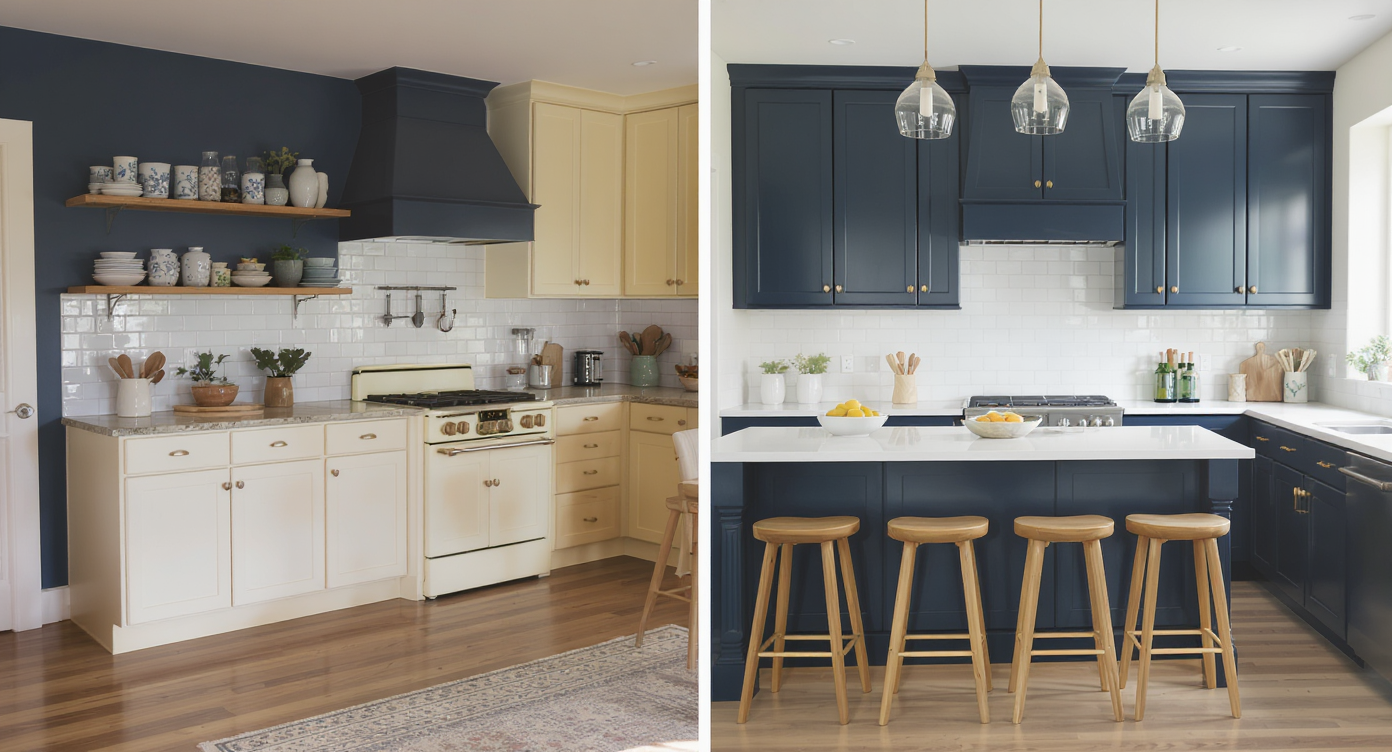
Color clashes can disrupt kitchen harmony; virtual staging previews balanced designs before changes.
Color temperature clashes — like creamy cabinets against a navy wall — can make a well-built kitchen read as dated and even smaller. On screen (and in person), high-contrast pairings pull the eye to edges and trim rather than to the cabinetry lines, counters, or light. You end up noticing the pantry door and the bar stools before you see the flow and scale.
That’s why small, visual updates matter: a softer, warmer wall; unified metal finishes; a stool with a bit more weight; a faucet that echoes the hardware. These are not renovations — they’re surface-level changes — but piecing them together blindly is where most budgets go to die. Virtual staging compresses the decision-making loop so you can preview an entire palette at once and confirm that your “modern” reads modern in context.
Anecdote
That “almost modern” kitchen where the creamy cabinets and navy wall never agree — after a five‑minute virtual staging test with warm greige walls, matte black pulls, and leather stools, the whole room finally felt cohesive.
What AI Virtual Staging Actually Is (In Plain Language)
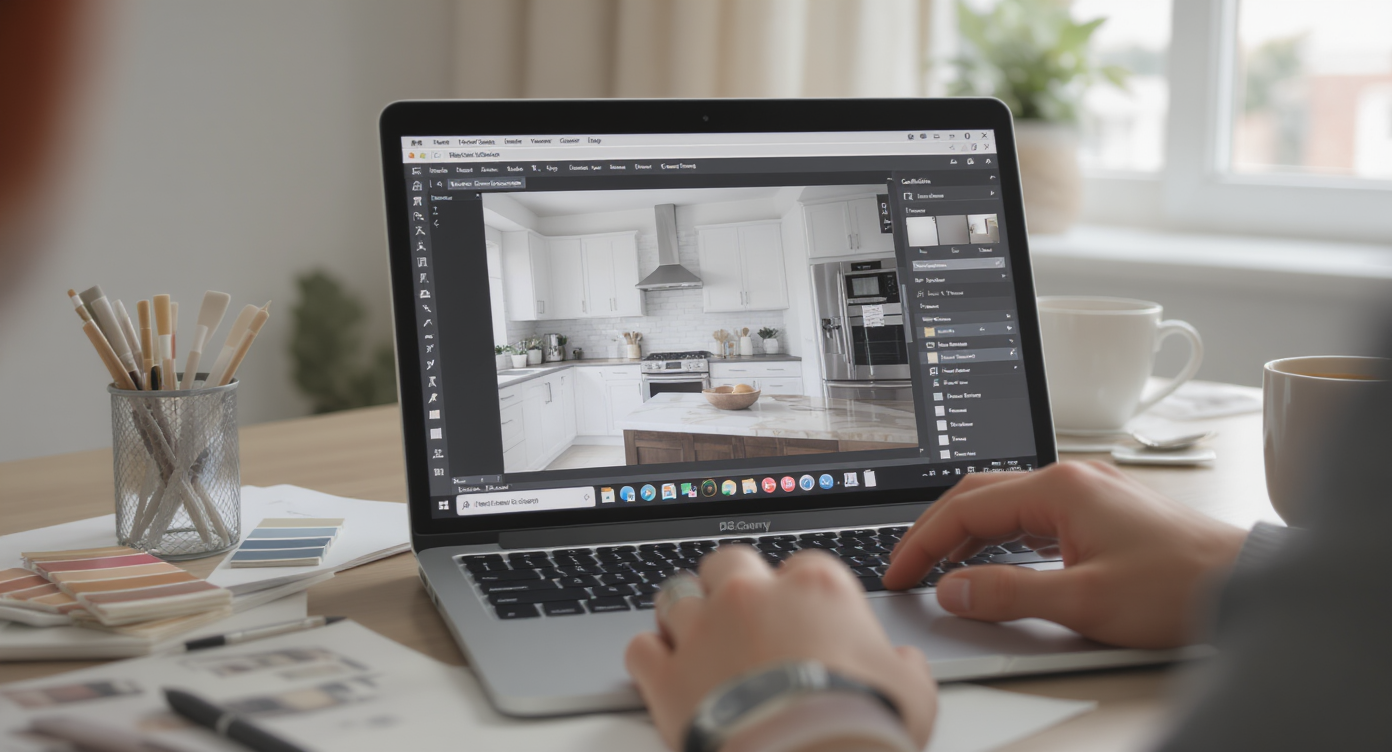
AI virtual staging simplifies kitchen restyles, blending technology with design insight in one photo.
AI virtual staging is a room design AI that restyles your space from a single photo — think “ai interior design from photo” for real kitchens. You upload an image, choose looks (modern, warm minimal, transitional, coastal, etc.), and get photoreal options that keep your architecture and layout intact.
For kitchens, that means: digitally repainting walls and cabinets, swapping hardware styles and finishes, testing pendant lighting, changing stools, and adding subtle decor. You’re not knocking down walls — you’re deciding finishes with clarity.
To try it on your own images, open ReimagineHome.ai’s virtual staging solution. It’s designed for homeowners, agents, and designers who want fast, believable previews before buying paint, fixtures, or furniture.
How AI Virtual Staging Works Step by Step
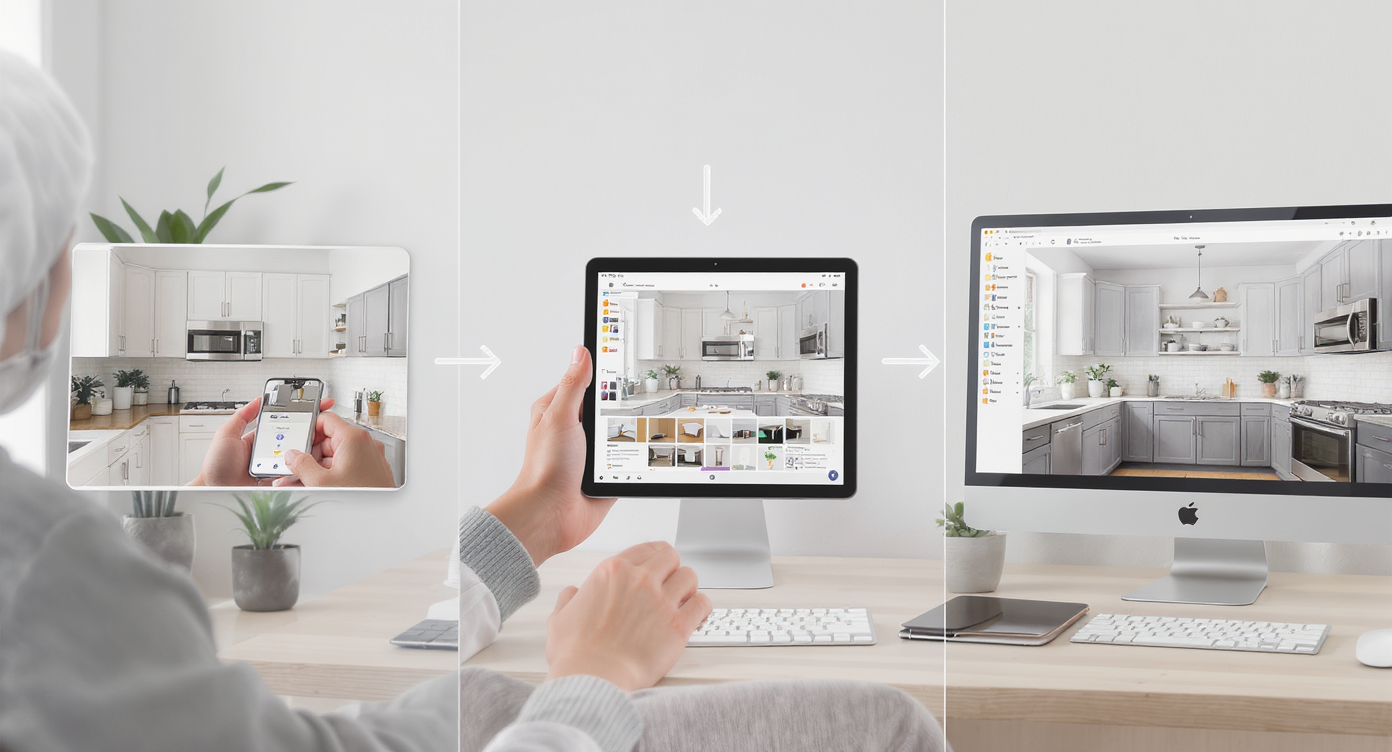
Step-by-step AI virtual staging workflow makes kitchen restyling accessible and user-friendly.
Great results start with a clear source photo and a simple workflow.
- Pick the right angle: A straight-on, eye-level shot that shows the island, main run of cabinets, and adjacent trim works best.
- Mind the resolution: Aim for sharp images, ideally 3000+ pixels on the long edge, to help the AI read edges and materials cleanly.
- Upload to ReimagineHome.ai: Import your kitchen photo and select Virtual Staging.
- Select your direction: Try “modern,” “warm minimal,” or “contemporary” and note options for paint, cabinetry tones, metals, and seating.
- Generate and compare: Save 2–4 versions — for example, greige walls + matte black hardware; warm white walls + brushed brass; deep lower cabinets + lighter uppers.
- Refine: Adjust undertones, swap stool styles, or test pendant sizes until one combo feels cohesive.
- Export and share: Download for your decision deck, text it to a partner, or show a painter exactly what you want.
Tips and Tricks for More Realistic Results
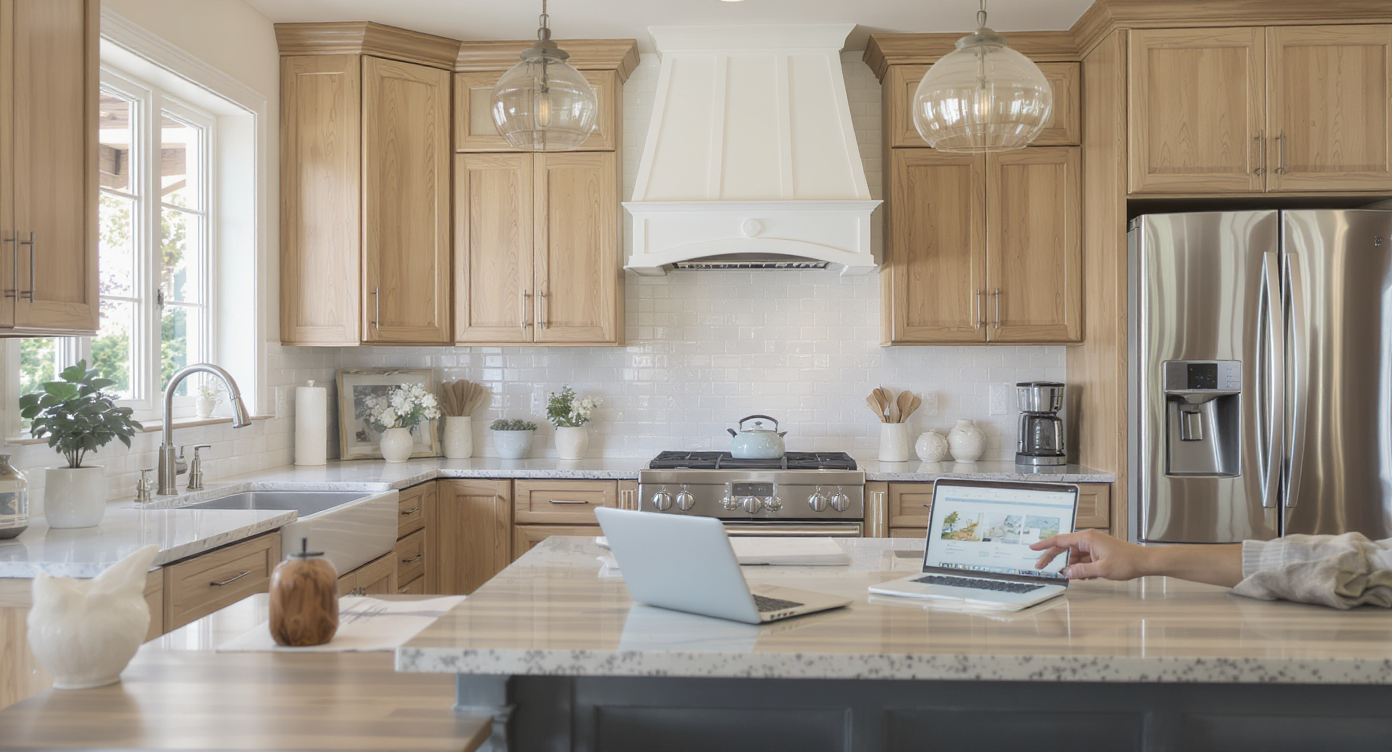
Realistic virtual staging respects light and undertones, achieving authentic, inspiring kitchen designs.
Realistic restyles follow the same rules good designers use: respect undertones, scale, and light.
- Match undertones first: If cabinets skew warm (creamy/pink), preview warmer, softer walls (greige, warm white) to calm the clash. Cool navy + warm cream is why many kitchens feel “off.”
- Unify metals: Pick one dominant metal (matte black, brushed brass, or stainless) and repeat it in hardware, faucet, and lighting for a modern, intentional look.
- Scale the pendants: As a rule of thumb, two pendants over a large island look current; diameter roughly equals island width divided by four to five, with 28–34 inches between shades.
- Weight your stools: Light, airy stools can read “beachy.” Try leather/metal or upholstered seats to ground the island and modernize quickly.
- Keep edits plausible: Preview paint, fixtures, stools, and art — things you can actually change without demo. Save counters/backsplash for a later phase if budget requires.
- Prep your image: Clear stray items for a clean base. If you need to hide countertop clutter, you can tidy digitally with its clutter and object removal tool before staging.
- Check continuity: If your kitchen opens to a dining area, stage a palette that plays nicely there too. Visual flow matters.
Visualization Scenario
Upload your kitchen photo, generate two versions: (1) warm white walls + brushed brass hardware + linen drum pendants; (2) soft greige walls + matte black hardware + leather/metal stools. Put them side by side and notice which one calms the room’s contrasts.
FAQ
Can AI virtually repaint cabinets and walls from a photo?
Yes. With AI virtual staging, you can preview cabinet paint, wall colors, and even two-tone combos on your actual kitchen photo. It’s a fast way to test room makeover ideas ai before hiring painters.
Will virtual staging help me pick hardware, stools, and lighting?
Absolutely. You can try matte black vs. brushed brass hardware, swap faucet finishes, test pendant scale, and compare bar stool styles to see what looks modern in your space.
Do I need professional photos for good results?
No, but higher resolution helps. Aim for clear, well-lit images — ideally 3000+ pixels on the long edge — to improve edge detection and realism.
Is virtual staging allowed in real estate listings?
In many markets it is allowed with clear disclosure, but always check your local MLS rules. For planning and design, it’s perfect. Learn more about the process at ReimagineHome.ai’s virtual staging solution.
How do I keep AI results realistic and “doable” in real life?
Stick to changes you can make without demolition: paint, fixtures, stools, pendants, and decor. Use the staged image as a palette guide and share it with your painter or contractor.
Visualize Your Next Listing (or Project) Before You Commit
Two believable facts drive smart updates: most “dated” kitchens are suffering from color and finish mismatch, and surface changes can do more than structural ones for day-to-day satisfaction. Virtual staging lets you rehearse those choices — paint, metals, lighting, stools — until the room finally reads the way you imagined.
When you can see your exact kitchen modernized on screen, buying the right gallon of paint and the right hardware set stops feeling risky. Test your palette now with ReimagineHome.ai’s virtual staging solution, or start from the homepage at ReimagineHome.ai if you want to try a few rooms.