.svg)

.svg)
.svg)
TL;DR
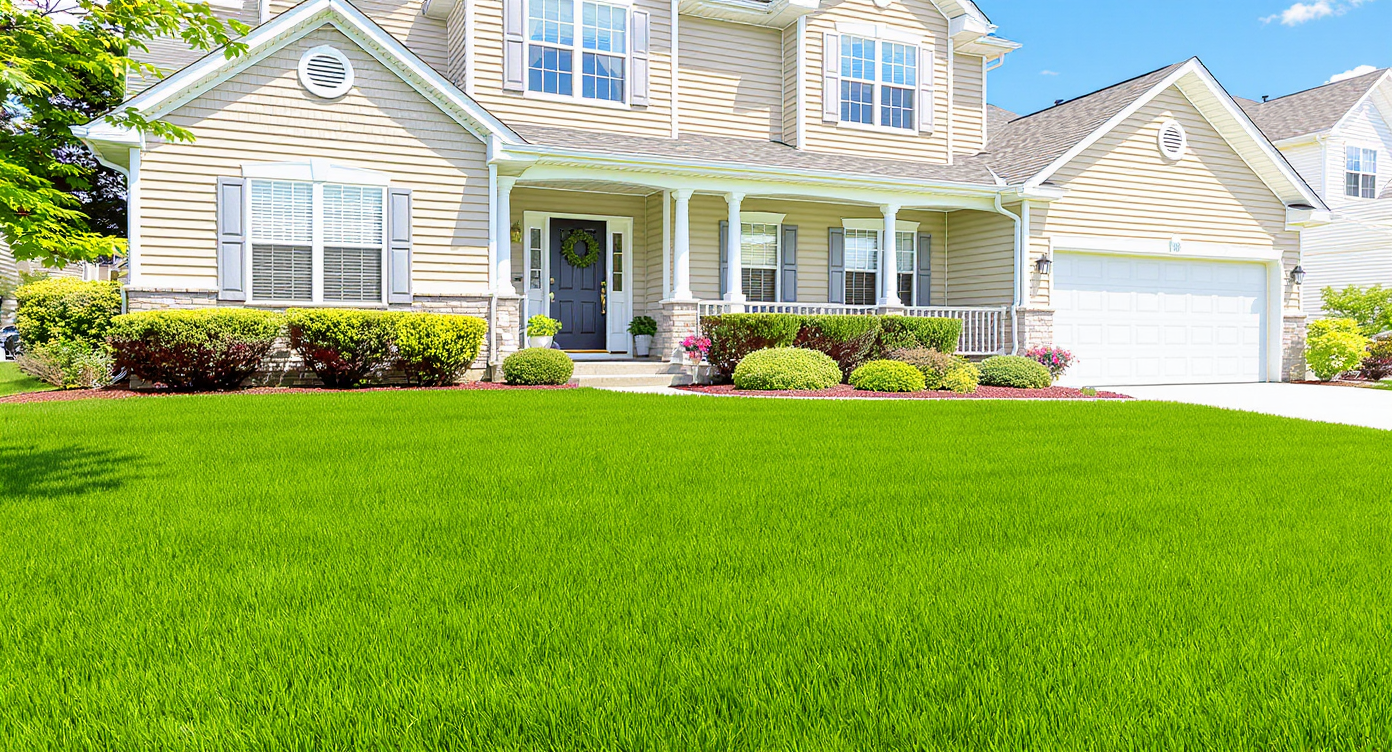
Lawn Replacement is an AI landscaping from a photo workflow that revives thin, brown, or uneven turf in listing images so the grass looks healthy and region‑correct. It’s powerful because curb appeal drives clicks, and buyers judge quickly on the thumbnail. If you’re staring at a drought‑stressed yard or a scalped mow, upload the image to ReimagineHome.ai and test Lawn Replacement while you read. It’s fast, realistic, and far cheaper than rushing real sod before photos.
The Real Cost of Showing Yards “As They Are” Online
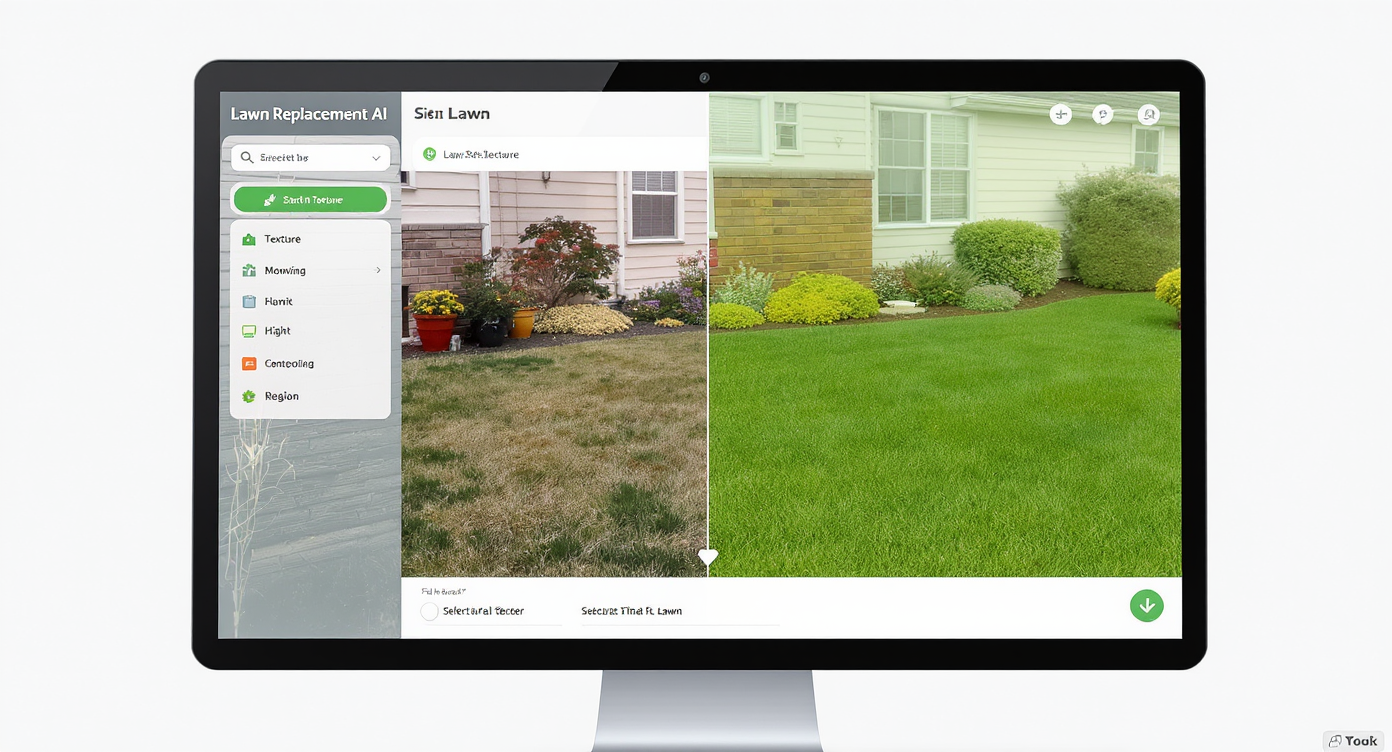
AI-powered lawn replacement transforms tired yards digitally for better first impressions.
Lawn Replacement is a photo-based, AI landscaping tool that digitally revives or redoes grass in exterior photos so it looks healthy, even, and right for your region. It matters because lawn condition heavily influences curb appeal and click‑through — and a tired, scalped, or dormant yard can make a great home feel neglected before buyers look inside.
- Results first: greener, fuller grass with the right texture and mowing height for cool‑season or warm‑season lawns.
- Realism: shadows, edges, and blade density are rendered to match the scene — no plastic astroturf look.
- Speed: minutes to generate options you can compare side‑by‑side.
- Cost: a fraction of rushing sod or hydroseed before photos.
- Workflow: upload a photo, choose Lawn Replacement, pick style/height, refine, export.
- ROI: stronger thumbnails, more saves, and clearer “move‑in ready” perception.
- Peace of mind: non‑destructive edits; keep both original and improved images.
Why This Visual Problem Hurts More Than You Think
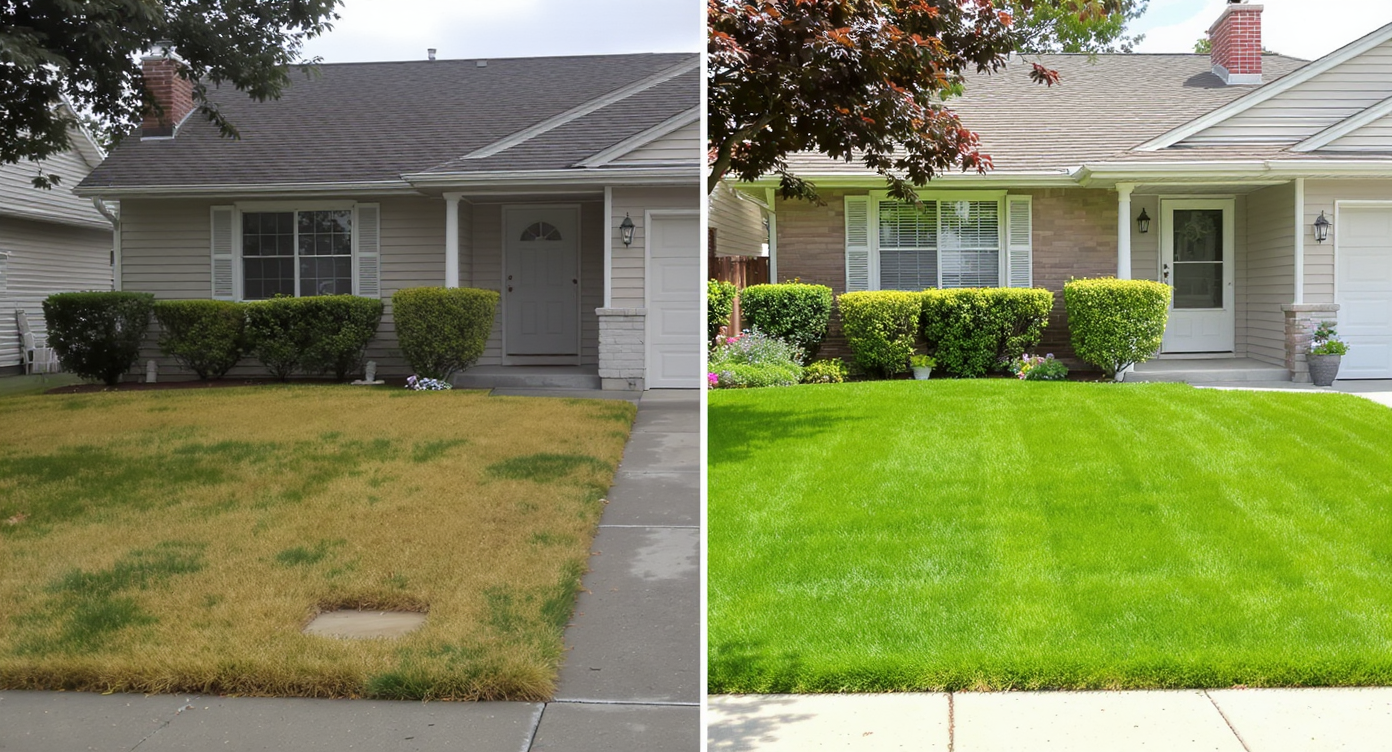
Poor lawn visuals reduce buyer interest more than you might expect in online listings.
Vacant or weather‑stressed lawns can reduce thumbnail click‑through because buyers scan for green, even texture as a shorthand for “well‑kept.”
Here’s how it plays out in the feed: a scalped warm‑season lawn reads harsh and thin; a cool‑season lawn mowed too short shows yellow stems; a dormant patch in winter looks like a project. Scroll thumb flicks right past. In person, you might explain it away. Online, you rarely get the chance.
Buyer perception follows fast: “If the yard’s suffering, what else was deferred?” Agents and sellers feel it too — confidence dips when the hero exterior isn’t actually heroic. A simple, realistic lawn refresh steadies that narrative, aligning the photos with the property’s true potential.
Anecdote
That “perfect except the yard” listing — the one shot after a surprise heat wave. The house was spotless; the lawn looked exhausted. A five‑minute lawn replacement made the thumbnail feel alive again, and showings followed.
What Lawn Replacement Actually Is (In Plain Language)
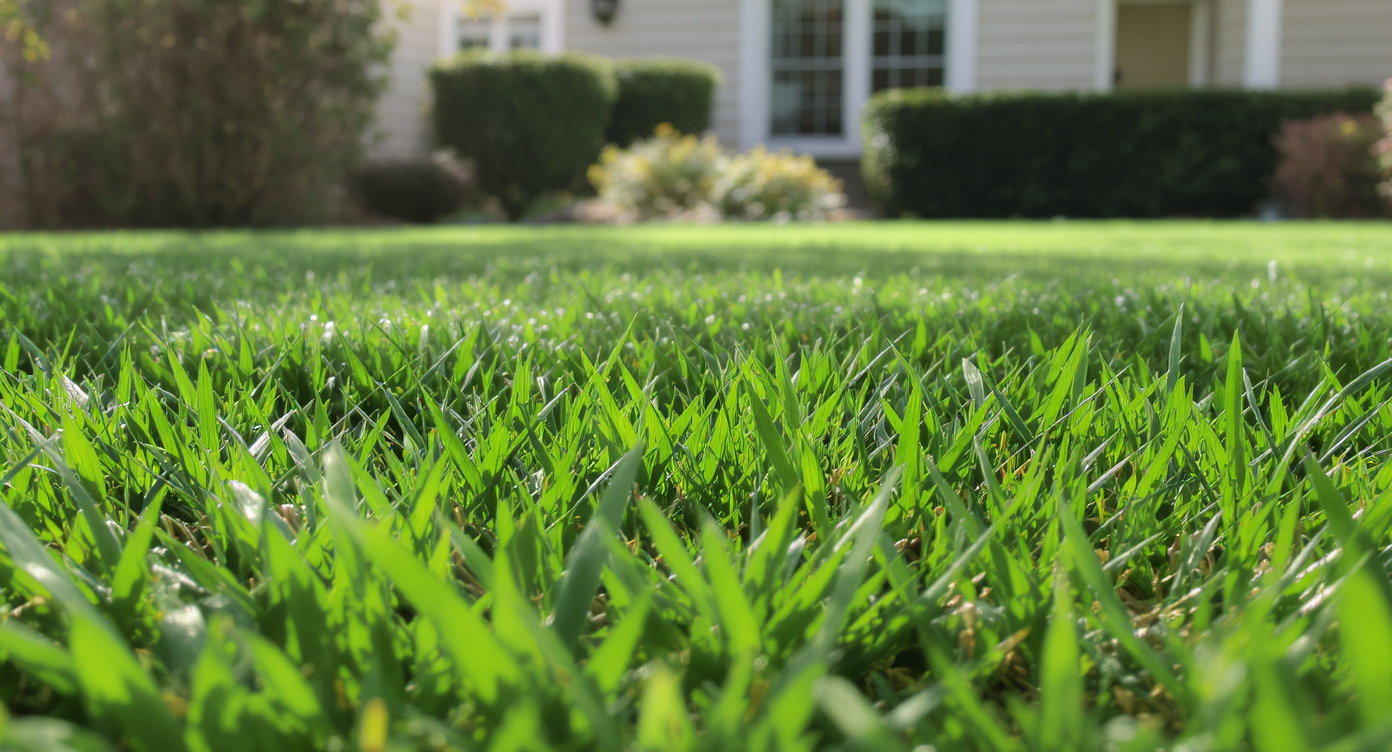
Lawn replacement digitally swaps patchy grass for regionally appropriate textures and density.
AI lawn replacement is a targeted photo edit that swaps thin, patchy, or dormant grass for a realistic, locally appropriate lawn — no re‑shoot or new landscaping required.
You provide a clear exterior photo. The output is the same scene with healthier turf: correct color, blade density, and mowing height for the likely grass type in your region. It’s not a fantasy render; it’s a plausibility pass that shows the yard at its best‑maintained state.
To try it now, open ReimagineHome.ai’s Lawn Replacement. If your photo was taken in the off‑season, you can also pair it with Seasonal Reset to flip winter back to green so the entire landscape feels in sync.
How Lawn Replacement Works Step by Step
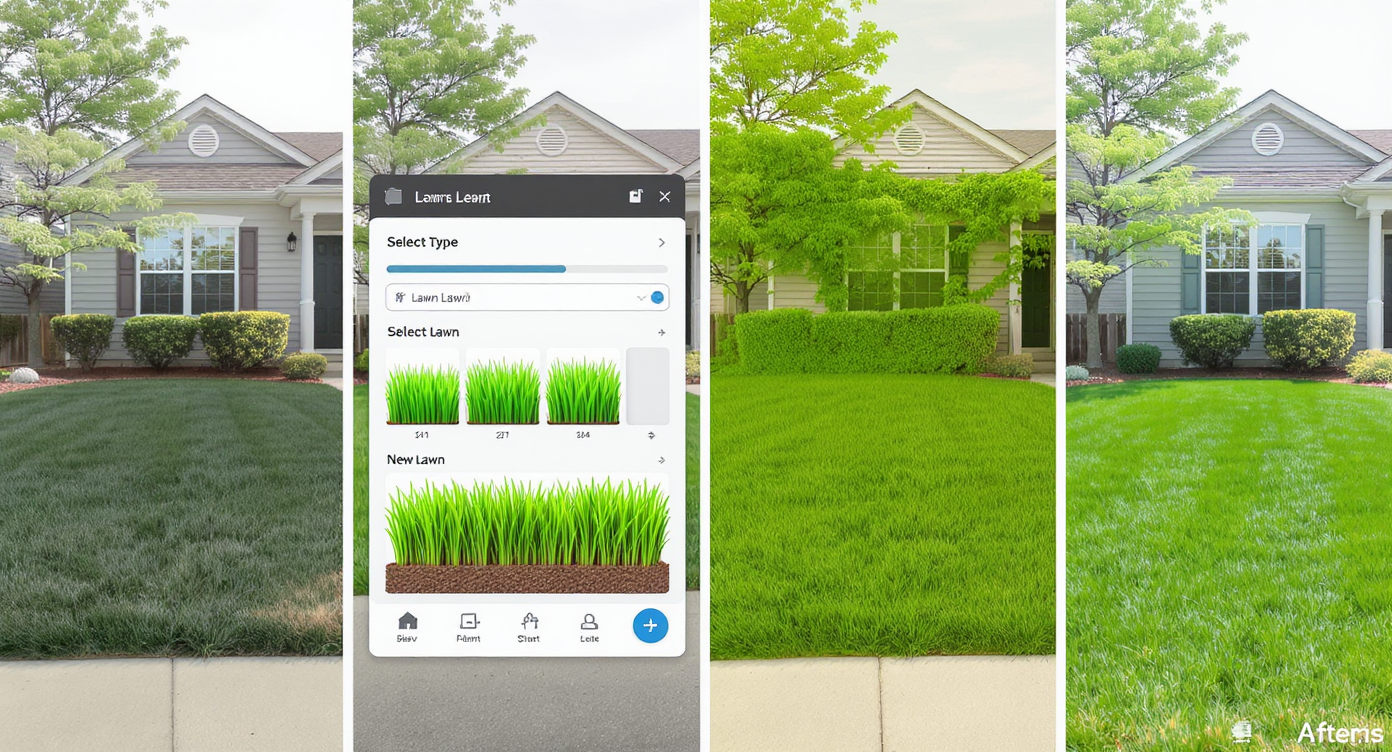
Follow these steps to replace lawns digitally for stunning real estate photos that attract buyers.
MLS and portal guidelines often favor high‑resolution images, ideally around 3000 pixels on the long edge, for crisp results and clean edges.
- Choose the right photo: pick a primary exterior where the grass is visible across a good portion of the frame. Avoid heavy motion blur.
- Upload to ReimagineHome.ai’s Lawn Replacement.
- Select your target look: cool‑season lush (tall fescue/rye/bluegrass at 3–4 in) or warm‑season tight (Bermuda/zoysia around 1–1.5 in), or leave “auto” if you’re unsure.
- Generate and review: compare 2–4 variations. Check edges where turf meets walks, beds, or driveway.
- Refine: nudge mowing height, saturation, and edge softness for a native look. Keep mowing stripes subtle.
- Export: download a high‑res image ready for MLS, portals, brochures, or a seller update deck.
Pro tip: framing matters. Photos shot slightly above grade (not too low) show turf texture more naturally and reduce the risk of a “flat carpet” feel.
Tips and Tricks for More Realistic Results
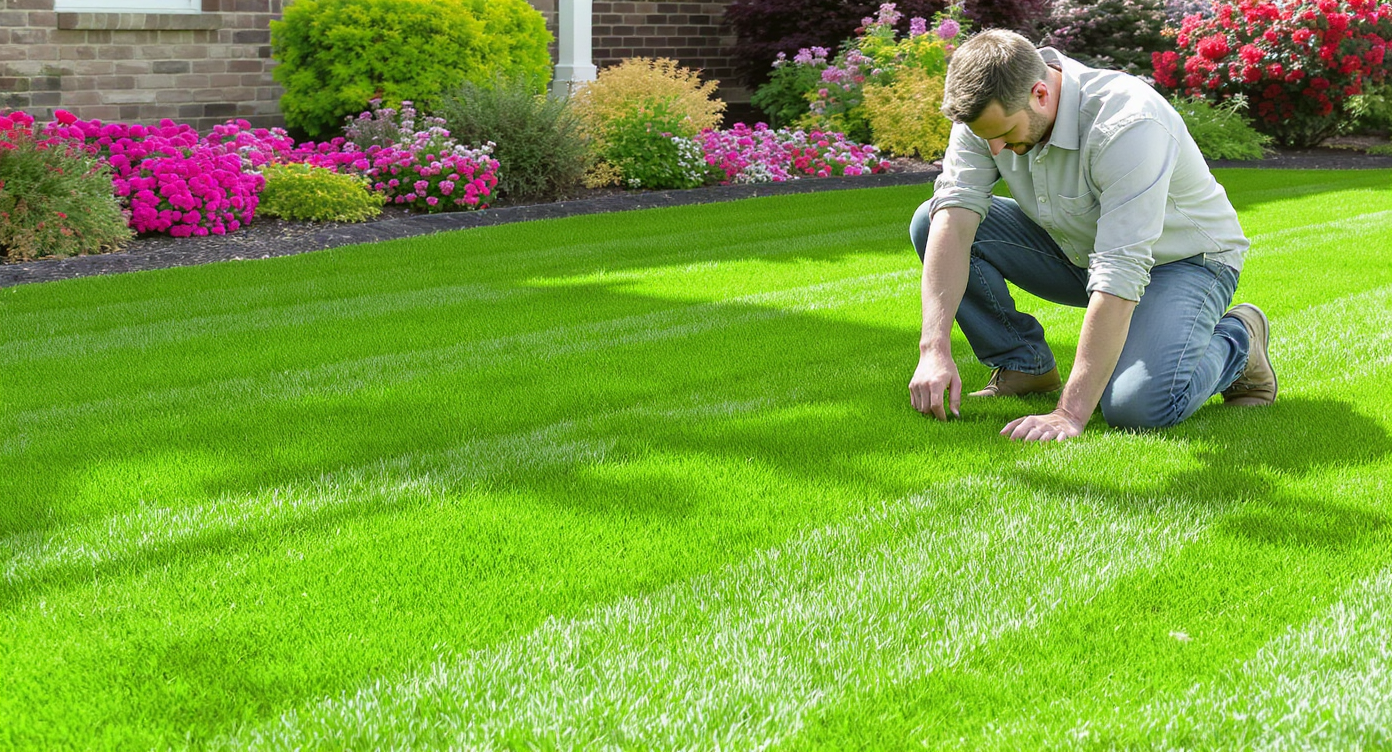
Respect grass types, light, and edges for more authentic, eye-catching lawn replacements.
Even simple tweaks look most believable when they respect local grass types, mowing norms, and light direction.
- Mirror your climate: cool‑season lawns often present fuller and taller; warm‑season lawns can be shorter and finer. Match blade texture and density to the region.
- Keep the mow height plausible: resist golf‑green short unless the property truly supports it; 3–4 in reads “healthy” for many cool‑season yards, while 1–1.5 in fits many Bermuda/zoysia setups.
- Honor the grade: let slight bumps remain. Perfectly flat turf can look fake and can also telegraph over‑editing.
- Mind the edges: clean transitions at curbs, beds, and pavers sell the realism. Slight irregularity beats laser‑perfect lines.
- Match the light: align grass highlights with the sun direction in your photo; mismatched shine is a giveaway.
- Avoid neon green: a touch of desaturation often feels more expensive and truer to life.
- Polish the file: after the lawn pass, a light global tune with ReimagineHome.ai’s image enhancement can balance exposure and contrast without overcooking. Off‑season skies or foliage? Consider a full Seasonal Reset so grass, trees, and beds agree.
Visualization Scenario
Picture a split‑level on a quiet street: great rooflines, new windows, and a front yard that went yellow after a cold snap. Swap in a healthy cool‑season texture at 3.5 inches and the whole elevation suddenly feels cared for.
FAQ
What is AI lawn replacement in real estate photos?
It’s an AI landscaping from a photo edit that refreshes thin, brown, or dormant turf so the yard looks healthy and locally appropriate. The house stays the same; only the grass is plausibly improved.
Will AI landscaping from a photo mislead buyers?
Use it to represent routine maintenance — mowing height, hydration, and seasonal timing — not to claim new features. Many agents include a note like “image shows lawn at best seasonal condition.”
How fast can I fix patchy lawn photos?
Most Lawn Replacement runs take minutes. Upload, pick a look, review variations, and export. Try it with ReimagineHome.ai’s Lawn Replacement.
Can I choose grass type and mowing height?
Yes. You can nudge texture and height to match cool‑season (taller) or warm‑season (shorter) looks so the edit matches local norms.
What image resolution do I need for best results?
Higher is better. Aim for around 3000 pixels on the long edge to keep edges crisp and blade detail clean, especially for MLS and print.
Visualize Your Next Listing (or Project) Before You Commit
Great photos help buyers make sense of a property before emotions and schedules get involved. Lawn Replacement is a rehearsal for that first impression — a way to show the yard as it would look with ordinary care, at the right mowing height for its climate, without misrepresenting the home.
If you’re weighing whether to resod before photos, take five minutes and try Lawn Replacement on ReimagineHome.ai. You’ll ship stronger curb appeal today and keep your options open for tomorrow’s weather, budget, and timing.









.svg)


.png)