.svg)

.svg)
.svg)
TL;DR
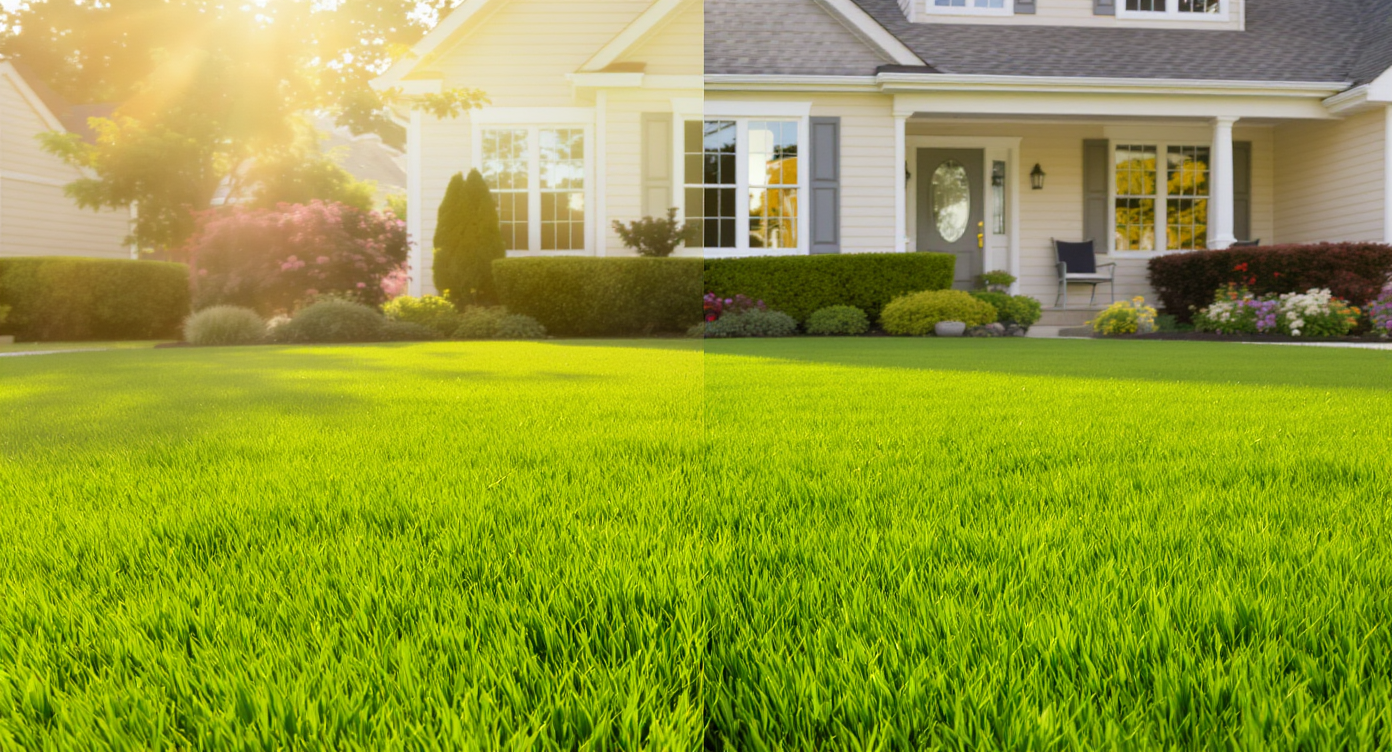
ReimagineHome.ai’s Lawn Replacement digitally restores brown, patchy, or weed-heavy grass in a photo so you can see — and show — a lush yard before you spend on seed or sod. It’s an AI landscaping-from-photos approach that answers, “What would this lawn look like healthy?” in minutes. Try it now via the home page at ReimagineHome.ai or jump straight to the Lawn Replacement tool.
The Real Cost of Showing Yards “As They Are” Online
See instant visual upgrades from AI lawn replacement for better curb appeal and buyer confidence.
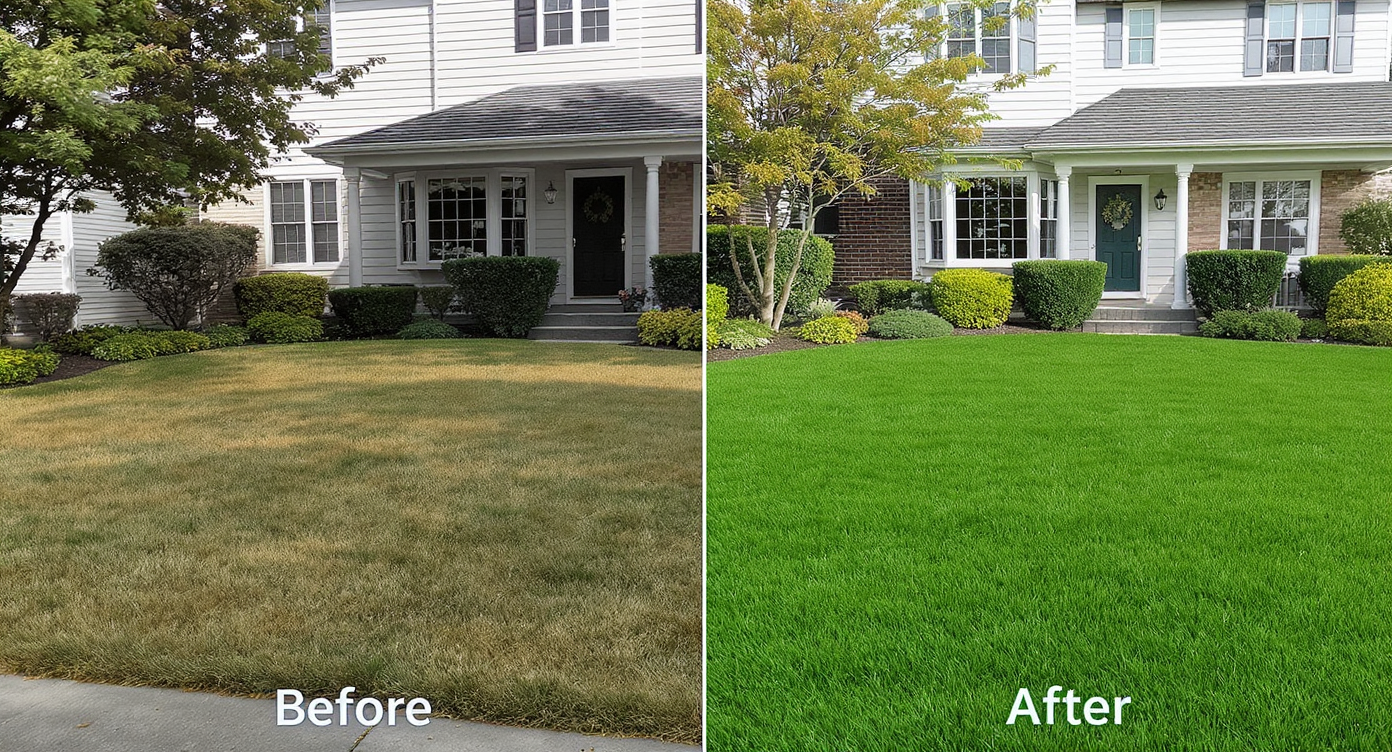
Lawn Replacement in ReimagineHome.ai is an AI landscaping tool that swaps brown, weedy patches for believable turf directly in your photo. It matters because first impressions and curb appeal live on screens now — and a clean, green yard helps buyers and homeowners see potential fast.
- Results: Patchy lawns become lush, consistent turf that photographs like a well-kept yard.
- Realism: Region-aware, texture-rich grass that keeps lines, beds, and hardscape intact.
- Speed: Minutes to generate — perfect for pre-listing visuals or renovation decisions.
- Cost: Preview lawn outcomes before paying for seed, irrigation, or sod.
- Workflow: Use one exterior photo; export high-res for MLS, presentations, or planning.
- ROI: Sharper curb appeal typically boosts clicks, tours, and seller confidence.
- Peace of mind: Show a credible plan even if the yard is off-season or overrun with weeds.
If you already have a tricky exterior photo, upload it to ReimagineHome.ai and test Lawn Replacement while you read.
Why This Visual Problem Hurts More Than You Think
Patchy lawns reduce buyer interest and photo clicks, hurting your home's online appeal and confidence.
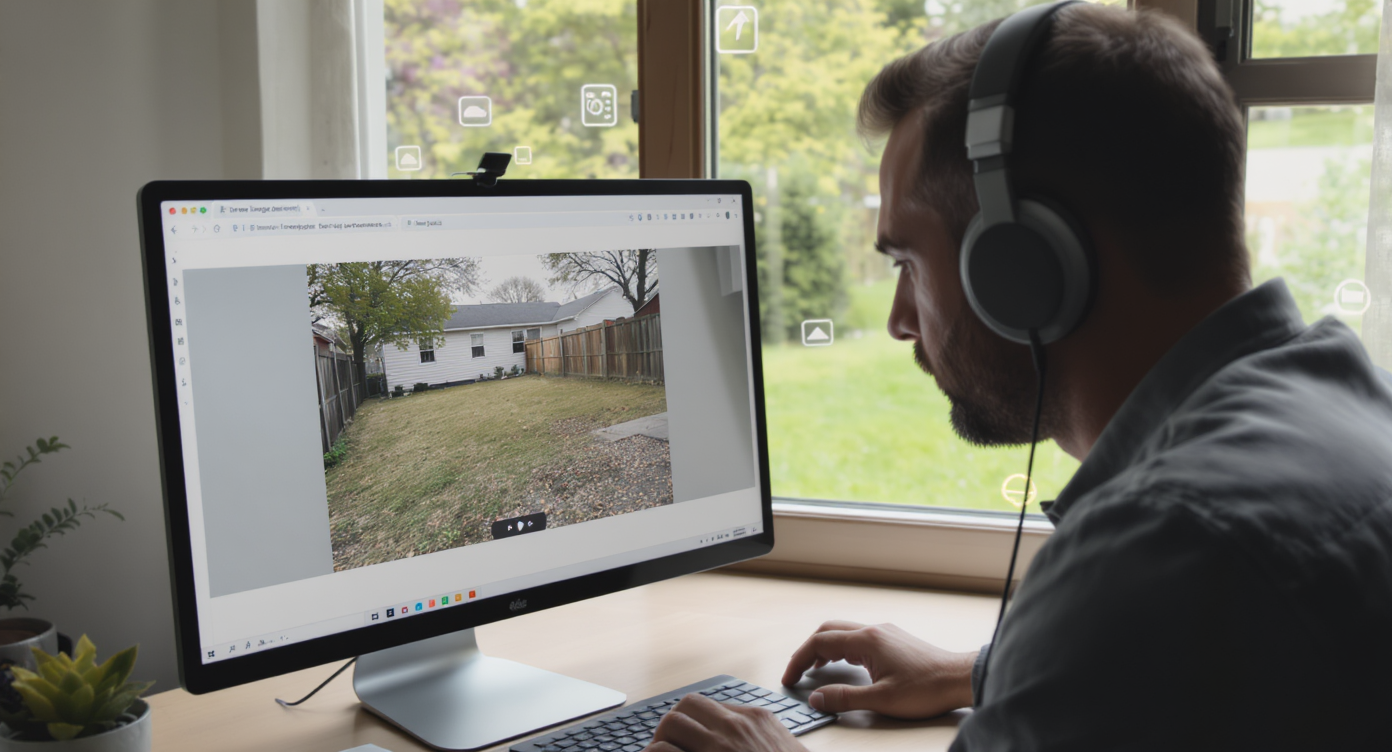
Patchy or weed-heavy lawns can reduce photo clicks and undermine buyer confidence before anyone reads the description. On mobile, a flat or brown yard blends into the feed; a healthy, realistic lawn pops and earns a second swipe.
Here’s what happens when grass looks tired in photos: scrolling stalls, attention shifts to flaws, and even motivated homeowners feel overwhelmed about where to start. Agents report that the same home with a stronger lawn photo gets more saves and showing requests. And for new owners, a visual of a revived yard clarifies whether to overseed, sod, or simply tidy and wait for fall.
That perfect-but-overgrown porch shot where the grass is all clover and crabgrass? It reads as maintenance risk. Replacing those patches digitally lets you present the best plausible version of the yard — not a fantasy, just a future-aligned preview.
Anecdote
That “new keys, old lawn” moment: the yard looks more clover than grass, and you’re torn between nuking it and waiting for fall. A believable preview of what a healthy lawn would look like makes the decision easier — and keeps everyone on the same plan.
What Lawn Replacement Actually Is (In Plain Language)
Lawn replacement uses AI to swap dead or weedy turf with lush, realistic grass instantly from a single photo.
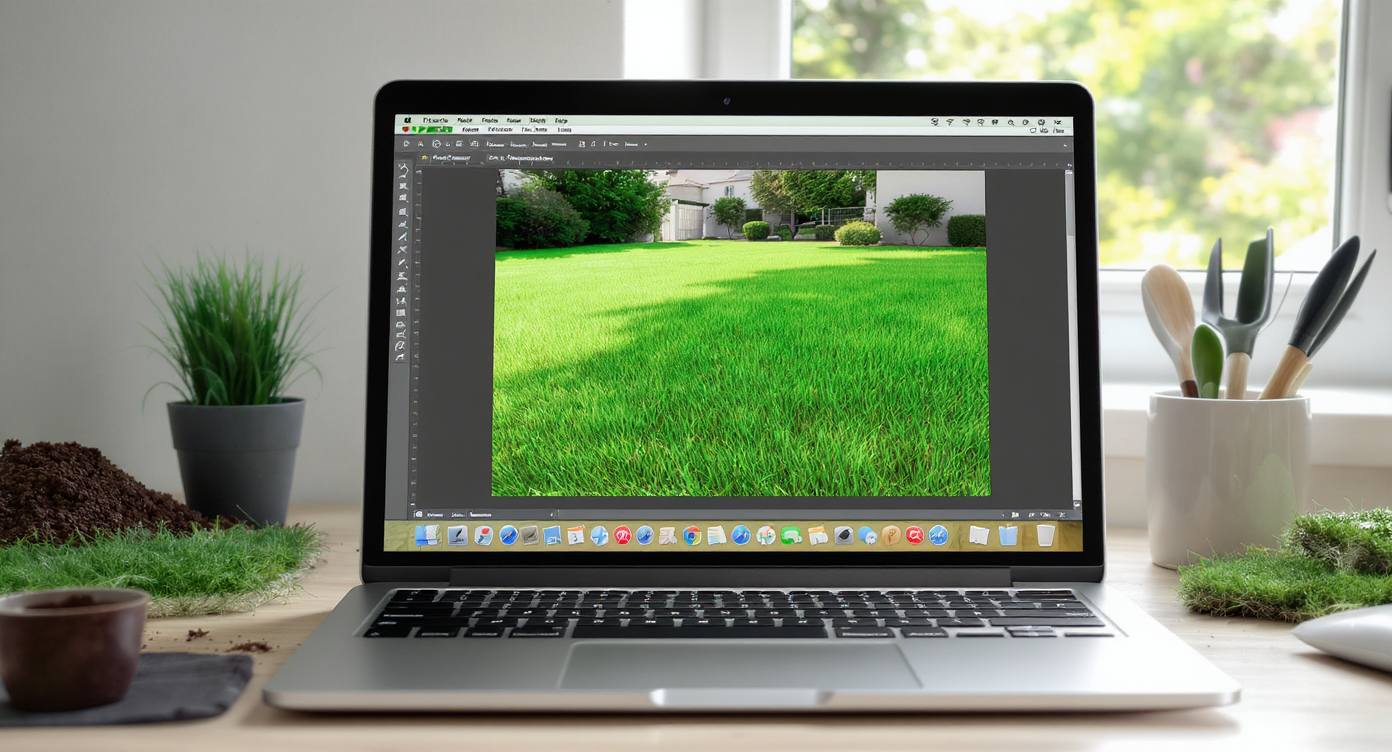
Lawn Replacement is a photo-based, AI lawn design pass that replaces dead or weedy turf with convincing green coverage — without altering your home, beds, or hardscape. You provide one exterior image; the output is a refreshed photo with lawn textures, stripes, and edges that look camera-real.
For the fastest path from “all weeds” to “clean turf,” try ReimagineHome.ai’s Lawn Replacement tool. It’s purpose-built for patchy yards: keep your grading, walkways, and beds; improve only the grass. If your photo is also wintery or leaf-strewn, you can pair it with a seasonal flip using ReimagineHome.ai’s Seasonal Reset to replace snow or dormant tones with spring green for a complete curb appeal test.
How Lawn Replacement Works Step by Step
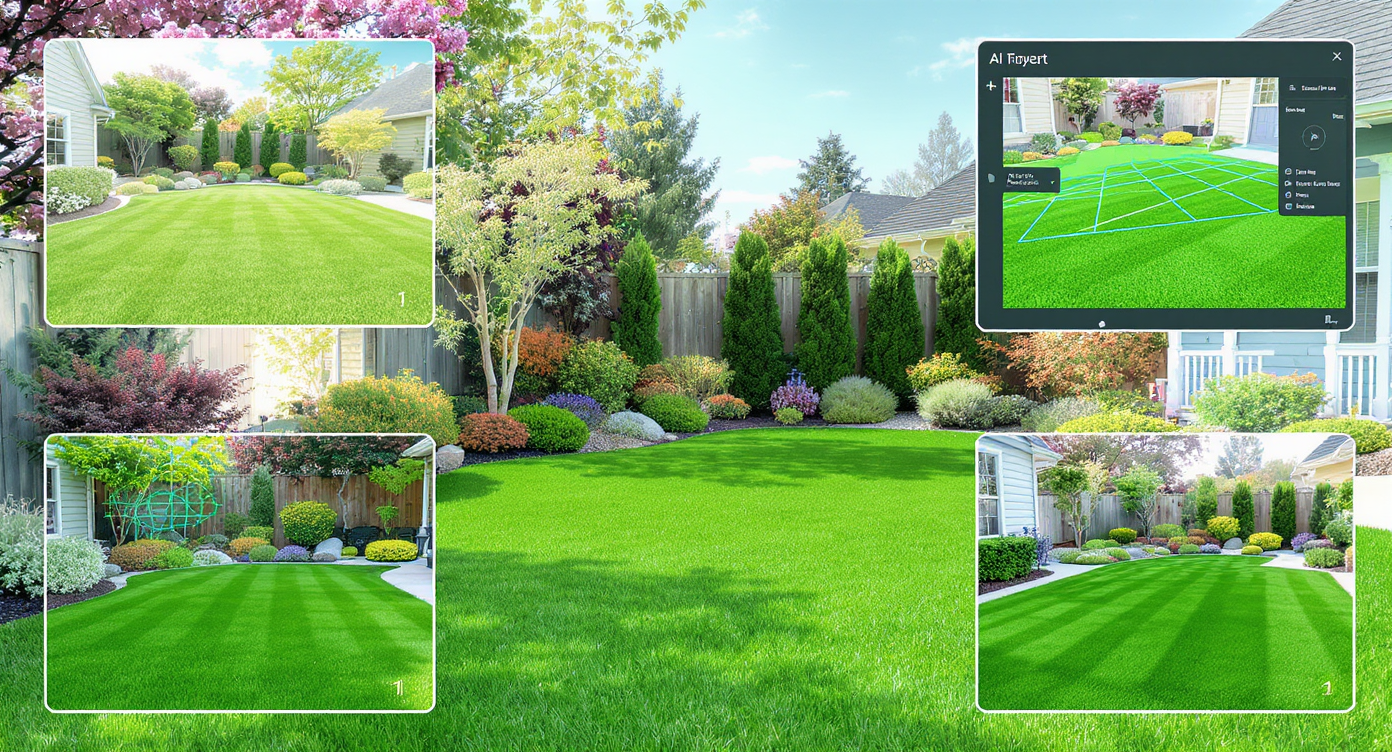
Stepwise process from photo to realistic lawn replacement preview, perfect for planning and presentations.
Starting from a good, clear photo yields the most realistic results.
- Choose the right photo: Aim for a well-composed exterior with most of the yard visible. Overcast light is fine — harsh shadows are harder to match.
- Upload to ReimagineHome.ai: Create a project and add your exterior image.
- Select Lawn Replacement: Pick the lawn tool to swap dead/weedy turf with plausible species and density.
- Adjust options if shown: Keep the grass height and color natural for your region; avoid neon greens.
- Generate and review: Check edges around sidewalks, tree wells, and planters. Ensure mow lines align with slope and orientation.
- Refine and re-generate: If a corner looks too perfect, introduce subtle variation for realism.
- Export: Save a high-resolution version for MLS, a seller deck, or your renovation mood board. As a rule of thumb, images ~3000–4000 px on the long edge reproduce cleanly on portals and print.
Pro tip: If the source photo is soft or tiny, first sharpen and brighten with ReimagineHome.ai’s Image Enhancement or increase clarity using Upscale Resolution before running Lawn Replacement.
Tips and Tricks for More Realistic Results

Tips for realistic lawn design include matching edges, using texture variety, and preserving natural shadows for depth.
Realistic AI lawn design follows the same rules that make real yards believable.
- Match the market’s grass type: For cool-season regions, favor tall fescue or Kentucky bluegrass color and texture; for warm-season, keep heights and tones consistent with Bermuda, St. Augustine, or zoysia norms.
- Respect edges and bed lines: Keep a slight, imperfect edge along pavers and curbs. Razor-straight edges everywhere can look uncanny.
- Mind mow height and direction: Alternate stripe directions subtly and avoid ultra-short, golf-green looks unless that’s truly common locally.
- Preserve wear patterns: Around gates or play areas, a hint of variation reads authentic and keeps expectations honest.
- Shade logic matters: Under mature trees, slightly darker, finer texture is more convincing than uniform stadium green.
- Color discipline: Natural greens lean cooler in spring and slightly warmer mid-summer. Avoid fluorescent saturation.
- Season-sync the scene: If your trees are bare, pair Lawn Replacement with a light Seasonal Reset so the lawn and foliage tell the same season.
Visualization Scenario
Upload a front-elevation photo; replace the patchy turf with a cool-season tall fescue look; keep the edging and tree wells; generate two versions — one with subtle mow stripes and one with a natural meadowlike finish — and compare side by side for listing or planning.
FAQ
What is AI Lawn Replacement in real estate photos?
It’s an AI landscaping-from-photos tool that replaces dead or weed-heavy grass with realistic turf in an exterior image while preserving hardscape and beds. See it in action with ReimagineHome.ai’s Lawn Replacement.
Is lawn replacement allowed on MLS?
Policies vary. Many markets allow clearly disclosed, plausible enhancements that don’t misrepresent permanent features. Use captions and keep results realistic to local norms.
How realistic are AI lawn previews?
Very, when the source photo is clear and settings match regional grass types, mow heights, light, and season. Subtle variation and correct edges sell the effect.
Can this replace actual lawn work?
No — it’s a planning and marketing preview. Use it to choose between overseeding, sod, or a phased approach before you invest time and money.
What resolution should I upload?
Images ~3000–4000 px on the long edge produce the most convincing results and clean MLS exports. You can enhance or upscale first using ReimagineHome.ai if needed.
Can I adjust for shade and sun areas?
Yes. Keep grass slightly darker/finer under trees and more uniform in full sun for a region-accurate look; generate variants until the balance feels right.
Visualize Your Next Listing (or Project) Before You Commit
Small, true-to-life changes often drive the biggest wins.
- The inherited yard of weeds: A new homeowner used Lawn Replacement to preview a fescue-forward lawn, then committed to aeration, overseeding, and targeted weed control. The visual made the plan feel manageable — and aligned everyone on timing and budget.
- The off-season listing: An agent swapped a brown, dormant lawn for a healthy cool-season look paired with a springlike Seasonal Reset. The photo set earned more saves at launch and clearer feedback from buyers on the home, not the lawn.
- The value-add flip: An investor combined a cleaned-up hardscape photo with Lawn Replacement to test sod vs. seed curb appeal. The final marketing images looked consistent with the neighborhood, helping justify the project’s ask.
These aren’t magic tricks; they’re previews that set expectations and reduce friction. When the visuals match what’s plausible for the property, buyers stay focused, and owners plan confidently.
Ready to see your patchy yard as healthy turf — and decide your next move with less guesswork? Open ReimagineHome.ai’s Lawn Replacement and generate a realistic, high-res preview in minutes.










.svg)


.png)