.svg)

.svg)
.svg)
TL;DR
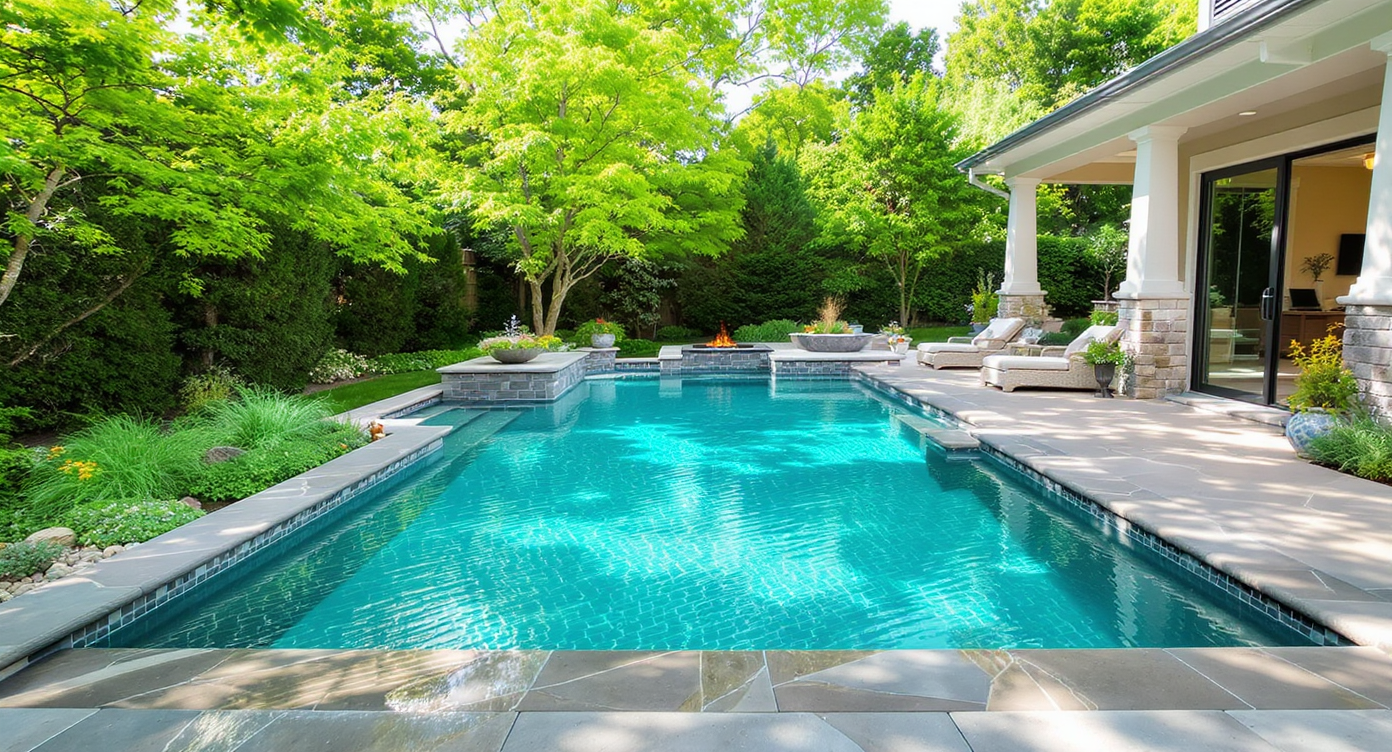
ReimagineHome.ai’s Pool Add & Treat uses AI to add a pool, restyle an existing one, or make cloudy water look crystal clear in listing photos — ideal when you’re weighing renovate vs. remove. Upload a backyard photo and generate side‑by‑side concepts, from refreshed coping and tile to a lawn or patio alternative. It’s a fast, low‑risk way to test AI backyard design ideas and buyer reaction before committing. Try it now with your own image via ReimagineHome.ai’s Pool Add & Treat.
Why These Backyard Photos Aren’t Helping You Decide
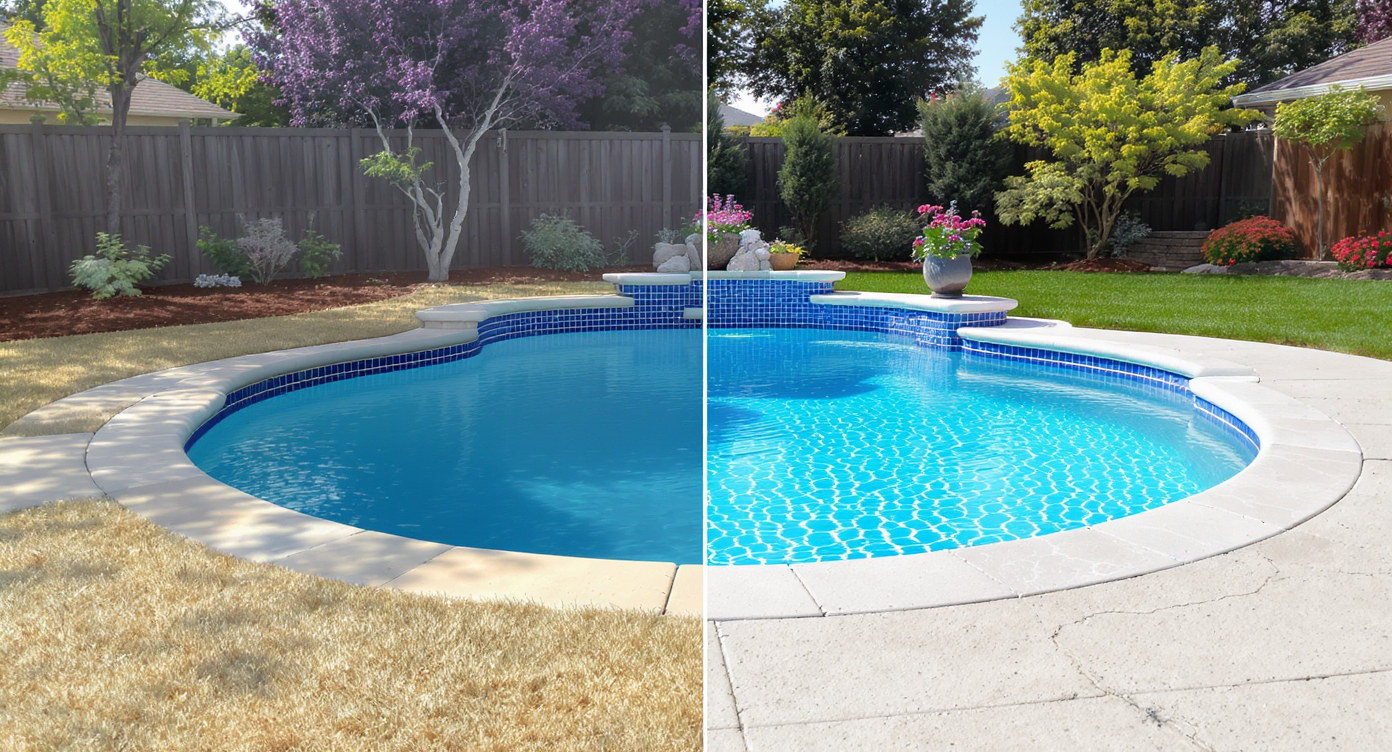
Instantly compare your backyard’s current state with a sparkling renovation before spending a dime.
Pool Add & Treat is an AI tool inside ReimagineHome.ai that can add a pool to a yard, restyle an existing one, or turn murky water into a clear, show-ready surface in seconds. It’s powerful because you can compare renovate-versus-remove options on a real photo — long before you spend on plaster, decking, or demolition.
- Results: Instantly test a sparkling renovation, new coping/tile looks, or a lawn/patio replacement concept side by side.
- Realism: Photoreal edits that keep your home’s architecture and sightlines intact to set accurate expectations.
- Speed: Concepts in minutes — helpful for sellers, agents, or investors on tight timelines.
- Cost: Low-cost visualizations versus high-cost guesses; iterate freely until a direction sticks.
- Workflow: Works from a single backyard photo; export-ready for MLS, brochures, or stakeholder buy‑in.
- ROI: Sharper story = better clicks, clearer decisions, fewer regrets (and fewer change orders later).
- Peace of mind: Settle the renovate-or-remove debate visually rather than emotionally.
If you already have a tricky backyard image, upload it to ReimagineHome.ai and test Pool Add & Treat on your photo while you read.
Why This Visual Problem Hurts More Than You Think
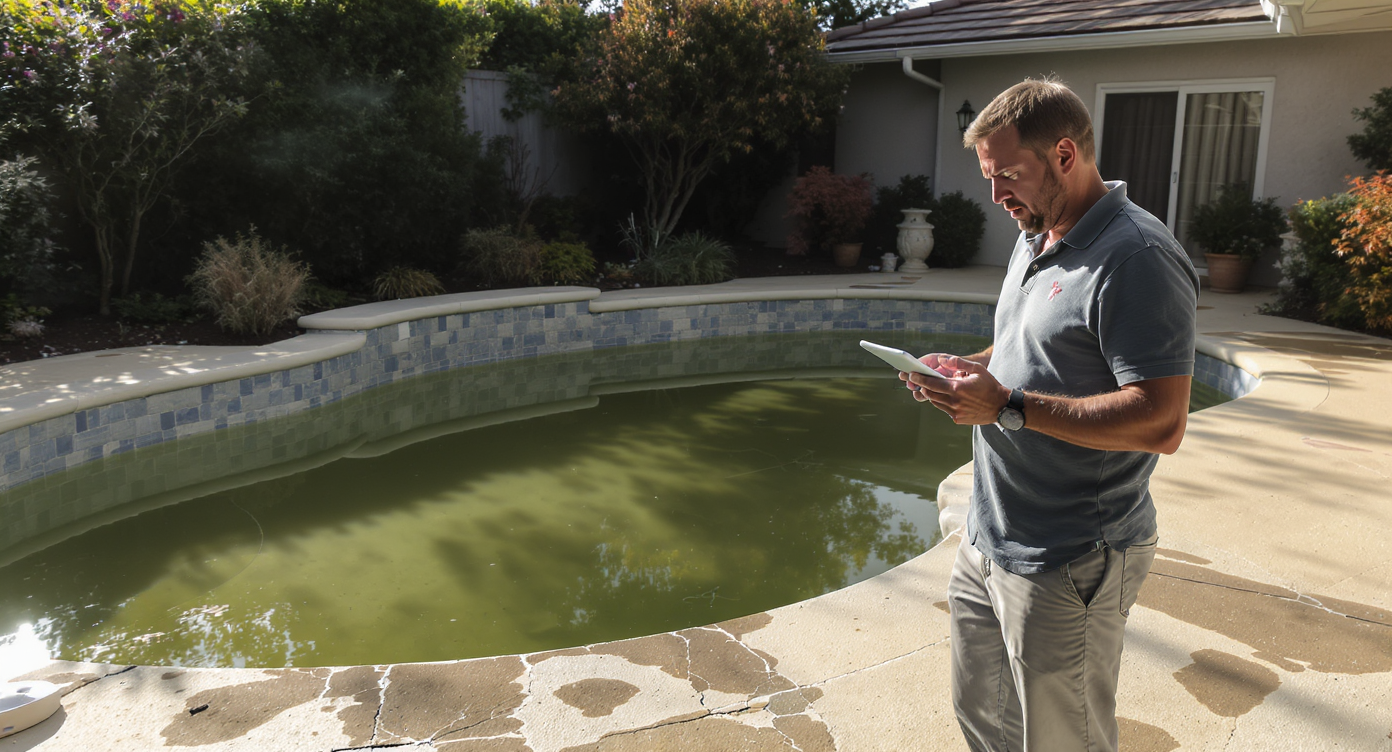
Cloudy water and damaged pool edges diminish your backyard’s appeal and can hurt home value.
Backyard photos with cloudy water, chipped coping, or broken concrete tend to underperform compared with a clear, hero-worthy pool image that leads the carousel. Buyers scroll faster past problems they can’t picture solved, and sellers lose confidence when their own gallery makes the yard feel like a money pit.
Here’s how it shows up in practice: a deep, 12‑foot pool reads high-maintenance on mobile; leaf‑laden surfaces scream work, not weekends; and off‑season shots (bare trees, gray sky) bury the home’s best outdoor features. In warmer markets (Atlanta, Phoenix, much of Texas and Florida), a great pool image can signal value and lifestyle; a gloomy one does the opposite.
Instead of guessing, generate a few clean, realistic alternates: one with refreshed plaster and modern tile; one that downplays the pool with simplified hardscape; and one that replaces it visually with patio or lawn. You’ll quickly see which version tells the stronger story for your price point and buyer profile.
Anecdote
That intimidating deep-end shot with leaves skimming the surface? In one session, we generated three alternates: a bright pebble finish with clean coping, a family-friendly shallow shelf concept, and a turf-and-fire-pit conversion. The seller could finally see a path — and the agent had a hero image to lead with.
What Pool Add & Treat Actually Is (In Plain Language)
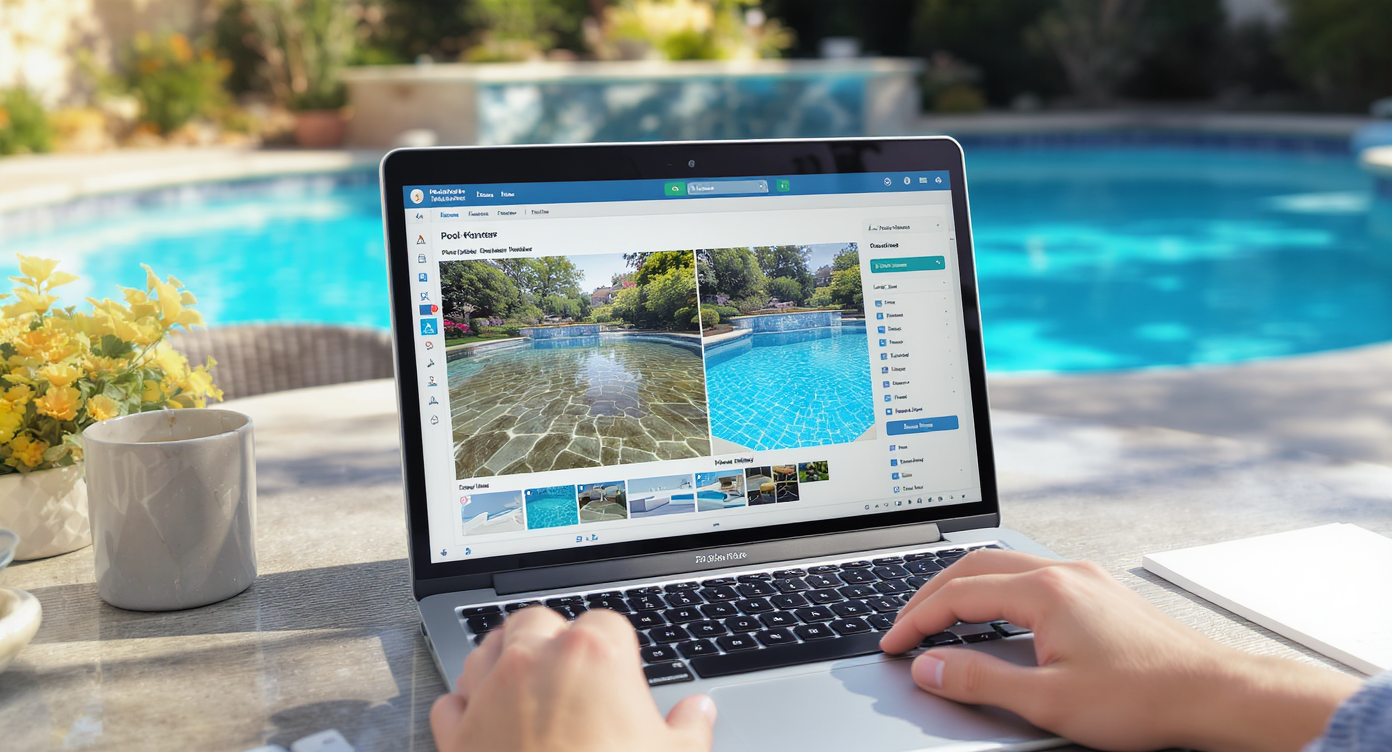
Pool Add & Treat lets you visualize renovation options with clear water and new tile choices, all on your own photo.
Pool Add & Treat is a photo-based AI editor that specializes in pools and outdoor scenes. It can add a pool where there isn’t one, restyle the pool you have, or make the water look clean and inviting — all while respecting your yard’s angles, architecture, and light.
From one uploaded backyard photo, you can output multiple variants: a resurfaced look (white plaster, pebble, or darker lagoon tones), updated coping and paving, or even a non‑pool concept like a fire‑pit patio or turf — helpful when you’re weighing remove vs. renovate. To try it, open ReimagineHome.ai’s Pool Add & Treat tool and start with the clearest, widest yard angle you have.
If your image is off-season or dull, consider a quick polish first with ReimagineHome.ai’s Image Enhancement for cleaner color and contrast. For winter-to-spring transformations, Seasonal Reset can replace bare trees and gray grass with lively greenery so your concepts read true.
How Pool Add & Treat Works Step by Step
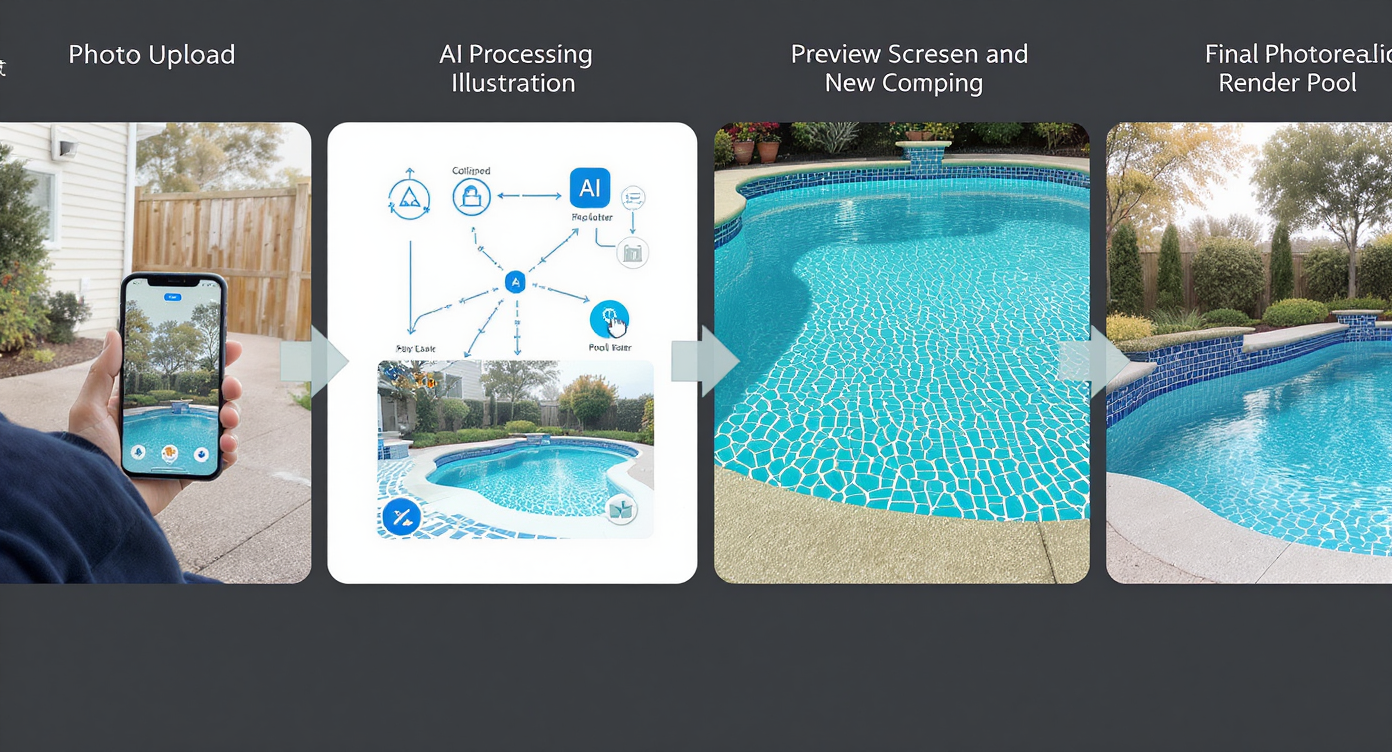
Follow simple steps from photo upload to stunning visual previews for confident pool renovation decisions.
MLS and portals typically reward clear, high-resolution images — aim for at least ~3000 pixels on the long side for strong AI results and clean exports.
- Choose the right photo: Start with a wide shot that shows the entire pool zone (or the area where a patio/lawn would go). Avoid heavy obstructions in the foreground.
- Upload to ReimagineHome.ai: Drag your image into the workspace. A smartphone shot works; higher-res DSLR images are even better.
- Select Pool Add & Treat: In the tool, choose whether you want a refreshed pool look (new water, tile/coping) or an alternative yard concept (patio, lawn, fire pit) to test the remove scenario.
- Pick style cues: Set a direction — modern, classic, Mediterranean — and choose materials (white plaster vs. pebble, light travertine vs. charcoal pavers) that match your region and house style.
- Generate and compare: Produce a few variations and line them up: Renovated Pool A vs. Renovated Pool B vs. Patio/Lawn Concept. Share with your agent, contractor, or partner for quick feedback.
- Refine and export: Nudge colors, lighten shadows, or upscale clarity with Upscale Resolution before downloading for MLS or a contractor brief.
Simple best practice: keep angles consistent between concepts so viewers focus on the change (pool vs. patio), not the camera shift.
Tips and Tricks for More Realistic Results
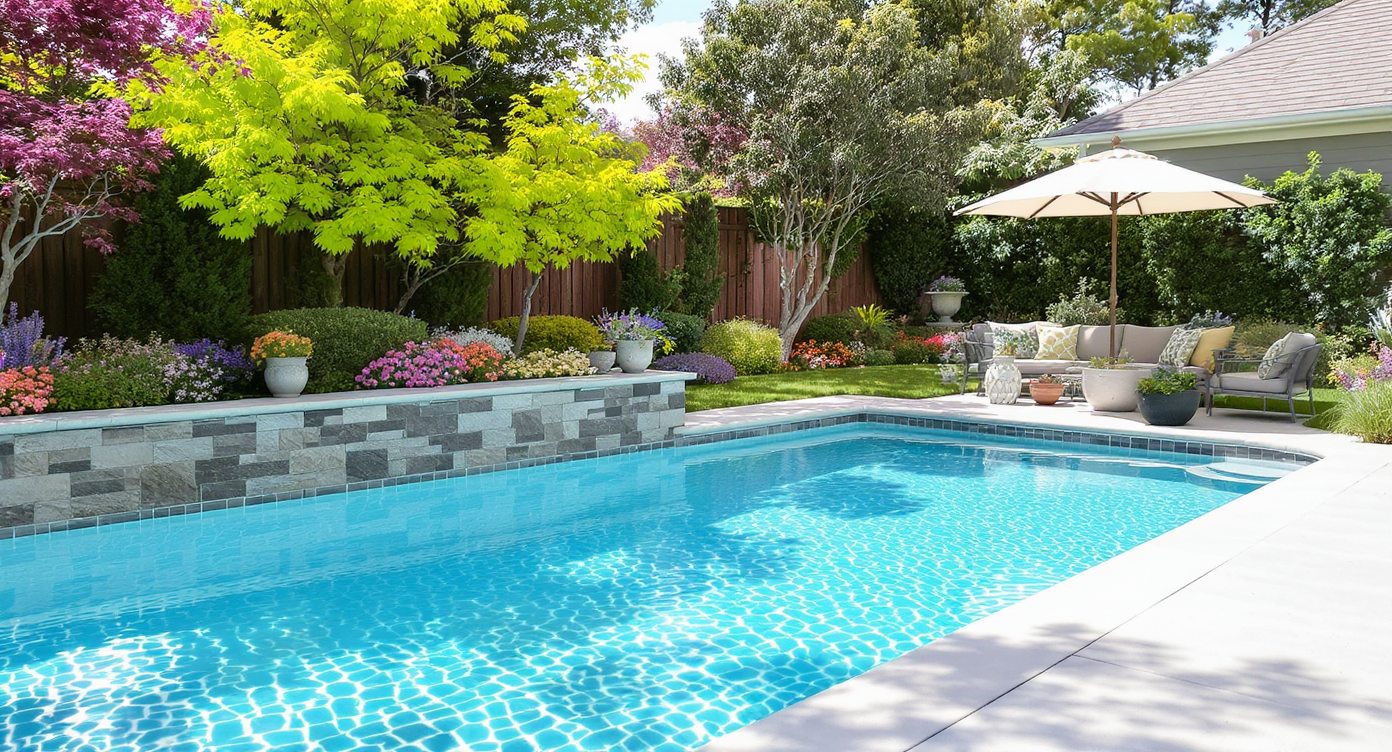
Tips like clean water and bright paving bring your renovated pool to life with realistic visual impact.
Even simple adjustments — like cleaner water and brighter paving — make key outdoor features easier to “read” at a glance.
- Match materials to the house: If your home skews traditional, consider warm limestone or tumbled pavers; for modern, clean-line travertine or poured concrete feels right.
- Dial the depth story: A 12‑foot deep end can feel intimidating; visualize a safer vibe by showing a shallower, play-shelf look or a pool-to-patio conversion for entertaining.
- Keep realism tight: Avoid pushing edits beyond what the site can support (no vanishing property lines or implausible retaining walls). The best AI outdoor design looks like a plausible weekend project.
- Brighten the base photo: If the sky is flat or the yard is in shade, run the image through Image Enhancement first so materials render accurately.
- Show contrast scenarios: Buyers love choice. Present Option 1: refreshed pool; Option 2: low‑maintenance patio with fire pit; Option 3: turf + small plunge. Let the visuals drive the conversation, not speculation.
- Prep for bids: Use captions to label material ideas (“pebble finish, charcoal coping, 700 sq. ft. pavers”) so contractors can sanity‑check costs quickly.
Visualization Scenario
Upload your current backyard photo, generate a refreshed pool with light pebble and charcoal coping, then create a second variant replacing the basin with 700 sq. ft. of pavers and a circular fire pit. Compare both in a single email to your contractor and agent for fast alignment.
FAQ
Can AI really show my backyard with a renovated pool — or without one?
Yes. Pool Add & Treat can restyle your existing pool (new finish, coping, water clarity) or generate alternatives like a patio or turf concept from the same photo. It’s ideal for renovate vs. remove comparisons.
Will editing pool water to look clear mislead buyers?
Use AI to set expectations for potential outcomes, not to hide defects. Pair images with captions like “concept rendering” and discuss actual scope in remarks or with your agent/contractor.
What resolution do I need for the best AI backyard design results?
Aim for ~3000 pixels on the long side to keep edges crisp. If your file is smaller, try Upscale Resolution before generating concepts.
How fast is ReimagineHome.ai for outdoor edits?
Most Pool Add & Treat concepts render in minutes, so you can explore multiple looks in a single work session.
Can I fix gloomy, off-season backyard photos first?
Yes. Use Image Enhancement for color/contrast and Seasonal Reset to swap winter for spring greenery before testing designs.
Visualize Your Next Listing (or Project) Before You Commit
Even one clear rule applies here: previewing your renovation visually prevents regret later. Whether you plan to renovate your 30,000‑gallon classic or remove it for a lawn and lounge, a few AI concepts on top of your actual photo will tell you which version sells the lifestyle better — in your market, at your price point.
When you can see a sparkling pool, a smarter shallow layout, or a patio-and-fire-pit swap in minutes, you stop arguing hypotheticals and start planning realities. Load your backyard shot into Pool Add & Treat or start from the homepage at ReimagineHome.ai, and pick the path that earns the clicks — and the resale — you want.











.svg)


.png)