.svg)

.svg)
.svg)
TL;DR
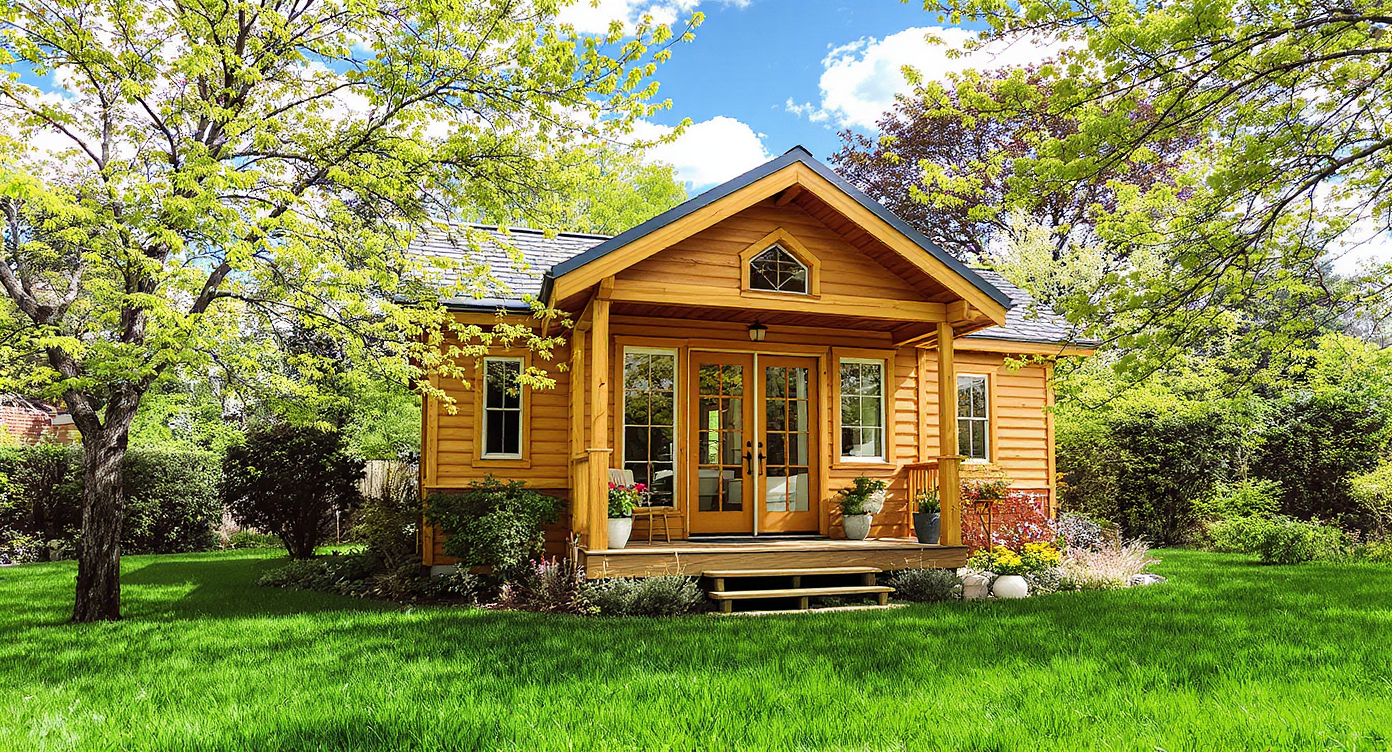
ReimagineHome.ai’s Seasonal Reset is an AI photo edit that turns winter listing photos into believable spring scenes — snow to grass, bare trees to green, and bright, warm light. It’s the fastest fix for off-season exterior photos that suppress clicks and showings. If you already have a tricky image, upload it to ReimagineHome.ai and test a winter-to-spring conversion while you read. For anyone searching how to fix off-season exterior photos or how to flip winter listing photos to spring, this delivers realism, speed, and peace of mind.
Why These Photos Aren’t Doing Your Listing Any Favors
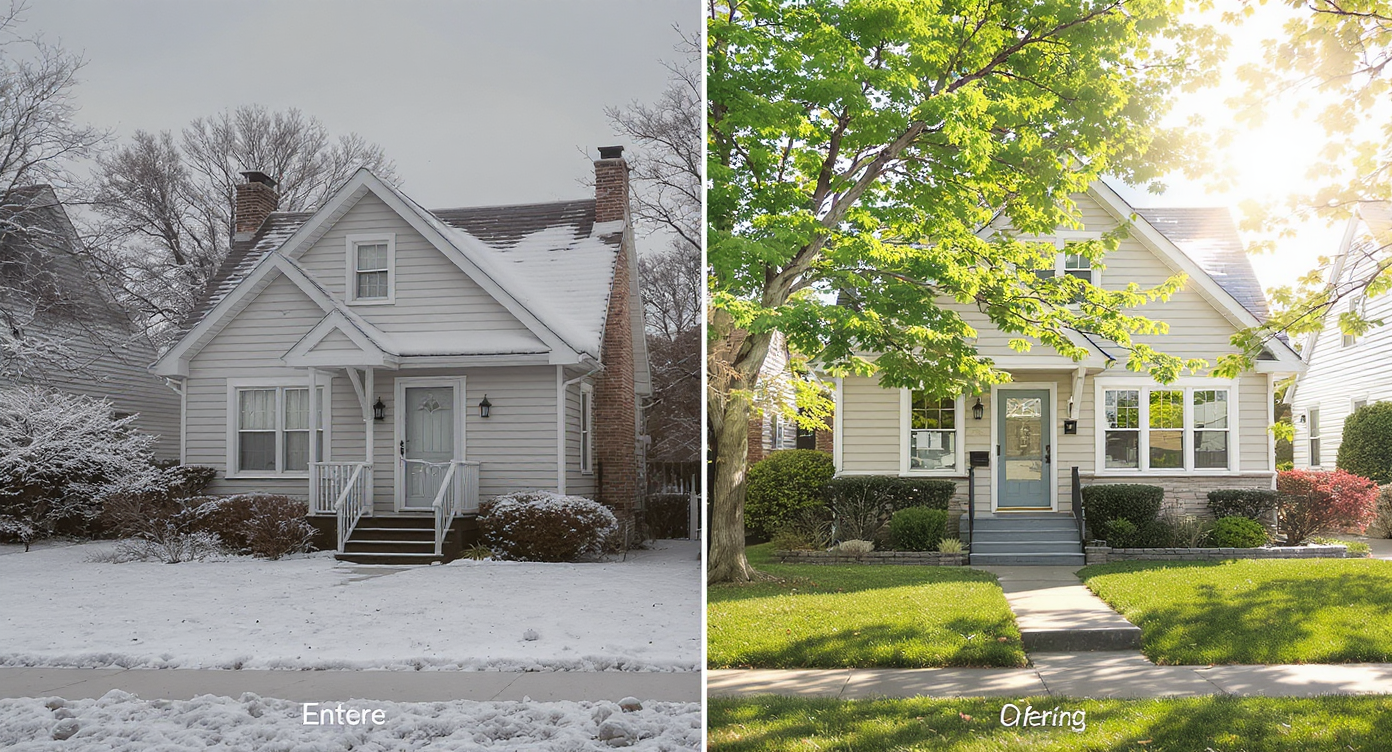
Transform winter exteriors to vibrant spring scenes with AI-powered Seasonal Reset edits.
Seasonal Reset is an AI-powered edit that converts winter exterior photos into spring-ready images with green grass, leafy trees, and warmer light. It matters because off-season photos quietly reduce click-through rates and make spaces feel cold, small, or hard to love.
- Results: Turn snow and patchy lawns into lush, in-season curb appeal buyers instantly connect with.
- Realism: Shadows, reflections, and regional greenery stay believable.
- Speed: Minutes per photo — no waiting months for new shoots.
- Cost: A fraction of reshooting or holding a listing for better weather.
- Workflow: Works from a single exterior photo; export for MLS, rental platforms, or social.
- ROI: More carousel clicks, more saves, more tours — especially for tiny homes and cabins that skew outdoor-forward.
- Peace of mind: Show the home’s true potential without weather getting in the way.
If you already have a tricky listing photo in mind, upload it to ReimagineHome.ai and test this solution on a real image while you read.
Why This Visual Problem Hurts More Than You Think
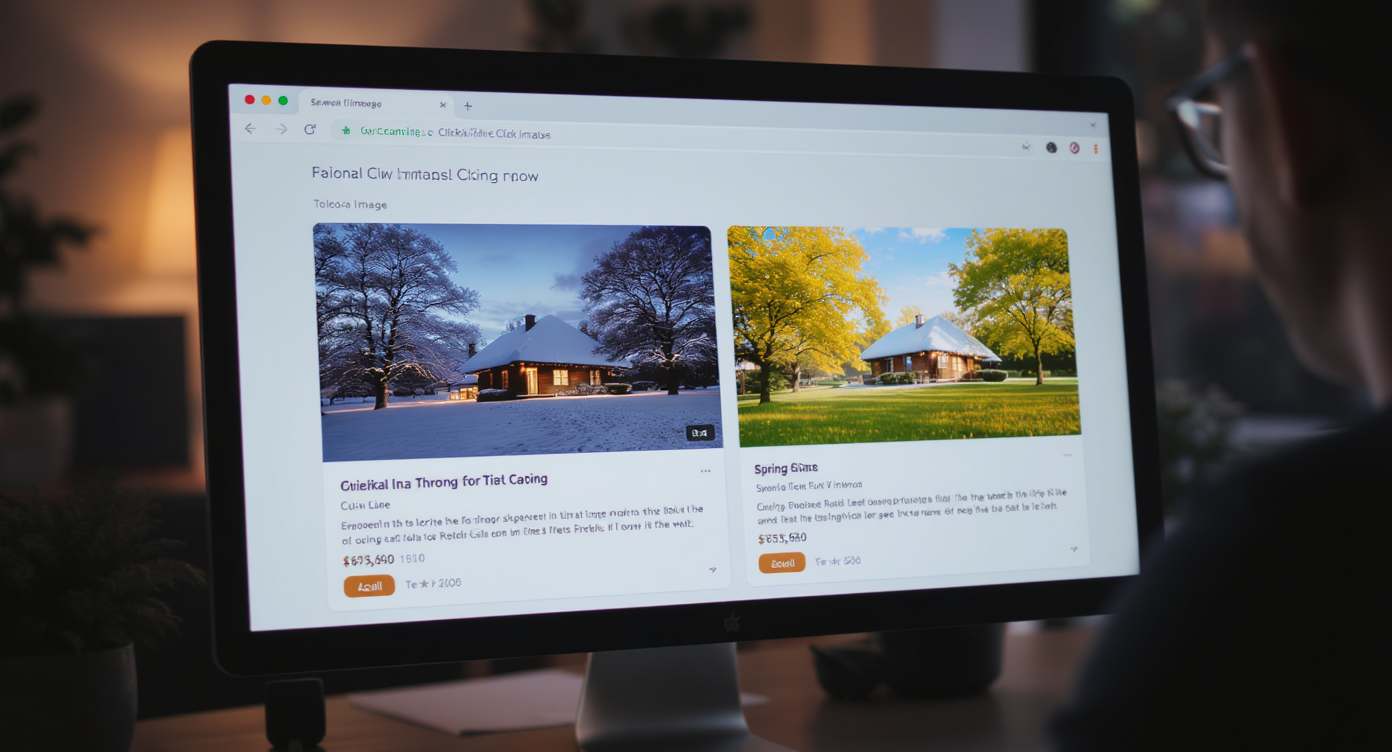
Winter photos lose clicks — vibrant spring visuals boost buyer engagement visibly.
Twilight-style hero images and green-season exteriors routinely earn more carousel clicks than flat winter frames. For small-footprint homes and ADUs where the yard, deck, and setting do a lot of storytelling, a snowbound photo can make spaces feel cramped, drafty, or unfinished — and that shows up in scroll behavior. Prospective buyers or guests skim past ice-crusted steps, salt-stained skirting, and brown grass; they pause longer on images where they can picture morning coffee on the porch or a picnic beside the steps. That pause is your advantage.
There’s also a perception gap. Viewers know winter is temporary, but they react to what they see in two seconds: cold equals uncomfortable. If your tiny house is a seasonal rental, winter photos can depress shoulder-season bookings. If you’re selling, a green, sun-warm exterior can move someone from “maybe later” to “book a showing.”
Anecdote
That snow-buried tiny with metal skirting and a salt-crusted step? One Seasonal Reset later and it reads like a spring picnic spot — same house, same angle, totally different reaction in the carousel.
What Seasonal Reset Actually Is (In Plain Language)

Seasonal Reset uses AI to instantly swap winter scenes for believable spring visuals, improving listing appeal.
Seasonal Reset is a guided AI transformation that replaces winter elements with believable spring details — grass overtakes snow, trees leaf out, and overall lighting gets a subtle seasonal lift. You provide one good exterior photo; the tool returns a natural-looking, in-season version you can download for MLS, portals, or marketing.
Use it when weather won’t cooperate, when you can’t re-shoot, or when a property is staged and ready now. To try it, head to ReimagineHome.ai’s Seasonal Reset — it’s purpose-built to flip off-season images into spring or early summer without cartoonish greens.
How Seasonal Reset Works Step by Step
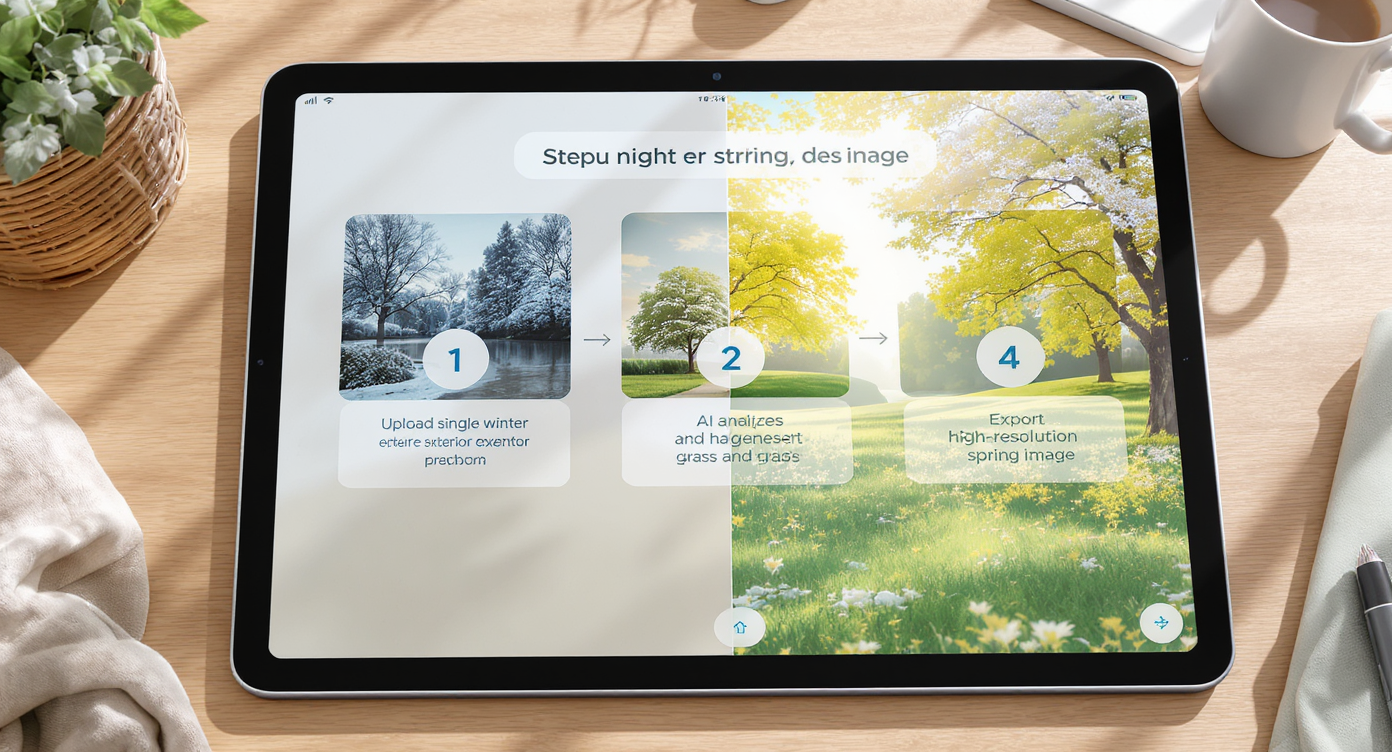
Step-by-step AI workflow simplifies creating high-res spring-ready photos from winter exteriors quickly.
MLS and portal guidelines typically favor high-resolution images — aim for at least 3000 px on the long edge for best results.
- Choose the right photo: Pick a clean, front-quarter or straight-on exterior. Avoid heavy obstructions and extreme lens distortion.
- Upload to ReimagineHome.ai: Start a project and select Seasonal Reset.
- Set intent: Indicate spring/early-summer; keep the style true to the region (subtle is stronger).
- Generate: Let the AI convert snowbanks, icy lawns, and leafless trees to green-season equivalents.
- Review and refine: Check rooflines, shadows, and reflections in windows. Regenerate if you want lighter touch or different greenery density.
- Polish: If the original is dull or hazy, run the result through its image enhancement tool for crisp color and contrast.
- Export: Save a high-res version sized for MLS or rental platforms. If your source is small, you can boost clarity with the Upscale Resolution tool.
Best practice: Start with the sharpest photo you have, captured at chest height with a slight angle that shows both face and depth. Clear cars, hoses, and snow blowers beforehand if possible, or crop them out.
Tips and Tricks for More Realistic Results
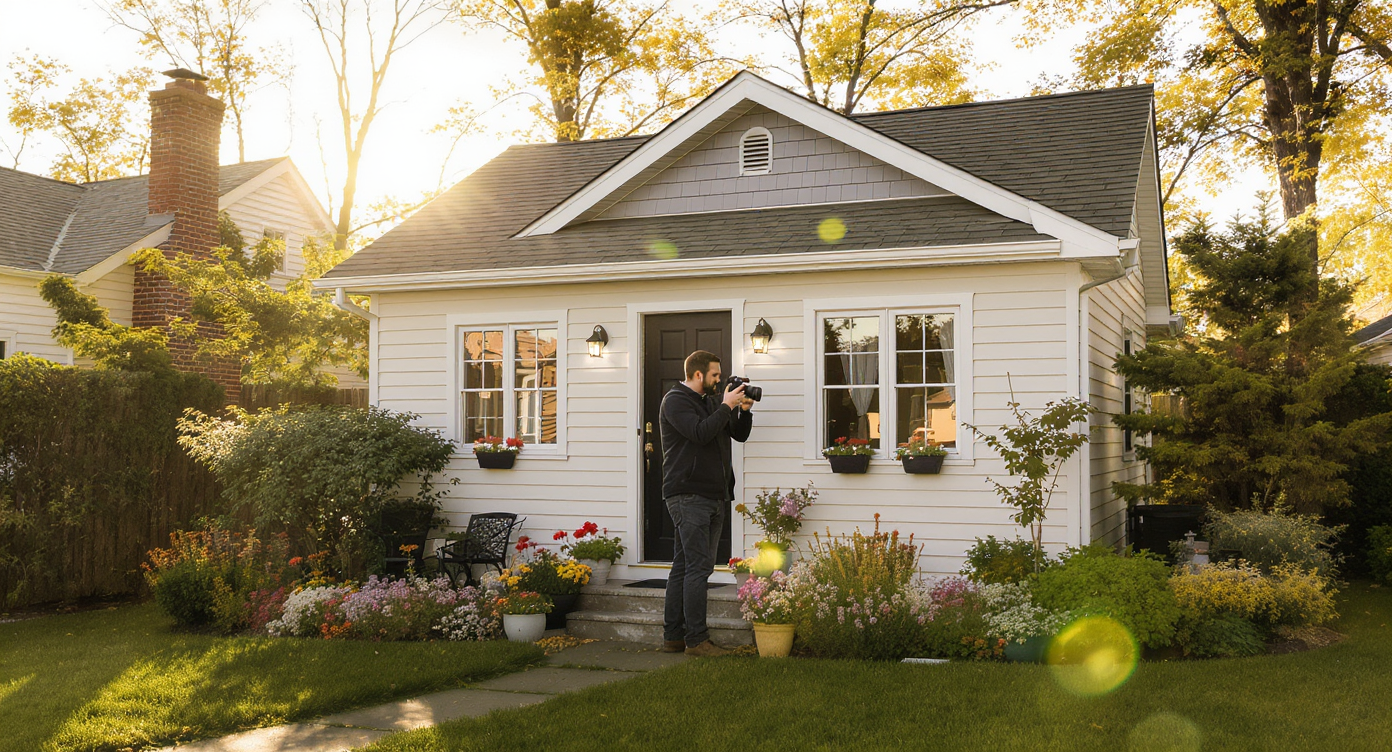
Pro tips: Align lighting, color, and context for believable AI seasonal photo transformations.
Even simple seasonal changes look more convincing when light, color, and context agree.
- Match the light: Keep sun direction consistent. If your winter photo has right-to-left shadows, your spring version should too.
- Keep it regional: Choose grasses and tree density that match your climate. Prairie lawn looks different from a rainforest understory.
- Mind the roof and hardscape: Some winter streaks or damp patches can remain; wiping every cue can feel uncanny. Real yards aren’t perfect.
- Honor grade and edges: Ensure green meets steps, skirting, and driveway cleanly — no floating turf against the foundation.
- Subtle color wins: Over-saturated greens scream “edited.” A slightly warm, late-morning palette tends to feel most real.
- Stage the season, not the story: Don’t add plants that couldn’t exist there; the goal is in-season, not fantasy landscaping.
- Final pass: If your camera underexposed the original, finish with ReimagineHome.ai image enhancement to restore texture in siding, windows, and trim before publishing.
Visualization Scenario
Picture your tiny home’s hero shot: the same angle you have today, but the driveway is clear, grass is lush, trees are leafed out, and the morning light feels warm. That’s a single Seasonal Reset away.
FAQ
Is seasonal reset allowed in real estate listings?
Policies vary by MLS and marketplace. Many allow season and sky adjustments if they don’t misrepresent condition or permanent features; when in doubt, disclose that seasonal edits were applied.
How realistic are AI winter-to-spring conversions?
With a sharp source photo and restrained settings, results look natural — consistent shadows, believable greens, and intact architectural details. Over-saturation or mismatched plant types are what break realism.
Can I use Seasonal Reset for cabins, tiny houses, and ADUs?
Yes. Small dwellings benefit most because outdoor context and skirting/foundation lines dominate the frame. Seasonal Reset helps viewers imagine daily life without snowbanks and salt lines stealing attention.
What resolution do I need for best results?
Aim for 3000–4000 px on the long edge. If your file is smaller, run the result through Upscale Resolution to boost clarity for MLS and print.
Will Seasonal Reset remove driveway snowbanks and icy lawns cleanly?
Yes, the tool replaces snow and patchy turf with realistic green-season surfaces. For heavy plow berms or clutter near the foundation, consider a tighter crop before you generate.
Metadata
Opening line: Turn winter listing photos into believable spring curb appeal with ReimagineHome.ai’s Seasonal Reset.
Tags: AI in real estate, Home Staging, Real Estate Marketing, Realtors, Virtual Staging, Listing, Home Exteriors, Curb Appeal
Alt-text suggestions:
Alt: “Tiny house exterior edited with ReimagineHome.ai Seasonal Reset — snow replaced by green lawn and leafy trees.”
Caption: “Flip off-season photos to spring so buyers picture life on the porch, not shoveling the steps.”
Alt: “Before-and-after exterior showing winter to spring conversion on a cabin.”
Caption: “Seasonal Reset turns a snowbound frame into a warm, livable scene in minutes.”
Alt: “Close-up of siding and windows after Seasonal Reset with enhanced lighting.”
Caption: “A light touch on color and shadow keeps the result believable for MLS and rental platforms.”
Visualize Your Next Listing (or Project) Before You Commit
Seeing a home in-season is a small but powerful confidence builder — it lets buyers and guests rehearse life there before they commit. For tiny homes, ADUs, cabins, and small cottages where outdoor space and curb appeal do outsized storytelling, removing winter’s filter can be the difference between a skim and a save.
Flip the weather on your schedule. Try Seasonal Reset on ReimagineHome.ai to turn today’s snowbound photo into a spring-ready hero image in minutes, or start on the homepage at ReimagineHome.ai and build a quick workflow with enhancement and upscaling. Fast, believable, and built for modern real estate visuals.










.svg)


.png)