.svg)

.svg)
.svg)
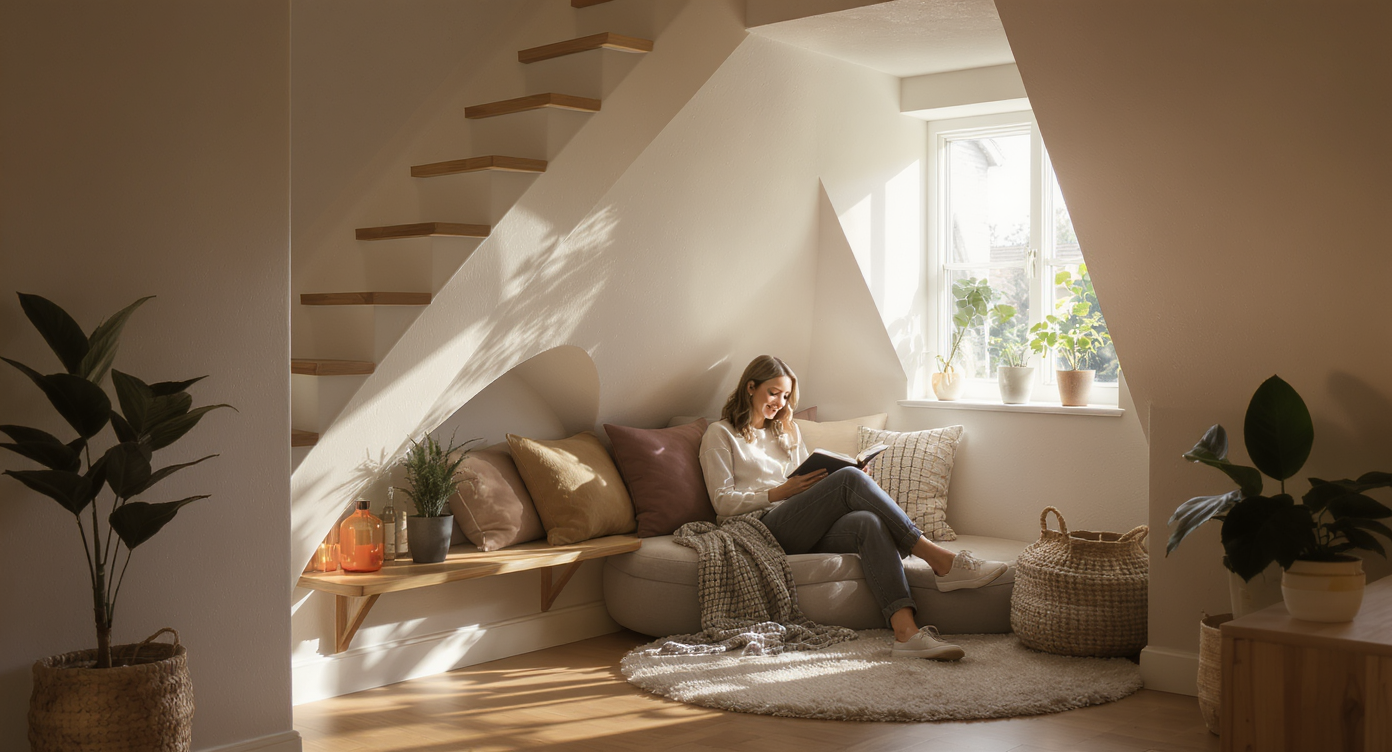
TL;DR
ReimagineHome.ai’s Swap Furniture & Objects lets you digitally add, replace, or remove specific items in a photo so you can test layouts for small nooks fast. It’s the easiest way to try a reading nook, pet corner, or storage solution and judge scale, style, and fit in minutes. If you’re searching how to swap furniture style digitally or “ai redesign my room,” upload a photo to ReimagineHome.ai and explore options risk‑free. Try it now on a real image at ReimagineHome.ai.
The Real Cost of Leaving Small Nooks Undefined
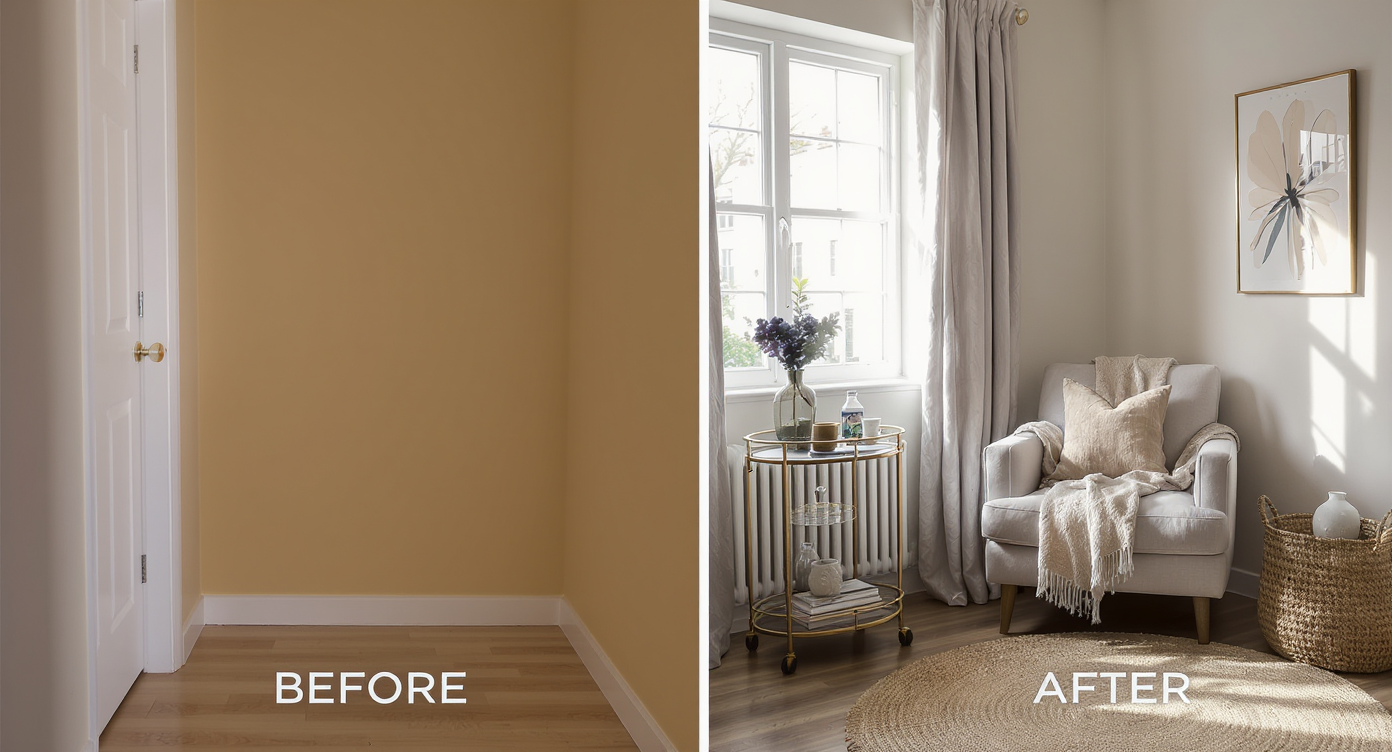
Preview your home's potential instantly by swapping furniture digitally for smart space planning.
ReimagineHome.ai’s Swap Furniture & Objects is an AI room editor that lets you place or replace real-world items in your photo — from chairs and shelves to pet beds and bar carts. It’s powerful for awkward alcoves and under‑stair spaces because it turns a confusing corner into clear, shoppable design options in minutes.
- Results: Instantly preview a reading nook, pet sanctuary, mini office, or storage wall.
- Realism: Life‑like scale, shadows, and materials help you judge if it truly fits.
- Speed: Generate multiple versions in minutes — no carpentry or shopping required.
- Cost: Experiment digitally first; buy only what you love.
- Workflow: Great for agents, stagers, designers, and DIYers planning micro‑spaces.
- ROI: Defined spaces photograph better, attract clicks, and sell a clearer lifestyle.
- Peace of mind: Reduce returns and renovation regret by testing layouts first.
If you already have a tricky alcove photo, upload it to ReimagineHome.ai and test this solution on a real image while you read.
Why This Visual Problem Hurts More Than You Think
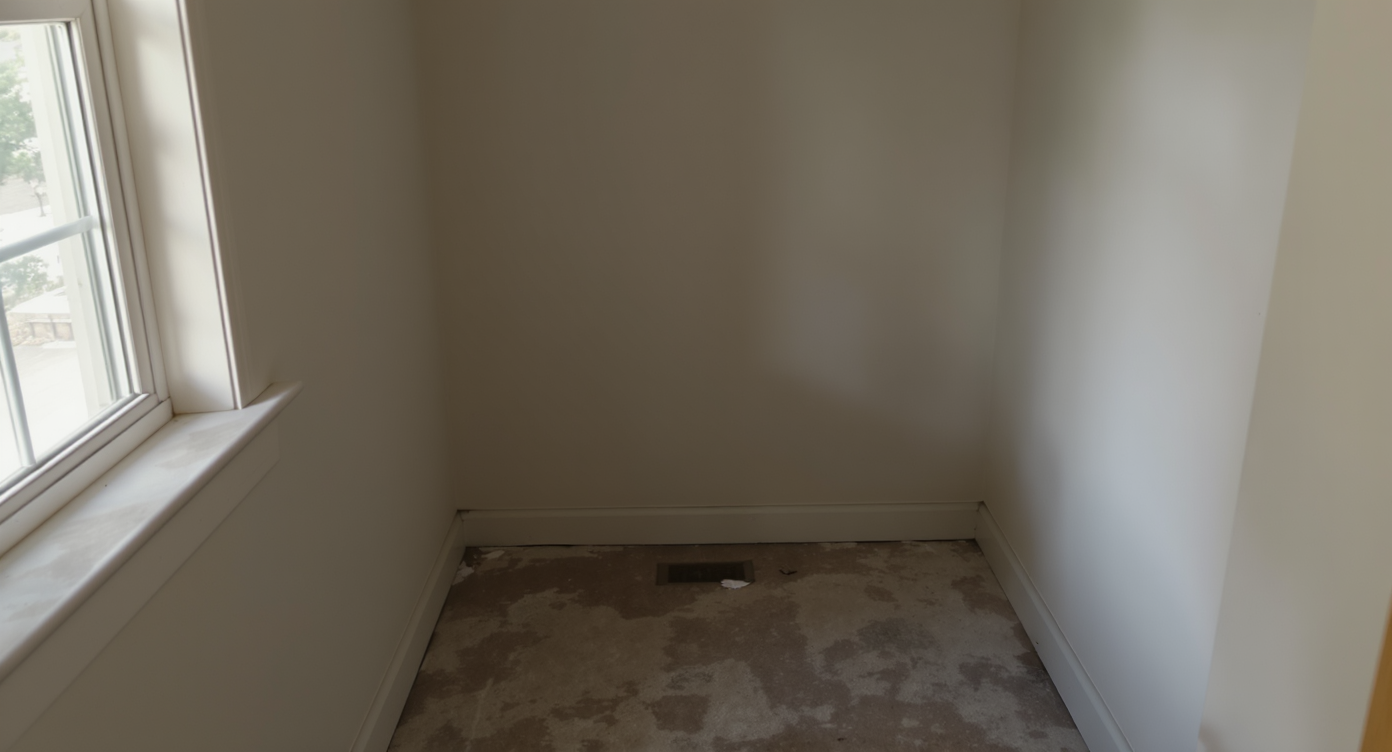
Undefined small spaces often get overlooked, undermining a home's appeal and functionality.
Small, undefined spaces often get skipped in online browsing and showings, which quietly lowers perceived livable square footage. When a nook feels purposeless, buyers and even homeowners scroll past, miss potential storage or seating, and assume the layout is awkward. Clear, visual ideas change that behavior: a visible book ledge, a cushion, a lamp — suddenly the eye stops and the brain labels the space “useful.”
Think about your own scroll habits. You pause on photos where function is obvious: a tidy bench with baskets, a cozy cushion and sconce, a neat bar setup. Defined micro‑zones resolve decision friction for shoppers, renters, and homeowners alike. That’s why agents and stagers treat these corners like headline opportunities in a carousel — they’re small in square feet but big in narrative power.
Anecdote
That perfect but unused alcove by the stairs — once we showed it as a lit reading nook with a slim bench and drawers, the homeowners instantly approved a weekend build and skipped the too‑wide chair they were about to order.
What Swap Furniture & Objects Actually Is (In Plain Language)
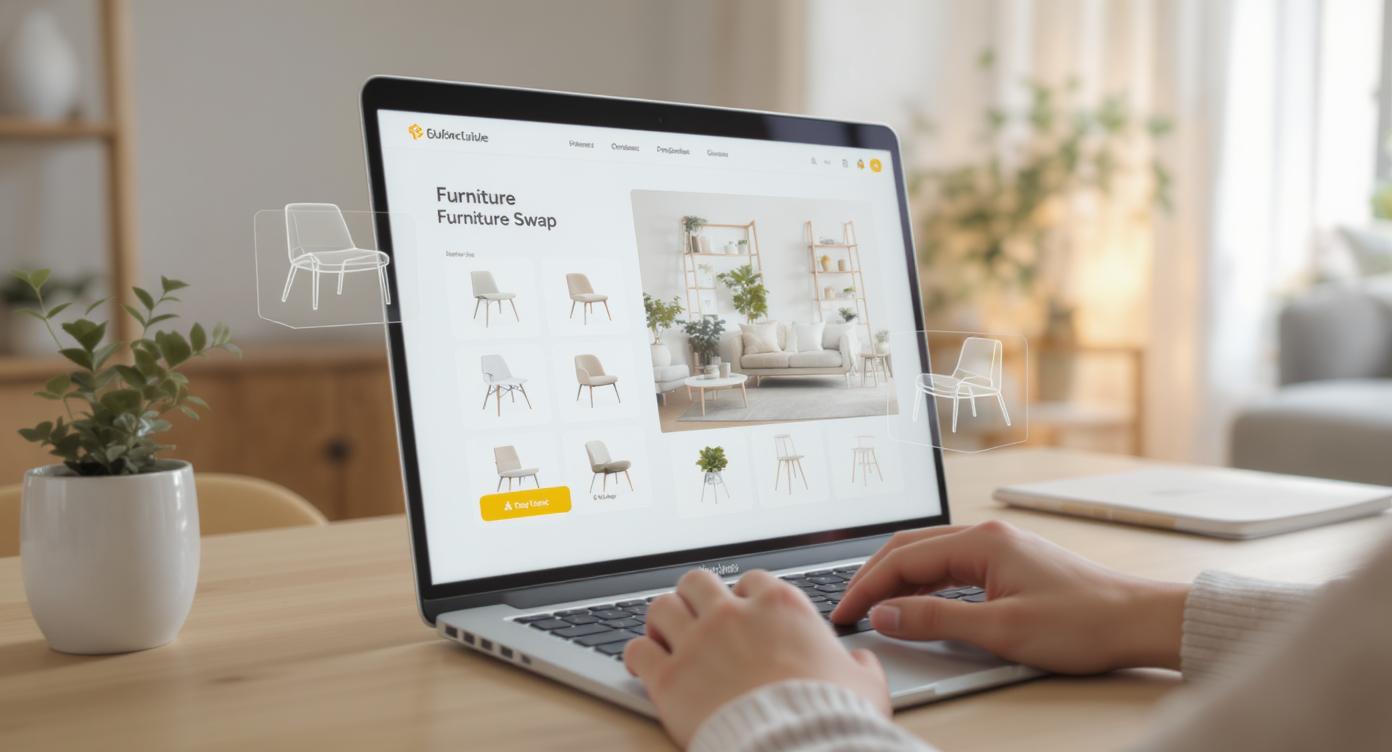
See how AI transforms a photo into shoppable design options for any space, simply and clearly.
Swap Furniture & Objects is AI room design from a photo: upload one image and digitally test different furnishings, decor, and organization pieces in that exact spot. The output is a new, realistic image showing your chosen concept — reading nook, pet den, storage drawers, rolling bar cart — with proper perspective and lighting.
It’s not a generic mood board; it’s your space, your angle. You control the vibe and use case, then evaluate scale and style with confidence. Explore it directly through ReimagineHome.ai’s Swap Furniture & Objects tool and iterate until the arrangement clicks.
If the nook is currently full of stuff, clear it digitally first with ReimagineHome.ai’s Occupied → Vacant feature to get a true blank canvas. Planning a color change or paneling? Preview finishes with Surface Restyling before buying paint or wood.
How Swap Furniture & Objects Works Step by Step
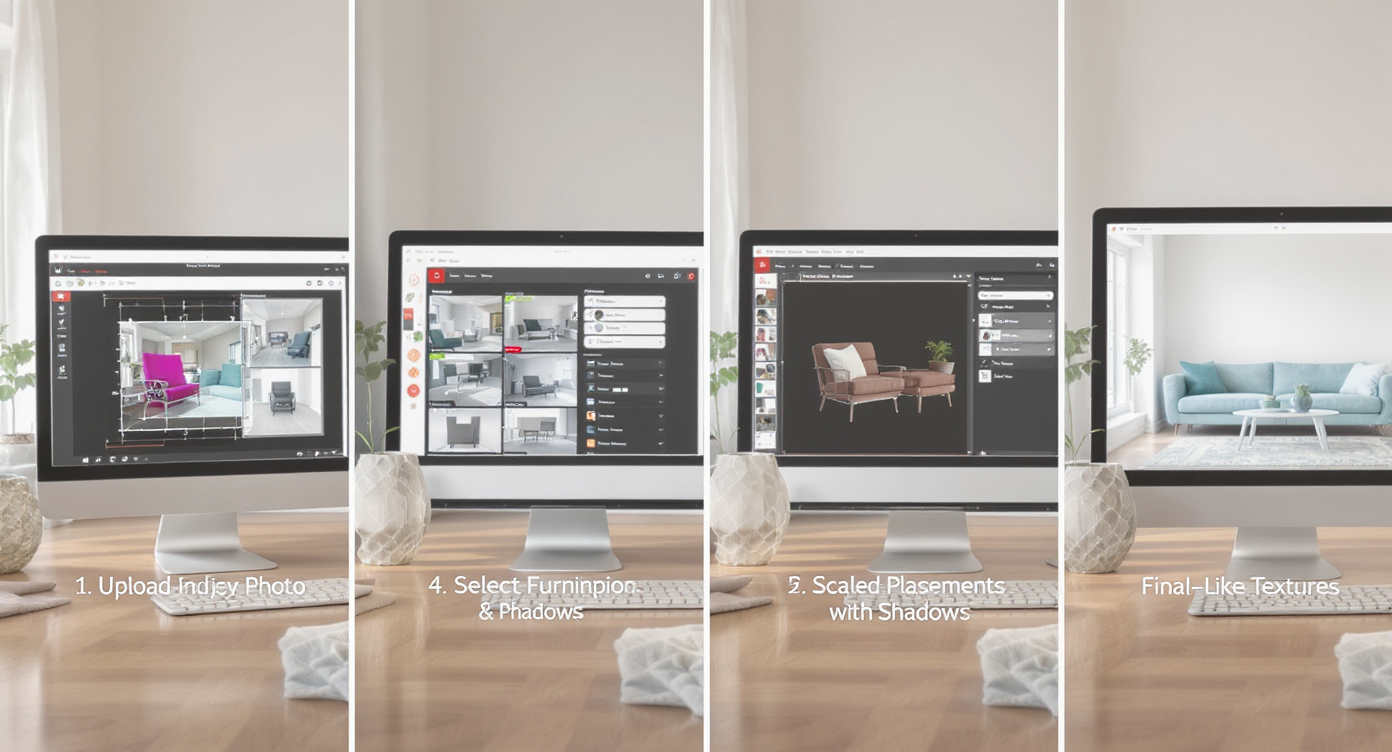
Follow simple steps to upload, select, and preview furniture swaps for flawless digital room design.
Good inputs produce the best AI room design results, and a few simple steps keep everything believable.
- Choose the right photo: Shoot straight on if possible, include the floor line, and avoid extreme wide‑angle distortion.
- Resolution matters: Images around 2000–4000 px on the long edge generally yield crisper, more realistic swaps than tiny screenshots.
- Upload your image: Open Swap Furniture & Objects and upload the photo of your nook or alcove.
- Select the concept: Reading nook, pet zone, bar cart, storage drawers, plant wall — describe what you want and pick a style direction (modern, cozy, farmhouse, minimalist).
- Generate variations: Produce multiple takes — e.g., bench with hidden drawers vs. ladder‑style bookcase, or a dog den with gate vs. open cushion.
- Review and refine: Check scale, traffic flow, and clearances. Regenerate with tweaks until the proportions and style feel right.
- Export and share: Download for your project mood board, MLS, client presentation, or shopping list.
Pro tip: If the photo is cluttered, run an Occupied → Vacant pass first for a tidier base image. For sellers or agents, clearly label any virtually furnished images per your local MLS standards.
Tips and Tricks for More Realistic Results
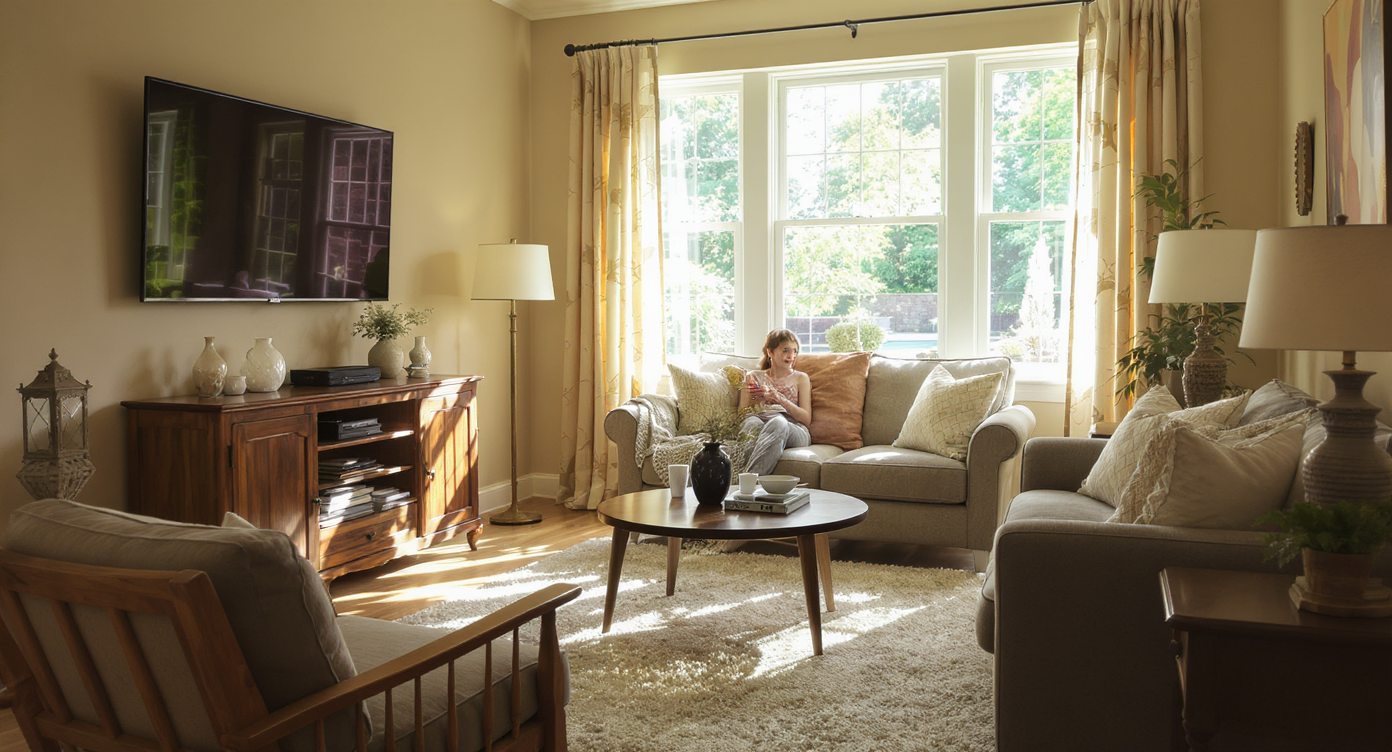
Use perspective, light, and scale cues to achieve photorealistic AI furnishings in your room designs.
Realistic AI furnishings follow the room’s rules: perspective, light direction, and human scale.
- Anchor with a dimension: Measure one known width (e.g., 36‑inch stair opening) so you can sanity‑check furniture sizes in the render.
- Mind circulation: Leave at least 30–36 inches for pass‑through zones; more if it’s a hallway.
- Choose one hero function: Reading, storage, pet haven, or drinks station — clarity beats “a little of everything.”
- Layer light: Try a wall sconce or small table lamp in the swap so the nook reads warm, not cave‑like.
- Add texture: A rug, cushion, or paneling preview via Surface Restyling makes tiny spaces feel intentional.
- Declutter first: Use Occupied → Vacant for a mess‑free base photo, then swap in exactly what serves the story.
- Reality check: If you couldn’t install it in real life (e.g., oversize drawers blocking a door), dial it back and regenerate.
Visualization Scenario
Upload a photo of your under‑stair nook; try a pet den with a gate, then regenerate as a bar cart with a mirror, then as a book wall with a cushion and sconce — pick the winner and shop with confidence.
FAQ
Is this the same as virtual staging for real estate?
It’s a focused version: instead of staging a whole room, you use AI to add or replace specific items in a photo. For listings, treat it like virtual staging and follow local disclosure rules.
How do I swap furniture style digitally without it looking fake?
Start with a clear, well‑lit photo, keep proportions realistic, and iterate with 2–3 variations. The Swap Furniture & Objects tool handles perspective and lighting to keep results lifelike.
Can AI add a bar cart, bookshelf, or pet nook in my exact alcove?
Yes. Upload a photo of your nook, choose the use case, and generate versions to compare scale and style. It’s AI interior design from a photo, not a generic template.
Do I need professional photos?
No, but higher resolution (around 2000–4000 px) and straight‑on angles yield more realistic results. If the space is cluttered, clear it first using Occupied → Vacant.
Can I preview wall colors or paneling for the nook?
Yes — test finishes with Surface Restyling to avoid paint regret and make textures feel intentional.
Where can I learn more about planning edits before committing?
For a deeper dive on prepping images and planning no‑reno updates, see this guide on interior renovation virtually.
Visualize Your Next Listing (or Project) Before You Commit
Where Swap Furniture & Objects Totally Changes the Game
Even one clarified photo can shift decisions and momentum.
- Before: A narrow under‑stair alcove looked like wasted space. After: a built‑in bench with drawers, slim book ledges, and a sconce previewed via swaps. Result: homeowners green‑lit a weekend DIY and shared the render with their carpenter for sizing.
- Before: Entry nook became a dumping zone. After: rolling bar cart concept and a mirrored back wall shown in‑photo. Result: owners realized a bar cart would crowd the door, pivoted to a low console with baskets — saving a purchase that wouldn’t fit.
- Before: Undefined corner in a listing set. After: pet nook with bed, gate, and toy basket. Result: the space photographed as “family‑friendly,” and the agent used the image to spark show‑ready conversations with buyers who have pets.
Common Mistakes with Swap Furniture & Objects (and Easy Fixes)
Most disappointment comes from weak source photos, not the AI itself.
- Pushing beyond plausibility: If it wouldn’t fit in real life, it won’t feel right in the image. Fix: measure once, scale accordingly.
- Tiny, blurry uploads: Low‑res photos limit detail. Fix: reshoot or export larger (ideally 2000–4000 px).
- Style mismatch: A sleek cart under rustic stairs can read off. Fix: run two style paths and pick the one that harmonizes with existing architecture.
- Ignoring light: Dark corners look flat. Fix: include a lamp or sconce in the swap; consider a lighter wall tone via Surface Restyling.
- Unclear labeling in listings: Some markets require disclosure. Fix: follow local MLS guidance and provide an original photo alongside the virtually furnished version.
Who Gets the Most Value from This Tool
Anyone deciding how to use a small, awkward space benefits from seeing options accurately.
- Agents and teams: Define micro‑zones in listing photos to drive clicks and showings; pair with a clean base image using Occupied → Vacant.
- Brokerages and marketing staff: Standardize “nook narratives” across portfolios for stronger brand storytelling.
- Photographers and media companies: Upsell AI room design from a photo as an add‑on — pet nook, reading alcove, storage concept.
- Sellers, flippers, investors: Make faster, lower‑risk decisions about minor carpentry or purchases by testing them visually first.
- Designers, stagers, DIYers: Use it as an ai room planner to iterate layouts, then export a client‑friendly concept board.
Visualize Your Next Listing (or Project) Before You Commit
Micro‑spaces set the tone for how a home lives day to day. With room design AI, you can rehearse that story — cozy, organized, or playful — and only build what you truly love. Explore ideas with ReimagineHome.ai’s Swap Furniture & Objects, or start from the home page at ReimagineHome.ai and try a concept on your own photo in minutes.










.svg)


.png)