.svg)

.svg)
.svg)

7 Things to Know Before Choosing Virtual Staging Tools for DIY Real Estate Success

TL;DR
Virtual staging is now more accessible, with self-serve software and AI-powered solutions democratizing the process for agents and homeowners. However, key differences in workflow, cost, and legal risks make choosing the right tool and approach essential. Evaluating image upload workflow, disclosure practices, and the strengths of free versus paid software will help maximize your results while building buyer trust.
Understanding Today’s Virtual Staging Tools
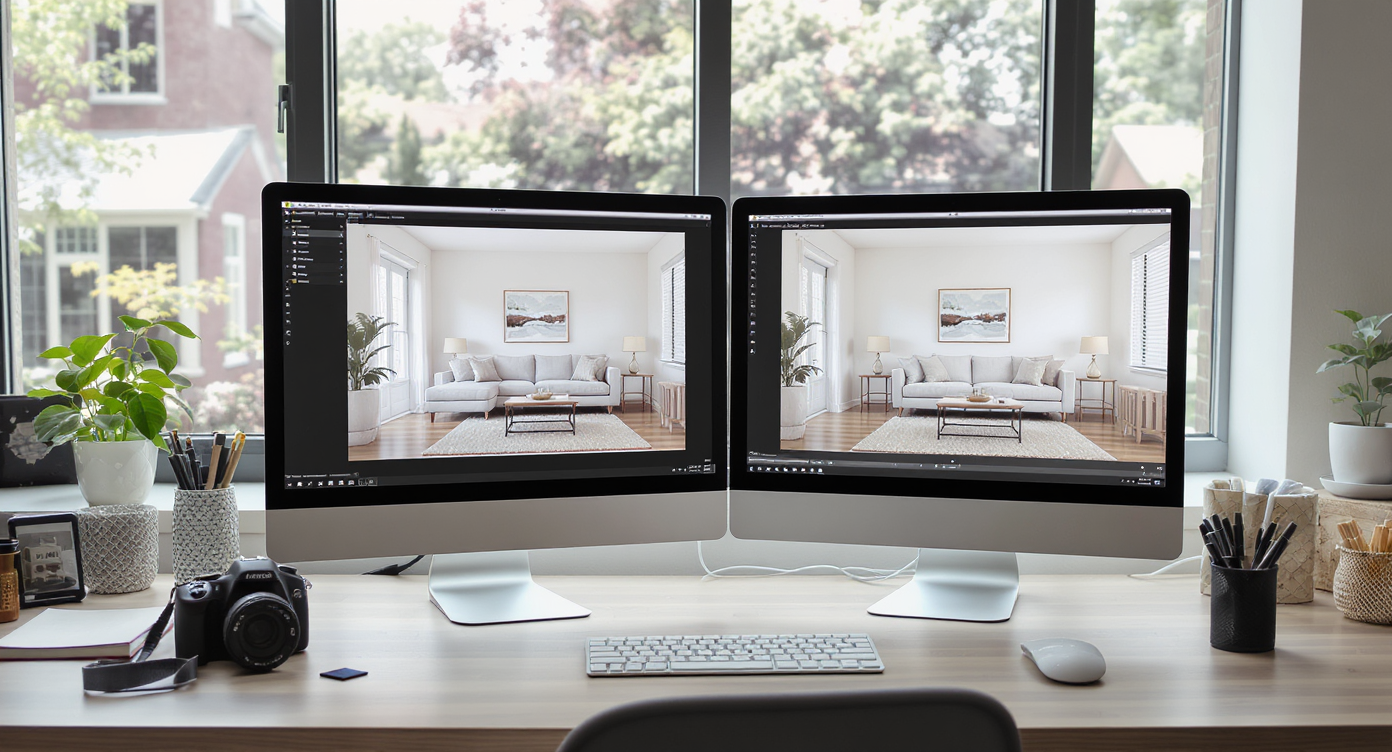
A real estate professional’s workspace with a monitor displaying original and virtually staged room photos, highlighting the DIY staging process.
Virtual staging has evolved rapidly, offering powerful options for real estate agents, photographers, and even homeowners to transform empty rooms into compelling online visuals. The emergence of free tools and software powered by virtual staging ai means more professionals can stage listings themselves, bypassing the need for outsourced services or costly rentals. While these advances make virtual staging more accessible, the decision to stage your own photos comes with both opportunity and responsibility. This list is for those evaluating whether to handle virtual staging hands-on. By understanding typical image upload workflows, common limitations, and the broader implications for transparency and marketing, you’ll be better equipped to present homes honestly and effectively while staying ahead of industry trends.
-
1. The Rise of DIY Virtual Staging Software
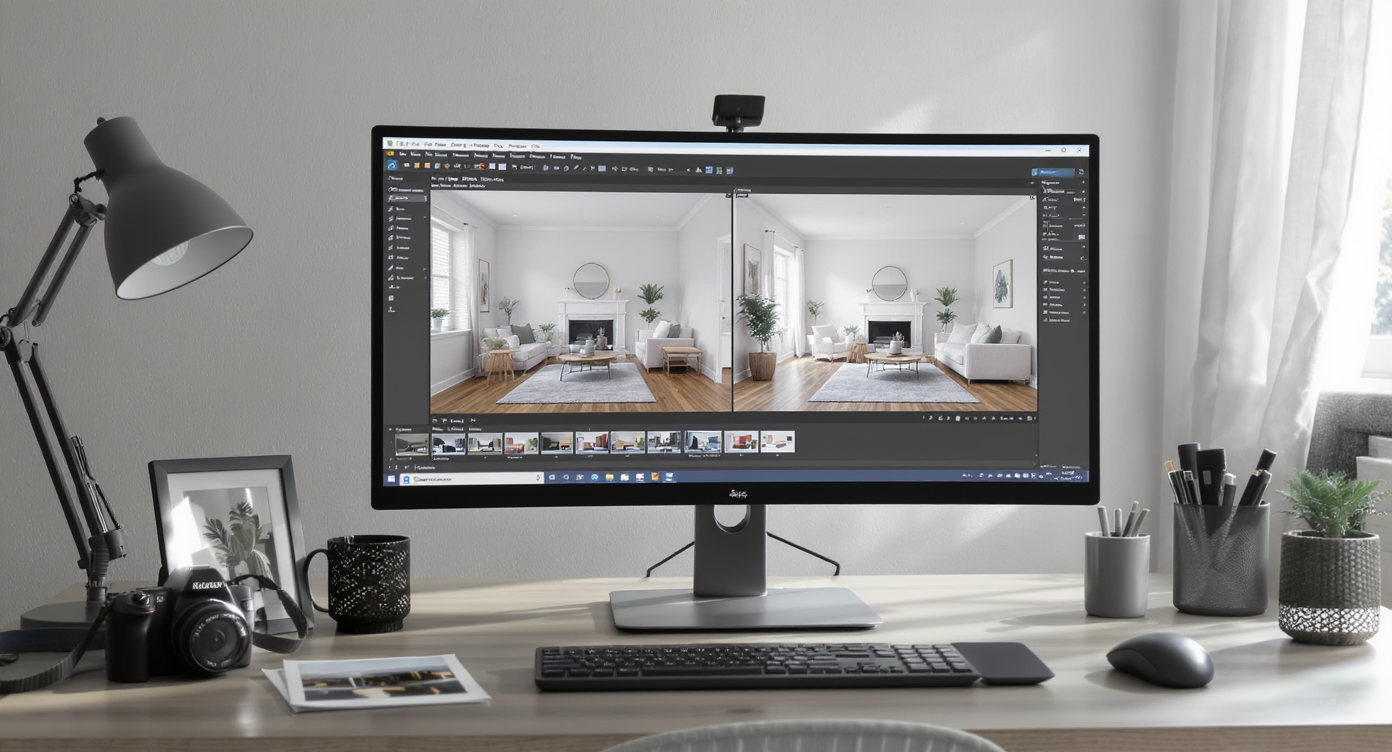
A modern workspace demonstrating virtual staging software transforming property photos, illustrating the DIY approach enabled by user-friendly AI tools.
Self-directed virtual staging has become mainstream, driven by user-friendly platforms and AI that simplify the process. Instead of relying solely on third-party service providers, agents and owners now have access to a growing ecosystem of virtual staging ai tools that allow them to transform property photos with drag-and-drop convenience. Experienced real estate photographers highlight software options such as MakePlace or browser-based visual staging, which are approachable for non-experts. This democratization of staging technology recognizes a persistent demand for speed, flexibility, and budget control in today’s fast-paced real estate market.
-
2. Free Tools vs. Premium Solutions: Where to Start
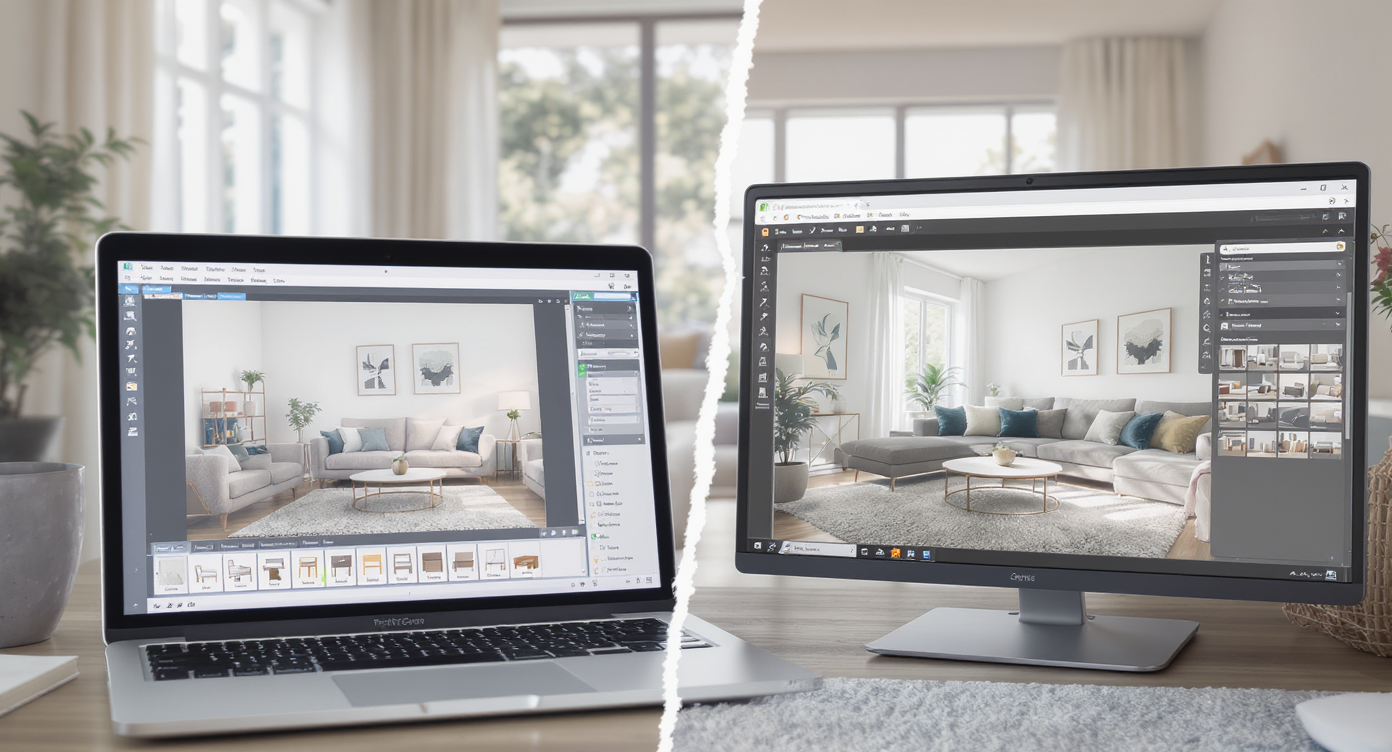
A side-by-side comparison of a living room staged with a free virtual tool versus a premium solution, highlighting differences in realism.
Free tools and software often provide an appealing entry point, allowing users to experiment with virtual staging without immediate financial commitment. Platforms with limited but functional model libraries enable basic design arrangements for listing photos. However, these versions can sometimes compromise on realism, style variety, or export resolution. On the other hand, premium solutions typically expand on design options, customization, and include dedicated support. Users should weigh initial savings against workflow needs, especially for properties demanding tailored or high-volume presentation.
-
3. Getting the Image Upload Workflow Right
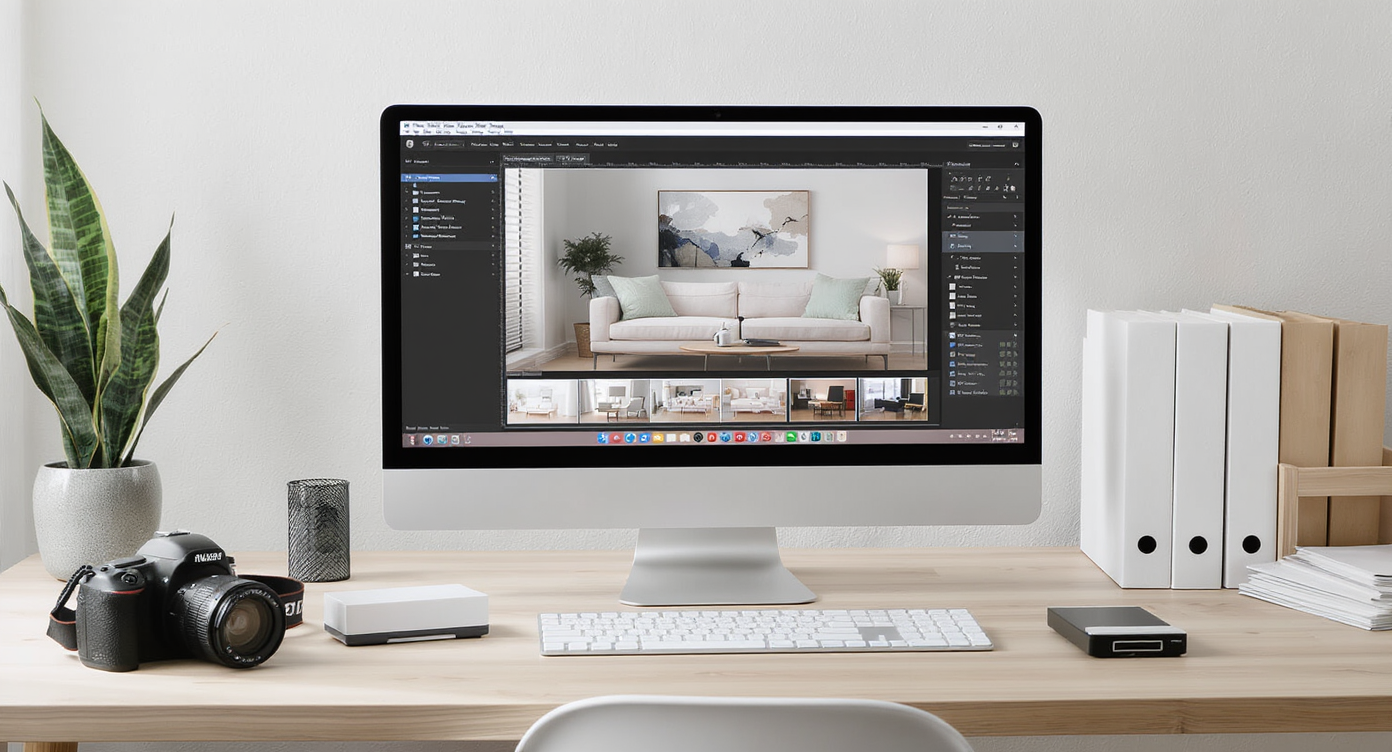
A home office desk shows a virtual staging tool uploading high-res room images, organized with camera gear and property photo folders for workflow efficiency.
A seamless image upload workflow is central to successful DIY virtual staging ai. Most self-serve tools require straightforward uploads of unfurnished room images, then guide users in selecting furniture and decor. However, upload limits, file size restrictions, and batch-processing capabilities vary across platforms. Taking time to prep high-resolution, distortion-free photos is essential for best results. For agents handling multiple listings, tools with efficient image organization, preview options, and version history can make a marked difference in productivity and consistency.
-
4. Legal, Ethical, and Marketing Implications
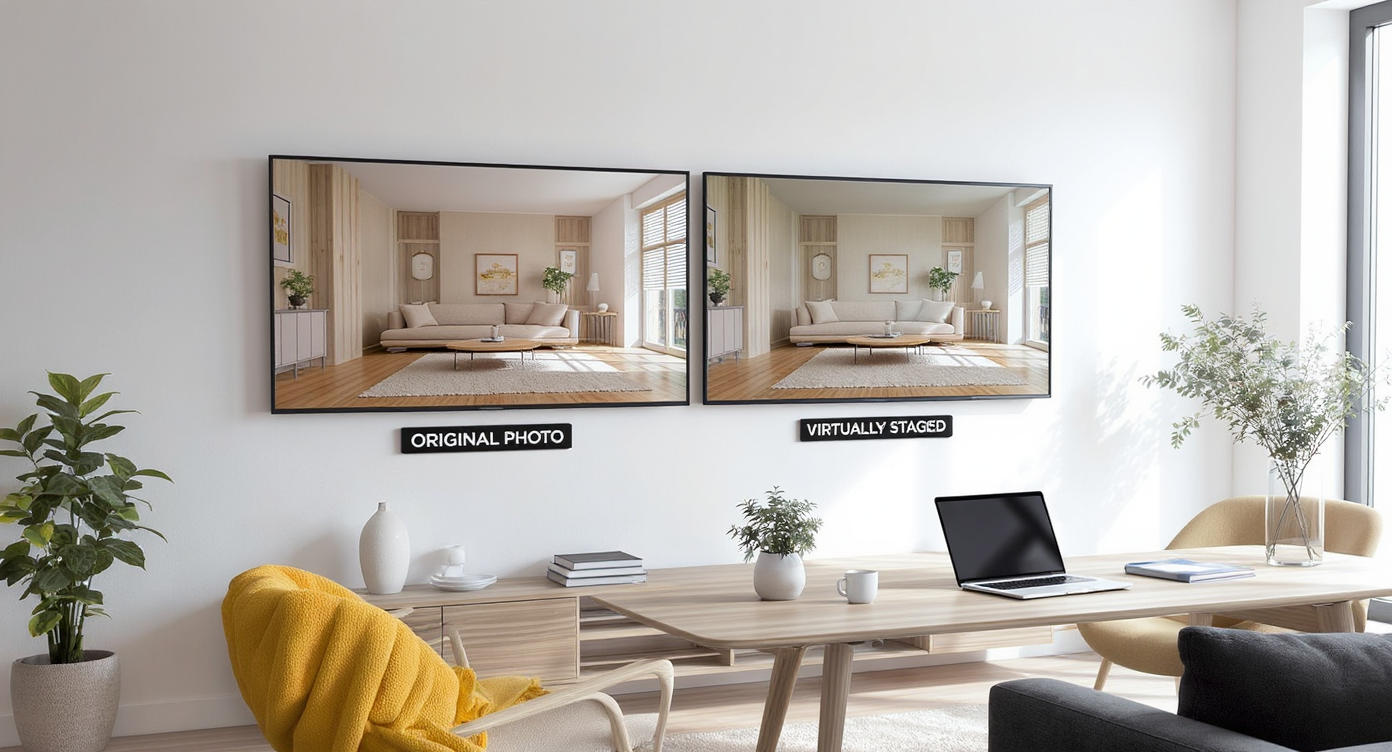
Editorial image of a living room with original and virtually staged photos side by side, demonstrating ethical virtual staging transparency.
Virtual staging is subject to strict industry guidelines regarding disclosure and representation. It is critical to avoid altering permanent elements of a home, such as flooring or structural features, to remain compliant with MLS standards and fair advertising laws. As explored in our breakdown of how to market homes honestly with virtual staging, the best practice is to label every staged image clearly and always provide the original with any edits. This transparency not only protects against potential legal liability but also fosters buyer trust in a saturated digital marketplace.
-
5. Realistic Design Versus Misleading Edits
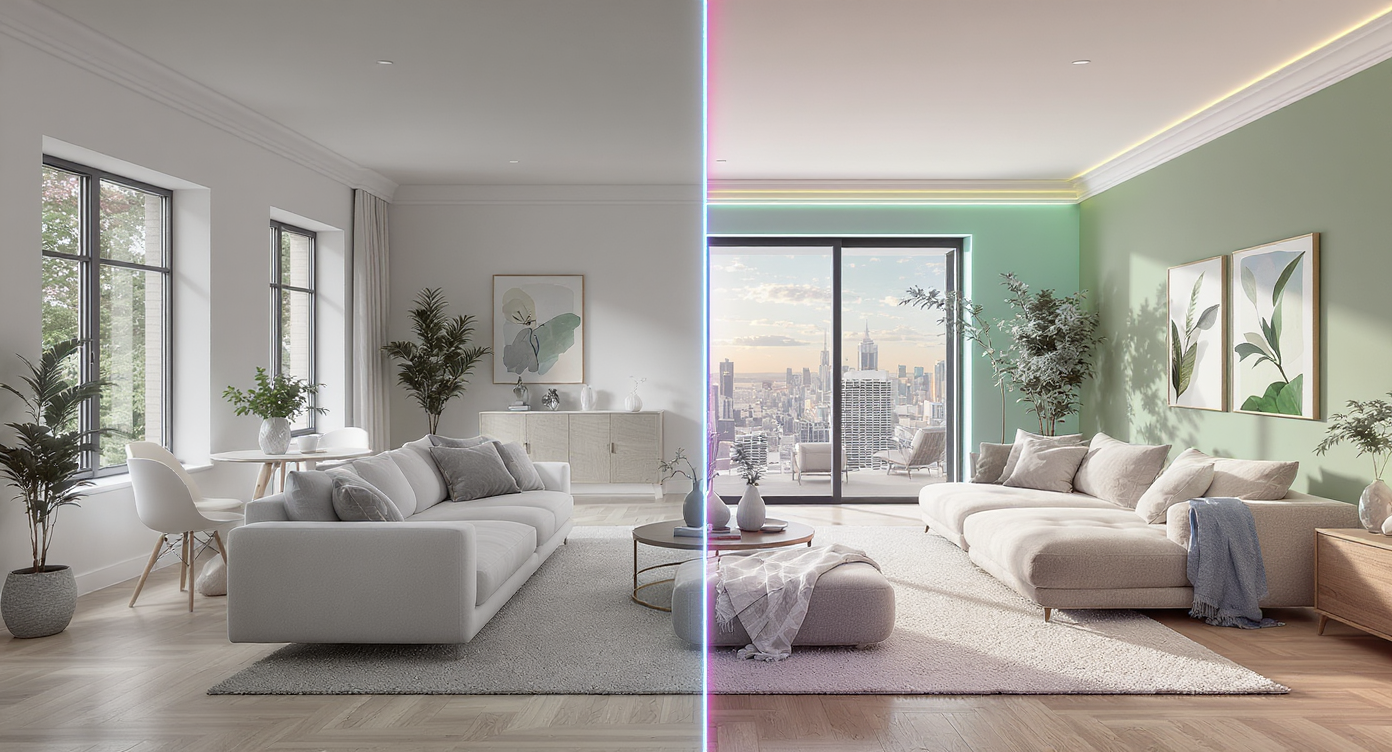
Side-by-side living rooms show the difference between scale-accurate, realistic virtual staging versus misleading, over-edited staging.
The most effective virtual staging clarifies a property’s possibilities without crossing into fantasy. Plenty of software enables the placement of stylish furnishings, but temptation to enhance with unrealistic colors, views, or structural changes leads to buyer disappointment and, in some cases, reputational harm. According to our piece on when virtual staging goes too far, staging should always be used to inspire rather than deceive. Sticking to scale-accurate furnishings and subtle improvements helps buyers envision the property’s potential without setting false expectations.
-
6. Comparing Virtual and Traditional Staging Outcomes
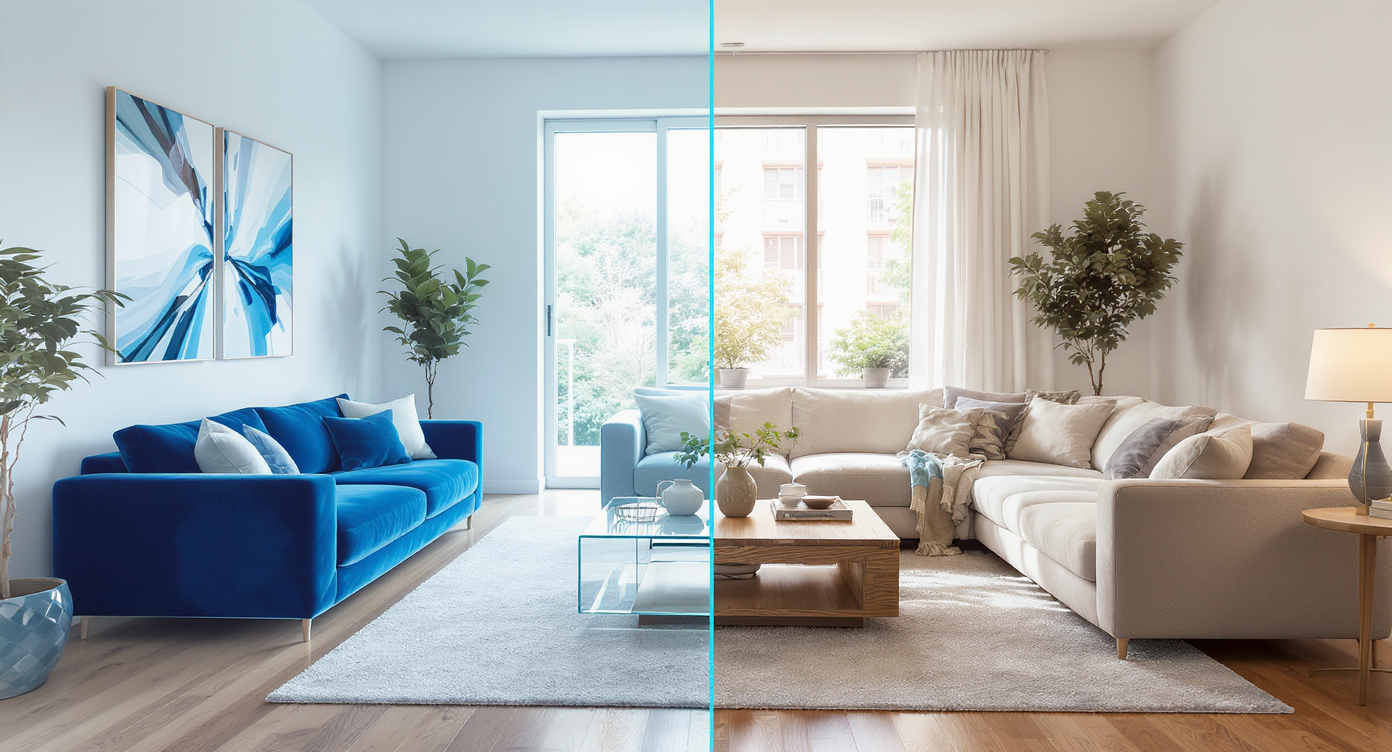
A split living room scene showing virtual staging on one side and traditional staging on the other, highlighting style and tactile differences.
For many listings, the decision between virtual and traditional staging depends on trade-offs around time, cost, and buyer engagement. Digital staging typically allows for faster posting and customization to match various style preferences at lower cost. Traditional in-person staging, though, still offers tactile experience that can deepen emotional connections during showings. As described in our guide to comparing virtual staging with real-world staging, hybrid strategies may be optimal for high-value properties or those with unique architectural features.
-
7. Testing, Planning, and Next-Generation Design
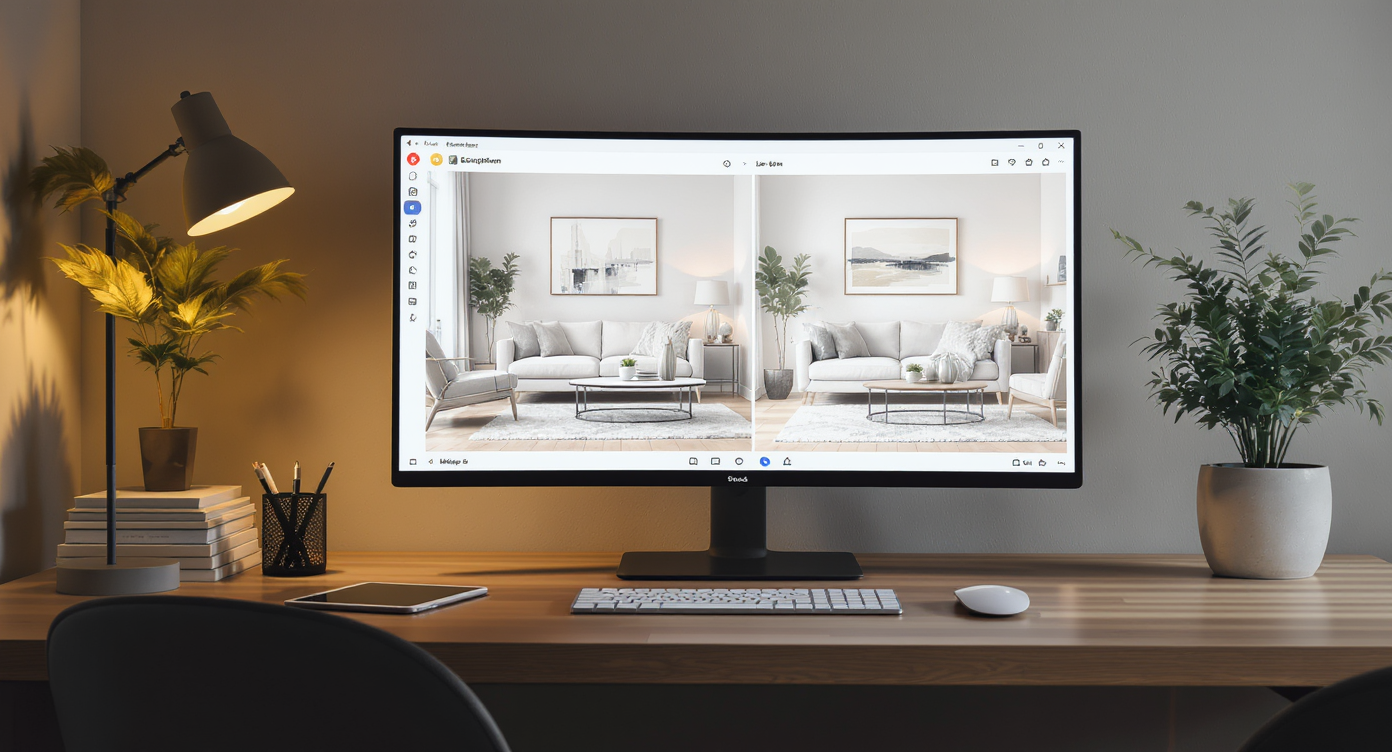
Virtual staging software displays side-by-side design alternatives, letting users preview different layouts and finishes for the same space.
As technology evolves, so do the possibilities for staging and testing design decisions virtually. Platforms like REimagineHome.ai increasingly allow users to preview countless layout and finish choices instantly. Whether planning for a sale, rental, or renovation, these AI-driven environments offer a risk-free way to evaluate how different styles and furniture arrangements will resonate online, giving both professionals and homeowners greater creative control.
Frequently Asked Questions
Look for tools with clear image upload workflow, intuitive interfaces, and strong support documentation.
How can I ensure my staging photos do not mislead buyers?
Always provide a side-by-side comparison of the original and staged images, clearly label edits, and stick to styling changes only. For more tips, see our overview of legal and ethical marketing with virtual staging.
Is there an advantage to combining virtual and traditional staging?
Yes, using both can boost online impact and deliver memorable in-person showings, as highlighted in our side-by-side staging comparison.
Are there risks with relying solely on free tools and software?
Free solutions may limit access to premium furnishings, export quality, or customer support. Evaluate needs before committing solely to no-cost options.
How can I test my design choices without making permanent changes?
Platforms like REimagineHome.ai offer virtual previews so you can preview layouts and decor safely before finalizing a listing or renovation.
Ethical, Effective Staging is Within Reach
Choosing the right virtual staging ai tool involves more than simply browsing for free tools and software. Careful consideration of workflow, legal boundaries, and the end user’s expectations ensures that every staged image enhances, rather than undermines, the property’s appeal. Resources such as REimagineHome.ai help streamline planning and foster honest presentation, letting agents and sellers leverage design innovation with integrity.
.jpg)










.svg)


.png)