.svg)

.svg)
.svg)

TL;DR
Repaint Wall is an AI tool that lets you try new paint colors on walls, trim, and doors directly on your photo — ideal when you’re debating a glass doorway for noise or smell but want to test visual separation first. In minutes, you can compare deep, light, or high-contrast schemes and see how they change the feel and glare of a tight pass-through. To try it on your space, open the photo and use ReimagineHome.ai’s Repaint Wall tool; it’s a quick way to answer how to digitally repaint walls before buying paint and committing to costly millwork.
The Real Cost of Showing Rooms “As They Are” Online
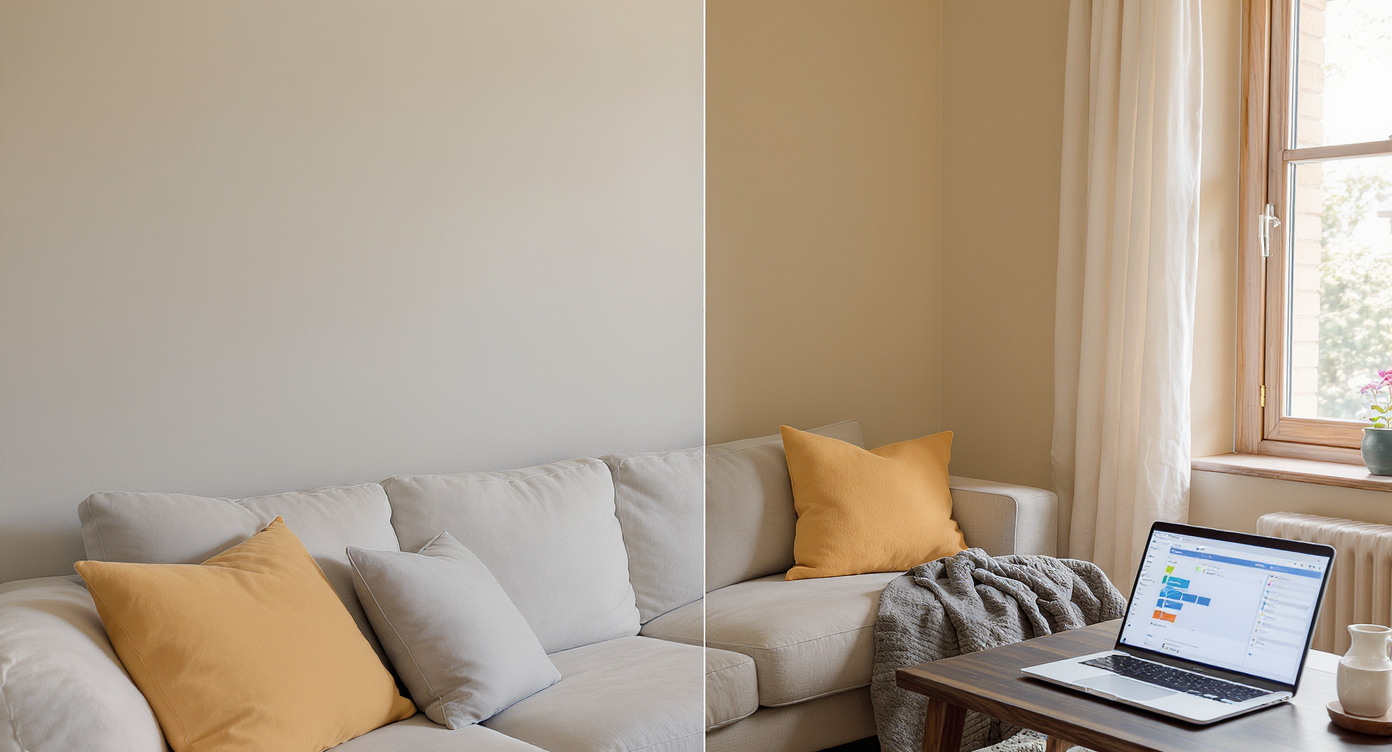
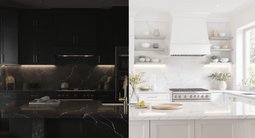
AI-powered digital repainting lets clients test wall colors realistically before making decisions.
Repaint Wall is an AI-powered digital repainting tool that takes a single photo and lets you try new wall and trim colors with photoreal shadows and edges. It’s powerful when a client asks for a glass doorway for noise or cooking smells — you can test whether color and contrast deliver enough “separation” without reframing the house.
- Results: See how dark, desaturated, or high-contrast paint schemes change perceived calm and glare in seconds.
- Realism: Clean edges, preserved texture, and accurate light keep the image believable.
- Speed: Upload a photo, mask surfaces, and generate options in a few clicks.
- Cost: Spend minutes and dollars on visuals, not thousands on unneeded glass.
- Workflow: Share side-by-side options to align owners, contractors, and agents.
- ROI: Better decisions and fewer change orders before anyone orders custom materials.
- Peace of mind: Manage expectations around what paint can and can’t do for sound.
If you already have a tricky opening in mind, upload it to ReimagineHome.ai and test this solution on a real image while you read.
Why This Visual Problem Hurts More Than You Think
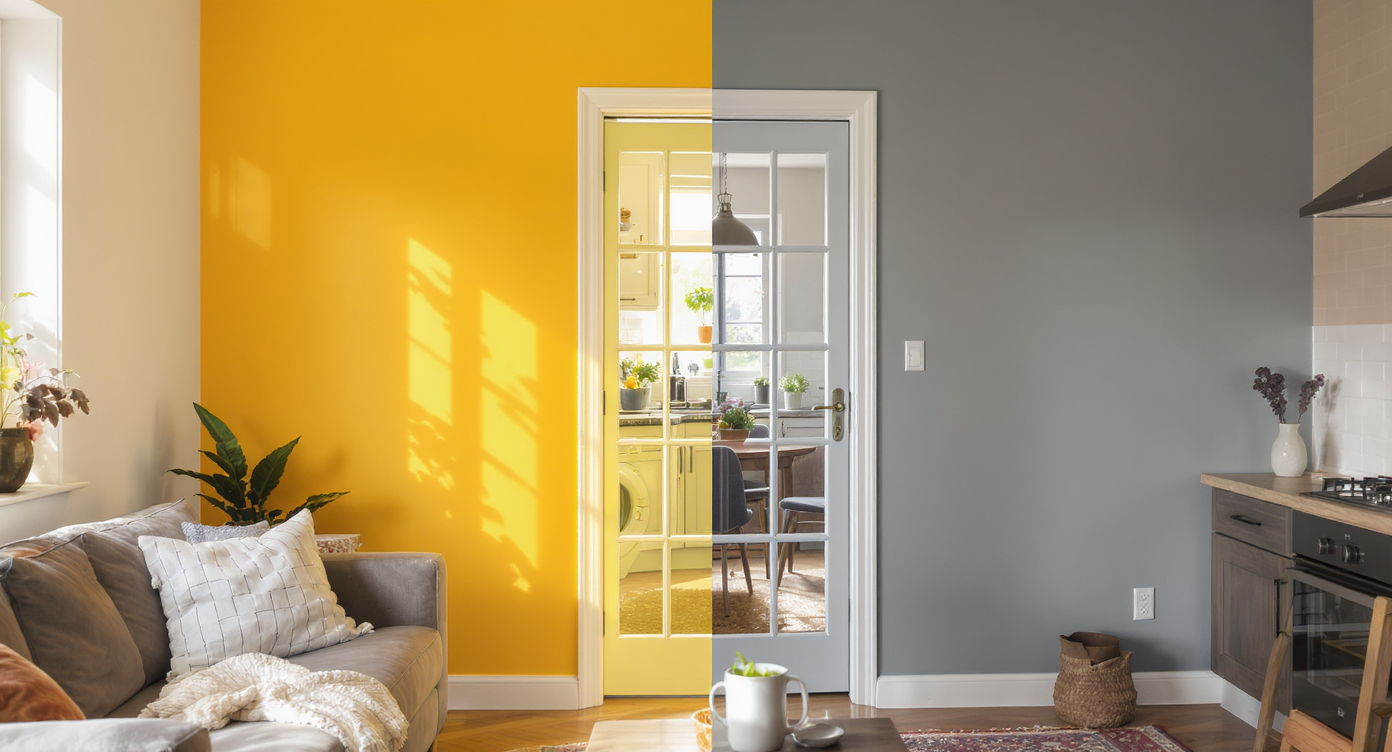
Small visual changes in color and contrast significantly impact calmness in shared living spaces.
Even small, targeted visual changes can make a space feel 20–30% calmer to viewers, especially in photos where shiny surfaces and bright sightlines read as “noisy.” When people ask for a soundproof glass door, they often want separation more than lab-grade acoustics — and color can deliver that feeling fast.
Here’s the pattern pros see again and again:
- Scroll behavior: Bright, busy openings read chaotic on screen; deeper or contrasting tones cue a threshold and slow the scroll.
- Buyer perception: In listings, an all-white kitchen bleeding into a hallway looks louder and colder than the same layout with a slightly darker portal.
- Confidence: Contractors and owners align faster when they can react to a realistic mockup instead of guessing from a paint chip.
Reality check: paint won’t “soundproof.” Low frequencies still move through structure. But for a lot of day-to-day life — clatter, voices, clinks — a calmer visual boundary plus a solid swing or pocket door later can be enough. Use AI to test the look first, then decide if the hardware is worth it.
Anecdote
That perfect-but-narrow kitchen pass-through where the owner swears a glass door will “fix the noise.” A five-minute digital repaint with a darker portal showed the calm they wanted — without the heavy hardware or width penalty.
What Repaint Wall Actually Is (In Plain Language)

Digital repainting swaps colors on photos while preserving texture and natural lighting for realism.
Digital repainting lets you swap wall, trim, or door colors on an existing photo while preserving the room’s natural light and texture. You supply a straight-on shot, and the tool returns believable variations you can compare side by side.
In ReimagineHome.ai, the feature is simple and focused: mask surfaces, apply colors, and preview the result with consistent shadows and edges. If you’re weighing a glass door for a narrow opening, this is the fastest way to explore visual separation — for example, a charcoal portal, a warmed hallway, or a black-painted casing to mimic a steel-framed vibe — before ordering custom glazing. Try it here: ReimagineHome.ai’s Repaint Wall tool.
How Repaint Wall Works Step by Step
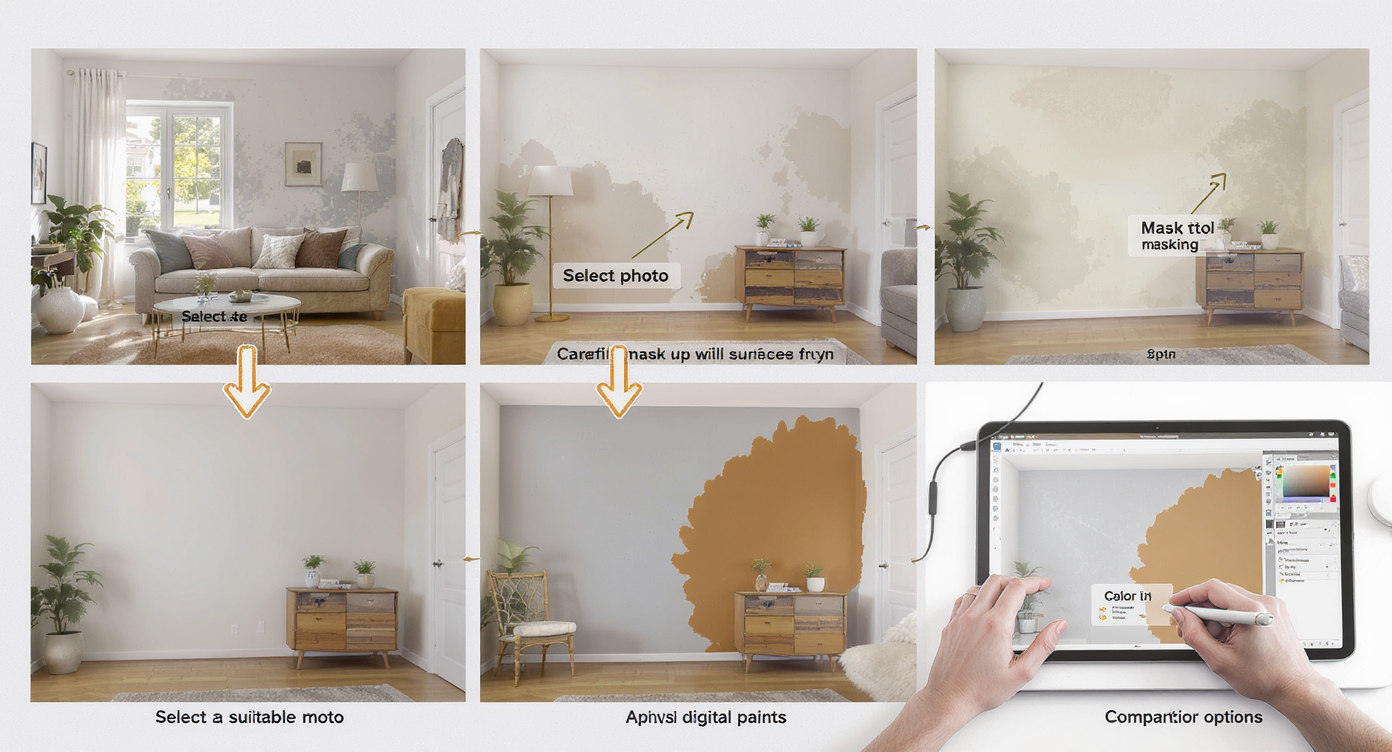
Follow clear steps with good photos and masking for best digital repaint wall results.
Good source photos and clean masks drive the best results.
- Choose the right photo: Aim for a straight or slightly angled view of the opening. Avoid extreme wide-angle distortion.
- Prep lighting: Turn on the room lights you’d normally use. Avoid strong mixed color temperatures if possible.
- Upload to ReimagineHome.ai: Open your image and select Repaint Wall.
- Mask accurately: Trace walls, trim, or a future door slab area. Use zoom for tight corners and around appliances.
- Select colors and finishes: Test a calm, mid-tone neutral; a deeper accent around the portal; and a high-contrast trim for a “frame.”
- Generate and compare: Save 2–4 options and view side by side with stakeholders.
- Export: Download high-resolution images suitable for MLS, presentations, or client sign-off. As a rule of thumb, start with photos at least 2000–3000 pixels on the long edge.
If your photo is dim or color-cast, clean it up first with ReimagineHome.ai’s image enhancement so your paint choices read true. Older phone shots? Upscale them for clarity using the Upscale Resolution tool before repainting.
Tips and Tricks for More Realistic Results

Combine accurate masking and real-world samples for truly convincing digital repainting results.
Realistic digital repainting starts with believable limits and on-site conditions.
- Use undertones that match existing finishes: Warm whites next to warm stone, cooler grays with stainless and blue daylight.
- Try a darker “threshold” color only at the portal: Painting the return and casing in charcoal or black can suggest a steel-framed look without adding glass.
- Balance sheen with function: Simulate eggshell/matte for walls and satin/semigloss for trim to avoid glare in tight halls.
- Test both directions: Mock the kitchen side and the hallway side; perceived calm depends on where you stand.
- Mind contrast with floors: Busy, glossy floors reflect light (and feel loud). A mid-tone wall can visually quiet the scene.
- Keep it plausible: Don’t recolor appliances or stone — accuracy builds trust with clients and buyers.
- Sequence your workflow: Enhance the photo first, then repaint, then export variations for a clear, apples-to-apples comparison.
Visualization Scenario
Upload a straight-on photo of the kitchen opening. Mask the two wall returns and casing. Test a warm mid-tone in the hallway, then a deep charcoal only at the portal. Save both versions and compare on your phone — which reads calmer at a glance?
FAQ
Does repainting walls digitally help with soundproofing decisions?
It helps with expectation-setting. Paint won’t block sound, but a darker or contrasting portal can signal separation and reduce perceived visual noise; pair the look test with advice on doors, seals, and soft finishes.
How accurate are AI digital paint colors?
They’re visually faithful to your photo’s lighting and texture. For final selection, use manufacturer swatches and on-wall samples; the AI mockup gets you to the short list fast.
Can I recolor trim and a potential door frame separately from the walls?
Yes. You can mask walls, trim, and door areas independently in ReimagineHome.ai’s Repaint Wall tool to test contrast and “framed” looks.
What resolution do I need for good digital repainting?
Start with photos at least 2000–3000 pixels on the long edge for crisp edges and clean gradients. If needed, run them through the Upscale Resolution tool.
Can I fix dim or color-shifted photos before repainting?
Yes. Use image enhancement to balance exposure and color so test paints read correctly.
Visualize Your Next Listing (or Project) Before You Commit
Design decisions that feel “obvious” on site can look chaotic in photos — and most selling and stakeholder buy-in happens on screens first. Digital repainting is an easy dress rehearsal: you can convey a calm threshold, test contrast, and see whether the vibe change is enough before calling a glazier or widening a jamb.
When the request is a soundproof glass door, start with clarity. Model the mood, align the team, and then decide what deserves real money. Try your image in ReimagineHome.ai’s Repaint Wall, or explore more tools at ReimagineHome.ai to build a faster, more confident workflow.









.svg)


.png)