.svg)

.svg)
.svg)
TL;DR
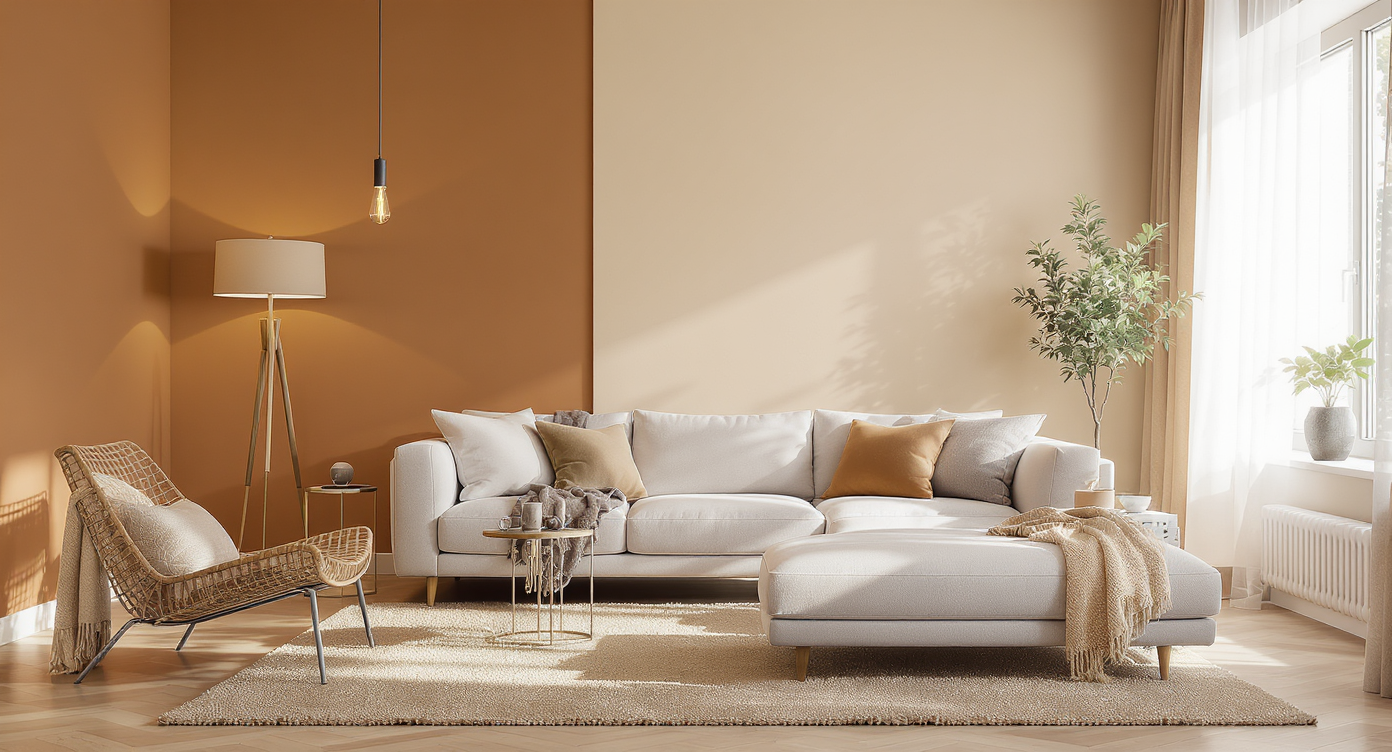
Digital repainting lets you try new wall colors on your real room photo before buying paint, so you can warm up a minimalist space without guessing. It’s the quickest path to cozy: test greige, clay, sage, or two‑tone ideas, then pick what truly fits. To explore how to digitally repaint walls before buying paint, upload a photo to ReimagineHome.ai and use its Repaint Wall tool. If you’re weighing lighting, art, and layout too, preview different palettes to guide every other choice.
Why These Photos Aren’t Doing Your Space Any Favors
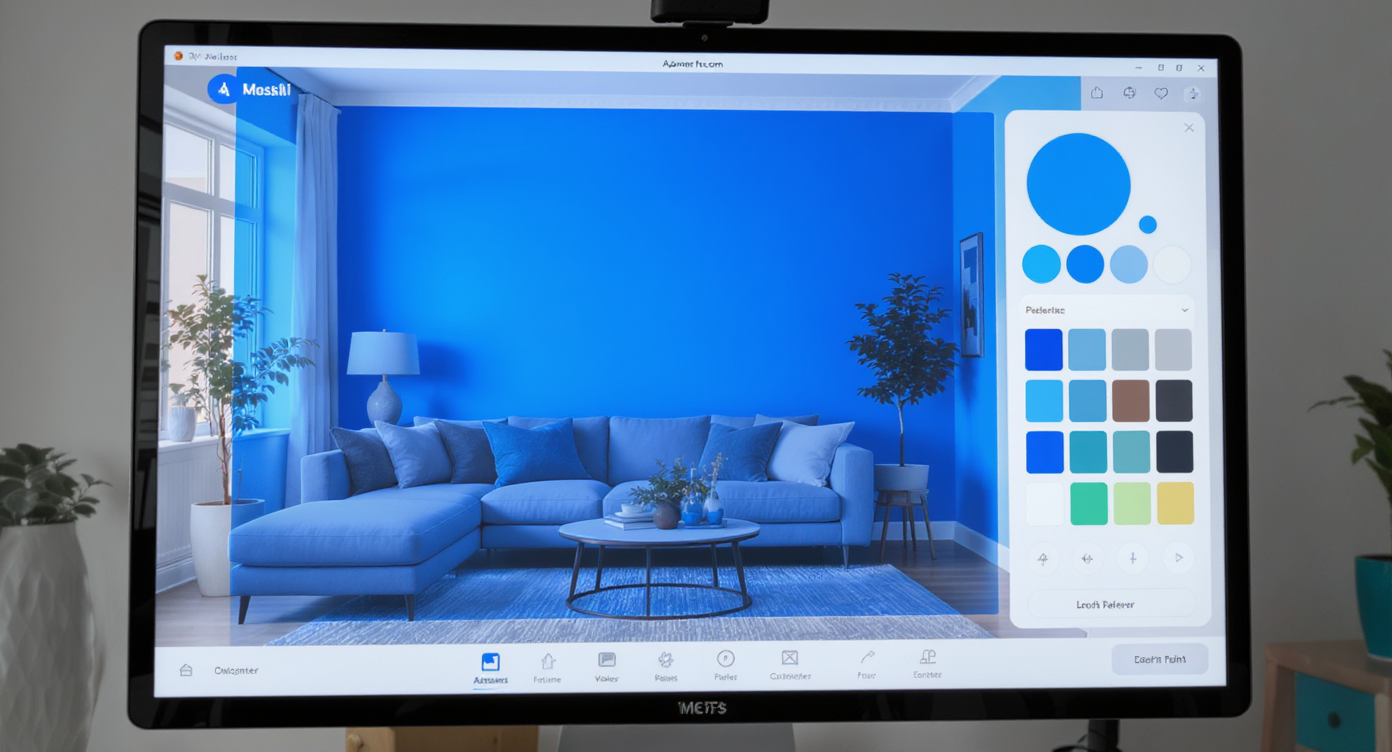
Try new wall colors digitally first to see warmer tones before painting your actual room with AI tools.
Digital repainting with AI is a simple way to try new paint colors on your existing room photo; it shows exactly how warmer, richer tones will look with your sofa, rug, and lighting. It matters because even a 5–10% shift in wall color temperature can turn a space from sterile to serene — before you spend on paint or pros.
- Results: Warmer neutrals, subtle contrast, and defined zones instantly make a minimalist room feel intentional, not empty.
- Realism: See color against your actual furniture, floors, and daylight — not a tiny chip.
- Speed: Upload, mask walls, test palettes in minutes; no taping swatches.
- Cost: Avoid “paint regret” and rework; choose once, paint once.
- Workflow: Use AI interior design from photo to align lighting, textiles, and art around your chosen palette.
- ROI: Better cohesion equals better daily living — and better photos if you ever list.
- Peace of mind: Pick a color that reads cozy at night and clean by day.
If you already have a tricky room photo, upload it to ReimagineHome.ai and test this solution on a real image while you read.
Why This Visual Problem Hurts More Than You Think
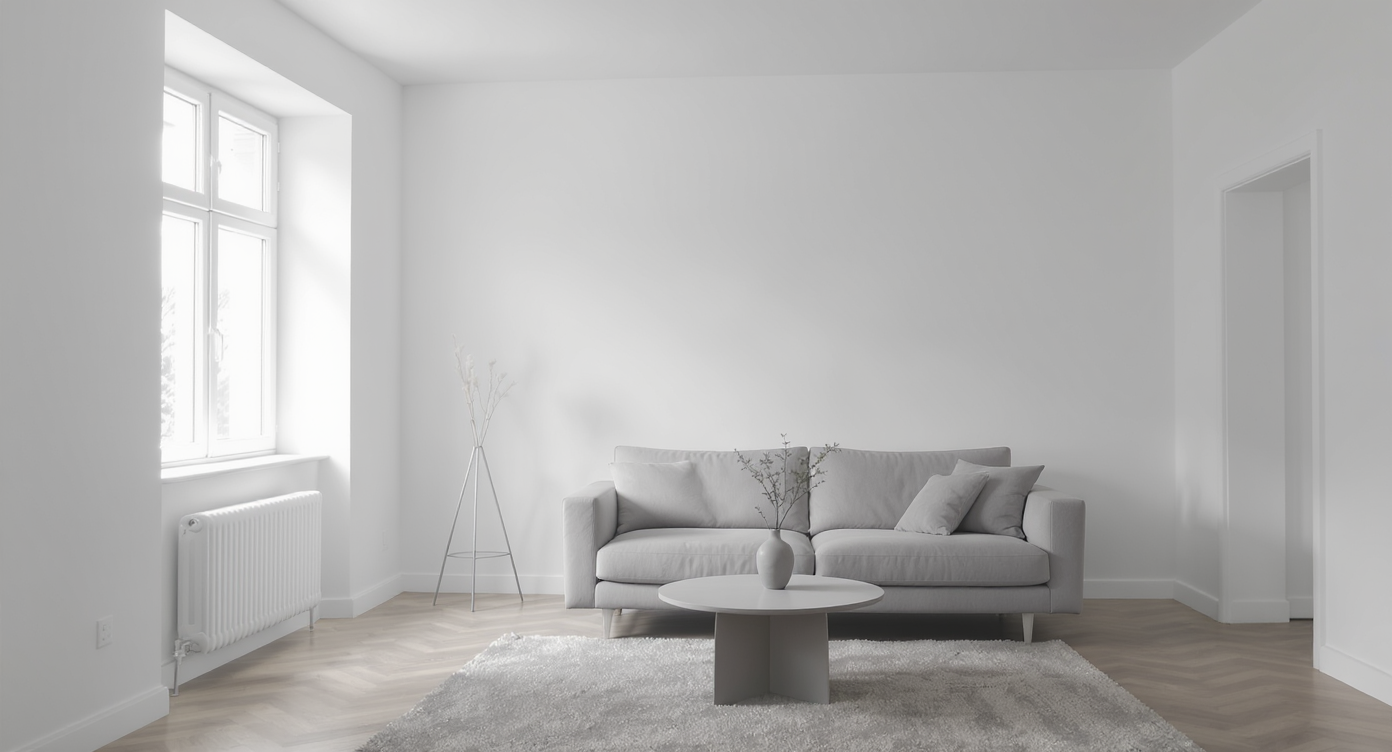
Monochrome rooms without contrast or lighting layers often feel cold and flat on camera and in real life.
Monochrome rooms without contrast or layered lighting often feel colder and flatter on camera than in person.
That’s why a calm, beige-on-beige living room can drift into “waiting room” territory: the walls match the sofa, the rug echoes both, and cool can lights make everything read blue-gray. The fix isn’t clutter — it’s calibrated warmth and contrast. A soft greige, clay, mushroom, or muted sage on the walls reframes the whole scene: wood tones look richer, textiles feel deeper, and even neutral curtains suddenly make sense. Color also helps define zones, so a dining table no longer looks “parked” but anchored within a vignette.
Think in layers. Wall color sets the mood; lamps and dimmable bulbs (2700–3000K at night) shape it; textiles and art finish it. Digital repainting lets you audition the wall layer first, so every decision after — rug swap, art scale, plant choice — is easier.
Anecdote
That perfect-but-empty-feeling living room where the sofa, rug, and walls all share the same beige? A client swapped nothing but the wall color to a warm mushroom — suddenly the media console felt intentional, the dining area read as a defined zone, and the room needed fewer accessories to feel complete.
What Digital Repaint with ReimagineHome.ai Actually Is (In Plain Language)
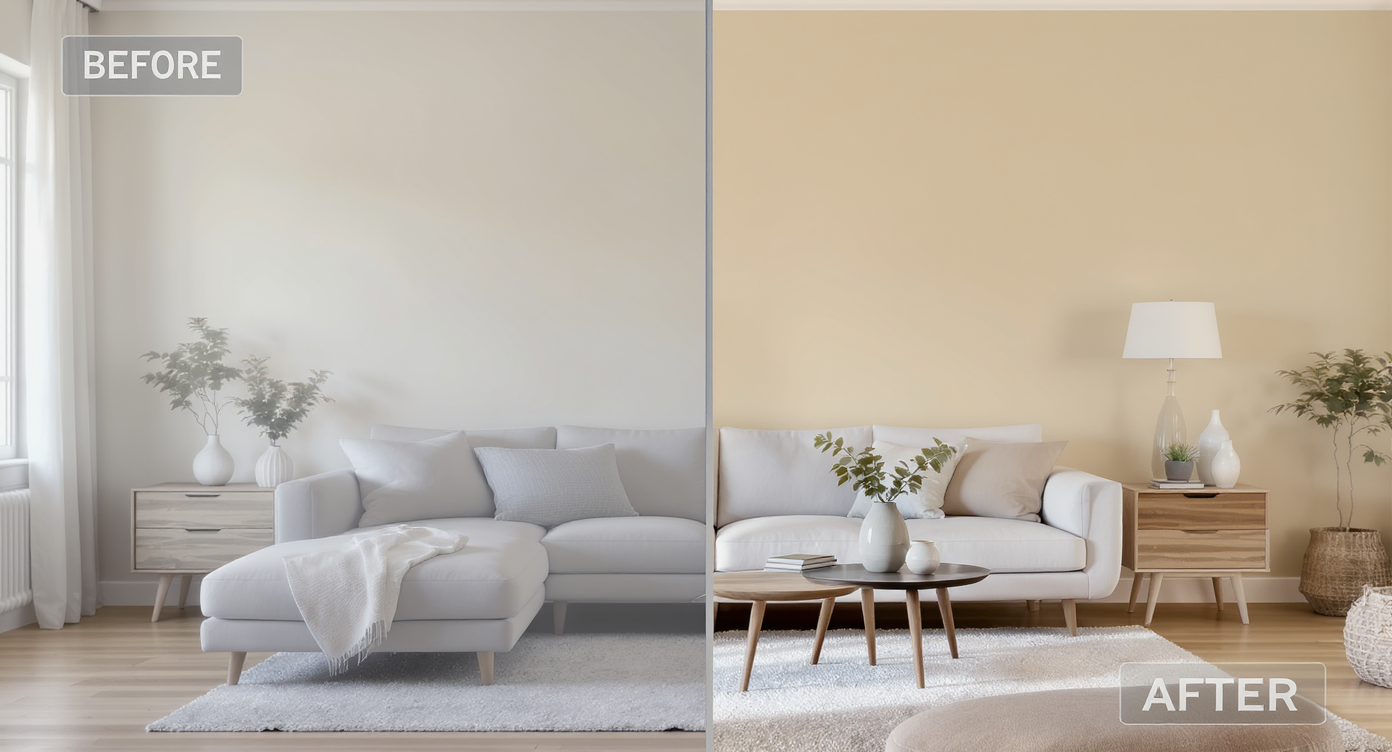
Digital repainting helps preview wall colors realistically to avoid paint regret and costly rework.
Previewing renovation or wall color changes visually can prevent costly paint regret and rework later.
ReimagineHome.ai’s digital repaint is a focused, photo-based tool that changes wall colors in a realistic way. You upload a room photo, mark the wall areas, and the AI repaints them while respecting edges, trim, and lighting — so the new hue appears as it would in your space, not a flat overlay. It’s ideal when you want minimalist but cozy: try a warmer white, a subtle two-tone, or a soft accent without overwhelming your palette.
To try it, open ReimagineHome.ai’s Repaint Wall solution. Because you’re working from your own photo, you’ll see how the color interacts with your sofa, media console, floors, and curtains — the real test that paint chips can’t deliver.
How Repaint Wall Works Step by Step
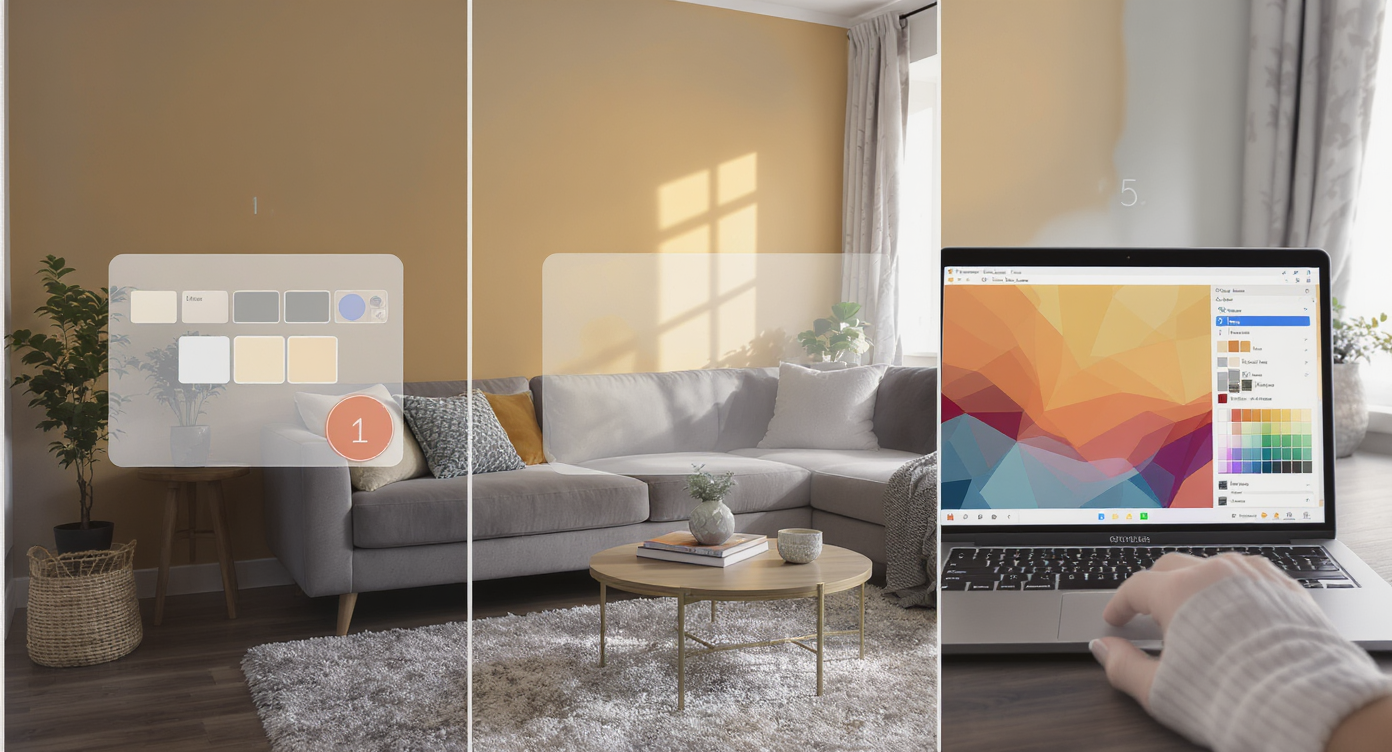
Upload, mask, select palettes, and preview wall repaints quickly with AI for confident color choices.
MLS and portal-quality images typically perform best above ~3000 px on the long edge; the same rule helps AI edits look clean and crisp.
- Choose the right photo. Shoot straight-on, daytime if possible, with blinds open. Avoid heavy backlight. Aim for at least 2000–3000 px on the long side.
- Upload to ReimagineHome.ai. Start a project and select Repaint Wall.
- Mask the walls. Use the brush to mark paintable areas; exclude ceilings, trim, stone, or built-ins you’re not changing.
- Pick palettes. Test warm whites (e.g., linen or oat), greige, mushroom taupe, clay/terracotta whisper, or muted sage. Try a two-tone: deeper tone below chair-rail height, lighter above, or a gentle accent behind the sofa.
- Generate and compare. Save 3–5 contenders side-by-side. Look at daytime and nighttime (with lamps on) to check mood shifts.
- Refine realism. Slightly deepen shadows or reduce saturation if a color pops too loud; the tool respects lighting, but your lamps matter.
- Export and share. Download finals for reference, shopping, or to align with your painter or partner.
Tips and Tricks for More Realistic Results
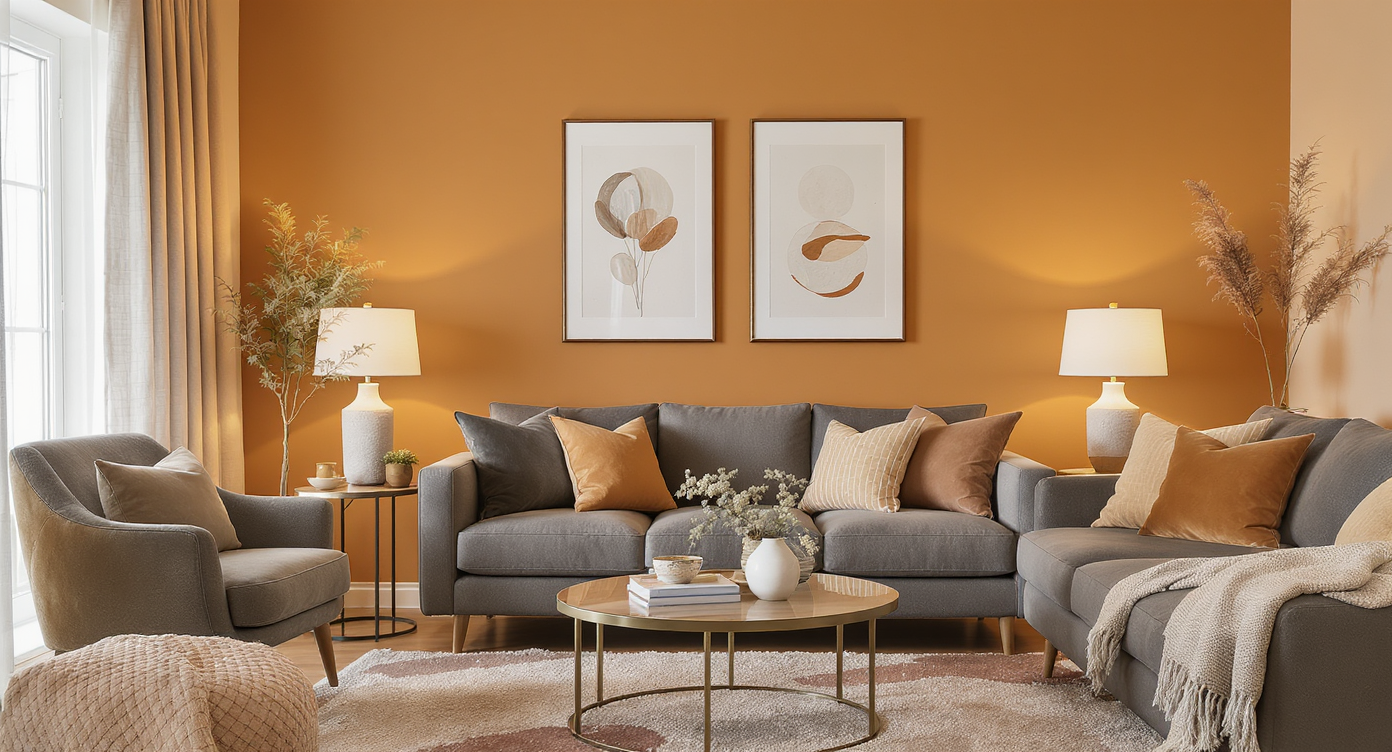
Support subtle wall color shifts with warm textiles and layered lighting for true-to-life, cozy results.
Even subtle color shifts work best when the rest of the scene supports them.
- Warm up the light. Swap cool can bulbs for 2700–3000K. A wall that looks perfect at noon may feel chilly at night if your bulbs are icy.
- Separate sofa from wall. If your couch and rug are the same value as the wall, choose a wall color that’s one or two shades darker or lighter for contrast.
- Define the dining zone. Use a slightly deeper tone or a soft color-block to anchor the table; a centered pendant will finish the vignette.
- Texture over “pops.” Keep minimalist calm by choosing textured pillows/throws and woven curtains. Let color whisper: clay, mushroom, sage, dusty blue.
- Scale art up. Large art above the sofa (or a trio) reads calmer than many small frames. Use your new wall color to pull palette cues for the artwork.
- Test the rest digitally. After walls, try refreshing key pieces with ReimagineHome.ai’s Furniture Facelift to explore fabric tones or wood stains without buying new.
- Polish the photo. If your source image is dim or flat, run it through ReimagineHome.ai’s Image Enhancement so shadows, whites, and textures render true while you compare palettes.
Visualization Scenario
Upload a straight-on photo of your living/dining room. Try a warmer white, then a soft greige and a muted sage. Save three versions, turn on your lamps at night, and compare how each color feels. Pick the one that stays calm in daylight and cozy after dark.
FAQ
How does AI digitally repaint walls from a photo?
It maps the wall surfaces, respects edges and lighting, and applies your chosen hue so shadows and highlights stay realistic. Because it’s your actual room, you see true interactions with floors, furniture, and windows.
Which wall colors make a minimalist room feel cozy without clutter?
Warm whites, soft greige, mushroom taupe, muted clay, and sage add warmth and depth while keeping a calm palette. Try several in ReimagineHome.ai’s Repaint Wall to see what works with your lighting.
Can I try accent walls, two-tone, or molding ideas with AI?
Yes. You can mask only the areas you want to “paint,” preview two-tone breaks, or simulate a subtle accent behind the sofa to define zones before committing to trim or paneling.
What resolution do I need for good results?
Use clear, well-lit photos at 2000–3000+ px on the long edge. The cleaner the input, the more natural the digital repaint looks.
Is there an AI interior design from photo workflow beyond paint?
After walls, try furniture tone tweaks with Furniture Facelift and photo polish with Image Enhancement to finalize your room makeover AI plan.
Visualize Your Next Listing (or Project) Before You Commit
Seeing the future of a room — before the paint dries — is a superpower for both homeowners and agents.
Use digital repainting as your mood setter: select a warmer white or muted hue that supports minimalist lines while restoring warmth and character. From there, scale up art, layer lamps, and adjust textiles knowing your palette is locked. You’ll spend less, decide faster, and end up with a space that reads lived-in, not generic.
Ready to audition colors on your own photo? Start with ReimagineHome.ai’s Repaint Wall, or explore the full toolkit at ReimagineHome.ai to round out your plan.









.svg)


.png)