.svg)

.svg)
.svg)
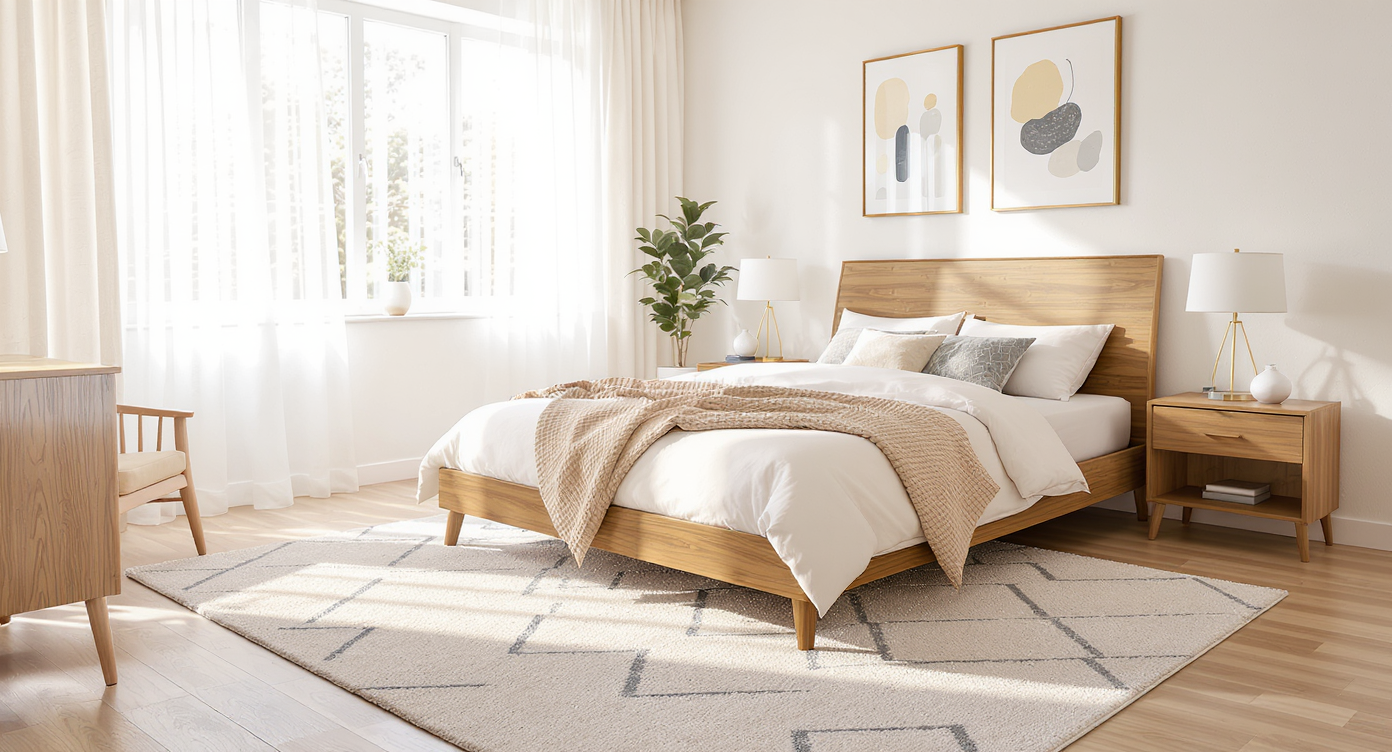
TL;DR
Virtual staging lets you test bedroom layouts — including angled beds, rug placement, and nightstand symmetry — from a single photo before you commit. It’s a quick way to see if the look feels balanced, saves space, and will read well in listing photos. Try a real image now by uploading it to ReimagineHome.ai and compare options side by side. If you’ve been wondering how to redesign my room with AI or find room arrangement ideas with AI, this is the low-risk, high-clarity path.
The Real Cost of Guessing Your Bedroom Layout
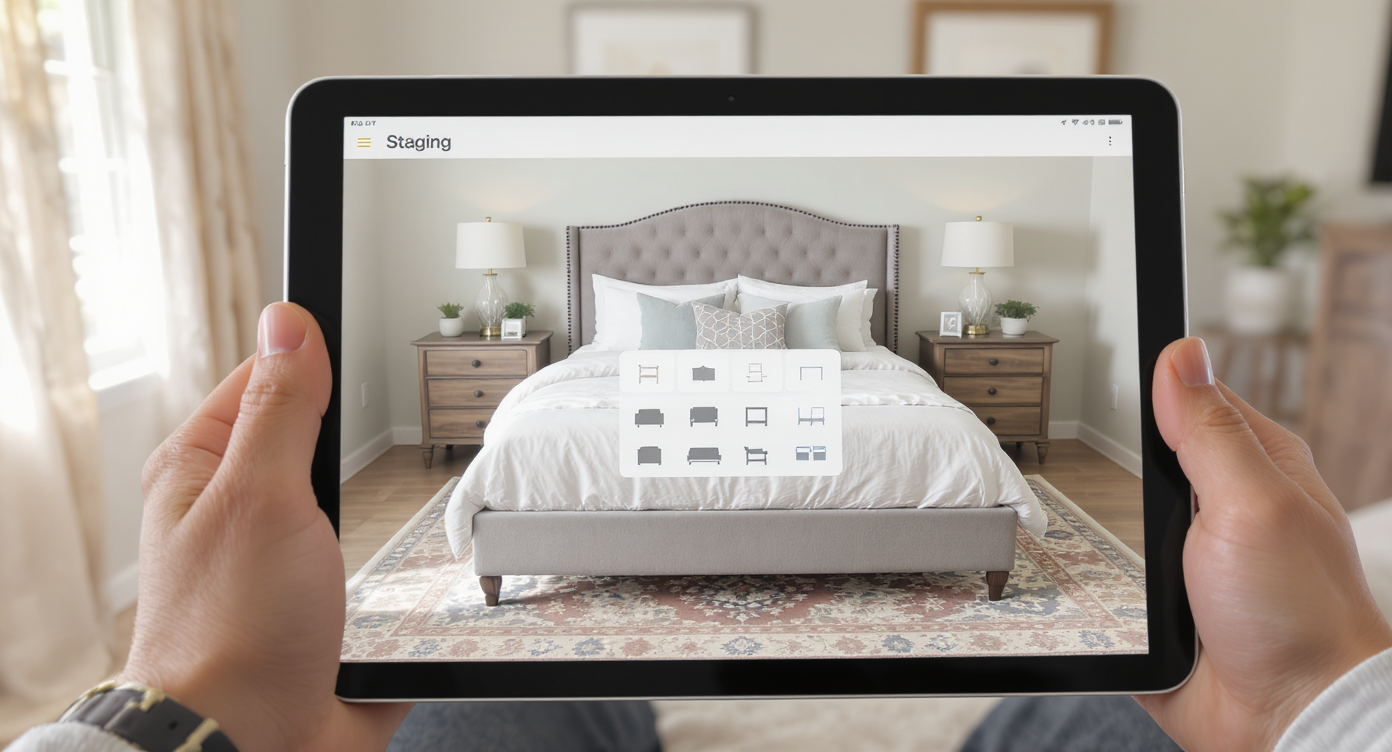
Virtual staging lets you digitally test furniture & layouts before moving anything in your bedroom.
Virtual staging is an AI-driven way to rearrange or furnish a room digitally, so you can preview an angled bed, rotate the rug, or try new nightstand layouts without lifting a thing. It matters because a quick mockup can show whether a quirky angle looks intentional and spacious — or just awkward — before you move furniture or publish photos.
- Results first: See if an angled bed improves flow, symmetry, and sightlines in one or two renders.
- Realism: Evaluate scale, shadows, and how the rug and headboard read on camera.
- Speed: Generate options in minutes, not hours of trial-and-error lifting.
- Cost: Avoid buying the wrong rug size or extra nightstand just to “see.”
- Workflow: Upload a photo, choose a layout, compare side by side, export.
- ROI: More confident decisions for daily living — and better bedroom listing photos that earn clicks.
- Peace of mind: Try bold ideas (kidney-corner beds, asymmetry) with zero risk.
If you already have a tricky bedroom photo in mind, upload it to ReimagineHome.ai and test this solution on a real image while you read.
Why This Visual Problem Hurts More Than You Think
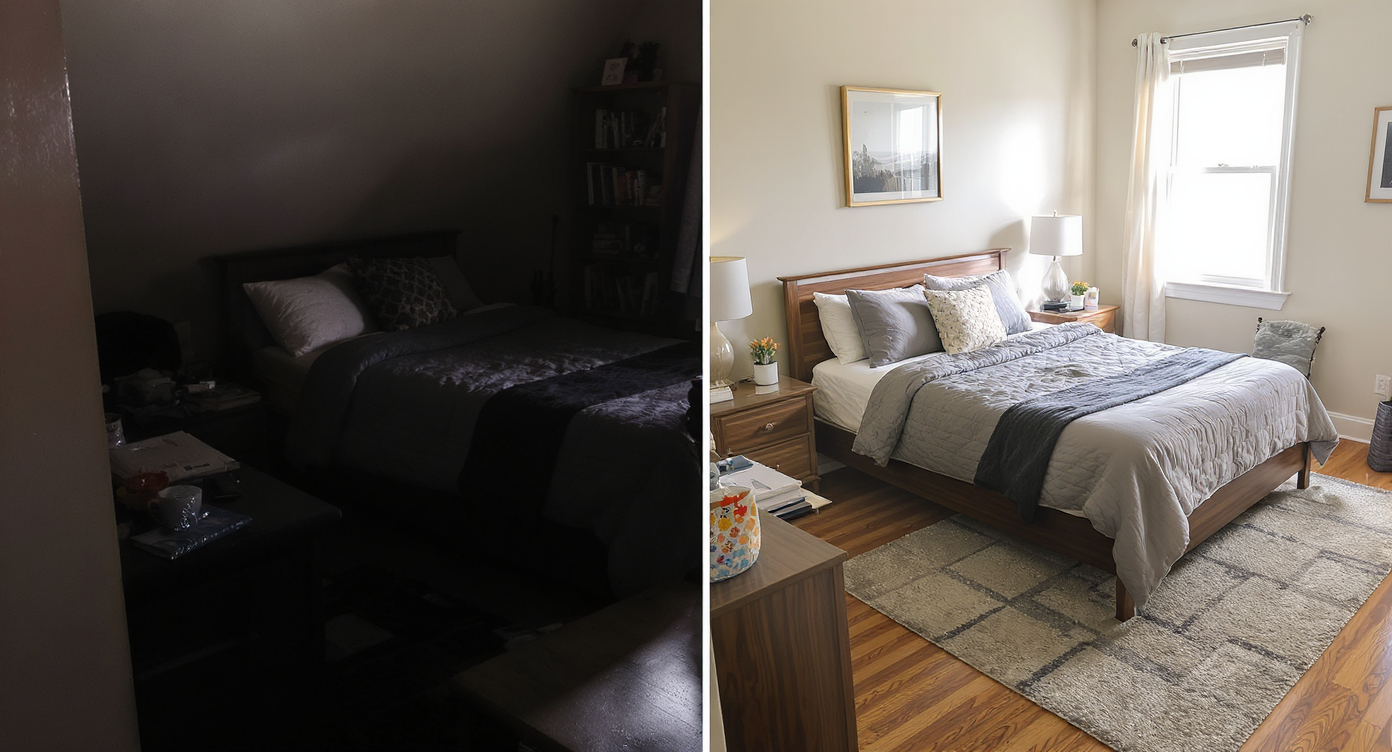
Unbalanced angled beds can shrink visual space; balanced layouts open up the room effectively.
Rooms arranged on odd angles can look smaller on screen if the composition isn’t balanced. In listings and social shares, buyers skim quickly; if the bed angle steals floor area or chops the rug, they’ll feel the layout is tight, even when it isn’t.
On the flip side, a well-angled bed can solve a lot at once: it can free both sides for getting in/out, frame a corner window beautifully, and turn a blank corner into a layered backdrop. But impressions hinge on three things:
- Scroll behavior: The first bedroom image is judged in seconds; asymmetry needs clear intent to win the click.
- Buyer perception: A right-sized rug and aligned lighting signal “intentional design,” not dorm-room chaos.
- Confidence: Sellers and owners make better choices when they can test variations — angled versus straight, centered versus offset — without heavy lifting.
If your room is large, an angled bed can feel cozy and sculpt the negative space. If it’s modest, the same angle might create dead space behind the headboard. A quick AI layout test clarifies which story your room is telling.
Anecdote
A city condo owner angled the bed toward a corner window. The first render looked tight; the second, with a larger rug turned to match and slimmer nightstands, suddenly felt spacious. She copied the second plan and skipped a costly rug return.
What Virtual Staging Actually Is (In Plain Language)
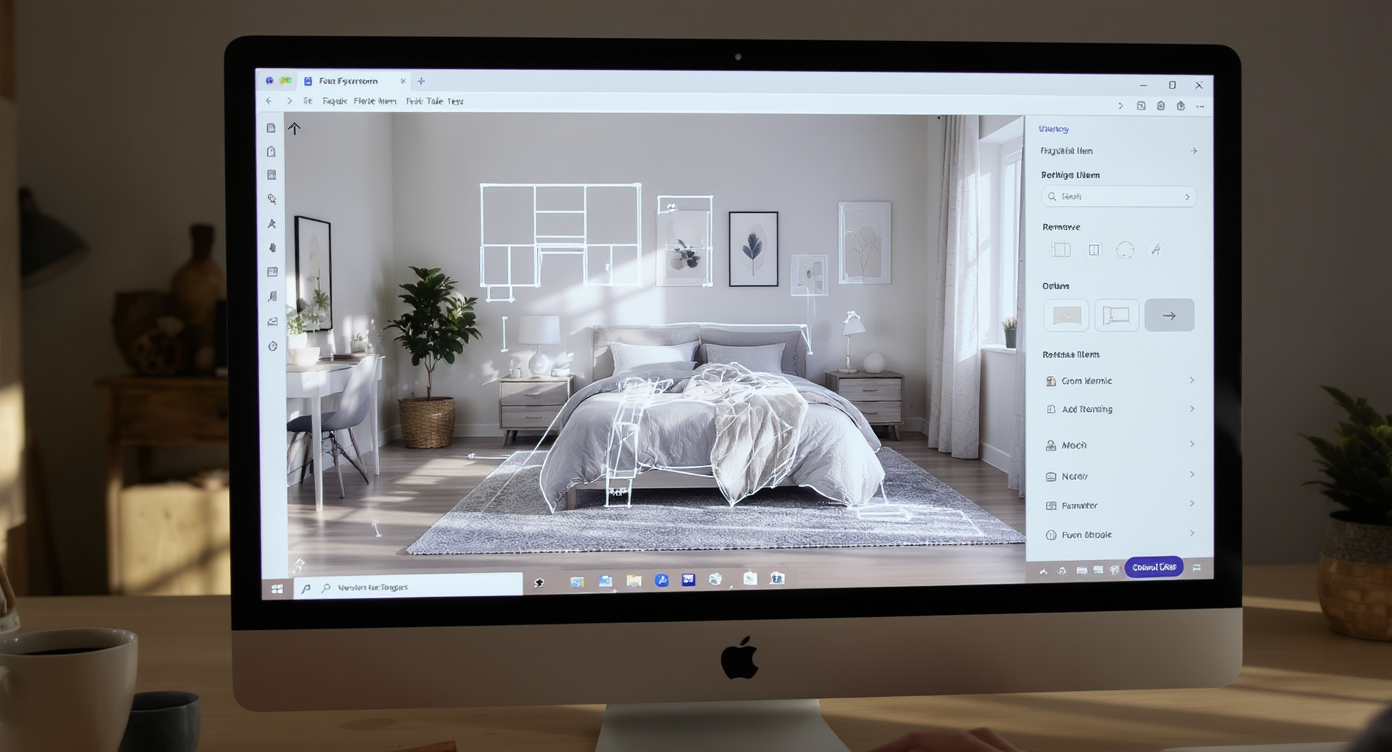
Virtual staging uses AI to easily add, remove, and reposition furniture in real photos for layout previews.
Virtual staging uses AI to add, remove, or reposition furniture in a real photo so you can preview floor plans and decor before you commit. You provide a clear photo of the bedroom; the output is a realistic render showing the bed at different angles, rug reorientation, and alternate nightstand or lamp arrangements.
To try this on your own image, open ReimagineHome.ai’s virtual staging solution. It’s designed to help agents, homeowners, and photographers test furniture placement and styling quickly, from minimal tweaks to complete rethinks.
Deliverables are high-resolution images suitable for MLS, social listings, or just decision-making. You can keep the architecture intact while exploring a bold layout — the perfect middle ground between imagination and reality.
How Virtual Staging Works Step by Step
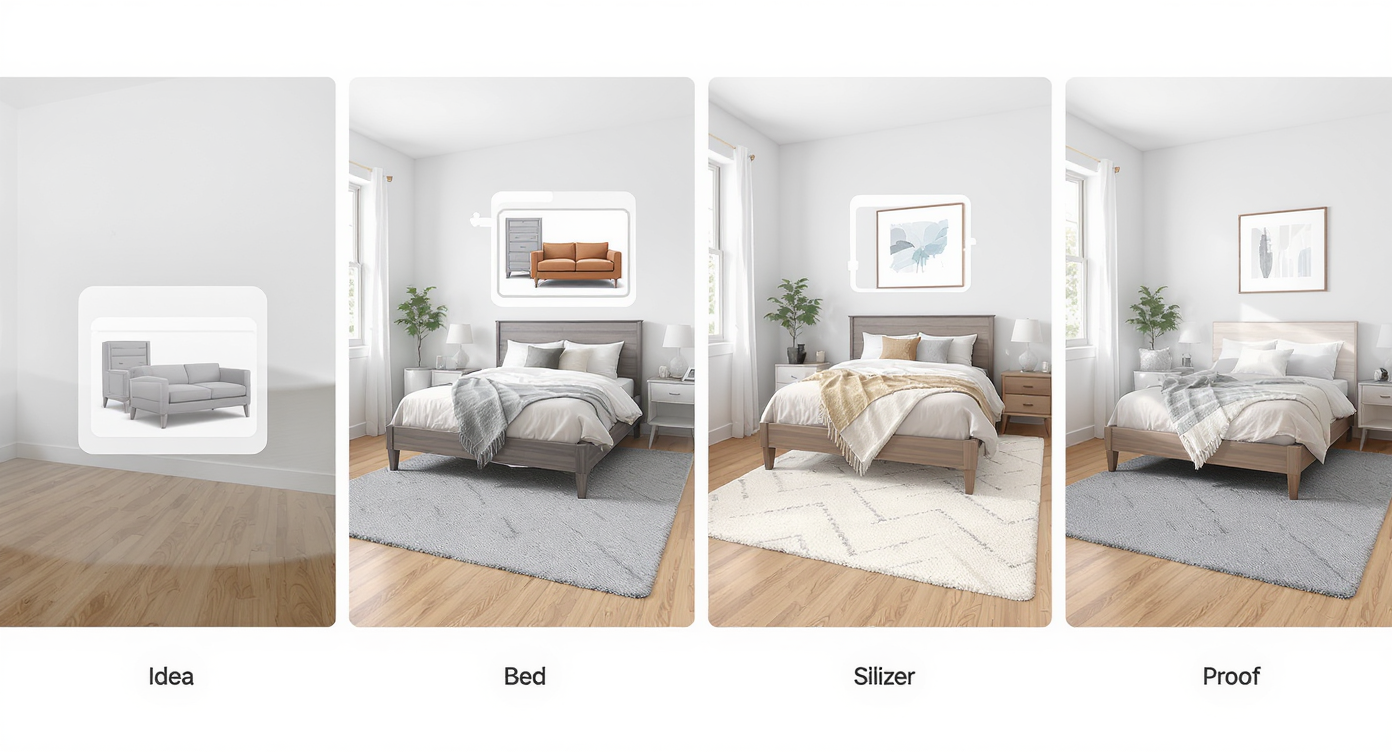
A simple four-step virtual staging process delivers quick, realistic bedroom layout previews.
A simple process gets you from idea to on-screen proof in minutes.
- Choose the right photo: Aim for a well-lit image from a corner or doorway that captures most of the bed wall and floor. Avoid severe tilt; if needed, use ReimagineHome.ai’s Straighten Angles tool first.
- Upload your image: Large, clear files work best. A rule of thumb: 3000+ pixels on the long edge yields crisper results.
- Select Virtual Staging: In the tool, opt for bedroom staging. Note your bed size (queen/king) so proportions stay true.
- Try the angle: Request the bed rotated toward the corner or set on a 30–45° angle. Pair it with a rug turned to match or contrast.
- Refine: Swap nightstands, lamps, or art. If the original photo is cluttered, you can first tidy digitally using its clutter and object removal tool.
- Export: Download high-res images for sharing, MLS, or your personal design plan. Keep 2–3 versions to compare with roommates, partners, or clients.
Constraint to remember: Angles exaggerate scale errors. If the bed looks too big for the corner in a render, it will read even bigger in photos. Keep proportions honest to the mattress you own.
Tips and Tricks for More Realistic Results
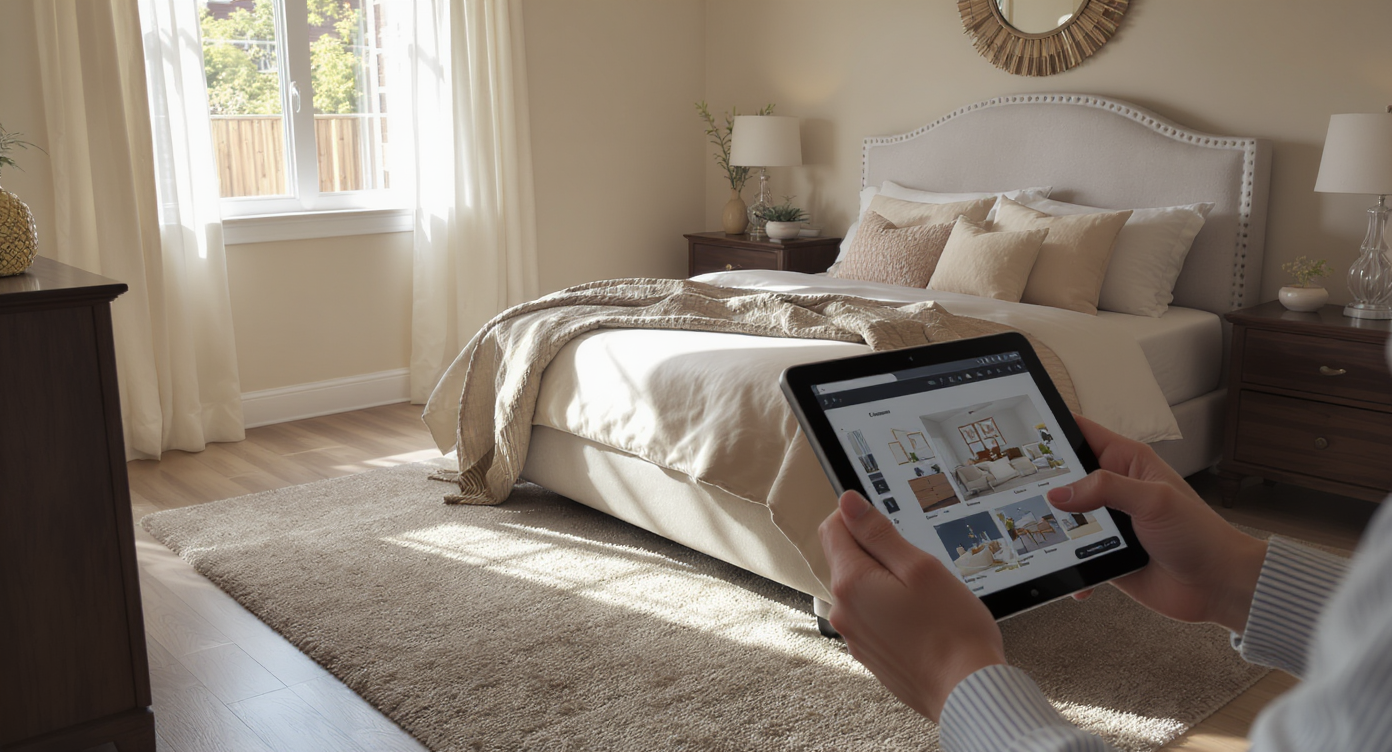
Attention to scale and lighting ensures virtual staging results look natural and inviting.
Realistic bedroom virtual staging starts with scale, sightlines, and light consistency.
- Match rug math to the bed: For a queen, 8x10 is the safe bet; for a king, 9x12. When angling, let the rug extend beyond both nightstands so it reads like a deliberate foundation.
- Honor circulation: Leave 24–36 inches of walkway on both sides if possible. If your angled bed robs a doorway, dial the rotation back.
- Use the corner as a backdrop: A tapestry or art cluster behind the headboard can act like a “visual wall,” finishing the angle. In AI, preview art sizes to avoid a floating, underscaled look.
- Coordinate light: Angle-friendly layouts love layered lighting. Stage matching lamps or a single sculptural lamp plus a wall sconce; ensure shadows fall logically from your window direction.
- Keep power access real: Show a reachable outlet near each nightstand. If the render hides every cord path, it can feel fake.
- Echo angles sparingly: Try turning the rug slightly, but keep dressers and mirrors straight to anchor the scene. One hero angle is enough.
- Polish the base image: If colors look flat, run a pass through the Image Enhancement tool before staging to get crisp whites and truer wood tones.
Visualization Scenario
Upload your bedroom photo, rotate the bed to 30–45 degrees, turn the rug slightly, and try one or two lamp configurations. Export the top two versions and pick the one that keeps both walkways clear and the art anchored behind the headboard.
FAQ
Is virtual staging good for testing an angled bed?
Yes. Virtual staging is ideal for bedroom layout experiments because you can rotate the bed, reorient the rug, and preview symmetry without moving furniture. It’s a fast way to validate flow and scale.
Do I need an empty room photo to use AI virtual staging?
No. You can work with furnished photos. If needed, remove existing pieces first using ReimagineHome.ai’s clutter and object removal tool, then restage cleanly.
What resolution works best for AI interior design from a photo?
Higher is better. Aim for images 3000–4000 pixels on the long edge for sharp results that hold up on MLS and large screens.
How do I make an angled bed look intentional instead of messy?
Use a correctly sized rug turned to relate to the bed, center lighting on the headboard, and keep 24–36 inches of walkway on both sides. These cues signal deliberate design.
Is virtual staging allowed in real estate listings?
Generally yes, with disclosure and accuracy. Avoid misrepresenting permanent features, and label images as virtually staged when sharing publicly.
Visualize Your Next Listing (or Project) Before You Commit
Small choices — the exact angle of a bed, whether the rug turns with it, how the lamps line up — change how a room lives and how it performs in photos. Virtual staging lets you test those choices with no risk, whether your goal is a calmer morning routine or a bedroom image that earns more listing clicks.
Load a photo, try the angle, and let the room tell you what works. When you can visualize before you move, design stops being guesswork and starts feeling like editing. Try your own bedroom image with ReimagineHome.ai’s virtual staging solution, or explore more tools on the ReimagineHome.ai home page.











.svg)


.png)